

Veed
Veed is an AI-powered video creation and editing platform that helps content creators produce, repurpose, and publish short-form videos directly from a browser.
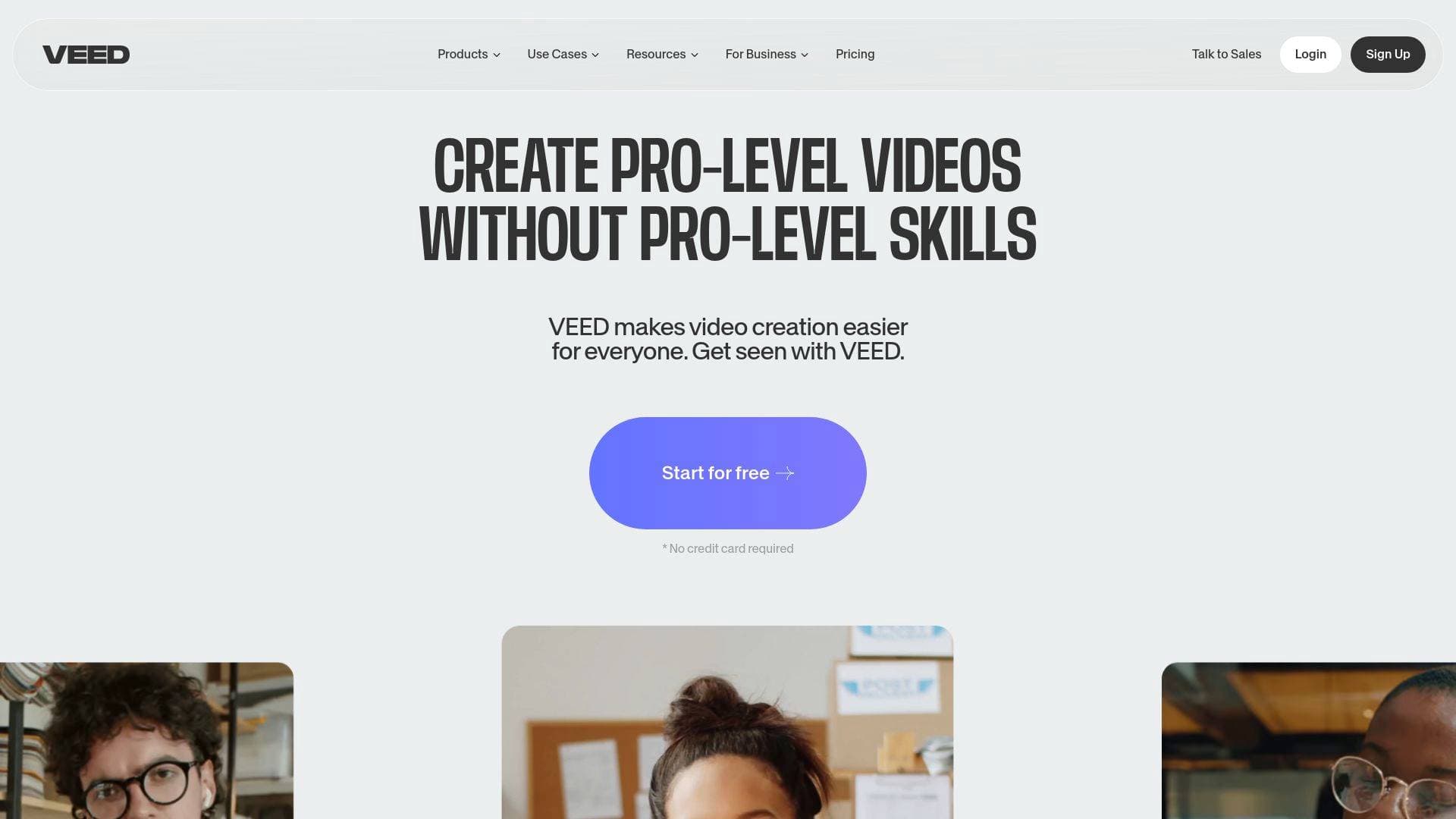
Brief Overview of Veed for Content Creators
Short-form video content is one of the most demanding formats for creators to keep up with, and Veed is built specifically to solve that problem. It is an all-in-one AI-powered video creation and editing platform that lets creators produce short videos, clips, and reels in minutes, entirely from a browser with no software installation required. The platform started as a two-person startup in 2018 and has since grown to more than 12 million users. At its core, Veed tackles the biggest pain point in the content creation workflow: the time and technical skill traditionally required to go from raw footage to a polished, platform-ready video. The video editing tool combines AI automation with a full suite of manual editing controls, so creators retain creative control while cutting down production time significantly. One user reported that Veed cut their editing time by around 60%. Beyond editing, it also functions as a live streaming platform, screen and webcam recorder, and video hosting solution, making it a genuinely comprehensive content creation workflow tool. Rated 4.6 out of 5 based on 319 reviews, it supports content for YouTube, Instagram, TikTok, Facebook, and more.
Veed Key Features for Content Creators
-
AI Clips (Long-Form to Short-Form Repurposing): The Clips tool uses AI, powered by a partnership with Sieve, to automatically convert long-form videos into short, social-media-ready clips. Creators simply upload a video, set their preferences, and the AI identifies and extracts the most engaging segments. This is a major time-saver for podcasters and YouTubers who want to repurpose content for TikTok or Instagram Reels without manually scrubbing through footage.
-
Auto Subtitles: Veed generates subtitles with 98.5% accuracy in a single click. For creators publishing across platforms where viewers often watch without sound, this feature alone can meaningfully increase watch time and accessibility. Subtitles can be edited directly by clicking on any line of text.
-
AI Translate: The platform can translate subtitles into more than 125 languages, opening up content to global audiences without requiring any additional recording or manual translation work.
-
Script to Video Generator: Creators can describe a video topic, customize the style, aspect ratio, and presenter, then generate a complete video from a written script. The tool supports text-to-speech avatars and AI voiceovers, making it possible to produce talking-head style content without appearing on camera. The text-to-speech feature supports up to 5,000 characters per video project and covers more than 150 languages and dialects.
-
AI Avatars: Veed offers 90+ hyper-realistic digital actors for use in videos, plus the ability to create a personal avatar of yourself. This is particularly useful for creators who want to produce high volumes of content without being on camera for every video.
-
AI Voice Cloning: Creators can clone their own voice to generate natural-sounding narrations, useful for adding voiceovers to videos without re-recording every time a script changes.
-
Eye Contact Correction: This AI feature adjusts a creator's gaze in post-production, so even if they were reading from a script or looking slightly off-camera, the final video appears as though they were looking directly at the viewer.
-
Filler Word Removal and Magic Cut: The platform automatically detects and removes filler words like "umm" and "uh," and the Magic Cut feature handles broader editing cleanup. Creators can also edit videos like a document using the Edit with Script feature, deleting unwanted sections directly from the transcript rather than the timeline.
-
Background Removal: A free, instant background removal tool lets creators swap out their video background for any image of their choice, no green screen required.
-
Video Repurposing and Resizing: Creators can resize any video for different platforms using presets for TikTok, Instagram, YouTube, and more. The Instagram to TikTok converter, for example, lets creators change the aspect ratio and format in just a few clicks, then download and share. Each platform requires a separate download.
-
Stock Library and Built-In Hosting: Veed includes access to a royalty-free stock library with over 2 million video and audio assets. Videos can also be hosted directly on Veed and shared via link, which solves the common problem of file size limits when sending videos by email or messaging apps.
Veed Target Users & Use Cases for Content Creators
Veed is built for a wide range of content creators, from complete beginners who have never edited a video before to experienced video marketers managing high-volume production. Its browser-based approach and AI automation make it especially accessible to solo creators, while its collaboration tools and brand kit features support small creator teams as well.
Primary creator types:
- YouTubers creating short-form YouTube Shorts or repurposing long videos into clips
- TikTokers and Instagram Reels creators who need fast turnaround on vertical short-form content
- Podcasters looking to extract highlight clips for social media promotion
- Bloggers and newsletter writers who want to embed short videos into their content or email campaigns
- Faceless content creators who use AI avatars and voiceovers instead of appearing on camera
- Multilingual creators who want to reach international audiences through AI translation and dubbing
Specific use cases:
- Converting a 60-minute podcast episode into multiple short social clips using the AI Clips tool
- Generating a TikTok video from a written script using the Script to Video feature, complete with an AI avatar presenter
- Adding accurate auto-generated subtitles to a YouTube video in one click
- Resizing an Instagram Reel to TikTok format without re-editing the entire video
- Recording a screen walkthrough or webcam video and editing it in the same platform
- Hosting a video on Veed and sharing a link instead of dealing with file size limits in email
- Removing background noise from a recording using Clean Audio before publishing
- Translating a video's subtitles into Spanish, French, or any of 125+ other languages to grow a global audience
Experience level: Beginner to advanced. The drag-and-drop interface, AI automation, and browser-based access lower the barrier significantly for new creators, while manual timeline editing and advanced AI tools serve more experienced users.
Team size: Solo creators and small teams. Collaboration features include review mode with time-stamped feedback, asset sharing, and brand kit controls for consistent on-brand output.
How to Get Started with Veed
- Sign up for free at veed.io. No credit card is required to access the free plan, which includes many of the core tools.
- Upload or record your video. Drag and drop a file into the editor, upload directly, or use the built-in webcam or screen recorder to capture new footage.
- Edit and customize. Use the timeline editor, add subtitles with one click, apply background removal, add text overlays, music, or use the AI Clips tool to generate short clips from longer content.
- Export and share. Click Export to download your video. For short-form repurposing, select the appropriate platform preset before exporting. Videos can also be hosted on Veed and shared via link.
Frequently Asked Questions About Veed
Is Veed free to use? Veed offers a free plan with no credit card required. Many tools are accessible on the free tier, though some features require a paid subscription. Free videos include a standard watermark, while paid plans unlock watermark-free exports and HD-quality downloads.
Can I create videos without appearing on camera? Yes. Veed supports faceless video creation through AI avatars, text-to-speech narration in over 150 languages and dialects, and the Script to Video generator. Creators can produce complete talking-head style videos using a digital avatar instead of recording themselves.
How accurate are the auto-generated subtitles? Veed's auto subtitle generator produces subtitles with 98.5% accuracy. Subtitles can be manually edited by clicking on any line of text in the editor, and they can be translated into more than 125 languages.
Can I repurpose videos across multiple platforms? Yes. Veed includes presets for resizing videos to fit TikTok, Instagram, YouTube, Facebook, and other platforms. Each repurposed version requires a separate download. The Instagram to TikTok converter is one of several dedicated repurposing tools available.
Is there a limit on text-to-speech conversion? Currently, creators can add up to 5,000 characters of text to convert to speech per video project.
Can I host my videos on Veed instead of downloading them? Yes. Veed includes built-in video hosting with a shareable link. This is useful for sending videos by email without hitting file size limits, or for embedding videos into blog posts and landing pages.
Does Veed have a mobile app? Yes. The Veed Captions App is available on iOS and is rated 4.9 out of 5 based on 6,700 reviews, with 4 million users worldwide.
Bottom Line: Should Content Creators Choose Veed?
Veed is a strong fit for content creators who want to produce short-form video content at scale without juggling multiple tools. The combination of AI-powered automation, including auto subtitles, AI clips, script-to-video generation, and voice cloning, with a full manual editing suite makes it one of the more complete video production platforms available in a browser. Creators who previously relied on separate tools for recording, captioning, storage, and sharing can consolidate everything into one platform.
The free plan is genuinely useful for getting started, though creators who need watermark-free exports or HD quality will need to upgrade. The 5,000-character limit on text-to-speech per project is worth noting for creators producing longer narrated content. For TikTokers, Instagram Reels creators, YouTubers, and podcasters looking to repurpose content efficiently, Veed delivers a capable and accessible video creation workflow that can meaningfully reduce production time.
Details
One link. Every channel, rate, and piece of work brands need to evaluate you. Built for how creators actually get hired.
Claim your profile
Live creator, content, and marketing roles from real companies, with the pay, market, and context the raw job page never gives you.
Browse jobs

 Post Bridge