

ai_licia
ai_licia is an AI co-host for live streamers on Twitch, TikTok, Kick, YouTube, and Discord that engages chat, remembers viewers, and grows communities automatically.
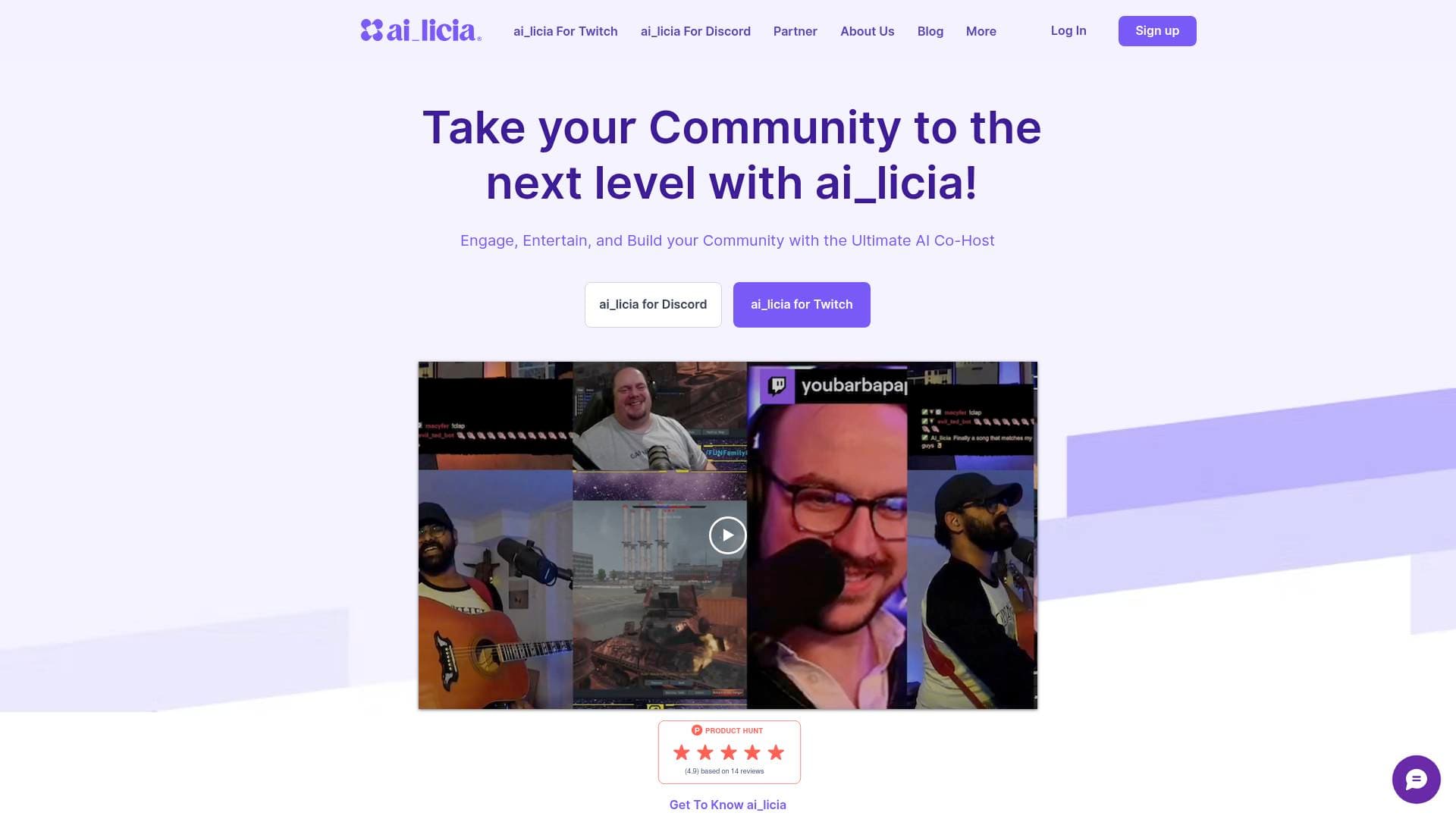
Brief Overview of ai_licia for Content Creators
Live streaming is one of the most demanding content creation formats out there — you're performing, managing chat, reacting to events, and trying to keep energy high all at once. ai_licia is an AI co-host built specifically for live streamers who want a genuine, intelligent presence in their chat without hiring a moderator or relying on clunky, scripted bots. Trusted by over 10,000 streamers, this live streaming tool works across Twitch, TikTok, Kick, YouTube, and Discord, joining your stream automatically the moment you go live. What separates ai_licia from basic chatbot solutions is her ability to hold natural, lifelike conversations — she decides when to speak, who to respond to, and how to react based on what's actually happening on screen. Creators can fully customize her personality, voice, name, and backstory to make her feel like a genuine part of their channel identity. The platform also supports multi-stream broadcasting, meaning ai_licia can engage your community across multiple platforms simultaneously, making it a compelling multistreaming solution for creators who broadcast everywhere.
ai_licia Key Features for Content Creators
-
Customizable AI Personality: Creators can shape ai_licia's entire character from the ground up — her tone, humor, backstory, and even her display name across platforms. Whether you want a sarcastic vampire co-host or a hype-focused sports commentator, the character is entirely yours to define. This level of customization makes her feel like a natural extension of your brand rather than a generic tool.
-
Stream Vision (Screen Awareness): ai_licia can actually watch your stream and react to what's happening on screen in real time. She can comment on gameplay moments, roast your fashion choices, cheer for you during tough sections, or react to whatever content you're producing. This feature is available on Flex, Unlimited, and Ultimate plans, with direct streaming to ai_licia servers recommended for best performance.
-
Cross-Platform Memory: One of ai_licia's most distinctive capabilities is her long-term memory system. She remembers and recognizes individual viewers across platforms, recalls past interactions, and builds deeper connections with your community over time. Creators can review and edit her memory directly from the Insights page in the dashboard.
-
Text-to-Speech (TTS) with Pro Voices: Every plan includes Basic TTS with no usage limits, letting ai_licia speak her messages out loud during streams. Pro Voices — a wide range of hyper-realistic AI voices — are available on the Ultimate plan or as an add-on. Creators can even request custom voice options, and there's a voice cloning feature for TTS on stream.
-
Multi-Stream Support: ai_licia can join multiple streaming platforms simultaneously as you go live. Connect your main platform and add additional ones from the dashboard, and she'll engage your community everywhere at once. Multi-Stream is included in the Ultimate plan and available as an add-on for other tiers.
-
Platform Event Reactions: ai_licia integrates natively with Twitch, TikTok, Kick, and YouTube events. She automatically reacts to follows, cheers, subs, raids, ads, gifts, and more — no complex setup required. On TikTok, creators can even configure minimum gift amounts before she triggers a reaction.
-
Voice Interaction (Listen and Speak): ai_licia can hear the streamer's voice and respond live with her own. This two-way audio capability makes her feel like a genuine co-host rather than a text-based bot, and creators can select from Pro Voices or request a completely custom voice to match their character.
-
Tool Integrations and Public API: ai_licia connects with StreamDeck, Pulsoid, Streamer.bot, Lumia, and many other popular streaming tools. For creators who want to go further, a public API and an official npm package allow custom integrations with games and external tools. There's also a full Streamer.bot setup guide available via the community.
-
VTubing Support: ai_licia has native support for VRM and Live2D models, giving her a virtual body for VTuber-style streams. Integration guides are available for Animaze, VTube Studio, PNGTuber Plus, and the Image Reaction Plugin for OBS, making it a practical AI vtubing solution for creators who want to stay off-camera.
-
Content Moderation Controls: ai_licia includes built-in safety systems with adjustable moderation levels ranging from Family Friendly to Mature (for 18+ audiences). Creators can configure banned words that automatically trigger message censorship, and all safety features can be adjusted to fit the channel's audience.
ai_licia Target Users & Use Cases for Content Creators
ai_licia is purpose-built for live streamers, making it most relevant to creators who go live regularly and want to maintain chat engagement without burning out. It's well-suited for solo creators who don't have a moderation team, as well as established streamers looking to add a unique, branded character to their community experience.
- Primary creator types: Twitch streamers, TikTok Live creators, Kick streamers, YouTube Live creators, VTubers, musician streamers, gaming streamers, and variety content creators
- Experience level: Accessible for beginners (no tech headaches, setup in minutes) but deep enough for experienced streamers who want custom integrations and API access
- Team size: Primarily solo creators, though admin user support allows team management for larger channels
Specific use cases for content creators:
- Gaming streamers who need chat engagement while focused on competitive play — ai_licia handles shoutouts, commentary, and reactions so the streamer stays in the zone
- VTubers who want an AI-powered on-stream persona with a virtual body, using TTS and VRM/Live2D model support
- TikTok Live creators running IRL streams, Q&As, or "Get Ready With Me" content who need a presence keeping conversations going with regulars
- DJ and music streamers who need someone taking requests and hyping the chat between tracks while they stay focused on the performance
- Charity and event streamers who want donation callouts and challenge triggers handled automatically while they focus on hitting milestones
- Horror and reaction streamers who can connect Pulsoid heart rate data so ai_licia reacts to biometric spikes in real time
- D&D and RPG streamers who want ai_licia to roleplay as an NPC or track lore during campaigns
- Flight sim and simulation streamers who can sync ai_licia with tools like Flow Pro for immersive co-pilot interactions during streams
How to Get Started with ai_licia
- Sign up and connect your main platform: Create an account at the ai_licia dashboard — no credit card required. Connect your primary streaming platform (Twitch, TikTok, Kick, or YouTube) to unlock instant access to all features.
- Customize your AI co-host: Set ai_licia's personality, tone, voice, display name, and backstory. Connect any additional streaming platforms if you plan to multi-stream, and sync up tools like StreamDeck, Lumia, or Streamer.bot.
- Go live: Once configured, ai_licia joins automatically when you start your stream. She engages chat, reacts to platform events, and keeps the energy up in real time while you focus on your content.
Frequently Asked Questions About ai_licia
Does ai_licia learn from interactions over time? Yes — ai_licia learns from interactions with both the streamer and their viewers. All memory data is accessible and editable from the Insights page in the dashboard, giving creators full control over what she remembers.
What languages does ai_licia support? ai_licia is available in 19 languages including English, French, German, Spanish, Dutch, Swedish, Portuguese, Chinese Mandarin, Japanese, Italian, Polish, Danish, Romanian, Norwegian, Russian, Czech, Turkish, Korean, and Hungarian. Additional language support can be requested directly from the team.
Can ai_licia be used for VTubing? Yes. ai_licia natively supports VRM and Live2D models. Integration guides are available for Animaze, VTube Studio, PNGTuber Plus, and the Image Reaction Plugin for OBS, covering a wide range of VTubing setups.
What TTS options are available? Basic TTS is included with all plans and has no usage limits. Pro Voices — hyper-realistic AI voices — are available on the Ultimate plan or as a paid add-on. Creators can also request new voice options or clone their own voice for on-stream TTS.
Can ai_licia handle sensitive content appropriately? Yes. Moderation levels range from Family Friendly to Mature (for 18+ audiences). Creators can configure banned words that trigger automatic censorship, and all safety settings are adjustable. Mature mode allows references to alcohol, drugs, and sexual content for appropriate audiences.
Does ai_licia work with Streamer.bot and StreamDeck? Yes. ai_licia integrates with both tools, and a community-created setup guide for Streamer.bot is available on YouTube. StreamDeck integration allows creators to manage ai_licia directly from their hardware controller during streams.
Bottom Line: Should Content Creators Choose ai_licia?
For live streamers who struggle with quiet chats, solo broadcasting fatigue, or maintaining engagement across multiple platforms at once, ai_licia offers a genuinely differentiated solution. The combination of real-time screen awareness, long-term viewer memory, full character customization, and native platform event reactions puts it well beyond what a standard chatbot can do. VTubers, gaming streamers, TikTok Live creators, and music streamers in particular will find strong value in the depth of use cases supported.
The free trial with no credit card required makes it easy to test before committing, and the multi-tier plan structure means creators can start simple and scale up to Pro Voices, Multi-Stream, and stream vision features as their channel grows. The one limitation worth noting for TikTok creators is that platform restrictions may occasionally prevent chat messages from appearing, though enabling TTS is the recommended workaround. Overall, ai_licia is a strong pick for any live content creator who wants a smart, branded AI presence that actually feels like part of the show.
Details
One link. Every channel, rate, and piece of work brands need to evaluate you. Built for how creators actually get hired.
Claim your profile
Live creator, content, and marketing roles from real companies, with the pay, market, and context the raw job page never gives you.
Browse jobs

 Post Bridge