

Dubb
Dubb is an AI-powered video communication platform trusted by 100,000+ users that helps content creators record, share, and track personalized video messages across email, SMS, and social media.
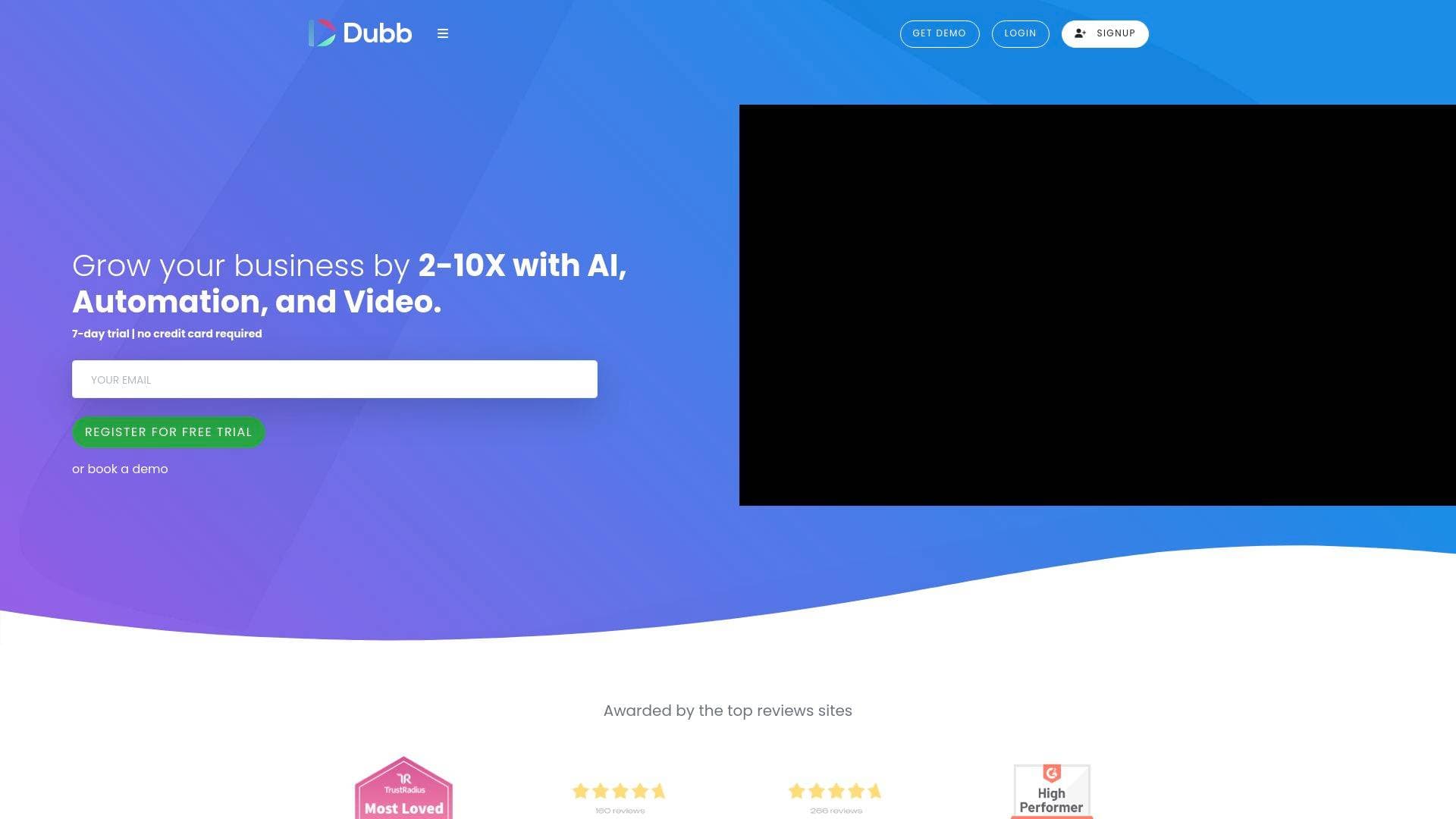
Brief Overview of Dubb for Content Creators
Dubb is an AI-powered video communication platform trusted by over 100,000 users, built to help creators record, distribute, and track personalized video content across virtually every channel they use. The core problem it solves is the gap between creating compelling video content and actually converting that audience into clients, subscribers, or brand partners. Rather than relying on static text-based outreach, Dubb gives content creators a video-first workflow that spans email, SMS, LinkedIn, Instagram, TikTok, YouTube, and Facebook. What makes this platform stand out is the inclusion of five distinct AI assistants, each handling a different part of the content and outreach process, from writing scripts to generating avatar videos to analyzing delivery quality. The platform operates across Chrome Extension, desktop app (Mac and Windows), and mobile app (iOS and Android), meaning creators can record and share from wherever they work. With over 3,000 integrations and more than 1,000 five-star reviews, Dubb positions itself as a full-stack video production and distribution tool for creators who want measurable results from their content.
Dubb Key Features for Content Creators
-
Five AI Assistants (SIA, IRA, Ava, Vera, Caira): Dubb bundles five specialized AI tools into one platform. SIA handles live chat support on landing pages to guide viewers toward bookings or purchases. IRA is a writing assistant that generates blog posts, social media captions, email copy, and YouTube video scripts based on topic, industry, and tone inputs. Ava generates standalone or narrated screen videos, while Vera converts text into faceless or screen videos. Caira analyzes existing videos and provides real-time feedback on communication clarity, empathy, professionalism, positivity, and persuasiveness, making it especially useful for creators refining their on-camera presence.
-
Omni Recorder Across All Devices: Creators can record screen, webcam, or combined videos through the Chrome Extension, the desktop app, or the mobile app. The desktop app supports recording of PowerPoint presentations, PDF documents, and full browser sessions, with the ability to play, pause, and maximize the webcam overlay for a more polished look. The mobile app supports multi-clip video capture on the go, making it practical for creators who produce content outside a studio setup.
-
Integrated Teleprompter: An integrated teleprompter is built directly into the recording workflow on both phone and desktop. Creators can write or import scripts and read them while recording, which helps maintain consistent messaging without memorization. This is particularly useful for creators producing sponsored content, product reviews, or structured tutorials.
-
Avatar Video Generator (Ava): Dubb's Ava feature lets creators generate talking avatar videos from a written script. Users can choose from a library of avatar models or create a custom avatar with a few clicks, select a specific voice, and choose from multiple languages. This opens up faceless video content creation at scale, useful for creators who want to produce multilingual content or maintain output volume without always appearing on camera.
-
Video Page Presets and Templates: Creators can save combinations of settings, including calls-to-action, privacy options, branding, captions, playlists, and messaging, as reusable presets. Video Page Templates allow a full landing page configuration to be applied to any new video in a single click. For creators managing multiple content series or brand partnerships, this dramatically reduces the time spent configuring each new video page.
-
Broadcast Email and Two-Way SMS Campaigns: Dubb supports mass video email campaigns using drag-and-drop editable templates that can be personalized with the viewer's name, logo, links, and custom thumbnails. The two-way SMS feature allows creators to broadcast video links via text message and receive replies, with full activity tracking available in the Dubb dashboard. Personalization tokens can even insert the viewer's name directly into the video thumbnail to boost click-through rates.
-
Real-Time Tracking and Analytics: Every video shared through Dubb generates detailed tracking data, including email opens and clicks, page views, video watch rates, emoji reactions, call-to-action engagements, and video replies. Creators can monitor all of this from the Dubb dashboard or pipe the data into connected CRM and marketing automation systems. This level of insight helps creators understand exactly which content is driving action and which needs refinement.
-
Bio Link Video Landing Pages: Dubb includes a bio link feature that creates a video-powered landing page optimized for social profile bios on Instagram, Twitter, Facebook, and YouTube. Instead of sending followers to a generic link-in-bio page, creators can present a branded video experience with multiple calls-to-action directly from their profile link.
-
Video Reply Capture: Viewers can record and send video replies directly from a Dubb action page, making it easy for creators to collect testimonials, feedback, or audience responses. These video replies can then be published to social accounts, YouTube, a website, or other channels as social proof content.
-
Auto-Transcription: Dubb offers automatic video transcription into any language of the creator's choosing, available at a per-minute rate. Transcripts are accessible from the video details page in the Dubb dashboard, which is useful for repurposing video content into blog posts, captions, or subtitles.
-
QR Code Generation: Every Dubb video automatically generates a QR code, allowing creators to drive traffic from print materials, merchandise, event signage, or physical media directly to their video content. This bridges offline and online content distribution in a way that most video platforms don't support natively.
-
Custom Branding: Action pages can be fully branded with a creator's logo, background images, and custom color schemes. Consistent branding across all distributed video pages reinforces audience recognition and trust, which matters especially for creators building a personal brand or working with sponsors.
Dubb Target Users & Use Cases for Content Creators
Dubb is built for content creators who treat video as a primary communication and conversion tool, not just a publishing format. The platform's depth of features suits creators who are actively monetizing their audience, whether through brand deals, digital products, services, or direct client work. Solo creators and small creator teams alike will find value here, given the team management, role assignment, and admin reporting capabilities.
-
Primary creator types: YouTubers looking to make their videos actionable with calls-to-action and landing pages; Instagram and TikTok creators who want a video-powered bio link page; podcasters repurposing audio content into video messages for email outreach; newsletter writers adding personalized video emails to their subscriber communication; freelance creators pitching brand partnerships through personalized 1:1 video messages; coaches and course creators using video landing pages to drive bookings and enrollments.
-
Experience level: The teleprompter, AI writing assistant, and avatar generator make Dubb accessible to newer creators, while the automation sequences, CRM functionality, and advanced analytics provide depth for experienced creators managing larger audiences or client rosters.
-
Team size: Solo creators can use Dubb independently, but the platform also supports team collaboration with role assignments, shared scripts, admin reporting, and custom onboarding, making it suitable for creator-led businesses with small production or management teams.
-
Specific use cases:
- A YouTube creator adds their videos to Dubb Action Pages with booking links and product CTAs to convert viewers into paying clients
- An Instagram creator uses the bio link feature to send followers to a branded video landing page with multiple conversion options
- A freelance content creator sends personalized 1:1 video pitches via email to potential brand sponsors, with real-time tracking to see who watched
- A podcaster uses IRA to generate show notes, social captions, and email copy from episode topics, then distributes via broadcast email campaigns
- A coach uses Ava to generate avatar-based onboarding videos in multiple languages for international clients
- A newsletter creator uses Caira to analyze and improve their video delivery before publishing to their audience
- A creator team uses automation sequences to send follow-up video messages to leads who watched a promotional video but didn't convert
- A content creator uses QR codes on merchandise or event materials to link fans directly to exclusive video content
How to Get Started with Dubb
- Create a free account: Sign up at Dubb with no credit card required. A 7-day free trial is available to explore the full feature set before committing.
- Install the Chrome Extension: Download the Dubb Chrome Extension from the Chrome Store to start recording screen and webcam videos directly from Gmail, LinkedIn, and other platforms without switching apps.
- Download the desktop or mobile app: The desktop app is available for both Mac and Windows, and the mobile app is available on iOS and Android for on-the-go recording and multi-clip video capture.
- Set up branding and presets: Configure custom branding (logo, colors, background) and create Video Page Presets for different content types, such as brand pitches, audience newsletters, or product promotions, so future videos can be launched in seconds.
- Record and share your first video: Use the teleprompter and a saved script to record a video, then distribute it via email, SMS, or a bio link page, and monitor engagement through the real-time tracking dashboard.
Frequently Asked Questions About Dubb
Does Dubb require a credit card to start? No credit card is required to register for a free account. A 7-day free trial is available to test the platform's full capabilities before any payment commitment.
What AI assistants are included in Dubb? Dubb includes five AI assistants: SIA for live chat support on landing pages, IRA for writing blog posts, social captions, email copy, and video scripts, Ava for generating avatar or narrated screen videos, Vera for converting text into faceless or screen videos, and Caira for analyzing video communication quality and providing feedback.
Which platforms can Dubb videos be shared to? Videos can be distributed via email, SMS, LinkedIn messaging and Sales Navigator, Facebook, Instagram, TikTok, YouTube, Facebook Messenger, and through integrations with tools like Gmail, HubSpot, Salesforce, Slack, Outlook, Mailchimp, and Asana, among over 3,000 total integrations.
Can Dubb transcribe videos automatically? Yes, Dubb offers auto-transcription into any language at a per-minute rate. The transcription option is accessible from the video details page within the Dubb dashboard.
Does Dubb have its own CRM? Dubb includes a built-in CRM for users who want an all-in-one solution. It supports contact import and management, deal flow tracking, and bulk personalized video email and SMS sending. It also integrates with major external CRM platforms like HubSpot and Salesforce.
What devices and apps does Dubb support? Dubb is accessible via a Chrome Extension, a desktop app for Mac and Windows, and a mobile app for both iOS and Android. The mobile app supports real-time editing and multi-clip video capture.
Can Dubb generate videos without the creator appearing on camera? Yes. The Vera AI assistant converts text into faceless or screen videos, and the Ava avatar generator creates talking avatar videos from a script using a library of avatar models or a custom avatar, with selectable voices and multiple language options.
Bottom Line: Should Content Creators Choose Dubb?
Dubb is a strong fit for content creators who want to go beyond passive publishing and actively convert their audience into clients, subscribers, or brand partners through personalized video communication. The combination of five AI assistants, multi-platform distribution, real-time tracking, and a built-in CRM makes it one of the more comprehensive video tools available for creators who are running their content work as a business. The teleprompter, avatar generator, and auto-transcription features lower the barrier for consistent video production, while broadcast email campaigns and SMS automation help creators scale outreach without sacrificing personalization.
The platform is best suited for creators who are monetizing through services, coaching, courses, or brand deals, where personalized video outreach and conversion tracking provide a clear advantage. Creators who simply want to upload and publish content to social platforms may find the feature set more than they need. However, for those building an audience-to-client pipeline, Dubb's depth of tools, 3,000+ integrations, and free trial entry point make it worth a serious look.
Details
One link. Every channel, rate, and piece of work brands need to evaluate you. Built for how creators actually get hired.
Claim your profile
Live creator, content, and marketing roles from real companies, with the pay, market, and context the raw job page never gives you.
Browse jobs

 Post Bridge