

Topaz Video AI
Topaz Video AI is a suite of AI-powered image and video enhancement tools that helps content creators upscale, denoise, sharpen, and restore visuals to professional quality.
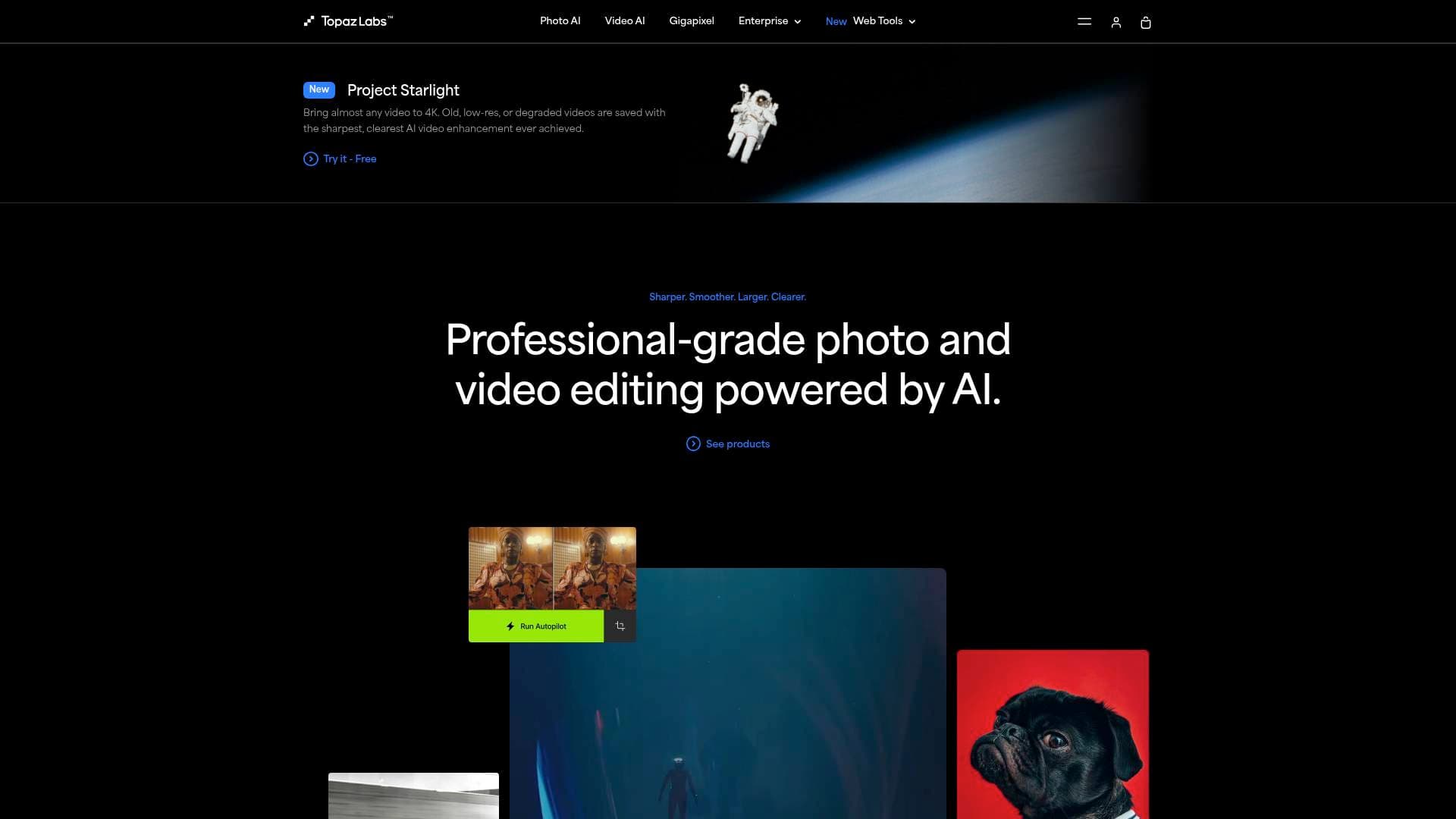
Brief Overview of Topaz Labs for Content Creators
Poor video quality and low-resolution images are among the most frustrating problems visual creators face, especially when footage is shot in difficult conditions or sourced from older archives. Topaz Labs is a professional-grade AI image and video enhancement platform that solves exactly this problem, giving content creators the tools to upscale, denoise, sharpen, and restore any photo or video to the highest possible quality. Powered by deep learning models trained on billions of images and millions of video frames, the platform rebuilds detail and motion at a level that goes far beyond simple resizing or filtering. The suite covers both desktop apps for heavy-duty video production workflows and cloud-based tools for quick, browser-based fixes. With over 3 million users and a track record of processing over 2 billion images, Topaz Labs has become a trusted part of the post-production pipeline for visual storytellers, photographers, filmmakers, and AI content creators. Notable products include Topaz Video, Topaz Photo, Topaz Gigapixel, Bloom, Astra, Express, and Mosaic, all bundled together under the new Topaz Studio subscription. The platform runs on both Mac and Windows, with select tools available directly in a web browser and on iOS.
Topaz Labs Key Features for Content Creators
-
Topaz Video (Desktop): A dedicated video enhancement app trusted by creative professionals everywhere. It delivers ultra-smooth slow-motion at up to 16x FPS, frame stabilization, and the ability to upscale footage to higher resolutions, all in post-production. YouTubers and filmmakers can rescue shaky, low-res, or grainy footage without reshooting.
-
Topaz Photo (Desktop): An image enhancement tool built for on-location photographers and visual creators. It fixes focus issues, removes noise, and maximizes resolution so that every photo reaches its full potential. Creators who shoot in challenging lighting or at high ISO settings will find it particularly valuable for recovering shots that would otherwise be unusable.
-
Topaz Gigapixel (Desktop): Enlarges low-resolution images up to 6x (with up to 16x pixel upscaling) using AI, making it possible to print, share, or display images at incredible scale without losing quality. This is a critical tool for creators who need to repurpose older or lower-quality assets for large-format use.
-
Bloom (Cloud): A creative image upscaling tool that adds new, relevant details and textures while scaling images up to 8x. It supports text prompts to guide the enhancement and multiple creativity levels, making it ideal for AI art creators working with outputs from Midjourney, Stable Diffusion, or DALL-E who need to push their work to production-ready resolution.
-
Astra (Cloud): A creative video upscaling tool that converts AI-generated video clips to true 4K quality. It also supports high-frame-rate conversion up to 120fps for dramatic slow-motion effects. Creators using platforms like Veo 3.1, Sora 2, Runway, or Higgsfield can use Astra as the final finishing step to make their AI video outputs look genuinely cinematic.
-
Starlight AI Model: Topaz Labs created Starlight, described as the world's first generative video upscaling model family. The Starlight model can be run locally on consumer hardware through the new Local Update, meaning creators can process large, powerful AI models without relying on cloud rendering. This is a significant advantage for creators who need private, offline processing.
-
Express (Cloud/Browser): A browser-based toolkit for quick image and video fixes, including unblur, denoise, face enhancement, lighting adjustment, sharpening, image upscaling, and video upscaling. No downloads are required, and creators can get started for free with no watermarks, making it an accessible entry point for creators who need fast results without installing software.
-
AI Face Enhancer: A specialized tool trained on millions of digitized photographs to detect and recover facial detail from portraits, selfies, and group photos. Creators can choose enhancement strength and optionally apply automatic lighting adjustments. It processes results in seconds directly in the browser, with no watermarks.
-
Mosaic (Photo Restoration): Brings old photos back to life using new AI restoration models. This tool is particularly useful for creators producing nostalgia-driven content, family history projects, or documentary-style work that relies on archival imagery.
-
Topaz Studio (All-in-One Subscription): Bundles every Topaz Labs app, including Topaz Video, Topaz Photo, Topaz Gigapixel, Bloom, Astra, Express, and Mosaic, into a single subscription. Plans start at $33/month (billed annually) and include unlimited local rendering, unlimited cloud image rendering, and 300 monthly video cloud credits. A Pro tier at $67/month (billed annually) adds 600 monthly video cloud credits, a 100MP cloud export limit, full commercial use rights, and exclusive local access to advanced models including Starlight Mini, Starlight Sharp, Wonder, and Standard MAX.
Topaz Labs Target Users & Use Cases for Content Creators
Topaz Labs is built for visual storytellers who care deeply about image and video quality. It serves a wide range of creator types, from solo YouTubers and AI art creators to professional videographers and photographers who need a reliable post-production finishing step. The platform's dual approach, offering both powerful desktop apps and lightweight browser tools, means it works equally well for creators with full editing setups and those who need a quick cloud-based fix.
Primary creator types:
- YouTubers and video creators who need to upscale older footage, add slow-motion effects, or improve the overall sharpness and clarity of their videos before publishing
- AI content creators who generate images and videos using tools like Midjourney, Sora, Runway, or Kling AI and need a finishing step to bring outputs to true 4K or production-ready resolution
- Photographers and visual bloggers who shoot on location and need to fix noise, blur, or low resolution in their images before publishing or printing
- Social media creators and influencers who want sharper, more eye-catching images for Instagram, TikTok, and other visual platforms
- Documentary and archival creators who work with old footage or historic photographs and need restoration tools to make them usable
Specific use cases:
- Upscaling AI-generated images from 1024x1024 to 4K using Bloom before converting them to video
- Taking AI video clips generated on platforms like Kling AI and upscaling them to 4K with Astra at 60fps
- Recovering a blurry or noisy video clip from a live event or outdoor shoot using Topaz Video's frame-by-frame AI enhancement
- Sharpening product photography for social media posts or content thumbnails using the browser-based Sharpen tool
- Restoring old family or archival footage for a YouTube documentary or personal history project using Mosaic
- Enhancing portrait photos for creator profile images, press kits, or brand partnership submissions using the AI Face Enhancer
- Enlarging a low-resolution image up to 6x with Gigapixel for use in a large-format print or high-resolution banner
How to Get Started with Topaz Labs
- Try the free browser tools first: Head to the Express section and upload an image or video directly in the browser. Tools like Sharpen, Denoise, Face Enhancer, and Video Upscale are free to start with no watermarks, making it easy to test the quality before committing.
- Choose a Topaz Studio plan: For ongoing use, the Topaz Studio subscription bundles all desktop and cloud apps together. The annual plan starts at $33/month and includes unlimited local rendering and unlimited cloud image rendering.
- Download the desktop apps: Topaz Video, Topaz Photo, and Topaz Gigapixel are available for Mac and Windows. Install the relevant apps and connect them to your subscription to unlock full local processing power.
- Integrate into your AI workflow: If you create AI-generated content, use Bloom to upscale images after generation, then bring them into a video platform, and finish with Astra to convert the final video to 4K.
Frequently Asked Questions About Topaz Labs
What is Topaz Labs used for? Topaz Labs provides AI-powered tools for enhancing the quality of images and videos. Core capabilities include upscaling, denoising, sharpening, face enhancement, slow-motion generation, and photo restoration. It is used by over 3 million creators and professionals worldwide.
Can I use Topaz Labs in my browser without downloading anything? Yes. The Express collection of tools runs entirely in the browser and requires no downloads. Tools include image upscaling, video upscaling, denoising, sharpening, face enhancement, and lighting adjustment. Getting started is free with no watermarks.
Does Topaz Labs work for AI-generated content? Topaz Labs has dedicated tools for AI creators. Bloom upscales AI-generated images up to 8x with creative detail enhancement, and Astra upscales AI-generated videos to 4K. Both tools are designed to serve as the finishing step in AI content creation workflows.
Can Topaz Labs run AI models locally on my own machine? Yes. Through the Local Update, some of the largest and most powerful Topaz models can now run locally on consumer hardware. The Starlight Mini model, for example, is the first local diffusion model of its kind and is available to Pro subscribers.
What is included in Topaz Studio? Topaz Studio is an all-in-one subscription that includes Topaz Video, Topaz Photo, Topaz Gigapixel, Bloom, Astra, Express, Mosaic, and Gigapixel iOS. It also includes unlimited local rendering, unlimited cloud image rendering, and 300 monthly video cloud credits. The annual plan is priced at $33/month.
Is there a free trial or free tier? The Express browser tools are free to start with no watermarks. Individual tools like the Video Enhancer, Sharpen, Denoise, and Face Enhancer can be used in the browser at no cost to test results before purchasing a subscription.
Bottom Line: Should Content Creators Choose Topaz Labs?
Topaz Labs is a strong choice for any content creator who takes visual quality seriously. The platform's depth is its biggest strength: from a quick browser-based sharpen for a social media post to a full 4K upscale of an AI-generated video for YouTube, there is a tool for every level of need. The Topaz Studio subscription makes the value proposition especially compelling, bundling every app into one plan with unlimited local and cloud image rendering.
The platform is particularly well-suited to AI content creators who need a reliable finishing layer for outputs from generative platforms, as well as video creators who want to add slow-motion, improve resolution, or restore older footage. Photographers who shoot in demanding conditions will also benefit significantly from the noise reduction and sharpening capabilities.
The main consideration is that the most powerful features, including full commercial use rights, higher cloud export limits, and exclusive local model access, require the Pro tier at $67/month annually. For creators just starting out or with occasional needs, the free Express tools and the standard Studio plan at $33/month offer a solid entry point. Overall, Topaz Labs delivers professional-grade image and video enhancement that fits naturally into a modern content creation workflow.
Details
One link. Every channel, rate, and piece of work brands need to evaluate you. Built for how creators actually get hired.
Claim your profile
Live creator, content, and marketing roles from real companies, with the pay, market, and context the raw job page never gives you.
Browse jobs

 Post Bridge