

Spikes Studio
Spikes Studio is an AI-powered video editing tool that transforms long-form videos into viral clips for YouTube, TikTok, Instagram Reels, and more.
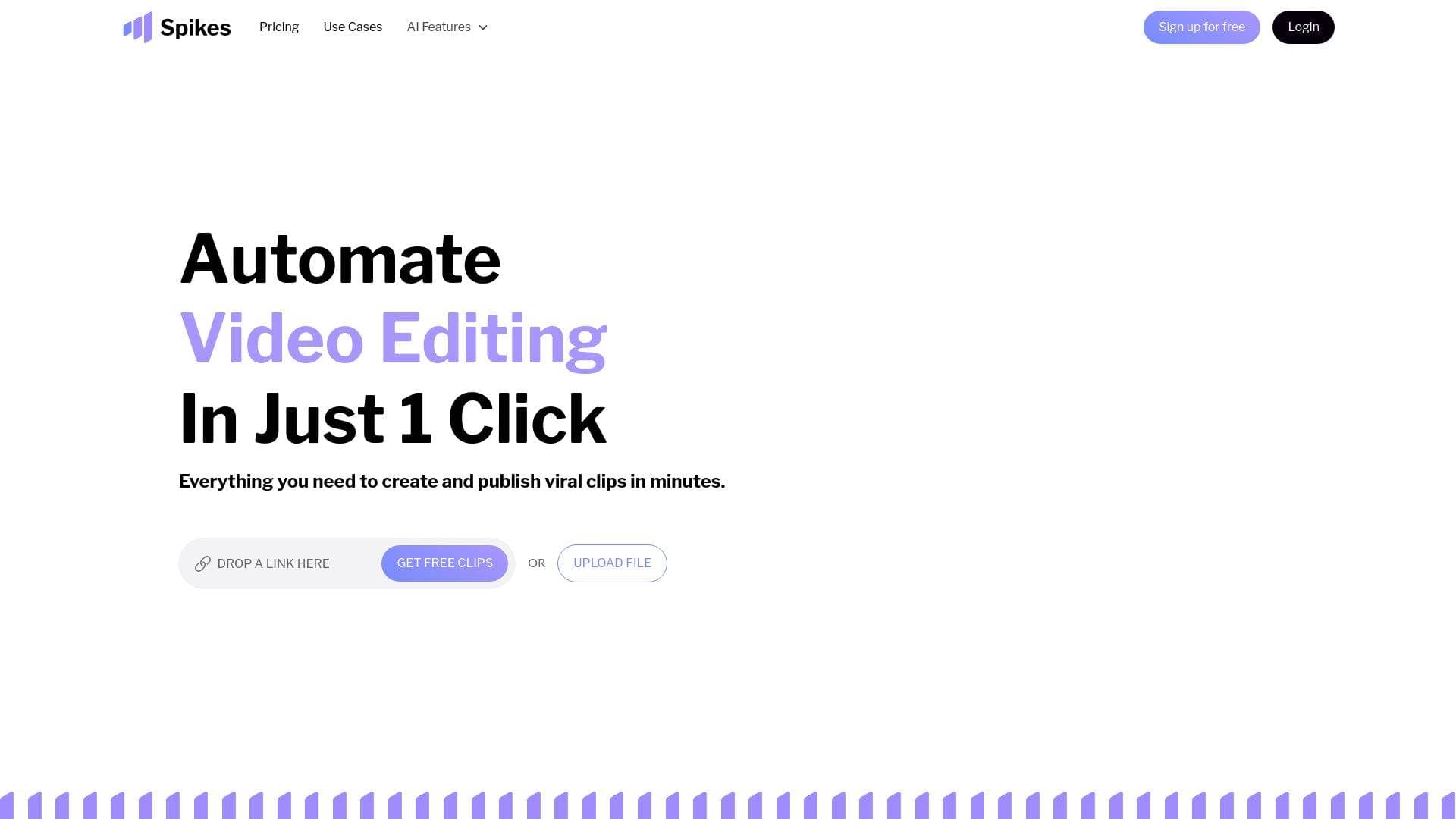
What is Spikes Studio? A Content Creator's Guide
Spikes Studio is an AI-powered video editing tool built specifically for content creators who want to turn long-form footage into viral short-form clips without spending hours in a traditional editing workflow. The core problem it solves is simple but significant: most creators have hours of raw video sitting on their hard drives that never gets repurposed into the short, punchy content that drives growth on TikTok, YouTube Shorts, and Instagram Reels. Spikes Studio's in-house AI, trained on hundreds of thousands of broadcasts, automatically detects the standout moments in any video, handles transitions, adds captions, and reformats everything for the right platform. The video production workflow is almost entirely automated, with the platform claiming it can cut editing time by up to 90%. Beyond clip generation, it functions as a complete social video studio, covering scheduling, publishing, analytics, and team management from one dashboard. With support for over 99 languages and direct posting to platforms including LinkedIn, TikTok, Facebook, and YouTube, it's built for creators who want global reach without a full production crew. Over 1 million users have adopted the platform, and it earned the #1 Product of the Week on Product Hunt with a 4.9/5 star rating.
Spikes Studio Features That Matter for Content Creators
-
AI-Powered Clip Detection: The platform's in-house AI scans uploaded footage and instantly identifies the moments most likely to grab and hold audience attention. Trained on hundreds of thousands of broadcasts, this smart moment detection removes the guesswork from deciding which parts of a long video are worth clipping.
-
Auto-Captions and Animated Captions: Spikes Studio automatically generates captions in over 99 languages, making content accessible to global audiences and viewers watching on mute. Creators can choose between clean auto-generated subtitles or animated caption styles that add visual energy to short-form clips, with full customization to match their brand voice.
-
Multi-Format Exporting and Instant Resizing: The platform resizes clips for TikTok, Instagram Reels, and YouTube Shorts in seconds. Rather than manually reformatting every video for each platform, creators get platform-perfect output automatically, including vertical reframing through the Auto Reframe feature available on paid plans.
-
AI Face Tracking: Available on PRO+ and Enterprise plans, AI face tracking keeps the subject centered in the frame during automatic reframing. This is particularly useful for talking-head content, interviews, and live stream highlights where the speaker moves around the frame.
-
AI-Generated Titles, Hashtags, and Emojis: Beyond video editing, Spikes Studio generates titles, descriptions, suggested hashtags, and audience-tailored emojis for each clip. This takes the content optimization process off the creator's plate and ensures every post is primed for discoverability.
-
Cross-Platform Scheduling and One-Click Publishing: Creators can connect their social accounts and schedule posts directly from Spikes Studio across LinkedIn, TikTok, Facebook, and YouTube. A visual content calendar and smart posting recommendations help maintain a consistent publishing schedule without constant manual effort.
-
Virality Score: Every clip receives an AI Curation Virality Score, giving creators a data-backed signal of how likely a clip is to perform well before it's even posted. This helps prioritize which clips to publish and refine content strategy over time.
-
Engagement Analytics Dashboard: A unified performance dashboard tracks views, engagement, and growth across platforms in one place. Historical trend analysis and per-post growth tracking let creators identify what's working and replicate successful content patterns. A Live-stream "Clip Better" AI feature also provides real-time guidance during broadcasts.
-
Custom Brand Templates and Text Overlay: PRO+ and Enterprise users get access to custom brand templates, fonts, text overlay tools, and pre-designed visual assets. This ensures every clip looks consistent and on-brand without requiring a graphic designer for each post.
-
Team Collaboration and Project Management: Spikes Studio includes drag-and-drop organization, custom project folders, intuitive content search, and scalable workflows. Teams can share workspaces and manage multiple clients or projects simultaneously, making it practical for video professionals handling more than one channel.
-
B-Roll and Audio/SFX Insertion: On PRO+ and Enterprise plans, creators can add B-roll footage and insert audio and sound effects directly into clips. AI-Generated B-roll is also available, adding supplementary visuals automatically to enhance the final output.
Which Content Creators Should Use Spikes Studio?
Spikes Studio is built for a wide range of creators, from complete beginners who have never touched editing software to experienced video professionals managing multiple clients. No technical background is required to get started, and the AI handles the most time-consuming parts of the content creation workflow automatically. Solo creators and small teams alike will find value here, with collaboration tools that scale as a channel or client roster grows.
Primary creator types:
- YouTubers and long-form video creators who want to repurpose full-length videos into YouTube Shorts without manual editing
- Twitch and live streamers who need to clip highlight moments from hours of broadcast footage quickly
- TikTokers and Instagram Reels creators who want AI-optimized vertical clips with animated captions and trending-ready formatting
- Podcasters who record video versions of their episodes and want to extract shareable clips for social media
- Aspiring creators just starting out who want to grow their audience and go viral without experience in complex editing software
- Freelance video editors and content managers handling multiple clients who need scalable workflows and organized project folders
- Small business content teams that want to maintain a consistent posting schedule across platforms without a full production crew
Specific use cases:
- Turning a 60-minute YouTube video into 10 short clips for TikTok and Reels in minutes
- Adding animated captions to existing clips to boost watch time and accessibility
- Scheduling a week's worth of content across TikTok, YouTube, LinkedIn, and Facebook from one dashboard
- Using the Virality Score to decide which clips to prioritize before publishing
- Reframing horizontal livestream footage into vertical shorts using Auto Reframe
- Generating titles, hashtags, and descriptions for every clip automatically
- Tracking which short-form clips drive the most engagement using the unified analytics dashboard
- Collaborating with a team on a shared workspace to manage multiple creator accounts
Getting Started with Spikes Studio
- Sign up for free — No credit card is required to create an account and start exploring the platform. Free users can try demo videos and earn extra minutes through the referral program and onboarding steps.
- Upload your video — Drop a video file or paste a link into the designated upload field. The AI immediately begins analyzing the footage for standout moments.
- Choose your caption style — Select between standard auto-generated captions or animated caption styles, then customize the look to match your brand.
- Customize your clip (optional) — Add effects, adjust clip length (on paid plans), insert B-roll or audio, and apply brand templates as needed.
- Export and publish — Download the finished clip or connect your social accounts to schedule and post directly from the platform.
Spikes Studio FAQ for Content Creators
Can I edit videos using the web editor? Yes, the web editor supports videos up to 5 minutes in length through the "Add Captions" tab. Creators can add captions, reframe to vertical view, apply auto-effects, and receive an AI-generated title, description, and hashtag suggestions for each clip.
Do videos have watermarks on the free plan? The free plan includes a watermark on exported videos. Subscribing to any paid plan removes the watermark entirely.
How many languages does Spikes Studio support? Spikes Studio supports over 99 languages for auto-captions and transcription, making it practical for creators targeting international audiences or producing multilingual content.
Can I schedule and post to social media directly from Spikes Studio? Yes. Creators can connect their accounts and schedule posts to LinkedIn, TikTok, Facebook, and YouTube directly from the platform, managing and analyzing all channels from one dashboard.
Do I need a credit card to try Spikes Studio? No credit card is required to start the free trial. Creators can begin generating and editing clips immediately after signing up.
Is my content private and secure? Only the account holder has access to their uploaded content and generated clips.
What are the storage differences between plans? The Basic plan includes 7 days of storage, the PRO+ plan offers 90 days, and the Enterprise plan provides unlimited storage.
What clip resolution is available on each plan? The Basic plan exports at 720p. Both PRO+ and Enterprise plans export at 1080p resolution.
The Verdict: Is Spikes Studio Worth It for Content Creators?
For any creator whose content production bottleneck is the time it takes to clip, caption, reformat, and publish video across multiple platforms, Spikes Studio delivers a genuinely useful solution. The AI-powered clip detection and automated captioning alone address the two most tedious parts of a short-form content workflow, and the cross-platform scheduling tools mean creators can manage their entire publishing calendar without switching between apps.
Aspiring creators and beginners will appreciate that no editing experience is required, while video professionals and small teams will find the project management tools, client workspace sharing, and scalable workflows practical for handling volume. The Virality Score and engagement analytics add a data layer that helps creators make smarter decisions about what to post, not just how to post it.
The main limitation to note is that the free plan includes a watermark and only 7 days of storage, so creators who want to use Spikes Studio seriously will need to move to a paid plan. The Basic plan starts at $12.99/month, PRO+ at $14.09/month, and Enterprise at $56.34/month, with the more advanced AI features like face tracking, animated captions, audio insertion, and social media scheduling reserved for PRO+ and above.
Overall, Spikes Studio is a strong fit for YouTubers, streamers, podcasters, and social media creators who want to dramatically increase their short-form content output without proportionally increasing their editing time. The combination of AI clip generation, auto-captions in 99 languages, multi-platform publishing, and performance analytics makes it one of the more complete video production tools available for independent creators.
Details
One link. Every channel, rate, and piece of work brands need to evaluate you. Built for how creators actually get hired.
Claim your profile
Live creator, content, and marketing roles from real companies, with the pay, market, and context the raw job page never gives you.
Browse jobs

 Post Bridge