

Rumble Studio
Rumble Studio is an asynchronous podcasting platform that helps content creators produce audio episodes up to 10 times faster without scheduling live calls.
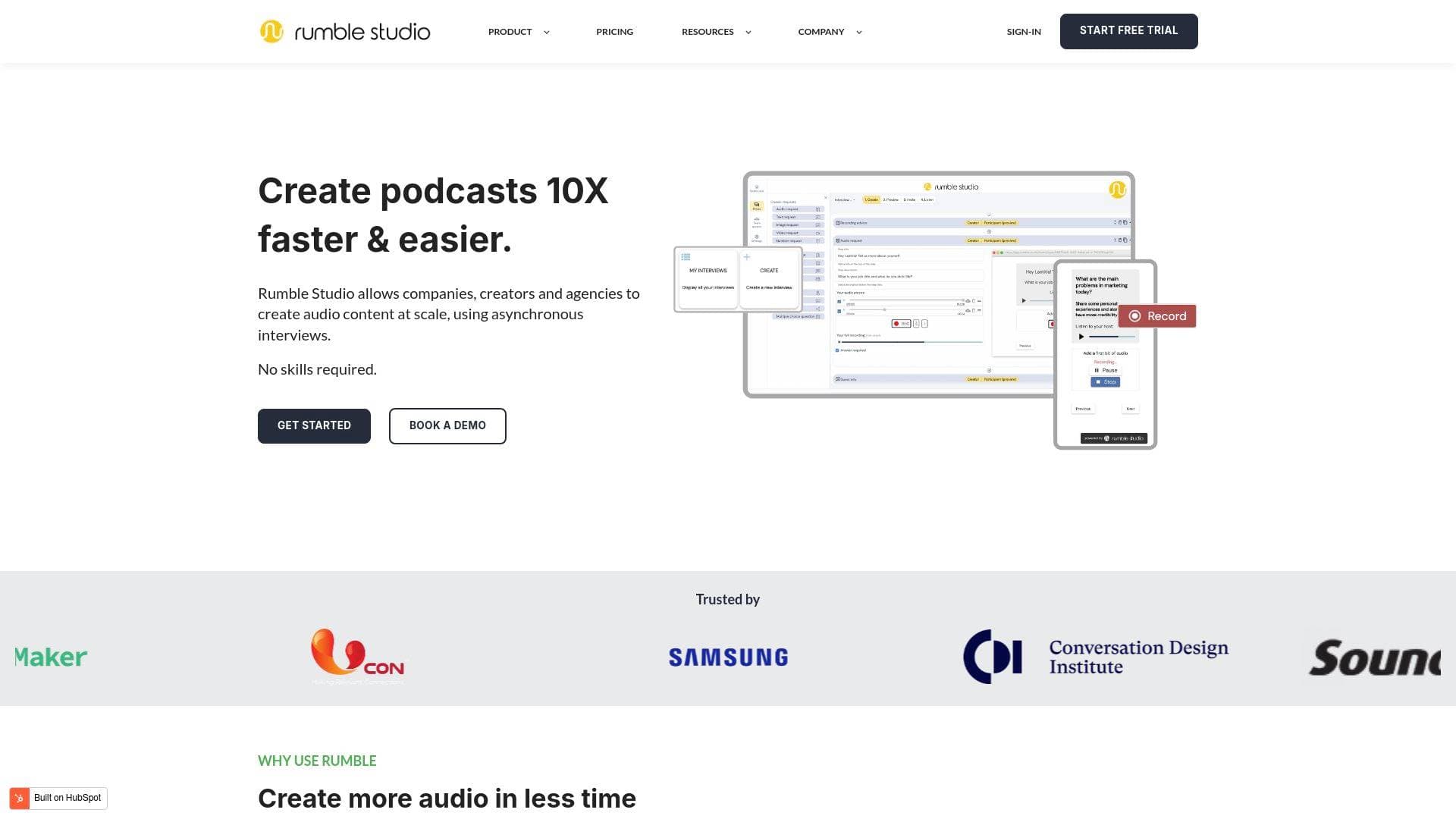
Brief Overview of Rumble Studio for Content Creators
Scheduling live interviews is one of the biggest bottlenecks in podcast production, and Rumble Studio was built specifically to eliminate that friction. This asynchronous podcasting platform lets creators record and publish audio content up to 10 times faster by replacing live calls with a "take turns" interview format where guests respond on their own schedule. The core technology is built around asynchronous interviews, a method Rumble Studio pioneered for audio content creation, delivering time and cost savings of up to 90% compared to traditional podcast workflows. No special skills or software installations are required, making it accessible to first-time podcasters and seasoned audio creators alike. The platform operates entirely through a web browser as a SaaS tool, meaning both hosts and guests can participate from any device with a microphone. For creators struggling with podfade, the consistency problem that causes half of all active podcasts to stall at 10 or fewer episodes, Rumble Studio directly addresses the root cause by making episode production fast, affordable, and sustainable over the long term.
Rumble Studio Key Features for Content Creators
-
Asynchronous Interview Recording: Instead of coordinating live recording sessions, creators send guests a unique invitation link via email, instant messenger, or social media. Each guest records their responses independently in their own time, eliminating scheduling headaches entirely and allowing creators to collect audio from multiple guests simultaneously without a single calendar conflict.
-
Unlimited Guest Participation: An unlimited number of guests can participate in any interview project, subject to a fair-use policy. This opens up possibilities for roundtable-style episodes, multi-contributor content, and audience participation formats that would be logistically impossible to coordinate as live calls.
-
Guest Self-Recording and Re-Recording: Guests can record, review, and re-record their individual segments before submitting, meaning they only send their best take. This built-in quality control reduces the editing burden on the creator significantly, since poorly delivered answers rarely make it into the final submission.
-
Multi-Format Guest Submissions: Beyond audio, guests can also submit text, images, and video alongside their recordings. This gives creators richer raw material to work with and opens up possibilities for multimedia content production beyond audio-only episodes.
-
Preview Before Export: Creators can listen to reduced-quality previews of all guest audio before committing to an export. Previewing never counts against a plan's monthly export allowance, so creators can review hours of raw material and selectively export only the segments worth including.
-
Export Hour Billing Model: Plans are structured around export hours rather than recording hours, meaning creators only pay for the audio they actually use. The platform tracks previously exported segments and never charges twice for the same content, keeping costs predictable and fair.
-
No-Account Guest Access: Guests do not need to create an account, set a password, or verify an email address to participate. They simply click the invitation link, enter their email, and start recording, removing every possible barrier to guest participation and improving response rates.
-
Cross-Device and Cross-Browser Compatibility: Rumble Studio works across Chrome, Firefox, Opera, Microsoft Edge, and Safari, and resizes responsively for mobile and tablet screens. Since guests typically participate on mobile devices, the platform's PWA architecture built on Angular ensures a smooth recording experience on smartphones, whose microphones are noted to produce excellent audio quality.
-
Internet-Independent Audio Quality: Because audio is recorded locally on each participant's device and uploaded afterward, internet speed and latency have no impact on recording quality. This "double-ender" approach ensures professional-sounding results even when guests are recording from locations with slow or unreliable connections.
-
Interview Templates: Creators can either write their own question sets or use pre-built templates to structure interviews. This speeds up episode pre-production and helps less experienced podcasters craft effective interview formats from the start.
Rumble Studio Target Users & Use Cases for Creators
Rumble Studio is built for content creators who want to produce audio consistently without burning out on the logistics of live recording. It is particularly well-suited to solo creators who lack a production team but still want to publish interview-driven content at scale. The no-skills-required approach makes it equally accessible to beginners launching their first podcast and experienced creators looking to dramatically cut production time.
- Primary creator types: Podcasters, audio content creators, branded content producers, and creators who regularly feature guest interviews in their work
- Experience level: Beginner to intermediate creators who want professional results without a steep technical learning curve; also valuable for experienced podcasters looking to scale output
- Team size: Works for solo creators as well as small teams, with unlimited collaborators able to work on audio projects together
- Specific use cases:
- A podcaster wanting to release more episodes per month without spending more hours in front of a microphone
- A creator whose guests are located across different time zones, making live scheduling nearly impossible
- A content creator building a multi-voice or roundtable-format show with contributors from around the world
- A newsletter writer looking to repurpose written content into audio format for website and social media distribution
- A creator battling podfade who needs a faster, lower-effort production process to stay consistent
- A TikToker or social media creator expanding into podcasting who wants to collect audience audio responses for community-driven episodes
- A creator who wants to reduce editing time by letting guests self-select and re-record their best takes before submission
- An agency or creator managing multiple podcast clients who needs to produce audio at scale without proportionally increasing costs
How to Get Started with Rumble Studio
- Create an account: Sign up through the web app at app.rumble.studio with no software installation required. All plans begin with a 7-day free trial that requires a credit card upfront but can be cancelled at any time before any charge is made.
- Build your interview: Write a series of questions for your guests or select from available templates to structure your episode's content.
- Invite your guests: Send the unique invitation link to guests via email, instant messenger, or social media. Guests click the link, enter their email address, and begin recording immediately with no account setup required on their end.
- Review and select segments: Use the preview feature to listen to guest submissions at reduced quality without using any export hours, then select only the segments you want to include in your episode.
- Export your audio: Hit the export button on your chosen segments, and the total duration is subtracted from your plan's monthly export hour allowance. The platform tracks exports so the same segment is never charged twice.
Frequently Asked Questions About Rumble Studio
Does Rumble Studio require any software installation? No, it is a fully browser-based SaaS platform. Both hosts and guests access everything through a web browser, with nothing to download or install, making it frictionless for all participants.
Do guests need to create an account? Guests do not need an account, password, or email verification. They simply click the invitation link, provide their email address, and start recording immediately.
What equipment do participants need? The only requirement is a computer or mobile device with a microphone. An external microphone is recommended for desktop recording, but many computers, including Macs, can capture quality audio with built-in microphones. Headphones are helpful but not essential since there is no live cross-talk in asynchronous interviews.
Is there a free plan available? There is currently no always-free plan. All plans start with a 7-day free trial, and the Creator plan is designed to be priced as competitively as possible. Discounts are available on annual plans for startups, educational institutions, medical organizations, government bodies, and non-profits.
What happens if I exceed my monthly export hours? Any extra hours exported beyond a plan's monthly allowance are billed on a per-usage basis in hourly increments, added to the next monthly invoice. Creators who regularly exceed their limits are encouraged to upgrade to the next plan tier.
Can I upgrade or downgrade my plan? Yes to both. Upgrades take effect immediately with a prorated charge for the remaining billing cycle. Downgrades take effect at the start of the next billing cycle.
Does internet speed affect recording quality? No. Audio is recorded locally on each participant's device and uploaded afterward, so internet latency has no impact on sound quality. This double-ender recording method ensures consistent audio quality regardless of connection speed.
Bottom Line: Should Content Creators Choose Rumble Studio?
Rumble Studio is a strong fit for podcasters and audio content creators who are serious about publishing consistently but find the scheduling and production demands of traditional interview podcasting unsustainable. The asynchronous interview model is the platform's defining strength, cutting production time dramatically and removing the single biggest logistical barrier to regular episode releases. The no-account guest experience, unlimited guest participation, and self-recording quality control all reduce friction at every stage of the content creation workflow.
The main limitation to note is the absence of a permanent free tier, though the 7-day trial provides a meaningful window to test the platform before committing. Creators who produce high volumes of audio will also want to pay close attention to their plan's export hour allowance to avoid unexpected overage charges.
For podcasters fighting podfade, creators who regularly interview guests across different time zones, or anyone looking to scale their audio content production without scaling their time investment, Rumble Studio offers a genuinely differentiated approach that addresses real, documented pain points in the podcasting workflow.
Details
One link. Every channel, rate, and piece of work brands need to evaluate you. Built for how creators actually get hired.
Claim your profile
Live creator, content, and marketing roles from real companies, with the pay, market, and context the raw job page never gives you.
Browse jobs

 Post Bridge