
Hugo
Hugo is a free, open-source static site generator written in Go that builds websites in seconds, offering flexibility, speed, and a powerful asset pipeline for creators.
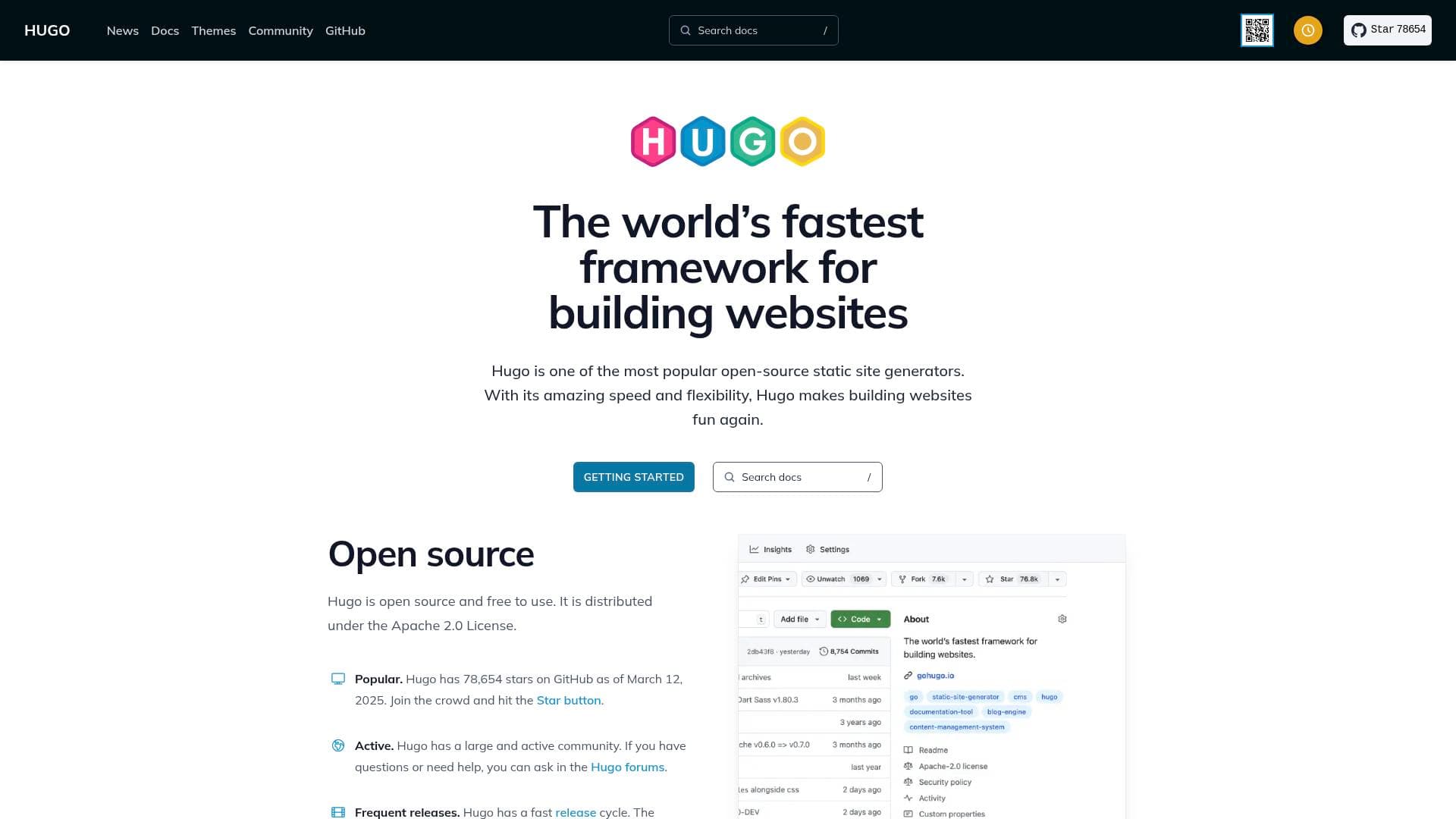
What is Hugo? A Content Creator's Guide
Hugo is one of the most popular open-source static site generators available today, built specifically to make website creation fast, flexible, and genuinely enjoyable. Written in Go and distributed under the Apache 2.0 License, it is completely free to use with no licensing fees or paywalls. For content creators who need a personal blog, portfolio, documentation hub, or project site, Hugo solves the core problem of slow, bloated website frameworks by rendering even large sites in seconds. Its advanced templating system and fast asset pipelines mean creators spend less time waiting on builds and more time publishing content. With over 87,000 stars on GitHub as of early 2026, it has earned a massive and active community of developers and creators who contribute themes, plugins, and ongoing improvements. Hugo supports multilingual content out of the box, making it a strong choice for creators building audiences across multiple languages. The framework runs on macOS, Linux, Windows, and BSD systems, offering broad accessibility for creators regardless of their operating environment.
Hugo Features That Matter for Content Creators
-
Blazing Build Speed: Hugo renders large sites in seconds, often less. For creators managing hundreds or thousands of blog posts, tutorials, or portfolio pieces, this means near-instant previews and deployments rather than waiting minutes for a build to complete.
-
Open Source and Free: Hugo is fully open source under the Apache 2.0 License, meaning there are no subscription costs, no usage caps, and no vendor lock-in. Creators own their entire workflow from start to finish.
-
Embedded Web Server: During development, Hugo includes a built-in web server that instantly reflects changes to content, structure, behavior, and presentation. Creators can see exactly how a post or page looks before pushing it live, without needing a separate local server setup.
-
Fast Asset Pipeline: Hugo handles image processing (including converting, resizing, cropping, rotating, adjusting colors, applying filters, overlaying text and images, and extracting EXIF data), JavaScript bundling with tree shaking and code splitting, Sass processing, and strong TailwindCSS support. This gives creators a complete front-end toolkit built directly into the framework.
-
Multilingual Support: Hugo has built-in multilingual capabilities, allowing creators to build and manage content in multiple languages from a single project. This is particularly valuable for creators targeting global audiences or running bilingual content channels.
-
Powerful Taxonomy System: Hugo's taxonomy system lets creators organize content with tags, categories, and custom groupings. Bloggers, newsletter writers, and tutorial creators can structure large content libraries in ways that make navigation intuitive for readers.
-
Hugo Modules: The Hugo Modules feature enables creators to manage content, presentation, and site behavior as modular components. This makes it straightforward to reuse layouts, import themes, and maintain consistent design across multiple projects.
-
Shortcodes for Rich Content: Hugo includes embedded shortcodes that allow creators to insert videos, images, and social media embeds directly into content without writing raw HTML. This keeps Markdown files clean while still supporting rich, multimedia-heavy posts.
-
Render Hooks: Creators can create render hook templates to override how Markdown elements are converted to HTML. This gives fine-grained control over how headings, links, images, and code blocks appear on the final site.
-
Multiple Editions: Hugo comes in a standard edition, an extended edition (which adds Sass-to-CSS transpilation via LibSass), and an extended/deploy edition that adds direct deployment to Google Cloud Storage buckets, AWS S3 buckets, and Azure Storage containers. Creators can choose the edition that matches their hosting and workflow needs.
-
Frequent Releases and Active Maintenance: Hugo maintains a fast release cycle with new features added regularly. Creators benefit from a tool that keeps pace with modern web development practices rather than stagnating.
-
CI/CD Platform Compatibility: Hugo works with Cloudflare, GitHub Pages, GitLab Pages, Netlify, Render, and Vercel for hosting and deployment. Creators can set up automated publishing pipelines that push new content live the moment it is committed.
Which Content Creators Should Use Hugo?
Hugo is best suited for creators who want full control over their website without relying on managed platforms. It rewards those comfortable with command-line tools and a bit of technical setup, though its thorough documentation and active community forums make it accessible to motivated beginners as well.
Primary creator types:
- Bloggers and writers who want a fast, self-hosted blog with complete design freedom
- YouTubers and video creators building portfolio or resource sites to complement their channels
- Podcasters who need a dedicated show website with episode archives and show notes
- Newsletter writers looking to publish a public archive of their content on a custom domain
- Documentation creators building technical guides, tutorials, or knowledge bases
- Developers and indie creators who want to manage their site through Git and code rather than a CMS dashboard
Experience level: Hugo is approachable for creators with basic technical comfort, particularly those familiar with the command line. The quick start guide and extensive documentation lower the barrier for newcomers.
Team size: Works equally well for solo creators managing a personal site and small teams collaborating on a shared content project via Git.
Specific use cases:
- A blogger publishing long-form articles who needs sub-second build times as their archive grows
- A podcaster creating a show website with episode pages, transcripts, and embedded audio
- A creator building a multilingual resource site for audiences in different countries
- A YouTuber building a companion site with tutorials, links, and downloadable resources
- A newsletter writer archiving past issues on a searchable, publicly accessible website
- A developer-creator building documentation for an open-source project or digital product
- A creator deploying directly to AWS S3 or Google Cloud Storage using the extended/deploy edition
- A content creator who wants to use TailwindCSS for styling without a complex build setup
Getting Started with Hugo
- Install Hugo: Download a prebuilt binary from the latest GitHub release page for your operating system and architecture, or use a package manager on macOS, Linux, Windows, or BSD. Choose between the standard, extended, or extended/deploy edition based on your needs.
- Install prerequisites: For full functionality, install Git (required for themes, Hugo Modules, and CI/CD deployment), Go (required for Hugo Modules and building from source), and Dart Sass if you plan to use modern Sass features.
- Create your first project: Follow the Quick Start guide in Hugo's documentation to scaffold a new site, add a theme, and create your first content file.
- Use the embedded web server: Run Hugo's local development server to preview your site in real time as you write and edit content, with instant updates on every save.
- Deploy to your platform of choice: Connect your project to GitHub Pages, Netlify, Vercel, Cloudflare, Render, or GitLab Pages for automated CI/CD publishing, or use the extended/deploy edition to push directly to cloud storage buckets.
Hugo FAQ for Content Creators
Is Hugo free to use? Hugo is completely free and open source, distributed under the Apache 2.0 License. There are no paid tiers, subscription fees, or usage limits.
What operating systems does Hugo support? Hugo runs on macOS, Linux, Windows, and BSD derivatives including DragonFly BSD, FreeBSD, NetBSD, and OpenBSD. Prebuilt binaries are available for a wide range of operating systems and architectures.
What is the difference between Hugo's editions? The standard edition covers core features for most creators. The extended edition adds Sass-to-CSS transpilation. The extended/deploy edition adds direct deployment to Google Cloud Storage, AWS S3, and Azure Storage containers.
Can I host my Hugo site on free platforms? Hugo is compatible with several free and popular hosting platforms including GitHub Pages, GitLab Pages, Netlify, Cloudflare, Render, and Vercel, all of which support CI/CD workflows.
Does Hugo support multilingual websites? Hugo has built-in multilingual support, allowing creators to manage content in multiple languages from a single project without needing third-party plugins.
How active is the Hugo community? Hugo has over 87,000 GitHub stars and an active community forum at the Hugo forums (discourse.gohugo.io). The project also maintains a fast release cycle with regular new features and updates.
Can Hugo handle image processing natively? Hugo's asset pipeline includes native image processing capabilities: converting, resizing, cropping, rotating, adjusting colors, applying filters, overlaying text and images, and extracting EXIF data, all without external tools.
The Verdict: Is Hugo Worth It for Content Creators?
Hugo is an excellent choice for content creators who prioritize speed, ownership, and flexibility over the convenience of a managed platform. Its sub-second build times make it practical for creators with large content archives, and the built-in asset pipeline handles images, JavaScript, Sass, and TailwindCSS without requiring a separate build tool. The free, open-source model means there are no ongoing costs, and compatibility with major hosting platforms like Netlify, GitHub Pages, and Vercel makes deployment straightforward.
The main consideration is that Hugo requires some technical comfort. Creators who prefer a visual editor or drag-and-drop interface may find the command-line workflow and template system a steeper learning curve. However, for bloggers, podcasters, newsletter writers, and developer-creators who want a fast, self-hosted site with complete control, Hugo delivers a powerful and cost-free solution backed by one of the most active open-source communities in the static site space.
Details
One link. Every channel, rate, and piece of work brands need to evaluate you. Built for how creators actually get hired.
Claim your profile
Live creator, content, and marketing roles from real companies, with the pay, market, and context the raw job page never gives you.
Browse jobs

 Post Bridge