

Podcastle
Async is an end-to-end AI creative studio for podcasters, video creators, and storytellers who want to record, edit, dub, subtitle, and publish without switching tools.
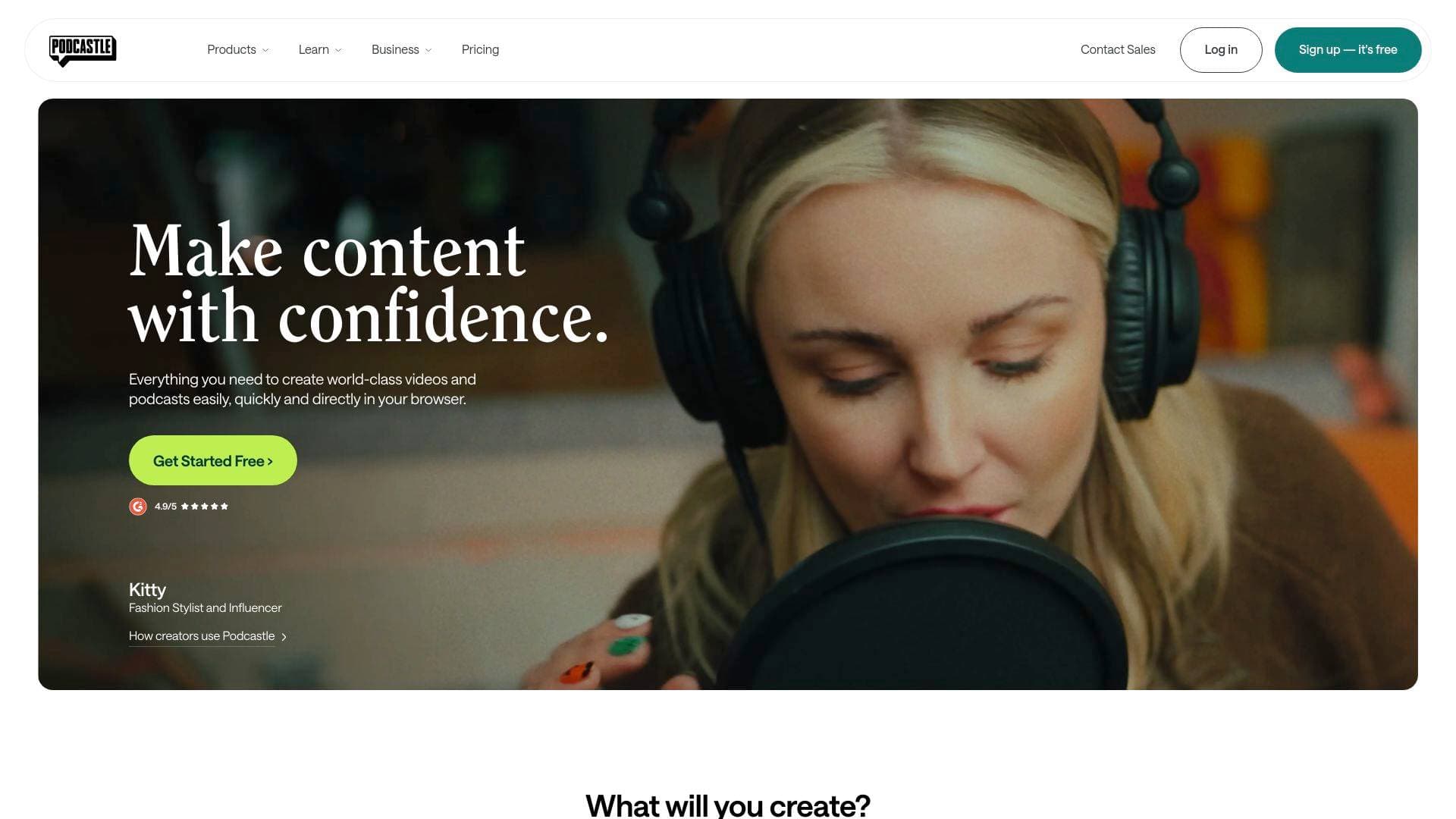
What is Async? A Content Creator's Guide
Async is an end-to-end AI creative studio built specifically for podcasters, video creators, and storytellers who are tired of juggling a dozen different tools to get one piece of content out the door. The platform covers the entire content creation workflow in a single browser-based environment: 4K recording, AI video editing, audio editing, dubbing, subtitles, viral clip generation, voice cloning, and hosting. The core problem it solves is tool-switching fatigue — the kind that eats hours every week when creators have to move files between a recorder, an editor, a subtitle generator, and a publishing platform. Async collapses all of that into one unified workflow, running entirely in the browser with no downloads required. It supports a wide range of content formats, from long-form YouTube videos and video podcasts to TikTok Reels and Shorts, and it handles multilingual content across 15 languages with over 1,000 AI voices. What sets it apart is the combination of its proprietary AI technology platform and a feature called Engagement Booster, which automatically edits recordings around what hooks viewers and maximizes retention with a single click. Plans start at $11.99/month, with a free tier available to get started.
Async Features That Matter for Content Creators
-
Engagement Booster: This is Async's standout feature for video creators focused on audience retention. It analyzes recordings, pulls the strongest moment to the start, cuts the parts that drag, and shapes the conversation into a cleaner story arc — all automatically. Creators can then apply Engagement Booster edits first and still make manual adjustments before exporting.
-
4K Remote Recording Studio: Async captures video in crisp 4K and records uncompressed WAV audio, with separate local tracks for every speaker. This means a guest's shaky internet connection won't ruin the whole recording, and each track is independently editable once the session ends. A built-in teleprompter, virtual backgrounds, and a Brand Kit for customizing the waiting room and recording space round out the studio experience.
-
AI Video Editor (Browser-Based): The video editing tool runs entirely in the browser and uses AI to handle quality enhancement, background removal, cinematic blur, and eye contact correction. One-click AI quality enhancement cleans up grain and sharpens footage, while the eye contact feature keeps creators looking directly at their audience even when they're reading notes off-screen.
-
Text-Based AI Audio Editor: The audio editor converts recordings into a transcript, letting creators edit podcasts and interviews by deleting words from text rather than cutting waveforms manually. It also includes Magic Dust (one-click audio enhancement that handles mixing, mastering, and restoration), auto leveling, silence removal, and noise reduction.
-
AI Viral Clip Generator: Async automatically identifies the most shareable moments from longer recordings and generates clips optimized for TikTok, Instagram Reels, and YouTube Shorts. Combined with AI Reframe, creators can instantly adapt horizontal footage to vertical formats without manual cropping.
-
AI Dubbing and Subtitles in 15 Languages: The platform supports multilingual AI dubbing and subtitle generation across 15 languages, making it practical for creators who want to reach international audiences without hiring translators or voice actors. The AI Subtitles tool also adds captions for retention, which Engagement Booster applies automatically.
-
AI Voice Cloning and Text-to-Speech: Creators can choose from over 1,000 natural-sounding AI voices or clone their own voice using Async's proprietary text-to-speech model. Voice cloning takes approximately 3 seconds, and the model ranks in the top 3 on the Hugging Face arena for quality. This is particularly useful for narration, voiceovers, and repurposing written content into audio.
-
Dedicated Hosting Hub: Async includes a built-in hosting solution that generates an RSS feed and a dedicated podcast page directly from the browser. Creators can record, edit, and publish without ever leaving the platform or paying for a separate podcast host.
-
AI Thumbnails: The platform generates AI-powered thumbnails for video content, removing one more task from the post-production checklist for YouTubers and video podcasters.
-
iOS Mobile App: Async offers an iOS mobile app, giving creators the flexibility to access their projects and workflows from their phones in addition to the browser-based platform.
Which Content Creators Should Use Async?
Async is built for creators who produce audio and video content regularly and want to cut down the time between recording and publishing. It works equally well for solo creators and small teams, and the free tier makes it accessible to beginners who want to test the workflow before committing to a paid plan.
Primary creator types:
- Podcasters who record remote interviews with multiple guests and need separate, clean tracks for each speaker
- YouTubers producing long-form content who want AI-assisted editing to improve pacing and retention
- TikTokers and Reels creators who need to quickly repurpose longer videos into short vertical clips
- Video podcasters who want a single platform for recording, editing, and publishing without switching tools
- Multilingual creators who want to dub and subtitle content in up to 15 languages to grow international audiences
- Storytellers and audiobook creators who need high-quality voice narration from 1,000+ AI voices or a custom voice clone
Specific use cases for content creators:
- Recording a remote podcast interview in 4K with separate WAV tracks for every guest, even over unstable connections
- Using Engagement Booster to automatically tighten a 60-minute interview into a watchable, retention-optimized cut
- Generating TikTok and Reels clips from a long-form YouTube video in minutes using AI Clips and AI Reframe
- Cleaning up a bedroom recording with Magic Dust so it sounds like it came from a professional studio
- Dubbing a YouTube video into Spanish, French, or 13 other languages to unlock new subscriber bases
- Adding auto-generated subtitles to boost watch time and accessibility across platforms
- Building a branded recording studio with a custom logo, backgrounds, and intro video using the Brand Kit
- Publishing a podcast directly from Async with a dedicated podcast page and RSS feed, no third-party host needed
Getting Started with Async
- Sign up for free at async.com — no download required, the entire platform runs in the browser.
- Choose a starting point from the dashboard: video editing, audio editing, text to speech, viral clips, or dubbing, depending on your immediate content need.
- Set up your recording studio by customizing your Brand Kit with a logo, backgrounds, and intro video, then invite guests via a simple link for remote recording sessions.
- Record or upload your content — record in up to 4K with multitrack capture, or upload existing files directly into the editor.
- Apply AI enhancements using Engagement Booster for automatic editing, Magic Dust for audio cleanup, and AI tools for subtitles, clips, dubbing, or thumbnails before exporting and publishing.
Async FAQ for Content Creators
Can I try Async for free? Yes, Async offers a free tier that lets creators record, edit, and explore the platform without an upfront cost. Paid plans start at $11.99/month and unlock advanced features like higher-quality exports and more AI enhancements.
Does Async record separate tracks for each guest? Yes. The recording studio captures separate local audio and video tracks for every participant. This means each speaker's audio is isolated and independently editable, and a poor internet connection on one end won't degrade the overall recording quality.
Can I edit video and audio without any prior editing experience? Async is explicitly designed to be beginner-friendly. The text-based audio editor lets creators delete words from a transcript instead of cutting waveforms, and the AI video editor uses one-click enhancements so there's no steep learning curve involved.
Does Engagement Booster replace manual editing entirely? No — it's designed to work alongside manual editing. Creators can apply Engagement Booster's suggested edits first, then jump into the editor to fine-tune trims, captions, pacing, reframing, or branding before exporting.
How many languages does Async support for dubbing and subtitles? Async supports AI dubbing and subtitle generation in 15 languages, with over 1,000 multilingual AI voices available across the platform.
Is there a mobile app? Yes, Async has an iOS mobile app available on the App Store, allowing creators to access their projects beyond the browser.
Can I host my podcast directly on Async? Yes. The Hosting Hub provides an RSS feed and a dedicated podcast page, so creators can record, edit, and publish their podcast entirely within the Async platform.
The Verdict: Is Async Worth It for Content Creators?
Async makes the most sense for content creators who are currently paying for and switching between multiple tools to handle recording, editing, dubbing, subtitles, and hosting. Consolidating all of that into one browser-based platform at $11.99/month is a compelling value proposition, especially for solo podcasters and video creators who don't have a dedicated production team. The Engagement Booster feature is a genuine differentiator for creators focused on YouTube retention and short-form virality — the ability to automatically restructure a recording around viewer hooks is something that would otherwise require significant manual editing time. The 4K multitrack recording studio, 1,000+ AI voices, voice cloning in 3 seconds, and 15-language dubbing support also make Async a strong choice for creators looking to scale their content internationally. The free tier removes the barrier to entry, making it easy to test the full workflow before upgrading. For podcasters, video podcasters, YouTubers, and short-form creators who want a single AI-powered production environment, Async delivers a genuinely comprehensive toolkit without requiring any software installation.
Details
One link. Every channel, rate, and piece of work brands need to evaluate you. Built for how creators actually get hired.
Claim your profile
Live creator, content, and marketing roles from real companies, with the pay, market, and context the raw job page never gives you.
Browse jobs

 Post Bridge