
Otter
Otter.ai is an AI-powered transcription and meeting notes tool that converts audio, podcasts, and live meetings into searchable, editable, and shareable text for content creators.
What is Otter.ai? A Content Creator's Guide
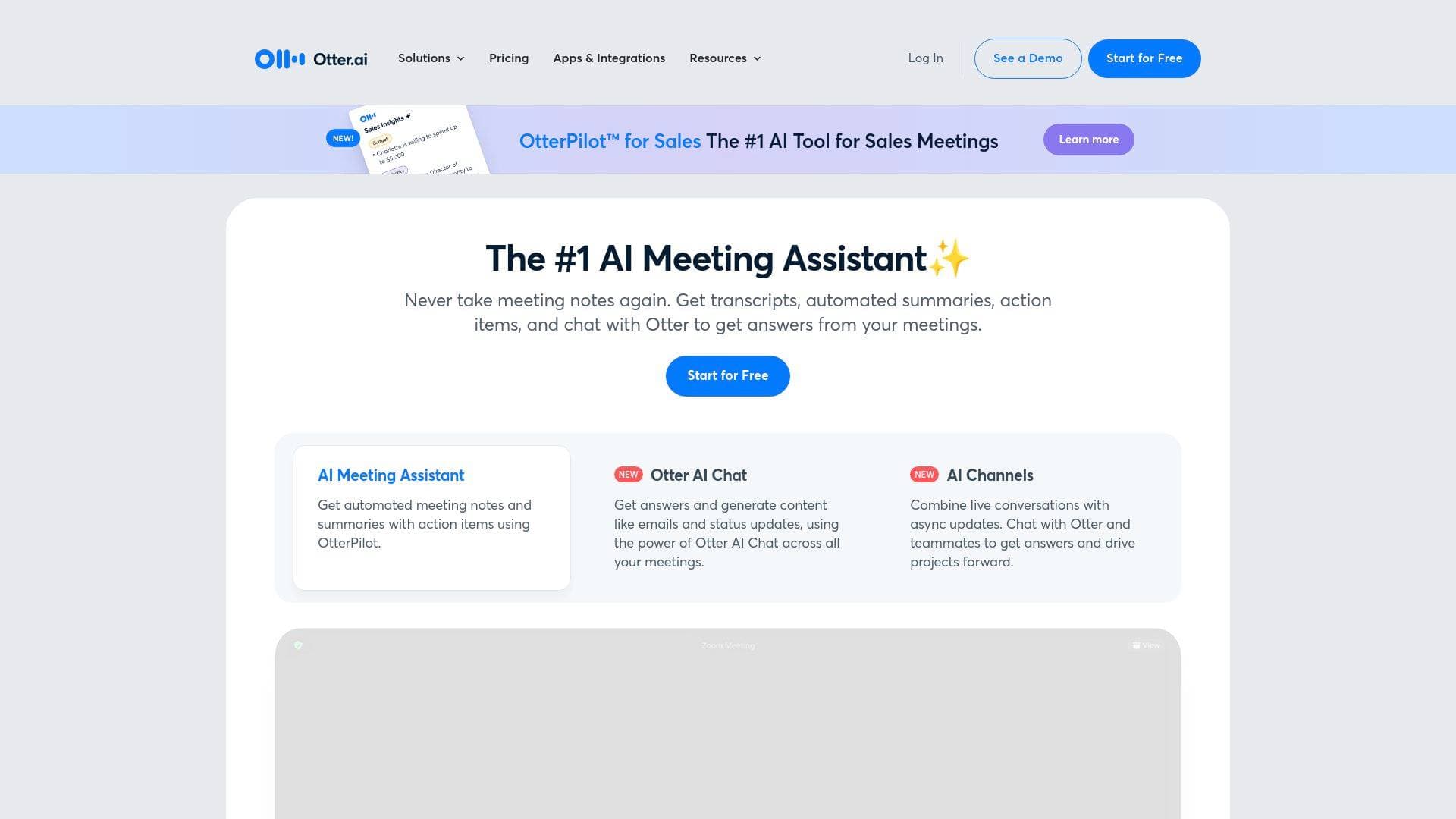
Otter.ai is an AI-powered transcription and meeting notes platform that converts spoken audio into searchable, editable, and shareable text. For content creators, it solves one of the most time-consuming problems in the workflow: turning hours of recorded audio or video into usable written content. Whether a podcaster needs a full episode transcript, a YouTuber wants to repurpose interview footage into a blog post, or a creator needs to capture notes from a brand deal call, Otter handles the heavy lifting automatically. The platform supports both live transcription and pre-recorded file uploads, covering formats like MP3, MP4, M4A, AAC, and WAV. It also works across Zoom, Google Meet, and Microsoft Teams through its OtterPilot feature, which auto-joins meetings and captures everything in real time. Available as a web app, iOS app, Android app, Chrome extension, Mac desktop app, and Windows desktop app, Otter fits into virtually any creator's existing setup. The free plan includes 300 transcription minutes per month with no credit card required, making it accessible to creators at every stage.
Otter.ai Features That Matter for Content Creators
-
AI-Powered Podcast Transcription: Otter converts podcast episodes into accurate, searchable transcripts in minutes. Creators can upload audio files directly or transcribe in real time by playing the episode out loud while Otter captures the audio. This works for solo episodes, co-hosted shows, and interview-format podcasts alike.
-
Multi-Speaker Identification: For podcasters and video creators who record conversations with multiple guests or co-hosts, Otter automatically identifies and tags different speakers in the transcript. This makes it far easier to read, edit, and repurpose dialogue-heavy content without manually sorting out who said what.
-
Otter AI Chat: This built-in AI assistant lets creators ask questions about any past recording and get instant answers. More practically, creators can use it to generate show notes, summarize episodes, pull out standout quotes for social media, create headlines, and identify key moments worth clipping or highlighting.
-
Timestamped Transcripts: Every transcript includes timestamps, so creators can quickly jump to specific sections of a recording. This is especially useful for creating caption-ready content or locating a particular quote without scrubbing through the entire audio file.
-
OtterPilot Meeting Agent: OtterPilot automatically joins Zoom, Google Meet, and Microsoft Teams meetings to record audio, capture slides, write notes, and generate a summary. For creators who conduct interviews, pitch calls, or collaboration sessions over video, this means never missing a detail without manually hitting record.
-
Searchable, Editable Transcripts: Once a transcript is generated, creators can click directly into the text to edit it, tag speakers, and highlight important sections. All transcripts are fully searchable, so finding a specific quote or topic across multiple recordings takes seconds rather than minutes.
-
Content Repurposing Tools: Otter is built with a dedicated Media Notetaker use case that helps creators capture ideas, organize them into structured outlines, extract key insights and quotes, and even get assistance drafting initial content. This makes it a practical tool for turning raw recordings into blog posts, newsletters, or social media content.
-
File Format Support: Otter supports MP3, MP4, M4A, AAC, and WAV file uploads, covering both audio-only and video podcast formats. This broad format compatibility means creators can work with files from virtually any recording setup.
-
Multilingual Transcription: Otter currently transcribes in English, Spanish, and French, giving creators who produce content in those languages access to accurate AI transcription.
-
Integrations with Creator-Friendly Tools: Otter connects with Slack, Google Docs, Notion, Dropbox, Zoom, Google Calendar, and more. Dropbox integration is particularly useful for creators, as any audio or video file added to the Otter folder in Dropbox is automatically transcribed and synced.
Which Content Creators Should Use Otter.ai?
Otter.ai is a strong fit for any creator whose work involves spoken audio, whether that's recording it, capturing it live, or turning it into written content afterward. It works equally well for solo creators and small teams, and the free plan makes it accessible to beginners without any financial commitment.
Primary creator types:
- Podcasters who want fast, accurate episode transcripts for show notes, blog posts, and accessibility
- YouTubers who conduct interviews or record commentary and want to repurpose that content into written formats
- Newsletter writers who record voice memos or interviews and need them converted to text quickly
- Bloggers who interview sources over Zoom or Google Meet and want automatic transcripts instead of manual note-taking
- Video creators working with MP4 files who need full transcripts for captions or repurposed content
- Streamers and content creators who host regular planning or collaboration calls and want automatic meeting summaries
Specific use cases for content creators:
- Transcribing a 60-minute podcast interview and using Otter AI Chat to pull the five best quotes for social media promotion
- Auto-joining a brand deal negotiation call via OtterPilot and getting an automatic summary with key discussion points
- Uploading a video podcast MP4 file and receiving a timestamped, speaker-labeled transcript ready for editing
- Using the Media Notetaker to capture raw ideas during a brainstorming session and organize them into a structured content outline
- Generating show notes automatically after each episode upload without writing a single word manually
- Sharing transcripts with a collaborator or editor directly from the platform for collaborative note editing (Business plan)
- Syncing transcripts to Google Docs or Notion for further editing and content development
- Improving content accessibility by providing full episode transcripts to audiences
Getting Started with Otter.ai
- Create a free account: Visit otter.ai and sign up for a free account. No credit card is required to access the free plan, which includes 300 transcription minutes per month.
- Install the Chrome extension or desktop app: Download the Chrome extension from the Chrome Web Store and pin it to the browser bar, or download the Mac or Windows desktop app. For mobile recording, install the iOS or Android app.
- Connect your calendar: Link Google Calendar to enable OtterPilot to automatically join upcoming Zoom, Google Meet, or Microsoft Teams meetings and take notes without any manual setup.
- Upload or record your first file: Click the "Import" button to upload an existing podcast episode or audio file in MP3, MP4, M4A, AAC, or WAV format. Alternatively, start a live recording directly in the app.
- Edit and repurpose: Once the transcript is ready, click into the text to make edits, tag speakers, and highlight key moments. Use Otter AI Chat to generate show notes, summaries, or social media quotes from the content.
Otter.ai FAQ for Content Creators
How accurate are Otter's transcripts? Otter uses advanced AI to deliver high-accuracy transcripts. Clear audio with minimal background noise produces the best results, so creators recording in a treated space or with a quality microphone will get the most accurate output.
How much does Otter cost? The free plan includes 300 transcription minutes per month with no credit card required. The Business plan starts at $19.99 per user per month (with a 7-day free trial) and includes 6,000 monthly transcription minutes, up to 4 hours per conversation, collaborative note editing, and the ability to import and transcribe unlimited audio or video files.
What file formats can creators upload? Otter supports MP3, MP4, M4A, AAC, and WAV files, covering both audio-only podcasts and video podcast formats.
Does Otter support live transcription or only pre-recorded files? Both. Creators can upload pre-recorded files for transcription or use Otter for live real-time transcription during recordings, meetings, or interviews.
How quickly does Otter produce a transcript? Most transcripts are ready within minutes. For live transcription, Otter works in real time at the same pace as the audio. For a 10-minute podcast episode, the transcript takes approximately 10 minutes to generate.
What languages does Otter support? Otter currently transcribes in English, Spanish, and French.
Is transcription data secure? Otter uses encryption and strict access controls to protect data. The platform meets SOC 2 Type 2 compliance standards, and transcripts are only accessible to the creator and anyone they choose to share them with.
Can Otter help with content repurposing beyond transcription? Yes. The built-in Otter AI Chat can generate show notes, episode summaries, social media quotes, headlines, and help with drafting initial content directly from any transcript.
The Verdict: Is Otter.ai Worth It for Content Creators?
For podcasters, video creators, and any content creator who regularly works with spoken audio, Otter.ai delivers genuine value. The combination of fast AI transcription, multi-speaker identification, timestamped transcripts, and the Otter AI Chat for content repurposing makes it more than a basic transcription tool. It functions as a content creation assistant that can turn a single podcast episode into show notes, social media quotes, a blog draft, and a searchable archive all at once.
The free plan's 300 minutes per month is a meaningful starting point for creators who want to test the tool before committing. Creators with higher volume needs, or those who want collaborative editing and unlimited file imports, will find the Business plan at $19.99 per user per month a practical upgrade. The main limitation to note is language support, which is currently restricted to English, Spanish, and French, so creators producing content in other languages will need to look elsewhere. For creators working within those languages, though, Otter.ai is a capable and well-integrated transcription platform that genuinely reduces the manual work involved in turning audio into written content.
Details
One link. Every channel, rate, and piece of work brands need to evaluate you. Built for how creators actually get hired.
Claim your profile
Live creator, content, and marketing roles from real companies, with the pay, market, and context the raw job page never gives you.
Browse jobs

 Post Bridge