

Xara
Xara is a suite of desktop design tools for creators who want to build websites, edit photos, create graphics, and design layouts without coding or complex software.
What is Xara? A Content Creator's Guide
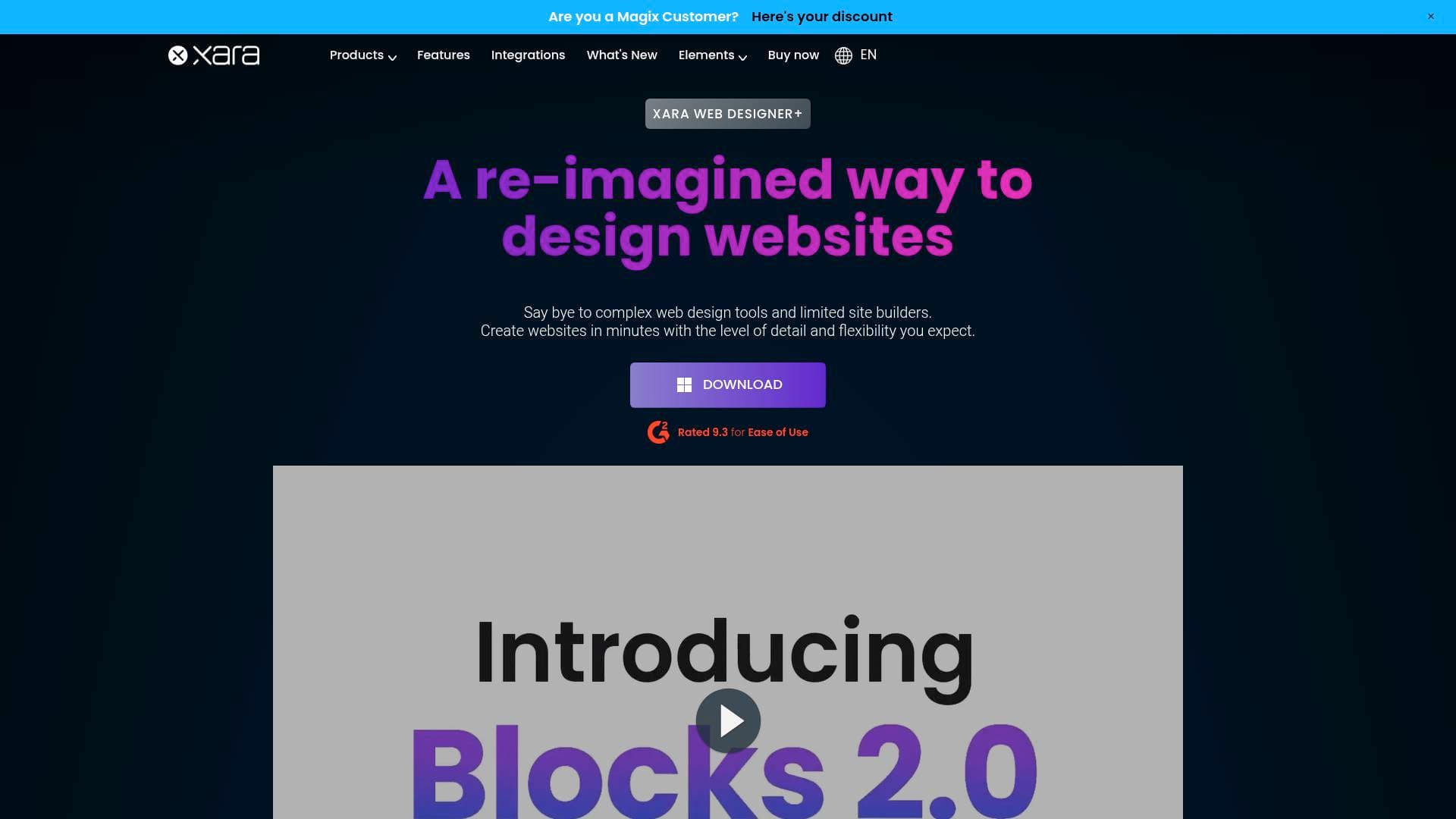
Xara is a suite of desktop design and web creation tools built for creators who want professional-quality results without needing to write a single line of code. The product lineup spans several distinct tools: Web Designer+, Photo & Graphic Designer+, Page & Layout Designer 11, Designer Pro+, and 3D Maker 7, each targeting a specific area of the content creation workflow. At its core, Xara solves one of the most persistent problems for independent creators: producing polished, visually compelling content and websites without relying on developers or expensive agencies. The flagship Web Designer+ functions as a no-code website builder with a WYSIWYG drag-and-drop editor, making it a genuinely practical website creation tool for creators who want full control over their online presence. All products are desktop-based, meaning they work offline once installed, which is a notable advantage for creators who prefer not to depend on cloud connectivity for their core design work. Pricing starts at $39.99 for 3D Maker 7, $59.99 for Photo & Graphic Designer+, $89.99 for Page & Layout Designer 11, and $99.99 for the desktop version of Web Designer, with Web Designer+ also available as a subscription starting at $12.00 per month (billed annually). The platform also provides a comprehensive tutorial and resource index, linking to both Xara-created and third-party tutorials, making it accessible for creators at various skill levels.
Xara Features That Matter for Content Creators
-
WYSIWYG Drag-and-Drop Editor: Web Designer+ uses a true what-you-see-is-what-you-get editor, so creators can visually build and adjust their websites in real time without touching code. This is particularly useful for bloggers, podcasters, and YouTubers who want a professional web presence but don't have a development background.
-
Unlimited Websites: The Web Designer+ subscription includes unlimited website creation, meaning creators can build separate sites for different projects, niches, or clients without hitting a paywall. This is a strong value proposition for multi-channel creators or freelancers managing several content brands.
-
Live Prototyping and Multi-Version Creation: Creators can prototype their website designs live and build multiple versions simultaneously, making it easy to test different layouts or seasonal designs before publishing. This feature supports a more iterative, experimental approach to web design.
-
Built-in Graphics Editor and Optimization: Web Designer+ includes a built-in graphics editor, so creators don't need to jump between separate tools to prepare images and visual assets for their site. Optimization is also built in, which helps with page load speeds.
-
SEO, Marketing, and E-Commerce Tools: The platform bundles SEO tools, marketing features, and e-commerce functionality directly into Web Designer+. For creators monetizing through merchandise, digital products, or affiliate marketing, having these tools in one place reduces the need for third-party plugins.
-
Xara Elements Content Catalog: Subscribers get access to Xara Elements, an online content catalog with over 3,000 templates and photo filters, plus access to the Pixabay stock photo and illustration library. This gives creators a large pool of visual assets to draw from without additional subscription costs.
-
Cloud Storage Integrations: Web Designer+ integrates with Google Drive, Dropbox, and OneDrive, making it straightforward to pull in assets stored across different cloud platforms and keep design files organized within existing workflows.
-
Photo & Graphic Designer+: At $59.99, this standalone tool covers photo editing and graphic design for creators who primarily need visual content creation rather than full website building. It includes templates, photo effects, and a gallery of examples to inspire and guide the design process.
-
3D Maker 7: For creators who want to add 3D text or graphic elements to their thumbnails, channel art, or promotional materials, 3D Maker 7 offers a dedicated 3D creation tool at $39.99. It comes with tutorials, screenshots, and examples to help creators get up to speed quickly.
-
Tutorial and Resource Index: Xara maintains a comprehensive tutorial and movie index covering all its products, with resources created by both Xara and third-party contributors. Creators can also access a free blog, a Branding Hub, and a library of free graphic design resources including images, illustrations, fonts, icons, and mockups.
Which Content Creators Should Use Xara?
Xara's product suite covers a wide range of creative needs, making it relevant for many types of content creators. Whether the goal is building a personal brand website, designing social graphics, or creating eye-catching 3D titles, there's a specific Xara tool aimed at that task. The desktop-first approach appeals to creators who prefer working offline and owning their software rather than relying entirely on cloud-based subscriptions.
-
Primary creator types: Bloggers and newsletter writers who need a professional website without hiring a developer will find Web Designer+ particularly useful. YouTubers and TikTokers who create their own thumbnails, channel art, and promotional graphics can benefit from Photo & Graphic Designer+. Podcasters looking to establish a web presence with an e-commerce component for merchandise or paid content will appreciate the bundled marketing and e-commerce tools in Web Designer+.
-
Experience level: The drag-and-drop, no-code approach makes Xara accessible to beginners, while the depth of features in Designer Pro+ and the advanced photo tools cater to more experienced creators who want greater control.
-
Team size: Web Designer+ supports installation on two computers per license, and team pricing is available for those managing a small creative team or content studio.
-
Specific use cases:
- Building a personal portfolio or blog site without coding
- Designing YouTube thumbnails and channel banners using Photo & Graphic Designer+
- Creating 3D title graphics for video intros or promotional materials with 3D Maker 7
- Designing print-ready layouts for zines, media kits, or press materials with Page & Layout Designer 11
- Setting up an online store to sell digital products or merchandise directly from a creator's website
- Prototyping multiple website versions to find the best layout before going live
- Accessing thousands of templates and stock assets through Xara Elements for faster content production
- Managing design assets across Google Drive, Dropbox, or OneDrive within a single workflow
-
Content types: Web content, graphic design, photo editing, 3D graphics, page layouts, and e-commerce-enabled websites.
Getting Started with Xara
- Download and try for free: Each Xara product offers a free trial download, so creators can test the software before committing to a purchase or subscription.
- Choose the right product: Select from Web Designer+, Photo & Graphic Designer+, Page & Layout Designer 11, Designer Pro+, or 3D Maker 7 depending on the primary creative need.
- Install and activate: The software installs on Windows 10 or Windows 11 (64-bit) and requires an internet connection for initial installation and activation. Once activated, it works fully offline.
- Explore templates and assets: Use the built-in template library and, for Web Designer+ subscribers, access Xara Elements with over 3,000 templates and the Pixabay stock library to jumpstart any project.
- Access tutorials: The Xara Tutorial and Movie index provides product-specific tutorials from both Xara and third-party creators, alongside a blog, Branding Hub, and free design resource library to support ongoing learning.
Xara FAQ for Content Creators
Is Web Designer+ a cloud-based tool? No, Web Designer+ is a desktop application that works offline. An internet connection is only needed for account activation and downloading assets from the Online Content Catalog, making it reliable for creators who work in environments with inconsistent connectivity.
How much does Web Designer+ cost? Web Designer+ is available as a subscription at $12.00 per month (billed annually as $144) or $17.00 per month on a monthly plan. Choosing the annual plan saves up to 40%. A one-time purchase option for the previous version (v20) is also available for creators who prefer not to subscribe.
Can Xara be installed on more than one computer? Yes, the software can be installed and activated on up to two computers per license. Activations can be cancelled when no longer needed, freeing them up for use on another machine.
Are there discounts available for students or educators? Education pricing is available for students and teachers. Creators in academic settings can contact Xara directly for discount details.
What payment methods does Xara accept? Xara accepts Mastercard, Visa, Amex, and Discover credit and debit cards. For payments in Euros, SEPA and PayPal are also accepted.
What operating system is required? Xara's desktop products require Microsoft Windows 10 or Windows 11 (64-bit). An internet connection is needed for installation and activation.
Does Xara offer free design resources beyond the software? Yes, Xara provides a free resource library that includes images, illustrations, fonts, icons, and mockups, alongside a blog and a Branding Hub. These are available to anyone involved in design and content creation, not just paid subscribers.
The Verdict: Is Xara Worth It for Content Creators?
Xara offers a well-structured toolkit for content creators who want desktop-based design software that covers web creation, photo editing, graphic design, page layout, and 3D graphics under one brand. The standout product for most creators will be Web Designer+, which combines a no-code drag-and-drop website builder with SEO, marketing, and e-commerce tools at a competitive subscription price. The inclusion of Xara Elements with 3,000+ templates and Pixabay stock access adds real value for creators who produce visual content regularly.
The desktop-only approach (Windows 10/11 required) is worth noting for creators who work across devices or operating systems, as there is no Mac or mobile support indicated. However, for Windows-based creators who prefer offline-capable software with a one-time or low-cost subscription model, Xara presents a strong value proposition.
Bloggers and newsletter writers building their first professional site, YouTubers designing their own graphics and thumbnails, and podcasters setting up monetized web presences will all find relevant tools within the Xara suite. The tiered product lineup also means creators can start with a focused, lower-cost tool like 3D Maker 7 or Photo & Graphic Designer+ and expand into more comprehensive products as their needs grow.
Details
One link. Every channel, rate, and piece of work brands need to evaluate you. Built for how creators actually get hired.
Claim your profile
Live creator, content, and marketing roles from real companies, with the pay, market, and context the raw job page never gives you.
Browse jobs

 Post Bridge