
Webnode
Webnode is a free AI-powered website builder that helps content creators launch professional blogs, portfolios, and online stores in seconds without any coding skills.
What is Webnode? A Content Creator's Guide
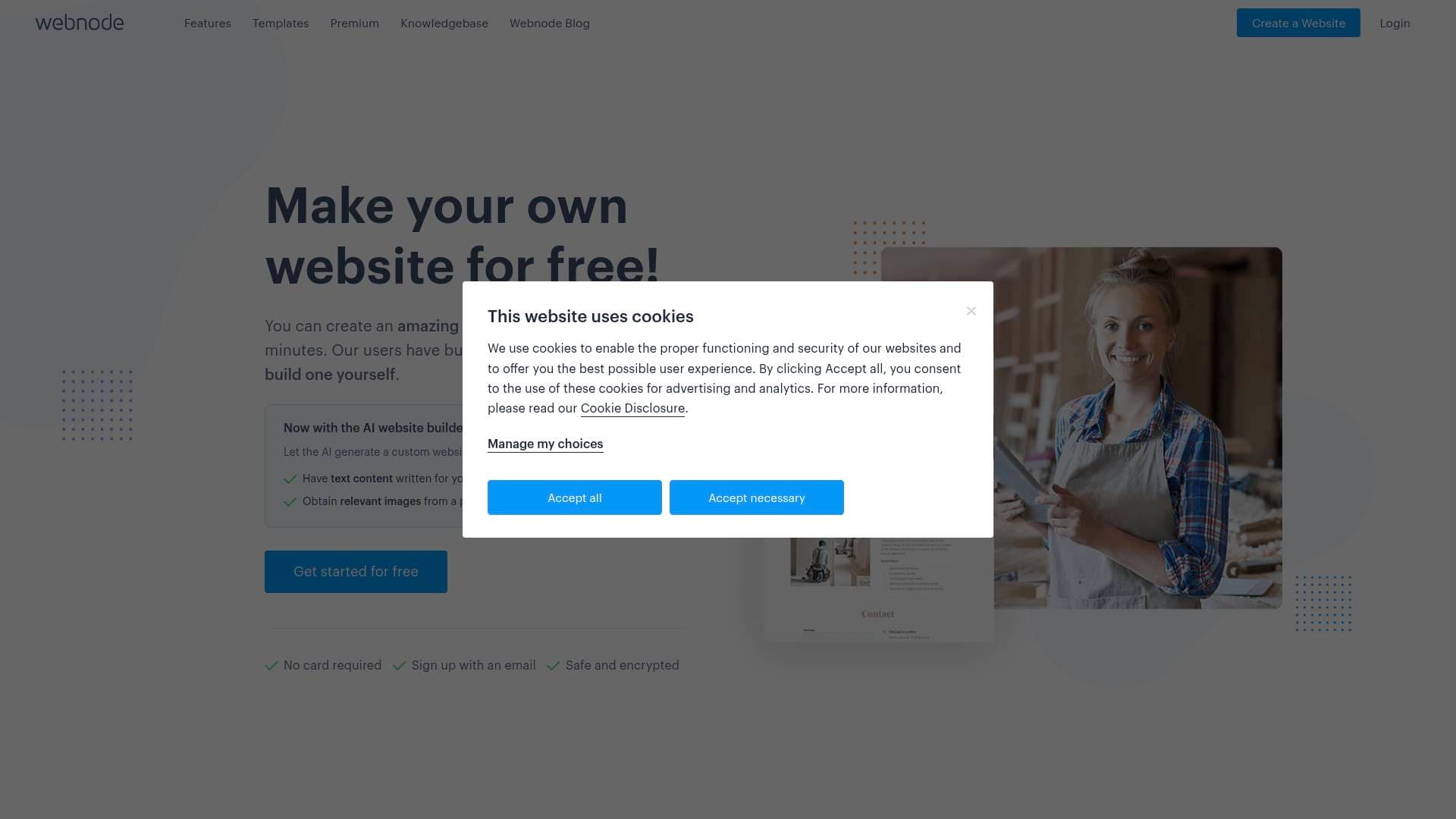
Webnode is a free AI-powered website builder designed to help creators, freelancers, and small business owners get a professional online presence up and running in seconds. For content creators who have been putting off building a personal website because of the technical complexity or cost, this platform directly solves that problem. The AI website generator takes a brief description of your project and produces a complete website draft, including text, images, and layout, almost instantly. Creators can build anything from a personal blog to a full online store with payment processing, all without writing a single line of code. With over 50 million websites created worldwide and 15+ years of helping people establish themselves online, Webnode has a proven track record. An impressive 82% of websites launch on day one, which speaks to how fast the creation process actually is. The platform holds a 4.5 out of 5 rating on Trustpilot based on over 1,000 reviews, giving creators confidence in its reliability. Whether a creator needs a portfolio to attract brand deals, a blog to grow an audience, or a store to sell merchandise, Webnode covers all three use cases under one roof.
Webnode Features That Matter for Content Creators
-
AI Website Builder: Describe your project in a few sentences and the AI generates a complete website draft in seconds. This is a massive time-saver for creators who want to focus on content rather than web design, cutting down a process that traditionally takes weeks into something that happens on day one.
-
Intuitive Drag-and-Drop Editor: After the AI generates the initial draft, creators can customize every element using a simple point-and-click editor. If you can use Microsoft Word or PowerPoint, you can edit your Webnode site, making it genuinely beginner-friendly with no design background required.
-
Blog-Specific Content Tools: Webnode includes dedicated blogging features that let creators add photos and videos to posts, organize content into categories, and schedule when posts go live. This gives bloggers and newsletter writers the editorial control they need to manage a content calendar effectively.
-
Built-in SEO Tools: Getting found on Google is critical for audience growth, and Webnode includes built-in SEO tools to help creators rank in search engines without needing a marketing degree. Visibility is built into the platform rather than treated as an afterthought.
-
Google Analytics Integration: Creators can connect their blog or website to Google Analytics to track reader behavior, see which content performs best, and make data-driven decisions about future posts. Understanding your audience is key to growing it, and this integration makes that possible.
-
Social Media Integration: Webnode connects directly to Google, Facebook, and Instagram, letting creators reach their existing audiences and attract new followers. Social network sharing buttons also allow readers to share, tweet, and comment on blog posts, extending organic reach.
-
Online Store with Payment Processing: Creators looking to monetize through merchandise, digital products, or services can build a full online store with payment processing and shipping support built in. This removes the need for a separate e-commerce platform.
-
Bookings and Appointments: Creators who offer coaching, consulting, or services can let clients book and pay online directly through their website. Everything is managed in one calendar, keeping workflows organized without juggling multiple tools.
-
Invoicing and Payments: Beyond bookings, Webnode lets creators create estimates, send invoices, and receive payments for services promoted on their website. This is particularly useful for freelance creators managing brand deals or client work.
-
Multilingual Website Support: Creators with international audiences can build multilingual websites to reach followers across different markets. This is a standout capability for creators whose content transcends language barriers.
-
Mobile-Friendly Design: Every Webnode site automatically looks great on phones, tablets, and desktops. Creators can even edit and manage their website directly from a mobile device, which fits the on-the-go nature of content creation.
-
Custom Domain and Professional Email: Premium plans unlock a custom domain name (free for the first year on qualifying plans) and branded email accounts. For creators building a personal brand, having a professional domain and email address builds credibility with sponsors and collaborators.
-
HTML Widget Integration: Creators who want to embed third-party tools, such as a calendar, forum, or any external widget, can do so by embedding HTML codes directly into their pages. This opens up significant flexibility for creators with specific workflow needs.
Which Content Creators Should Use Webnode?
Webnode is built for creators who want a professional web presence without the technical headaches. It skews toward beginners and intermediate creators who need something fast and functional, though the range of features makes it viable for more established creators too. Solo creators will find it particularly well-suited since the entire platform is designed to be managed by one person.
- Primary creator types: Bloggers, vloggers, podcasters, illustrators, photographers, musicians, food creators, travel creators, and freelance content producers.
- Experience level: Genuinely beginner-friendly. No coding or web design knowledge required.
- Team size: Optimized for solo creators, though the management tools can support small teams.
- Specific use cases:
- A food blogger building a recipe site with categorized posts and social sharing buttons
- A travel vlogger launching a portfolio site to attract brand sponsorships
- A musician or audio creator showcasing their work with a dedicated music blog template
- A freelance illustrator (like Webnode user Dauphine Mulder) creating a portfolio to present their work
- A podcaster setting up a website hub with episode posts and a booking page for guest inquiries
- A creator selling merchandise building an online store with full payment and shipping support
- A coaching creator accepting client bookings and payments directly through their site
- A multilingual creator building separate language versions of their site to reach global audiences
- Content types: Blog posts, photo galleries, video embeds, product listings, service pages, and portfolio showcases.
Getting Started with Webnode
- Describe your project: Write a brief description of your website or blog, including its purpose and any unique features or content types you plan to offer.
- Choose and customize a design: The AI generates a draft you can review and select from. Then use the simple editor to move content around, update text, and add photos or videos.
- Add blog-specific content: Set up post categories, upload media, and schedule your first posts to go live.
- Connect your social channels: Link your Facebook, Instagram, and Google accounts to start driving traffic from your existing audience.
- Publish and share: Hit publish and share your new site across your social networks to bring in your first visitors.
Webnode FAQ for Content Creators
Is Webnode free to use? Webnode is completely free to build and run for as long as creators want. The free plan includes the AI website generator and the full website editor. Upgrading to a Premium Plan removes Webnode branding, adds a custom domain, increases bandwidth, and unlocks additional features.
Do I need coding skills to build a site on Webnode? No coding or web design knowledge is needed. The editor works like a point-and-click program, and the AI handles the initial site generation. If a creator is comfortable using basic word processing software, they can build and manage a full website.
Can I use my own domain name? Yes. Creators can purchase and connect a custom domain through Webnode. On qualifying Premium Plans (Mini or higher), a domain name is included free for the first year. Creators who already own a domain can connect it to any Premium Plan.
Will my blog look good on mobile devices? Every Webnode site is automatically optimized for all screen sizes, including phones and tablets. Creators can also edit and manage their site from a mobile device, which is useful for updating content on the go.
Can I integrate social media with my Webnode blog? Yes. Social network sharing buttons let readers share, tweet, and comment on blog posts. The platform also connects to Google, Facebook, and Instagram to help creators grow their reach across platforms.
Can I track my blog's performance? Webnode supports Google Analytics integration, giving creators access to data on reader behavior, traffic sources, and content performance. This helps creators understand what resonates with their audience and refine their content strategy accordingly.
The Verdict: Is Webnode Worth It for Content Creators?
For creators who need a professional website without the technical complexity or upfront cost, Webnode is a strong option. The AI-powered website creation tool is genuinely fast, and the 82% day-one launch rate backs that up. Bloggers, vloggers, illustrators, musicians, and freelance creators will find the combination of blog tools, SEO features, social media integration, and Google Analytics connectivity particularly useful for building and growing an audience. The ability to add an online store, booking system, and invoicing on the same platform means creators can monetize without juggling multiple services.
The main limitation to be aware of is that the free plan includes Webnode branding, and a custom domain requires upgrading to a paid tier. For creators serious about building a personal brand, that upgrade is worth considering early. Overall, Webnode delivers a well-rounded website creation workflow that removes the barriers between a creator's ideas and a live, professional-looking website.
Details
One link. Every channel, rate, and piece of work brands need to evaluate you. Built for how creators actually get hired.
Claim your profile
Live creator, content, and marketing roles from real companies, with the pay, market, and context the raw job page never gives you.
Browse jobs

 Post Bridge