

Planoly
Planoly is a social media planning and creator monetization platform that helps content creators schedule posts, design their grid, and sell products directly from their link in bio.
Brief Overview of Planoly for Content Creators
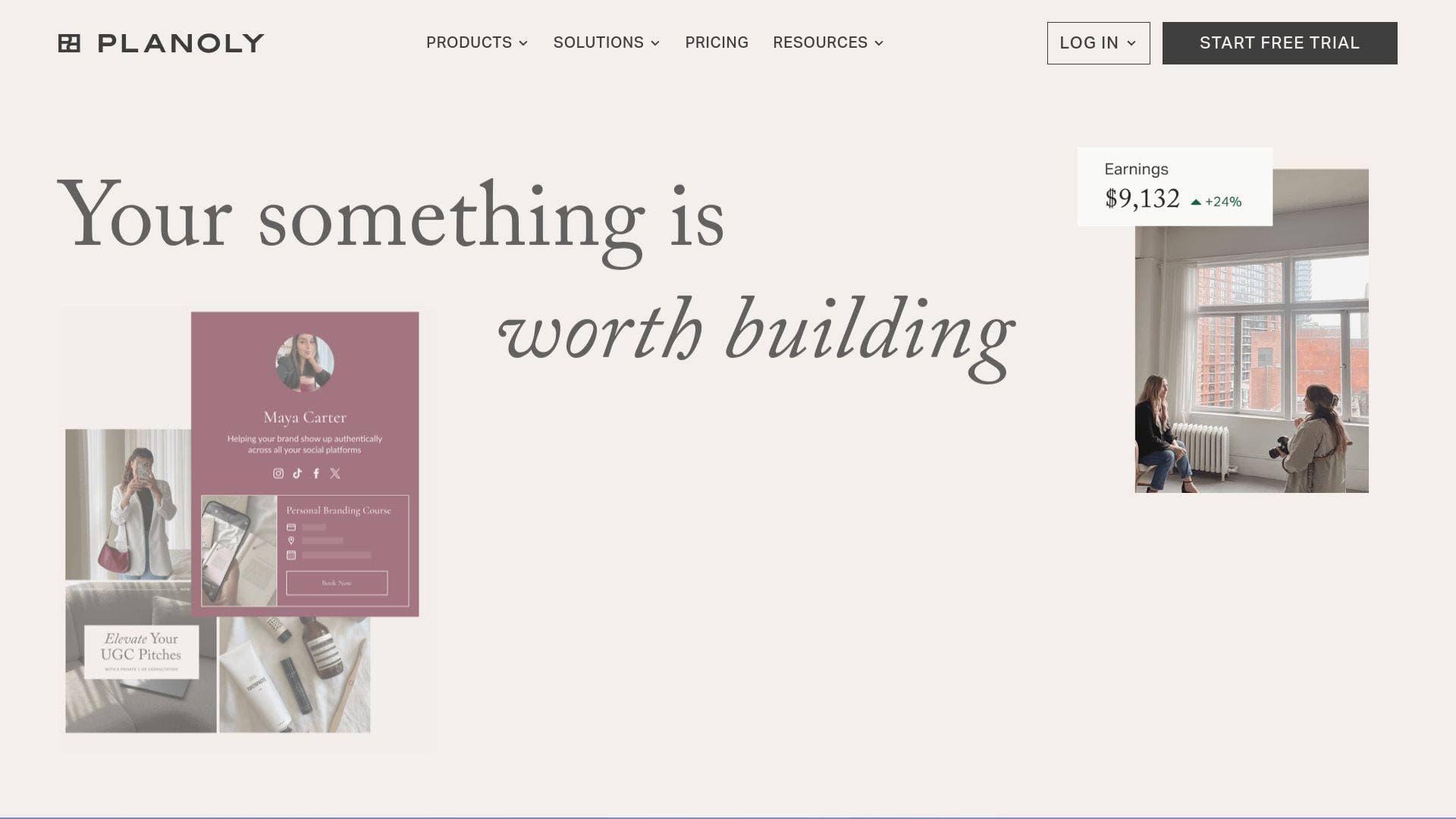
Planoly is a dual-purpose social media management and creator monetization platform built specifically for content creators who want to grow their audience and turn that audience into income. At its core, it solves two of the biggest challenges creators face: staying consistent with content scheduling across multiple platforms, and finding a simple way to sell products without needing a separate e-commerce setup. The platform is split into two distinct tools: a Social Planner for content scheduling and grid management, and a Creator Store for building a shoppable link-in-bio storefront. Creators can auto-post to nine platforms including Instagram, TikTok, Facebook, YouTube, Threads, X, LinkedIn, Pinterest, and Amazon, all from a single dashboard. What sets Planoly apart is how it combines visual content planning with a fully integrated commerce layer, meaning creators don't need to juggle separate tools for scheduling and selling. The platform is designed with a visual-first approach, making it especially appealing to creators who care deeply about how their feed looks and how their brand is presented online.
Planoly Key Features for Content Creators
-
Visual Grid Planning with Drag-and-Drop: Planoly lets creators build their dream Instagram grid using intuitive drag-and-drop functionality. Creators can switch between list view, grid view, and gallery view to see exactly how their content will look before publishing, which is invaluable for photographers, artists, and anyone with an aesthetic-driven brand.
-
Auto-Post Scheduling Across 9 Platforms: Rather than manually posting to each channel, creators can schedule content once and let Planoly auto-post to Instagram, TikTok, Facebook, YouTube, Threads, X, LinkedIn, Pinterest, and Amazon. This kind of multi-platform content scheduling is a major time saver for creators managing an active presence across several channels.
-
AI Caption Writer: Writer's block is a real problem for creators who post frequently. Planoly's AI caption writer generates on-brand captions in just a few clicks, with options to choose from different voices and styles and set a target audience. It's a practical tool for maintaining a consistent posting cadence without burning out on copywriting.
-
Canva Integration: Creators can upload and edit Canva designs directly inside Planoly without ever downloading files and re-uploading them. This keeps the entire content creation workflow in one place, cutting out unnecessary steps between design and scheduling.
-
Stock Photography via Dupe Integration: Planoly provides access to creator-centric stock photos and videos through a Dupe integration, covering a wide range of aesthetics from cottagecore to light academia. This is particularly useful for filling content calendars with high-quality evergreen imagery that actually fits a creator's brand.
-
Hashtag Manager: Creators can save hashtags in organized groups and quickly add them to any post. This eliminates the repetitive task of typing or copying hashtag sets every time a new post goes live.
-
Content Placeholders: The placeholder feature lets creators map out their monthly content calendar visually, organizing posts across all channels before the actual content is ready. It helps with planning content pillars and staying accountable to posting goals.
-
Creator Store with Zero Transaction Fees: The Creator Store lets creators build a shoppable link-in-bio storefront where they can sell digital products, e-courses, coaching sessions, Q&As, masterclasses, e-books, templates, and physical merch. Crucially, Planoly charges zero transaction fees, meaning creators keep 100% of every sale they make.
-
Print-on-Demand Merch via Printful Integration: Through a Printful integration, creators can design and sell custom merchandise including t-shirts, tanks, hats, mugs, sweatshirts, phone cases, stickers, and more, with no inventory or upfront costs required. The store handles fulfillment automatically, so creators can focus on designing products that reflect their brand.
-
Email Marketing and Automated Campaigns: The Creator Store includes built-in email marketing tools that let creators manage customer lists, set up automated emails, and schedule both email and text campaigns. This gives creators a direct line to their audience outside of social media algorithms.
-
Monthly Social Media Templates: Subscribers receive expertly designed Canva templates delivered to their Planoly account every month. These templates are fully customizable and designed to help creators elevate their content without starting from scratch each time.
-
Mobile App: Planoly's mobile app lets creators plan, schedule, and manage their content from anywhere. For creators who are constantly on the move, the ability to organize captions, rearrange grid images, and capture content ideas from a phone is a significant workflow advantage.
Planoly Target Users & Use Cases for Content Creators
Planoly is built explicitly for independent creators who are serious about both growing their social presence and monetizing their audience. It works equally well for solo creators just starting out and for those already running established creator businesses. The platform's combination of scheduling tools and commerce features makes it particularly well-suited for creators who want a single hub rather than a patchwork of separate tools.
- Primary creator types: Instagram creators, travel photographers, artists, fitness creators, social media coaches, virtual assistant coaches, food bloggers, astrologers, and financial coaches.
- Experience level: The drag-and-drop interface and no-code store builder make it accessible to beginners, while the AI caption tools, multi-platform scheduling, and email marketing features offer enough depth for experienced creators.
- Team size: Primarily designed for solo creators, though the platform's organizational features can support small creator teams or social media agencies managing client accounts.
- Specific use cases:
- A travel photographer scheduling a month of Instagram posts in advance using the visual grid planner, ensuring color balance and aesthetic consistency before anything goes live.
- A fitness creator using placeholders to map out content pillars for the month, then filling in posts as content is created.
- A coach or virtual assistant selling mentorship sessions and digital products through a Creator Store link-in-bio without needing a separate website.
- A food blogger launching a branded merch line using the Printful integration, with no inventory management or upfront investment required.
- A social media manager using the AI caption writer and auto-post scheduling to manage multiple client accounts from one dashboard.
- A creator using the email marketing tools to build a customer list and send automated follow-up campaigns after a digital product purchase.
- A creator repurposing content across TikTok, YouTube, Pinterest, and Instagram simultaneously through a single scheduling workflow.
- An artist or lifestyle creator using the Dupe stock imagery integration to fill content gaps with on-brand visuals that match their aesthetic.
How to Get Started with Planoly
- Choose your starting point: Planoly offers two entry points: the Social Planner for content scheduling and the Creator Store for selling products. Creators can start with one or both, depending on their immediate priorities.
- Connect your social channels: Link your Instagram, TikTok, Facebook, YouTube, Threads, X, LinkedIn, Pinterest, and Amazon accounts to enable auto-posting from a single dashboard.
- Set up your content calendar: Use placeholders to map out your monthly posting schedule, then fill in content using uploaded media, Canva designs, or Dupe stock imagery.
- Launch your Creator Store: If selling products, connect a Stripe or PayPal account, choose a website template, and add your products. The store builder requires no coding and can be set up in minutes.
- Start a 14-day free trial: Planoly offers a 14-day free trial for the Social Planner, giving creators full access to test the scheduling and content creation features before committing.
Frequently Asked Questions About Planoly
What platforms does Planoly support for auto-posting? Planoly supports auto-posting to Instagram, TikTok, Facebook, YouTube, Threads, X, LinkedIn, Pinterest, and Amazon. All nine platforms can be managed from a single scheduling dashboard, making it a comprehensive multi-platform content scheduling solution.
Does Planoly charge transaction fees on Creator Store sales? No. Planoly charges zero transaction fees on Creator Store sales, meaning creators keep 100% of the revenue they generate. Creators connect their own Stripe or PayPal account to receive payments directly.
What can creators sell through the Creator Store? Creators can sell digital downloads, e-courses, e-books, templates, coaching sessions, Q&As, masterclasses, how-to guides, and physical print-on-demand merch through the Printful integration. The merch catalog includes t-shirts, tanks, hats, mugs, pants, sweatshirts, phone cases, stickers, and more.
Can creators use their own designs for merch? Yes. Creators can upload their own designs directly into the design editor or create designs from scratch within the editor. Creators also set their own prices and control their profit margin on each item sold.
How do monthly content templates work? Every month, subscribers receive a link to expertly designed Canva templates delivered directly to their Planoly account. Creators copy the URL into a browser to open the template in Canva, where they can customize it to match their brand. A Planoly subscription and a linked Instagram account are required to access this feature.
Does Planoly's Auto-DM feature comply with Instagram's policies? Yes. Planoly's Auto-DMs comply with all Instagram policies and best practices for automated messaging. Creators can write fully custom messages, use provided templates, or combine both approaches, and messages are designed to feel natural and personal to followers.
Is there an ambassador program for the Creator Store? Yes. Creators who refer others to the Creator Store can earn up to $200 per year in passive income through Planoly's Ambassador Program.
Bottom Line: Should Content Creators Choose Planoly?
Planoly is a strong choice for content creators who want to consolidate their social media scheduling and creator monetization into a single platform. The visual grid planning tools are genuinely useful for anyone who cares about feed aesthetics, and the ability to auto-post to nine platforms simultaneously removes a significant amount of manual work from a creator's weekly routine. The AI caption writer, Canva integration, and Dupe stock imagery access round out a solid content creation workflow that keeps everything in one place.
Where Planoly really stands out is the Creator Store's zero transaction fee model. Creators who are selling digital products, coaching, or merch get to keep every dollar they earn, which is a meaningful advantage for those building income from their audience. The Printful integration for print-on-demand merch is a particularly low-barrier way for creators to launch branded products without worrying about inventory or fulfillment logistics.
Planoly is best suited for Instagram-focused creators, visual content creators like photographers and artists, coaches selling digital services, and anyone looking to build a shoppable link-in-bio without the complexity of a full e-commerce setup. Creators who need a content scheduling tool with a built-in monetization layer will find Planoly covers both needs without requiring multiple subscriptions or platforms.
Details
One link. Every channel, rate, and piece of work brands need to evaluate you. Built for how creators actually get hired.
Claim your profile
Live creator, content, and marketing roles from real companies, with the pay, market, and context the raw job page never gives you.
Browse jobs

 Post Bridge