
Switchboard Live
Switchboard Live is a live streaming management platform that lets content creators and media operators multistream to unlimited destinations simultaneously with no hidden fees.
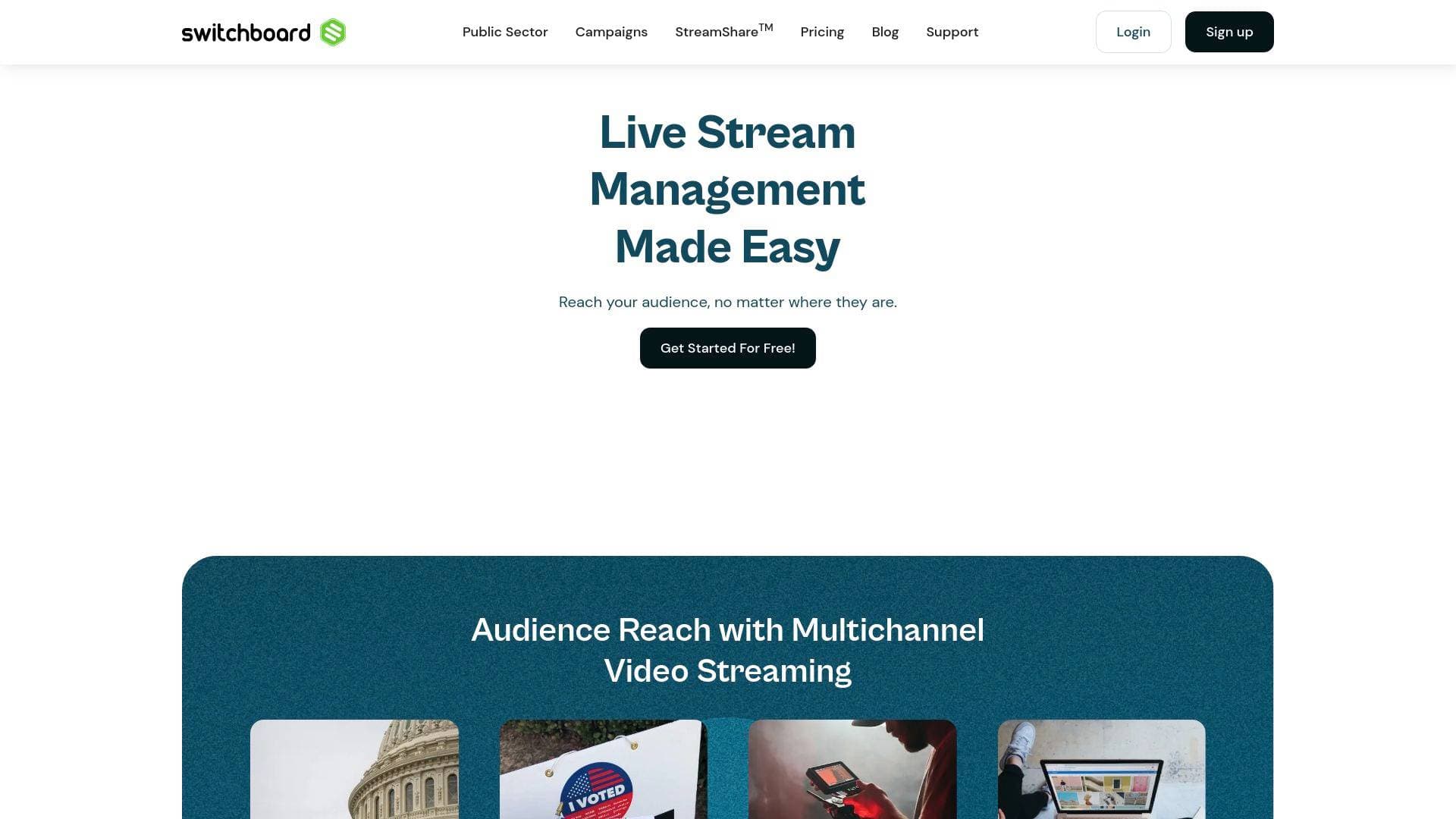
Brief Overview of Switchboard Live for Content Creators
Switchboard Live is a live streaming management platform built to solve one of the most persistent challenges in live content creation: reaching audiences across multiple platforms at once without the technical headache. Now celebrating 10 years in operation, this multistreaming solution lets creators broadcast simultaneously to an unlimited number of destinations from a single dashboard. Rather than juggling multiple encoder setups or logging into each platform separately, everything is managed from one browser-based interface that is device and OS independent. The platform supports streaming to popular destinations including Facebook, Twitter, Twitch, YouTube, and more, making it a practical broadcast quality tool for creators who want maximum reach with minimum friction. One of its standout features is PartnerShare, which allows creators to cast their live stream directly to a partner's or guest's social channel without ever asking for their password. Clients using PartnerShare report reaching 4x as many viewers compared to multistreaming to their own channels alone. With unlimited streaming minutes, unlimited destinations, and no hidden fees, Switchboard Live positions itself as a straightforward multistreaming solution for creators who want to grow their audience without growing their workload.
Switchboard Live Key Features for Content Creators
-
Unlimited Multistreaming Destinations: Switchboard Live places no cap on the number of platforms a creator can stream to simultaneously. Whether a creator needs to go live to 5, 12, or 18+ destinations at the same time, the platform handles it without additional per-destination charges.
-
PartnerShare (formerly StreamShare): This is one of the most creator-friendly features on the platform. PartnerShare lets streamers push their live broadcast directly to a guest's or collaborator's social media channel without requiring that person to hand over their login credentials. Customers using this feature report reaching 4x as many viewers compared to streaming only to their own channels.
-
Custom RTMP Input: Creators can connect virtually any streaming software or encoder to Switchboard Live via a custom RTMP input. This means the platform works alongside tools creators already use, fitting into existing production workflows rather than replacing them.
-
Auto Start/Stop Destinations: Once a creator hits "start" in their streaming software or encoder, all configured destinations automatically go live. This hands-free automation removes the need to manually trigger each platform, reducing the chance of missing a destination at broadcast time.
-
Scheduled Start/Stop: Creators can pre-configure a specific time for their stream to automatically begin and end across all destinations. This is particularly useful for recurring shows, scheduled events, or any broadcast where timing precision matters.
-
SRT Input Support: Beyond standard RTMP, Switchboard Live supports SRT (Secure Reliable Transport), a modern live video transport protocol that reduces latency compared to RTMP. For creators where low-latency delivery is a priority, this is a meaningful technical upgrade.
-
Stream Archives: The platform includes an archive destination option, allowing creators to store and download a recording of their live stream directly from Switchboard Cloud. This is valuable for repurposing live content into on-demand video after the broadcast ends.
-
Mobile Multistreaming via QuickEvents: Creators who need to go live from a mobile device can do so through the QuickEvents feature. This adds flexibility for on-the-go broadcasts without requiring a full desktop production setup.
-
Personalized Titles and Descriptions via Template: When using PartnerShare, creators can customize the text on the opt-in page for their partners, including personalized titles and descriptions. This keeps branding consistent across every channel the stream reaches.
-
Native PartnerShare Page Publishing: Switchboard Live supports native publishing of the PartnerShare opt-in page directly to Facebook and Twitter, making it easier to recruit partner channels and expand reach before a broadcast even begins.
Switchboard Live Target Users & Use Cases for Content Creators
Switchboard Live is built for creators and media operators who treat live streaming as a core part of their content strategy, not an occasional experiment. The platform's depth of features suits both solo streamers who want to maximize reach and small teams managing multi-platform live productions. Here is how different types of content creators can put it to work:
-
Primary creator types: Live streamers on Twitch and YouTube, podcast hosts who broadcast live episodes, sports and event broadcasters, media operators managing digital productions, and content marketers running live video campaigns.
-
Experience level: The browser-based, device-agnostic interface makes it accessible to creators who are not deeply technical, while RTMP and SRT input support gives more advanced producers the flexibility they need.
-
Team size: Plans support between 2 and 3+ team members depending on tier, making it suitable for solo creators on the SMB plan and small production teams on higher tiers.
-
Specific use cases for content creators:
- A podcast host going live simultaneously on YouTube, Facebook, Twitch, and Twitter to capture the full audience across every platform at once
- A sports broadcaster streaming a game or event to multiple regional and national channels without duplicating the production effort
- A creator co-streaming with a collaborator by pushing the live feed directly to the collaborator's channel via PartnerShare, without sharing login details
- A media operations team scheduling recurring live shows to auto-start and stop across all destinations on a fixed timetable
- A content creator archiving every live stream for later repurposing as YouTube VODs, podcast clips, or social media highlights
- A mobile creator using QuickEvents to go live from the field without a desktop setup
- A creator building a partner network and using PartnerShare to simultaneously cast to multiple affiliated channels, multiplying viewership
-
Content types: Live shows, webinars, sporting events, town halls, panel discussions, recurring broadcasts, and any live video content intended for multi-platform distribution.
How to Get Started with Switchboard Live
- Create a free account: Sign up at Switchboard Live using an email and password or via Google sign-in. No credit card is required to get started.
- Connect your streaming destinations: Add the social platforms and channels where the stream should go live, including Facebook, YouTube, Twitch, Twitter, and any custom RTMP destinations.
- Configure your encoder or streaming software: Connect a streaming tool to Switchboard Live using the provided RTMP (or SRT) input details. This links the production setup to the platform.
- Set up Auto Start or Scheduled Start: Choose whether destinations should go live automatically when the encoder starts, or schedule a specific time for the broadcast to begin and end.
- Go live and monitor: Hit start in the streaming software and Switchboard Live pushes the feed to all configured destinations simultaneously.
Frequently Asked Questions About Switchboard Live
How many platforms can a creator stream to at once? Switchboard Live supports unlimited simultaneous streaming destinations. There is no cap on the number of platforms, meaning creators can broadcast to 5, 12, 18, or more channels at the same time within a single session.
Does Switchboard Live require guests or partners to share their passwords? No. The PartnerShare feature lets creators push a live stream directly to a guest's or partner's social media channel without that person ever sharing their login credentials. Partners simply opt in through a customizable page.
Is there a free plan available? Switchboard Live offers a free entry point with a "Get Started For Free" option. Paid plans are structured as monthly or annual seat-based licenses across SMB, Public Sector, and Enterprise tiers.
What streaming inputs does Switchboard Live support? The platform supports both RTMP and SRT inputs. SRT is described as a modern live video transport protocol that reduces latency compared to standard RTMP connections.
Can creators archive their live streams? Yes. Switchboard Live includes an archive feature that lets creators store and download recordings of their live streams directly from Switchboard Cloud. The Public Sector plan includes a 30-day archive, and Enterprise plans offer 30+ day archives.
Does the platform work on mobile devices? Yes. Mobile multistreaming is available through the QuickEvents feature, allowing creators to go live from a mobile device without needing a full desktop production setup.
What platforms does Switchboard Live support for streaming? Supported destinations include Facebook, Twitter, Twitch, YouTube, and any platform reachable via a custom RTMP destination.
Bottom Line: Should Content Creators Choose Switchboard Live?
Switchboard Live is a strong fit for live content creators who need reliable, scalable multistreaming without the complexity of managing multiple platform logins or encoder configurations. The unlimited destinations policy and no-hidden-fees structure make it particularly attractive for creators who are actively growing their presence across several platforms at once. The PartnerShare feature stands out as a genuine differentiator for creators who collaborate with guests, co-hosts, or affiliated channels, offering a password-free way to multiply viewership. The addition of SRT input support, scheduled start/stop, and stream archiving rounds out a feature set that covers most live production needs.
Creators who primarily stream to a single platform or who do not yet have a multi-platform strategy may find the platform more than they need at the entry level. However, for streamers, podcasters, sports broadcasters, and media operators who want to maximize live audience reach across Facebook, YouTube, Twitch, Twitter, and beyond from a single, browser-based dashboard, Switchboard Live delivers a focused and well-developed multistreaming solution backed by a decade of operation.
Details
One link. Every channel, rate, and piece of work brands need to evaluate you. Built for how creators actually get hired.
Claim your profile
Live creator, content, and marketing roles from real companies, with the pay, market, and context the raw job page never gives you.
Browse jobs

 Post Bridge