

Streamlabs
Streamlabs is an all-in-one live streaming and content creation suite for streamers, offering free broadcasting software, multistreaming, alerts, overlays, monetization, and editing tools.
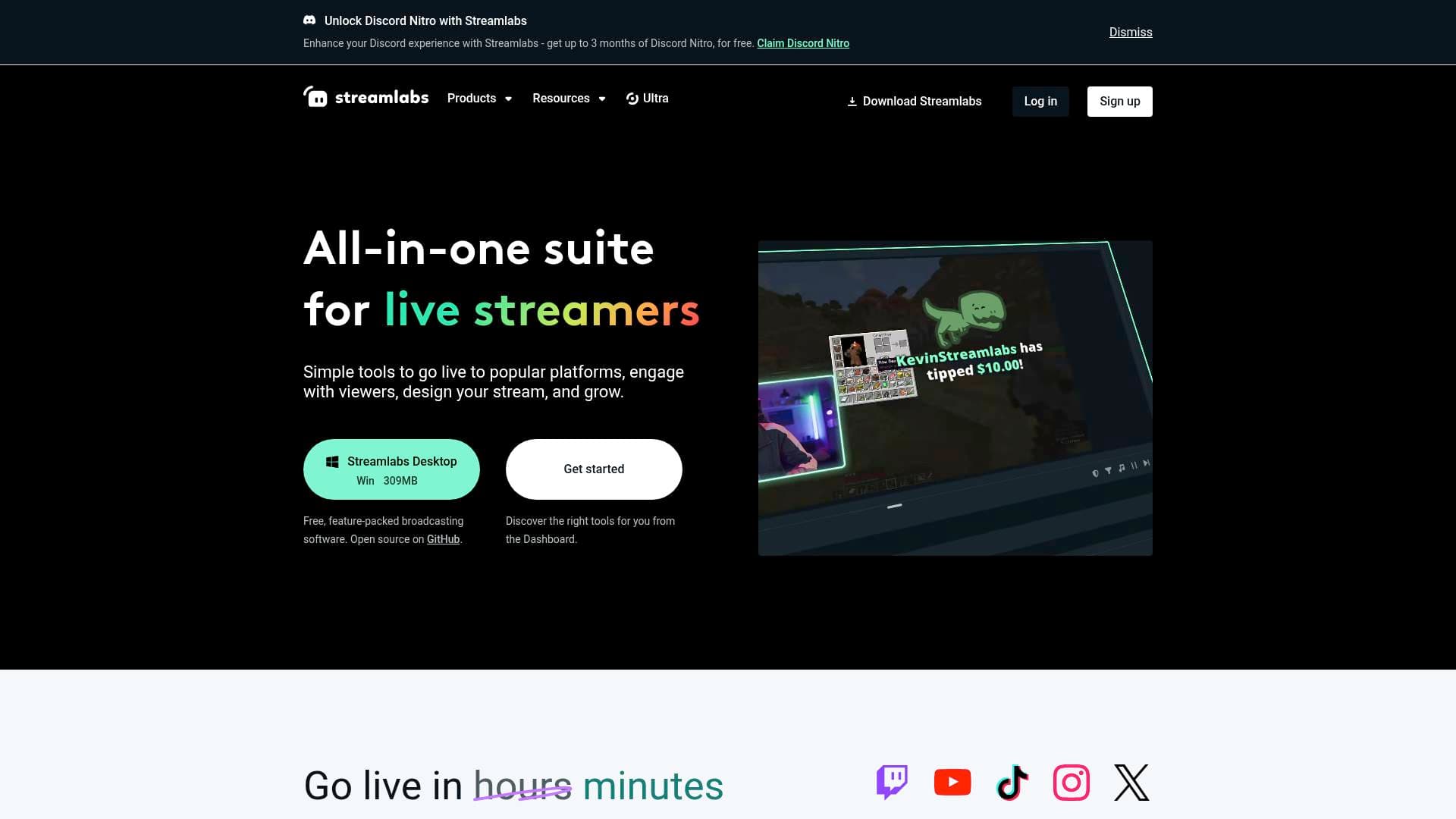
Brief Overview of Streamlabs for Content Creators
Streamlabs is a comprehensive all-in-one live streaming software and content creation suite built specifically for streamers and digital creators. The platform tackles one of the biggest pain points for live content creators: managing multiple disconnected tools for broadcasting, audience engagement, monetization, and post-production. Rather than stitching together separate apps, Streamlabs brings broadcasting software, overlays, alerts, tipping, multistreaming, video editing, and podcast tools under a single login. It supports going live to eight major platforms including Twitch, YouTube, TikTok, Instagram, X (Twitter), Facebook, Trovo, and Kick. Since 2015, the platform has paid out over $1.4 billion to live streamers, which speaks to the scale of its creator community. The free Streamlabs Desktop broadcasting software is open source on GitHub and available for Windows 10+ (309MB), making it accessible to creators at every stage of their journey.
Streamlabs Key Features for Content Creators
-
Streamlabs Desktop (Free Broadcasting Software): The core of the platform is free, feature-packed live streaming software for Windows and Mac. It includes all the essential Streamlabs tools built directly into the interface, so creators can manage their entire stream from one place without switching between apps.
-
Multistream: Creators can broadcast to multiple platforms simultaneously, including YouTube, Twitch, Facebook, and more, simply by toggling it on before going live. The tool also optimizes output for both vertical and horizontal formats, making it practical for platforms like TikTok and Instagram alongside traditional horizontal streams. The free Starter plan supports 2 destinations, while Ultra unlocks 3 or more.
-
Customizable Alerts and Widgets: Streamlabs offers thousands of polished, ready-to-use alert and widget themes from designers like FragileGFX, Paper Crowns, and StreamSpell. Creators can fully customize alert layouts, images, GIFs, sounds, fonts, animations, and text-to-speech settings. Alert Variations allow different alerts to trigger based on specific conditions, such as a $10 tip versus a $5 tip, subscription length, cheer amounts, or gift subscriptions, giving streams a highly personalized feel.
-
Overlays and Themes: Free overlays are available on the Starter plan, with access to 1,000+ premium animated overlays included with Ultra. Creators can switch between widget themes depending on the content type, season, platform, or game being played, keeping streams visually fresh without rebuilding from scratch.
-
Collab Cam: Streamers can add guests to their broadcast by simply sharing a link, which adds a guest or a mobile device as an additional camera source. This opens up co-streaming, interview-style content, gaming sessions with friends, or any collaborative format without complex technical setup.
-
OBS Plugin: For creators already using OBS Studio, Streamlabs offers a dedicated plugin that brings alerts, overlays, chat engagement, and widgets directly into the OBS interface. No need to abandon a familiar workflow to access Streamlabs features.
-
Desktop App Store: The platform includes a curated App Store with 60+ apps (full library available with Ultra) that extend stream functionality with automation, analytics, and new viewer interaction tools. The free plan provides access to a limited selection of apps.
-
No-Fee Tipping and Monetization: Creators can accept viewer tips through a customizable tip page with no platform fees on the Starter plan. Ultra subscribers get a custom tip page and domain. When a viewer tips, a fully customizable alert fires live on stream, recognizing the supporter in real time. Streamlabs also includes a merch store feature for selling branded merchandise, with the highest profit margins available to Ultra subscribers.
-
Sponsorships: Streamlabs has introduced a built-in sponsorship feature directly in Streamlabs Desktop, with no platform fees and guaranteed base pay for launch campaigns. This gives creators a direct path to brand deals without going through third-party agencies.
-
Streamlabs AI: Powered by a real-time vision model, Streamlabs AI identifies gameplay events such as kills, wins, and health drops to power dynamic, responsive stream experiences. It runs locally with approximately 3-5% GPU usage, so stream performance stays smooth. Current AI-powered features include Reactive Overlays (visuals that respond to gameplay), Game Pulse (customizable graphics and sounds triggered by in-game events and streaks), and an AI Highlighter. Developers can also access the Streamlabs AI SDK to build custom event-driven apps, overlays, and hardware integrations.
-
Integrated Editing Suite: Beyond live streaming, Streamlabs provides a connected workflow across recording, editing, and repurposing content. Tools include a Video Editor with collaborative features, a Podcast Editor with text-based editing (free plan: 1-hour upload; Ultra: 40-hour upload), Cross Clip for turning VODs into TikToks, Reels, and Shorts, and Talk Studio for streaming and recording with guests from a browser.
-
Streamlabs Mobile: Creators can go live on the go or stream mobile games from iOS and Android devices using the Streamlabs Mobile app, available as part of the Ultra tier.
-
Streamlabs Console: A dedicated tool that lets console gamers stream directly to Twitch without needing a desktop PC in the setup.
Streamlabs Target Users & Use Cases for Content Creators
Streamlabs is built for live content creators first, but its expanding suite of editing and repurposing tools makes it relevant to a much broader range of creators. The free tier makes it genuinely accessible to beginners, while the Ultra plan's depth caters to full-time creators treating streaming as a profession.
-
Primary creator types: Gaming streamers on Twitch, YouTube, Kick, and Trovo; IRL and lifestyle streamers on TikTok and Instagram; podcast creators; YouTube video creators; multi-platform content creators; console gamers who stream without a PC.
-
Experience level: The free Starter plan and straightforward desktop software suit beginners getting their first stream off the ground. The App Store, Streamlabs AI SDK, and advanced alert customization serve experienced creators who want deeper control.
-
Team size: Primarily designed for solo creators, though the Video Editor's collaboration features and Collab Cam's guest support make it workable for small creator teams or co-hosted shows.
-
Specific use cases:
- A gaming streamer going live to Twitch and YouTube simultaneously using Multistream without any extra configuration
- A TikTok creator repurposing stream VODs into vertical short-form clips using Cross Clip
- A podcaster editing episodes using text-based editing in Podcast Editor
- A creator recognizing top tippers live on stream with customized animated alerts
- A streamer selling branded merchandise directly through the Streamlabs merch store
- A console gamer streaming to Twitch via Streamlabs Console without a desktop setup
- A creator inviting a guest to co-stream using Collab Cam via a simple shared link
- A developer building custom reactive overlays or event-driven apps using the Streamlabs AI SDK
- A creator landing brand deals through the built-in Sponsorships feature with no platform fees
How to Get Started with Streamlabs
- Download Streamlabs Desktop: The free broadcasting software is available for Windows 10+ (309MB) and macOS 10.14+ (240MB). Download it directly from the Streamlabs website and install it on your machine.
- Connect your streaming platforms: Link your Twitch, YouTube, TikTok, or other platform accounts through the Streamlabs Dashboard to enable going live and receiving alerts from those platforms.
- Set up your Alert Box: Add an Alert Box widget to your scene in Streamlabs Desktop by clicking the plus (+) sign in the Sources section and selecting Alert Box. Choose a pre-made theme or customize from scratch via the Dashboard.
- Configure Multistream (optional): Toggle on Multistream from the Dashboard to broadcast to multiple platforms at once. The free plan supports 2 destinations; Ultra unlocks 3 or more.
- Explore the App Store and editing tools: Browse the Desktop App Store for automation and engagement apps, and connect the Video Editor, Podcast Editor, or Cross Clip to build out a full content creation workflow beyond live streaming.
Frequently Asked Questions About Streamlabs
Is Streamlabs Desktop free? Yes, Streamlabs Desktop is completely free to download and use for Windows and Mac. It is also open source on GitHub. The free Starter plan includes access to free overlays and themes, 2 streaming destinations, basic Cloudbot, no-fee tipping, and 1GB of storage.
What platforms can I stream to with Streamlabs? Streamlabs supports live streaming to Twitch, YouTube, TikTok, Instagram, X (Twitter), Facebook, Trovo, and Kick. With Multistream enabled, creators can broadcast to multiple of these platforms at the same time.
What is included in Streamlabs Ultra? Ultra is a paid subscription available at $27/month or $189/year (saving $135 annually). It unlocks access to 1,000+ overlays and themes, 3+ streaming destinations, up to 11 guests or cameras via Collab Cam, the full App Store library of 60+ apps, a custom tip page and domain, 10GB storage, a custom named Cloudbot, and Pro versions of Cross Clip, Video Editor, Podcast Editor, and Talk Studio with no watermarks and higher quality settings.
Does Streamlabs AI affect gaming performance? Streamlabs AI runs locally and uses approximately 3-5% GPU usage based on internal testing, so it is designed to have minimal impact on gameplay performance while streaming.
Can I use Streamlabs alerts with OBS Studio? Yes. The Streamlabs Plugin for OBS Studio lets creators use Streamlabs alerts, overlays, widgets, and chat engagement directly within the OBS interface. Alternatively, creators can copy the Alert Box widget URL from the Streamlabs Dashboard and paste it as a browser source in any streaming software.
What is Cross Clip? Cross Clip is a Streamlabs tool that converts stream VODs into short-form vertical videos formatted for TikTok, Instagram Reels, and YouTube Shorts. The Pro version (included with Ultra) removes watermarks and adds additional features.
How does the Streamlabs tipping system work? Creators can set up a tipping page through Streamlabs with no platform fees on the Starter plan. When a viewer sends a tip, a customizable on-screen alert fires live during the stream to recognize the supporter. Creators can also add GIFs and effects to donation alerts for extra engagement.
Bottom Line: Should Content Creators Choose Streamlabs?
Streamlabs is a strong choice for any live streaming content creator who wants a single platform to handle broadcasting, audience engagement, monetization, and content repurposing. The free Starter plan is genuinely useful, covering the core live streaming software, basic alerts, overlays, tipping with no fees, and 2-destination streaming, making it a low-risk starting point for new streamers. The Ultra plan at $189/year makes the most sense for creators who are actively streaming across multiple platforms, want premium overlays and the full App Store, or need the editing tools without watermarks.
Gaming streamers in particular will find the Streamlabs AI features compelling, with Reactive Overlays and Game Pulse adding a layer of production value that responds automatically to in-game events. The built-in Sponsorships feature with no platform fees is a notable addition for creators looking to monetize through brand deals. The main consideration is that the most powerful features, including multistream beyond 2 destinations, the full 60+ app library, and watermark-free editing, are locked behind the Ultra subscription. For creators ready to invest in their streaming setup, Streamlabs delivers one of the most complete live streaming and content creation ecosystems available today.
Details
One link. Every channel, rate, and piece of work brands need to evaluate you. Built for how creators actually get hired.
Claim your profile
Live creator, content, and marketing roles from real companies, with the pay, market, and context the raw job page never gives you.
Browse jobs

 Post Bridge