

Stickybomb
Stickybomb is a free Twitch extension that lets viewers place stickers, GIFs, and text anywhere on a live stream, turning donations into interactive entertainment moments.
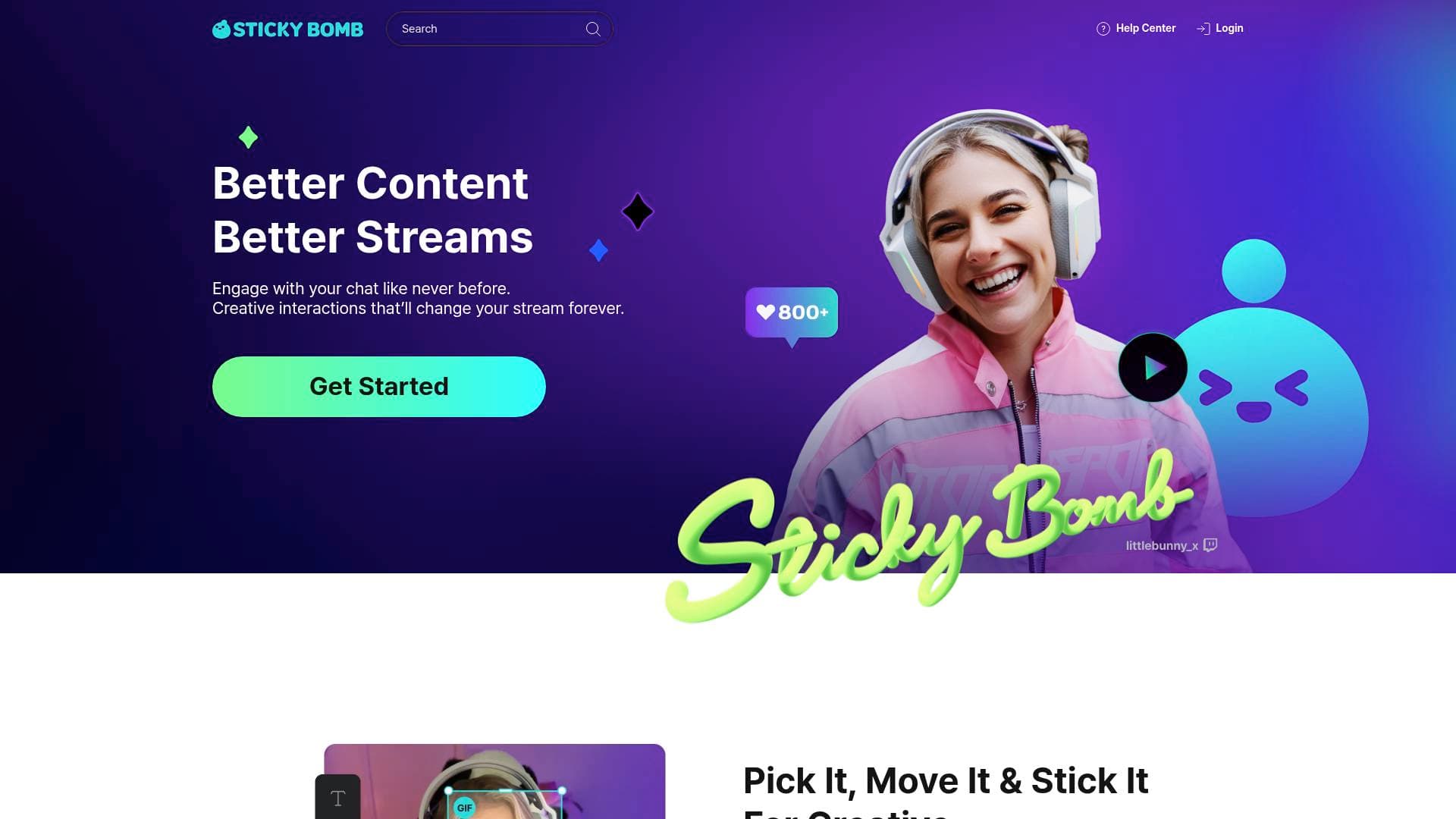
What is Stickybomb? A Content Creator's Guide
Stickybomb is a free, all-in-one live streaming entertainment tool built specifically for Twitch streamers who want to turn passive viewers into active participants. Rather than relying on standard donation alerts that flash and disappear, this interactive streaming tool lets viewers pick stickers, GIFs, and text and physically place them anywhere on the live stream screen. The core problem it solves is simple: traditional tipping and donation methods are one-directional and forgettable, while Stickybomb transforms every contribution into a chaotic, laugh-out-loud moment that the entire chat experiences together. Operating as a third-party Twitch extension with a browser source overlay, it can be set up in minutes without any technical expertise. What truly separates it from other donation platforms is the combination of entertainment, monetization, and moderation all living on a single overlay. Streamers keep 100% of their Sparx currency donations with zero commission taken, and the platform includes chargeback protection so earnings stay secure. From gaming streamers getting dunked on with meme GIFs to art streamers adding a layer of playful chaos to their broadcasts, Stickybomb creates the kind of spontaneous, clippable moments that fuel audience growth.
Stickybomb Features That Matter for Content Creators
-
500+ Stickers Library: Viewers get access to over 500 stickers they can select and place anywhere on the stream screen. This massive library means chat always has fresh options to express themselves, keeping the interaction from going stale across multiple streams.
-
On-Screen Mini Games: Beyond stickers, Stickybomb includes fun on-screen mini games that add another layer of entertainment to live broadcasts. These give chat something to participate in beyond just watching, which directly increases viewer retention and engagement.
-
GIF and Custom Image Support: Viewers can send GIFs and even upload custom images to place on the stream. This is where the real personality comes through, as communities develop their own inside jokes and recurring memes that become part of the channel's identity.
-
Zero Commission on Donations: Stickybomb takes 0% commission on donations sent through its Sparx currency system. If a viewer sends 100 Sparx, the streamer receives 100 Sparx, making it one of the most creator-friendly payout structures available for Twitch extensions. Standard transactional fees may still apply depending on payout method.
-
Chargeback Protection: One of the biggest financial risks for streamers is donation chargebacks, and Stickybomb addresses this directly with built-in chargeback protection. Streamers can accept donations without the anxiety of funds being reversed after the fact.
-
Branded Content Shop: Stickybomb provides a space for streamers to sell their own branded content, adding another revenue stream beyond donations. This turns the platform into a genuine monetization hub rather than just an engagement tool.
-
Single Overlay Setup: Everything, including stickers, mini games, and streamer tools, runs through a single browser source overlay. This keeps the streaming setup clean and manageable, eliminating the need to juggle multiple extensions or plugins.
-
Moderation Controls: Streamers get full moderation features that control how viewers use stickers during live broadcasts. This keeps the fun from crossing lines, giving creators confidence to open up the interactive features without worrying about inappropriate content appearing on screen.
-
Twitch Panel Integration: After setting up the browser source overlay, streamers install a Twitch panel that makes the tool visible and accessible directly within the Twitch interface. Viewers find it simple to navigate, lowering the barrier to participation.
-
Free to Use: There is no cost to get started with Stickybomb. The entire platform is completely free, which means streamers of any size, from brand-new creators to established channels, can add it without any financial risk.
Which Content Creators Should Use Stickybomb?
Stickybomb is built for Twitch streamers first and foremost, but its appeal spans a wide range of content styles and community sizes. The tool works equally well for a streamer with 50 viewers and one with 5,000, since the interactive format scales naturally with chat activity. Creators who prioritize community connection and want their streams to generate shareable, clippable moments will get the most out of what Stickybomb offers.
- Primary creator types: Twitch streamers across all categories, including gaming, IRL, art, variety, and VTubers
- Experience level: Beginner-friendly with a setup process that takes only minutes using a browser source
- Team size: Works for solo creators as well as co-streaming teams who want to reduce the manual work of setting up channel point redeems
- Specific use cases:
- A gaming streamer who wants viewers to celebrate (or mock) in-game moments by slapping GIFs directly onto the screen
- An art streamer looking to add humor and interactivity without disrupting the creative flow
- An IRL streamer who wants dynamic, real-time viewer participation that works in any setting
- A VTuber building a tight-knit community that communicates through inside jokes and custom stickers
- A new streamer looking to monetize without paying platform fees or risking chargebacks
- A streamer wanting to sell branded merchandise directly through their stream setup
- A creator who wants to generate clippable, shareable moments organically during every broadcast
- A streamer tired of managing multiple extensions and wanting everything consolidated into one overlay
Getting Started with Stickybomb
- Sign up: Create an account by logging in with an existing Twitch or Google account, so there is no lengthy registration process.
- Set up the overlay: Add the Stickybomb browser source to your streaming software, a process that takes only minutes.
- Install the Twitch panel: Add the Stickybomb panel to your Twitch channel so viewers can easily access and use the tool.
- Go live and start having fun: Once everything is in place, simply start streaming and let your chat discover the sticker and GIF features on their own.
Stickybomb FAQ for Content Creators
What exactly is Stickybomb? Stickybomb is a third-party Twitch extension and plugin that allows viewers to place stickers, text, and GIFs anywhere on a live stream screen. It operates through a browser source overlay that integrates directly into any standard streaming setup.
How much does Stickybomb cost? Nothing. Stickybomb is completely free to use for streamers of all sizes. There are no subscription fees or upfront costs to access the platform's features.
Does Stickybomb take a cut of donations? No. With the Sparx currency system, Stickybomb takes zero commission on donations or tips. A viewer sending 100 Sparx means the streamer receives 100 Sparx, though standard transactional fees may apply depending on the chosen payout method.
Is Stickybomb safe to use on Twitch? Yes. No streamer has ever been banned for using Stickybomb. The platform also includes moderation features that give streamers control over how viewers use stickers, keeping broadcasts safe and within community guidelines.
How does Stickybomb handle chargebacks? Stickybomb includes built-in chargeback protection, which is a significant concern for streamers who accept donations. This protection means streamers keep the donations they receive without the risk of funds being reversed later.
The Verdict: Is Stickybomb Worth It for Content Creators?
For Twitch streamers looking to boost chat engagement, increase revenue, and create genuinely memorable broadcast moments, Stickybomb delivers a compelling package. The zero-cost entry point removes any barrier to trying it, and the 0% commission structure means it is financially competitive with any other donation tool on the platform. The combination of 500+ stickers, GIF support, custom image uploads, on-screen mini games, and a branded content shop makes it a rare all-in-one solution that handles both entertainment and monetization without requiring multiple separate tools.
The platform is clearly built for Twitch specifically, so streamers on other platforms will not find native support here. That said, for Twitch-focused creators, whether they are gaming streamers, VTubers, art streamers, or IRL broadcasters, Stickybomb offers a genuinely fresh approach to viewer interaction that goes well beyond the standard donation alert. The chargeback protection alone makes it worth serious consideration for any creator who has experienced that particular headache before. With a quick setup process and a free price tag, there is very little reason not to give Stickybomb a try.
Details
One link. Every channel, rate, and piece of work brands need to evaluate you. Built for how creators actually get hired.
Claim your profile
Live creator, content, and marketing roles from real companies, with the pay, market, and context the raw job page never gives you.
Browse jobs

 Post Bridge