

Simon Says AI
Simon Says AI is an AI-powered transcription, subtitling, and translation tool built for video creators and production pros, integrating with Premiere, FCPX, Avid, and DaVinci Resolve.
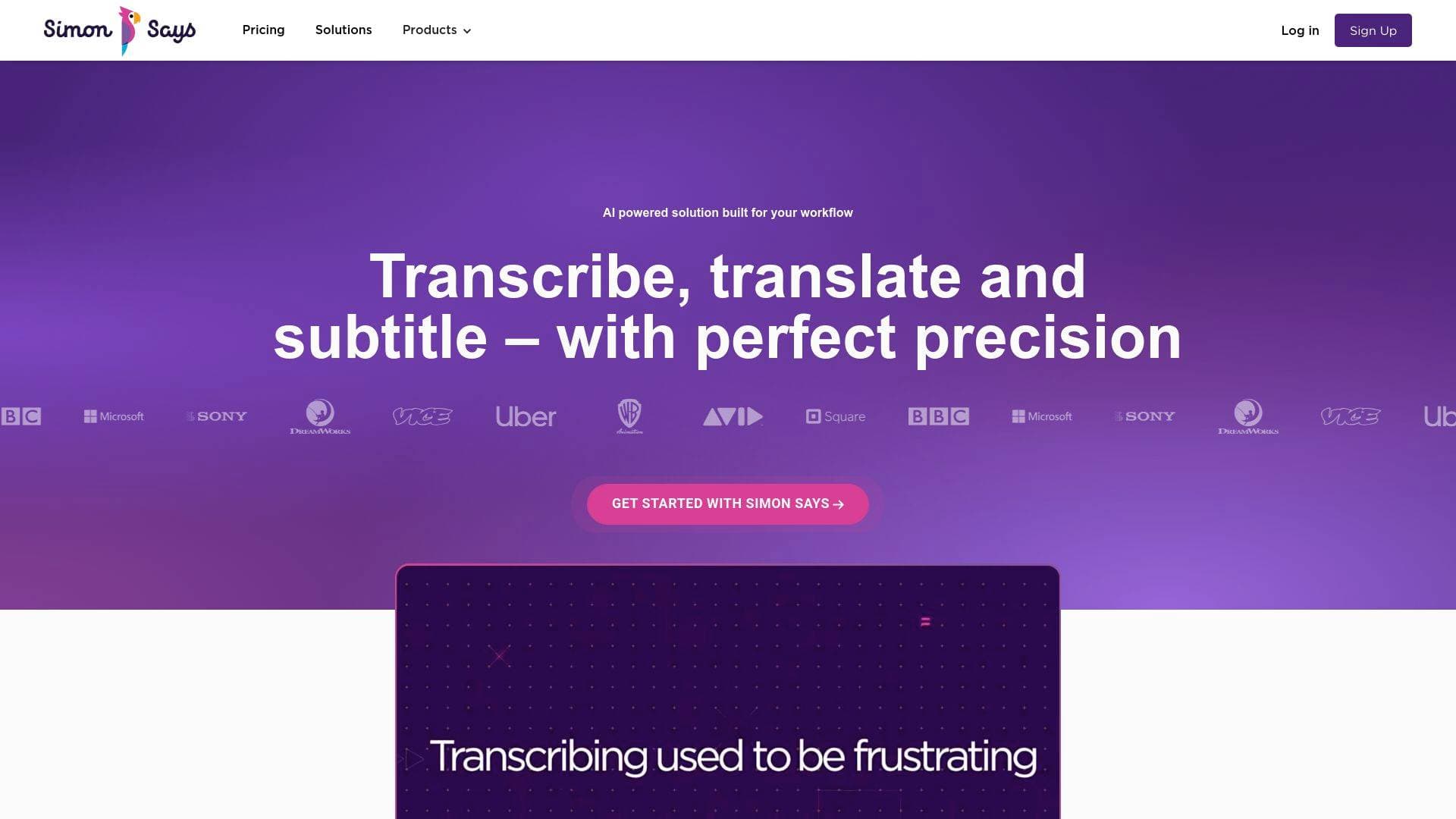
What is Simon Says AI? A Content Creator's Guide
Simon Says AI is a professional-grade AI transcription, subtitling, and translation tool built specifically for video creators and post-production workflows. The core problem it solves is brutally simple: manually transcribing hours of footage is one of the most time-consuming tasks in any video production workflow, and Simon Says AI cuts that process down dramatically. Powered by advanced machine learning algorithms, it handles transcription, translation, and subtitle generation across 100 languages, making it a genuinely global content creation tool. The platform integrates directly with the editing software creators already use, including Adobe Premiere Pro, Final Cut Pro X, DaVinci Resolve, Avid Media Composer, and Adobe Audition. Featured in Apple's Keynote and trusted by over 200,000 professionals, it sits firmly in the professional tier of video production tools. Whether a creator is captioning a YouTube video for social media or subtitling a documentary for international distribution, Simon Says AI covers the entire subtitle and transcription workflow in one place. It supports both cloud-based and on-premises deployments, giving creators flexibility depending on their privacy and security needs.
Simon Says AI Features That Matter for Content Creators
-
AI Transcription in 100 Languages: Simon Says AI transcribes audio and video files using advanced machine learning, supporting 100 languages for transcription. Accuracy is described as industry-leading, though the platform recommends reviewing transcripts for minor errors caused by audio quality or speaker accents.
-
Translation to 100+ Languages: Beyond transcription, the platform translates content into 100+ languages, making it a powerful tool for creators targeting international audiences. This is built directly into the same workflow, so there's no need to export and re-import files into a separate translation service.
-
Visual Subtitle Editor: Creators can preview and adjust captions using the Visual Subtitle Editor, which lets them control text, timings, formatting, characters per line, and subtitle card layout. Subtitles can be exported in multiple formats or burned directly into the video.
-
World-Class Transcript Editor: The transcript editor syncs directly with the video, allowing creators to edit, annotate, and bookmark specific moments in the footage. This transcript-video sync is particularly useful for long-form content creators who need to navigate hours of raw footage quickly.
-
Simon Says Assemble (Audio-Video Assembly Editor): This feature lets creators cut and order video by editing text rather than scrubbing through timelines. It's available on Starter plans and above, and is one of the most creator-friendly features for anyone building interview-heavy or documentary-style content.
-
Speaker Identification: The platform automatically identifies and separates multiple speakers in a transcript. The Pro+ plan unlocks the most advanced speaker identification AI, including channel-level speaker identification, which is useful for multi-mic podcast and interview setups.
-
Frame-Accurate Timecode Sync: Simon Says AI syncs transcripts to timecode and frame rate, supporting both drop and non-drop frame standards. This level of precision is critical for creators working in professional post-production environments where frame accuracy matters.
-
Burn-In Subtitles and Timecodes: Creators can burn subtitles and timecodes directly into their video files, which is essential for social media content, screeners, and international distribution cuts.
-
Custom Dictionaries: Creators can add names, brand terms, and specialized vocabulary to a custom dictionary to improve transcription accuracy. The Starter plan allows up to 50 words, while Pro and Pro+ plans offer unlimited custom dictionary entries.
-
Dozens of Export Formats: Simon Says AI exports to an extensive list of formats including SRT, WebVTT, CEA608/708, Word, Excel, Final Cut Pro X, Adobe Premiere Pro, Adobe Audition, Avid Media Composer, Avid Pro Tools, and DaVinci Resolve. This breadth of export options means creators rarely need to convert files manually after leaving the platform.
-
On-Premises Option: For creators and production companies with strict confidentiality requirements, Simon Says AI offers a fully offline, air-gapped on-premises solution. No data goes to the cloud, making it suitable for sensitive projects, and it runs on both Macs and PCs.
Which Content Creators Should Use Simon Says AI?
Simon Says AI is built for video-first content creators who deal with spoken word content regularly. It scales from solo freelancers to full production teams, with pricing tiers designed to match different output volumes. The tool is particularly well-suited to creators who already work inside professional editing software and want transcription to live inside their existing workflow rather than as a separate step.
Primary creator types:
- YouTubers and video creators who need accurate captions for accessibility and SEO
- Documentary and long-form filmmakers who need to transcribe and organize hours of interview footage
- Podcasters who want transcripts for show notes, blog posts, or searchable archives
- Freelance video editors who work on client projects requiring subtitles or captions
- Multilingual content creators targeting audiences in different countries who need translation alongside transcription
- Social media video creators who need burned-in captions for silent autoplay on platforms like Instagram and TikTok
Experience level: The platform works for both beginners using the web interface and advanced creators using native extensions inside Premiere, FCPX, or DaVinci Resolve.
Team size: Solo creators can start on the Pay As You Go plan at $0.25 per minute with no monthly commitment. Small teams benefit from the Starter ($15/month) or Pro ($33/month) plans, while larger production teams handling high volumes of footage will find the Pro+ plan ($125/month, with 30 hours of credit per month) most cost-effective.
Specific use cases:
- Transcribing raw interview footage to build a paper edit before touching the timeline
- Generating SRT subtitle files for YouTube upload
- Creating burned-in captions for Instagram Reels and TikTok videos
- Translating a finished video's subtitles into multiple languages for international distribution
- Producing Word document transcripts from podcast episodes for repurposing as blog content
- Captioning training or tutorial videos for accessibility compliance
- Editing video by reordering transcript text using the Assembly Editor feature
- Transcribing field recordings or on-location interviews with multiple speakers
Getting Started with Simon Says AI
- Sign up without a credit card: New users can create an account and get started without entering payment details. The Pay As You Go plan charges based on audio/video duration at $0.25 per minute.
- Upload your media file: Import audio or video files directly via the web interface. Supported formats include MP3, MP4, MOV, WAV, MTS, H264, H265, and many more. Files uploaded via the macOS app or FCPX extension have no size limit.
- Select transcription and translation options: Choose the source language and, if needed, a target translation language from the 100+ available options.
- Edit in the Transcript Editor: Once transcription completes (described as taking minutes), use the transcript editor to review, annotate, and correct the output. Add bookmarks to flag key moments.
- Export to your editing software or subtitle format: Send the transcript directly to Adobe Premiere Pro, Final Cut Pro, DaVinci Resolve, Avid, or export as SRT, Word, or other formats for further use.
Simon Says AI FAQ for Content Creators
How much does Simon Says AI cost? Pricing starts at $0 per month on the Pay As You Go plan, which charges $0.25 per minute (or $15 per hour) of audio/video duration. Subscription plans start at $15/month (Starter, billed annually) for solo creators and go up to $125/month (Pro+, billed annually) for high-volume production work. Subscriptions include monthly credit and discounted rates for additional transcription beyond the included hours.
What file formats does Simon Says AI accept? It handles almost all audio and video file formats and codecs, including MP3, MP4, MOV, WAV, H264, H265, and MTS. The platform transcodes files as needed to prepare them for transcription. Files uploaded via the macOS app or FCPX extension have no file size limit, while web uploads are capped depending on the plan tier.
Can creators edit the subtitles after they're generated? Yes. The Visual Subtitle Editor lets creators adjust text, timings, formatting, characters per line, and subtitle card layout. Subtitles can then be exported in various formats or burned directly into the video file.
Is Simon Says AI compliant with GDPR and CCPA? Yes, Simon Says AI is compliant with both GDPR and CCPA. Users retain full ownership of their data and can delete it at any time. The platform uses machine transcription only, with no human reviewers accessing files.
Does Simon Says AI work offline? The cloud-based plans require an internet connection, but Simon Says AI also offers an on-premises solution that runs completely offline with air-gapped systems. The on-premises version supports transcription in multiple languages and translation into up to 29 languages, and is compatible with both Macs and PCs (Intel-based; M1/M2/M3 Macs are not supported for the on-premises version).
Can creators cancel their subscription at any time? Yes, subscriptions can be cancelled at any time from the profile page and will not renew. Pay As You Go users have no subscription to cancel.
Does Simon Says AI support team collaboration? Yes. All paid plans include multi-user access and the ability to publish and share projects. The Pro plan adds unlimited guest invites and edit access per user, while Pro+ adds advanced permissions and channel-level speaker identification.
The Verdict: Is Simon Says AI Worth It for Content Creators?
For video creators who regularly work with spoken word content, Simon Says AI delivers a genuinely professional-grade transcription and subtitling workflow at pricing that scales with usage. The depth of integration with industry-standard editing software, including Adobe Premiere Pro, Final Cut Pro X, DaVinci Resolve, and Avid, sets it apart from simpler caption tools and makes it a natural fit for creators who live inside those applications. The Assembly Editor feature alone offers a compelling reason for interview-heavy creators to try the Starter plan, as editing video by reordering text rather than scrubbing timelines is a real workflow accelerator.
The Pay As You Go entry point makes it accessible for occasional users, while the subscription tiers provide meaningful value for creators producing content consistently. The 100-language transcription and translation support makes it one of the more capable options for multilingual content strategies. The on-premises option adds a layer of security for creators working on sensitive or confidential productions.
The main consideration is that accuracy can be affected by audio quality and speaker accents, so a review pass is recommended before publishing. Overall, Simon Says AI is a strong choice for YouTubers, documentary creators, podcasters, and freelance editors who want professional transcription and subtitling built directly into their video production workflow.
Details
One link. Every channel, rate, and piece of work brands need to evaluate you. Built for how creators actually get hired.
Claim your profile
Live creator, content, and marketing roles from real companies, with the pay, market, and context the raw job page never gives you.
Browse jobs

 Post Bridge