

PIKIMOV
PIKIMOV is a free web-based motion design and video editor with 2D/3D compositing, no sign-up required, and fully local file processing up to 4K.
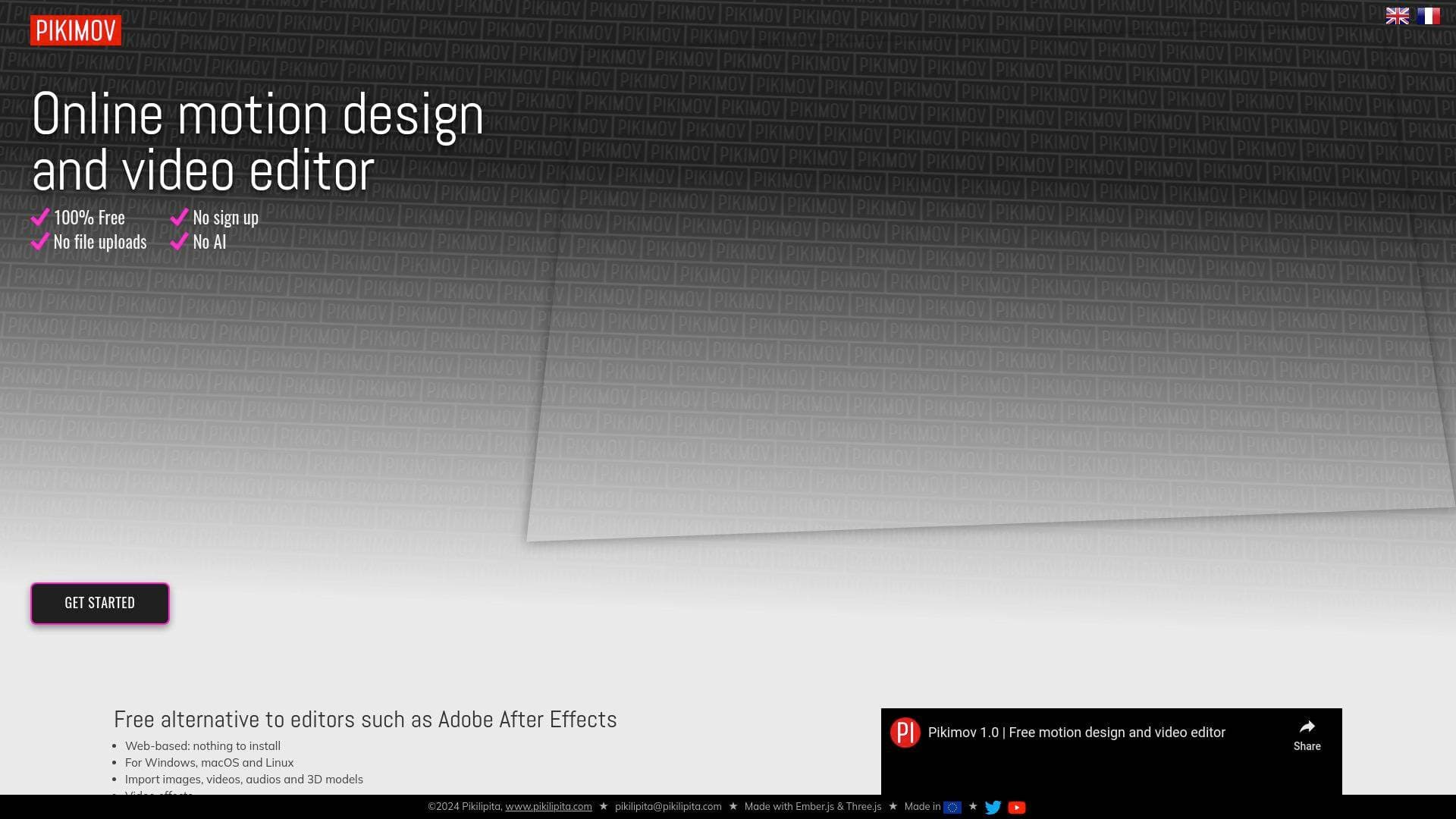
What is PIKIMOV? A Content Creator's Guide
PIKIMOV is a free web-based motion design and video editing tool built for creators who need professional-grade compositing without the cost or complexity of installing desktop software. It runs entirely in a browser (Chrome or Edge), requires no sign-up, and handles everything locally, meaning your files never leave your computer and are never uploaded to a server. For YouTubers, TikTokers, and social media creators who need polished motion graphics without a subscription fee, this is a genuinely compelling video production tool. The platform combines three distinct editors in one: a classic video editor, a 2D compositing editor, and a 3D compositing editor, covering a wide range of content creation workflows from quick social clips to layered motion design sequences. It supports up to 4K resolution at 60fps for both import and export, making it viable for high-quality YouTube productions. Notably, PIKIMOV is deliberately built without AI bloat, and your projects are explicitly not used for AI training, a meaningful privacy distinction for creators protective of their original content. Featured by outlets including Creative Bloq, CG Channel, and 80 Level, it has earned recognition across the creative and motion design community.
PIKIMOV Features That Matter for Content Creators
-
Three Editors in One Package: PIKIMOV includes a classic video editor (suited for timeline-based editing similar to social media editing tools), a 2D compositing editor for layered motion design, and a 3D compositing editor for depth-based compositions. Creators can move between these depending on the complexity of their project without switching tools.
-
4K 60fps Import and Export: Full 4K resolution support at 60fps means creators producing high-end YouTube content or cinematic short films can work and export at the highest quality. Quality settings are also adjustable at export, giving creators control over file size versus visual fidelity.
-
Keyframe Animation System: A comprehensive keyframe animation system lets creators animate nearly all properties across their compositions. A graph editor is also included for fine-tuning easing curves on animated properties, giving motion designers precise control over the feel of their animations.
-
Color Effects and Visual FX Library: PIKIMOV includes color correction, blur, glitch effects, green screen removal, motion blur, vintage colors, chromatic aberration, noise, shake, wave warp, mosaic, vignette, kaleidoscope, fluted glass, petzval lens, and more. For creators building stylized content or visual storytelling, this FX library covers a broad range of looks.
-
Deformation Effects: Bend, skew, free deform, turbulent displace, and extrude effects are available for creators who want to push shapes and footage beyond standard cuts and transitions. These tools are particularly useful for kinetic typography and animated intros.
-
Rotoscoping (Manual and Automatic): Both manual and automatic rotoscoping are supported, allowing creators to isolate subjects from footage for compositing work. This is a powerful tool for creators producing narrative content, music videos, or any project requiring precise masking.
-
Motion Tracking: Built-in motion tracking lets creators attach elements to moving objects within footage. This is a significant capability for creators adding text overlays, graphics, or effects that need to follow on-screen movement.
-
Background Remover and Subtitles Generator: A dedicated background remover tool and an automatic subtitles generator are included as advanced tools. The subtitles generator is especially practical for creators producing content for platforms where captions drive engagement and accessibility.
-
Animate with Code (After Effects Expression Syntax): Creators familiar with After Effects can use JavaScript expression syntax to drive animations programmatically. This opens up complex, data-driven animations without manual keyframing for every property.
-
Local Processing and Privacy: All editing happens on the user's own computer. Files are not uploaded to any server, and projects are explicitly not used for AI training. For creators working with unreleased footage, brand deals, or sensitive content, this local-first approach is a meaningful privacy safeguard.
-
Transitions Library: The classic editor includes a ready-to-use transitions library, making it fast for creators to build polished cuts for social media videos, reels, and short-form content without building transitions from scratch.
-
Offline App for Patreon Supporters: A standalone offline app for Windows and macOS is available as a reward for Patreon supporters, offering a desktop experience for creators who prefer working without a browser dependency.
Which Content Creators Should Use PIKIMOV?
PIKIMOV is built for creators who want professional motion design and video editing capabilities without paying for expensive software or dealing with cloud-based privacy concerns. It works across Windows, macOS, Linux, and Chromebook, making it accessible to creators on virtually any setup. Whether you're a solo creator or part of a small production team, the zero-install, no-sign-up approach removes nearly every barrier to getting started.
-
Primary creator types: YouTubers producing intros, outros, and motion graphics; TikTokers and Instagram Reels creators needing quick social edits with transitions; motion designers creating animated content for clients or personal channels; short film creators working with compositing and 3D elements; podcast video producers adding animated lower thirds and text overlays.
-
Experience level: The classic editor suits beginners comfortable with timeline-based editing, while the 2D and 3D compositing editors with keyframe animation, graph editor, and expression-based coding cater to intermediate and advanced creators.
-
Specific use cases:
- Building animated channel intros and outros with 2D or 3D motion design
- Creating social media content with transitions, text animations, and color effects
- Producing subtitled videos using the built-in subtitles generator
- Removing backgrounds from footage without third-party tools
- Tracking motion in footage to attach graphics or text to moving subjects
- Designing kinetic typography using deformation effects and keyframe animation
- Exporting transparent video (.webm with alpha channel) for overlay use in other projects
- Compositing 3D models (GLB format) into video for product showcases or creative storytelling
-
Content types: Social media clips, YouTube videos, motion design sequences, animated graphics, short films, composited video with 3D elements, and captioned content for accessibility.
Getting Started with PIKIMOV
- Open in your browser: Load PIKIMOV directly in Chrome or Edge, no installation or account creation required. The tool requires WebGL2 support, which both Chrome and Edge provide by default.
- Choose your editor: Select from the classic editor for straightforward timeline editing, the 2D compositing editor for layered motion design, or the 3D compositing editor for depth-based compositions with 3D models.
- Import your assets: Bring in images, video files (including .webm and .mov), audio files (.ogg supported), 3D models in GLB format, and custom fonts (.woff). All files are processed locally on your machine.
- Build and animate: Use the keyframe system, effects library, transitions, and advanced tools like motion tracking and rotoscoping to build your composition.
- Export your project: Export up to 4K at 60fps with adjustable quality settings, including .webm with transparency for compositing use in other workflows.
PIKIMOV FAQ for Content Creators
Is PIKIMOV really free with no paywalls? PIKIMOV is completely free with no paywalls and no sign-up required. Patreon supporters gain access to a standalone offline app for Windows and macOS, but the full browser-based tool is available to everyone at no cost.
Do my files get uploaded to a server when I use PIKIMOV? No. All editing and processing happens locally on your computer. Your files are never uploaded to a server, and your projects are not used for AI training.
What browsers does PIKIMOV support? PIKIMOV works in Chrome, Edge, and Opera (on Windows and macOS). It requires WebGL2 support to function.
What file formats does PIKIMOV support for import? Supported formats include common image and video files, .webm, .mov, .ogg audio, .tga images, .woff fonts, and .glb 3D models. It also supports importing .webm video with transparency.
Can PIKIMOV export video with a transparent background? Yes. PIKIMOV can export video as a .webm file with an alpha channel (transparency), which is useful for creators who need overlay elements for use in other editing workflows.
What is the maximum composition duration? Compositions can be up to 30 minutes long, accommodating longer-form content like full YouTube videos or extended motion design projects.
Is there a desktop app available? A standalone offline app for Windows and macOS is available for Patreon supporters. The browser-based version requires no installation and works on Windows, macOS, Linux, and Chromebook.
The Verdict: Is PIKIMOV Worth It for Content Creators?
For creators who need motion design and compositing capabilities without a subscription fee or cloud dependency, PIKIMOV is a genuinely strong option. The combination of a classic video editor, 2D compositing, and 3D compositing in a single free browser-based tool is rare, and the 4K 60fps support means quality is not compromised. Features like motion tracking, automatic rotoscoping, background removal, and a subtitles generator add real production value for solo creators who would otherwise need multiple tools to achieve the same results.
The local-first processing model is a standout for creators concerned about content privacy, particularly those working with unreleased footage or brand-sensitive material. The lack of AI-driven features is a deliberate design choice that keeps the tool focused and lean.
The main consideration is browser dependency: PIKIMOV requires Chrome, Edge, or Opera with WebGL2 support, which limits flexibility for creators on other browsers. Patreon supporters can access an offline desktop app to work around this. For YouTubers, motion designers, social media creators, and short film producers looking for a capable, free video production tool with no strings attached, PIKIMOV delivers a compelling and privacy-respecting workflow.
Details
One link. Every channel, rate, and piece of work brands need to evaluate you. Built for how creators actually get hired.
Claim your profile
Live creator, content, and marketing roles from real companies, with the pay, market, and context the raw job page never gives you.
Browse jobs

 Post Bridge