

Paperform
Paperform is an online form builder that lets content creators collect payments, bookings, leads, and audience feedback without any coding, trusted by 500K+ users.
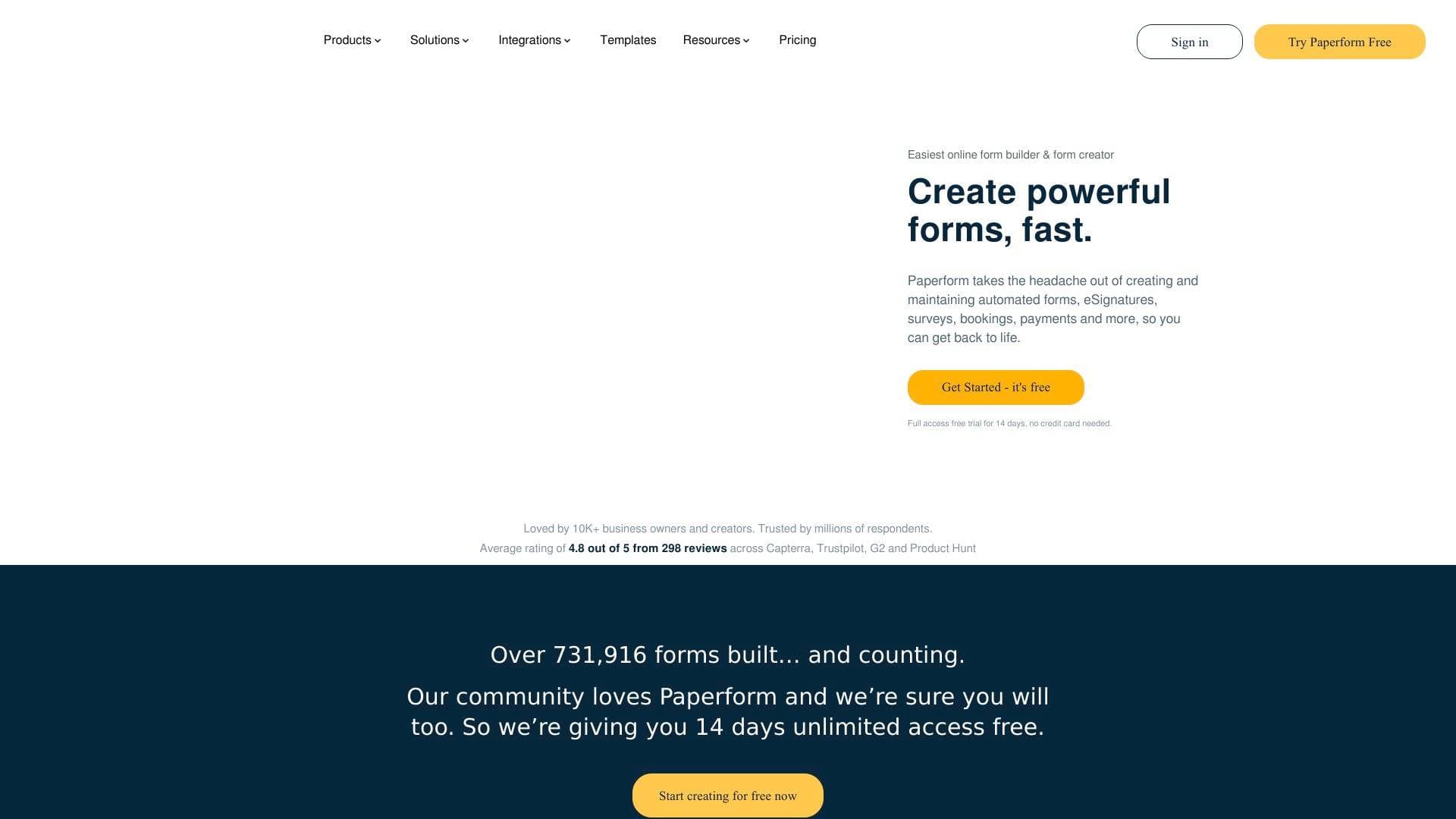
Brief Overview of Paperform for Content Creators
Running a creator business means juggling a dozen different tasks at once: collecting brand deal inquiries, booking coaching calls, selling digital products, and gathering audience feedback. Paperform is an online form builder designed to handle all of these workflows from a single platform, combining what it calls "serious digital smarts with beautiful design." Rather than stitching together separate tools for payments, scheduling, and surveys, content creators can build everything inside one doc-style editor that requires zero coding. The platform is trusted by over 500,000 business owners and creators, with hundreds of millions of respondents having filled out Paperform forms. It earns an average rating of 4.8 out of 5 across Capterra, Trustpilot, and G2 from 380 reviews. What sets it apart for creators is the ability to build forms that blend seamlessly into existing websites and landing pages, so there is never a visual disconnect between a form and the rest of a creator's brand. A free plan is available, with upgrades available as a creator's needs grow.
Paperform Key Features for Content Creators
-
Payment and Order Forms: Creators can sell physical products, digital files, and subscriptions directly through Paperform without needing a separate sales page or checkout tool. One user described this as "an absolute game changer" for collecting payments inside a single form flow. Pricing calculations and discounts can be built directly into the form itself.
-
Scheduling and Booking Forms: Paperform lets creators automate their scheduling by building booking forms that allow fans, clients, or collaborators to pick appointment slots directly in a calendar. This removes the back-and-forth of email coordination for podcast guest bookings, coaching sessions, or brand deal calls.
-
Quiz and Poll Maker: Creators can build engaging quizzes, collect responses, and analyze results to drive audience interaction. Polls support multiple-choice formats for quick audience opinions, while quizzes can include scoring and conditional results pages that show different outcomes based on how someone answered.
-
Survey Maker with AI Insights: The survey builder includes AI-powered reporting that summarizes responses and surfaces trends automatically. Instead of manually digging through hundreds of audience feedback submissions, creators get readable reports in seconds.
-
Conditional Logic: Forms adapt dynamically based on how respondents answer. A creator could build a single sponsorship inquiry form that shows different follow-up questions depending on whether the applicant is a brand, an agency, or an individual. Logic can be applied to individual questions, entire sections, or full pages.
-
Calculation Forms: Fields can auto-calculate costs, scores, or other values based on user input. A creator selling custom packages could build a pricing calculator that updates the total in real time as a client selects different service tiers.
-
Landing Page Forms: Paperform forms can function as standalone mini landing pages, not just embedded widgets. Creators can drive traffic from social media or ads directly to a Paperform page that captures leads, sells a product, or registers event attendees, all without needing a separate website builder.
-
Subscription Forms: Recurring payment management is built in, including the ability to track customer preferences and automate renewal reminders. Newsletter writers and course creators offering membership tiers can manage the entire subscription lifecycle inside Paperform.
-
Branded Themes and Custom Domains: Custom fonts, colors, layouts, backgrounds, images, and video can all be applied inside the editor. One marketing consultant noted that Paperform forms "seamlessly match the look and feel of my landing pages" and never feel disconnected from the rest of a site. Custom domains and URLs are also supported.
-
2,000+ App Integrations: Paperform connects natively with tools like Google Sheets, Mailchimp, ConvertKit, Notion, Airtable, Trello, Slack, Asana, Dropbox, and HubSpot. Creators can also connect via Zapier, Make, webhooks, or the built-in Stepper workflow automation platform to route form submissions into any part of their existing stack.
-
AI Form Generation: Creators can describe what they need in plain language and let AI draft the entire form, including complex logic and scoring calculations. This cuts down the time from idea to live form significantly.
-
Guided "One Question at a Time" Mode: A Guided mode presents one question at a time rather than showing the full form at once. One user reported that A/B testing this mode against a traditional form increased conversion rates by 91%.
Paperform Target Users & Use Cases for Content Creators
Paperform fits creators who need to collect information, take payments, or engage their audience without relying on a developer or multiple disconnected tools. It works equally well for solo creators and small teams, and the Agency+ product is specifically designed for creators managing forms across multiple brands or clients.
-
Primary creator types: YouTubers selling merchandise or digital downloads, podcasters booking guests or sponsors, newsletter writers managing paid subscriptions, course creators running quizzes and assessments, coaches taking client bookings, and social media managers capturing leads from ad campaigns.
-
Experience level: The no-code doc-style editor is accessible to beginners, while conditional logic, calculation fields, and workflow automation via Stepper give advanced creators significant depth.
-
Team size: Solo creators benefit from the free plan and straightforward setup, while the Agency+ product supports creators managing forms for multiple clients or brands at scale.
-
Specific use cases for content creators:
- Building a brand deal inquiry form that auto-routes submissions to different email addresses based on deal size or content category
- Creating a paid coaching booking form that collects a deposit payment and schedules the session in one flow
- Running an audience survey after a YouTube video or podcast episode, then using AI Insights to summarize the feedback
- Selling digital products or presets through an order form without needing a full eCommerce platform
- Building a quiz tied to a piece of content, with dynamic results pages that show different outcomes based on score
- Collecting newsletter subscriber information and syncing it automatically to Mailchimp or ConvertKit
- Setting up a merchandise storefront with custom pricing rules and discount codes for loyal fans
- Creating a sponsorship media kit request form that collects brand information and triggers a follow-up email automatically
How to Get Started with Paperform
- Sign up for the free plan at paperform.co with no credit card required. The free plan covers simple forms and basic workflows.
- Start from AI or a template: Describe the form needed in plain language and let AI generate a draft, or browse 700+ pre-built templates organized by use case, industry, and role.
- Customize with the doc-style editor: Use slash commands to add questions, tweak copy, upload media, and apply a branded theme with custom fonts, colors, and domain.
- Connect integrations and automations: Link to tools like ConvertKit, Google Sheets, or Slack using native integrations, or build multi-step workflows with Stepper for more complex automation.
- Publish and share: Embed the form on a website, share as a standalone landing page, or link directly from social media profiles and bios.
Frequently Asked Questions About Paperform
Is Paperform free to use? Paperform offers a free plan for simple forms and workflows. Paid plans unlock more responses, automation features, and collaboration tools, with pricing designed for small and growing teams.
Can content creators take payments through Paperform? Yes. Paperform supports collecting payments, managing orders, and selling physical products, digital files, and subscriptions directly inside a form. No separate checkout tool or sales page is required.
Does Paperform integrate with email marketing tools? Paperform connects natively with Mailchimp, ConvertKit, and ActiveCampaign, among others. Submissions can automatically add respondents to mailing lists based on conditional logic, such as only subscribing someone if they opt in on the form.
What is Guided mode? Guided mode presents one question at a time to respondents rather than showing the entire form at once. This approach has been shown to significantly improve completion rates, with at least one user reporting a 91% increase in conversions after switching.
Does Paperform work on mobile devices? All Paperform forms are fully responsive and designed to look and function correctly on desktop, tablet, and phone.
What is Stepper? Stepper is an AI-native workflow automation platform included in the Paperform ecosystem. After a form is submitted, Stepper can route approvals, send notifications, update external systems, and trigger multi-step workflows without any coding.
Is Paperform secure? Paperform is SOC 2 Type II compliant and supports SSO, granular access controls, data residency controls, and role-based permissions. It is also GDPR compliant.
Can forms be embedded on a website? Yes. Paperform forms can be embedded anywhere or shared as standalone pages. The theming system is designed so that embedded forms match the surrounding site visually, without looking like a third-party widget.
Bottom Line: Should Content Creators Choose Paperform?
Paperform is a strong choice for content creators who want to consolidate audience engagement, payments, bookings, and lead capture into a single tool without writing any code. The combination of beautiful branded forms, built-in payment processing, scheduling, quiz and survey capabilities, and deep integrations with tools like ConvertKit, Google Sheets, and Notion makes it genuinely versatile for creator workflows. The AI form generation and AI Insights features reduce the time spent building and analyzing forms. The Guided mode's documented impact on conversion rates is a meaningful advantage for creators trying to maximize sign-ups or sales from their audience. The free plan provides a solid starting point, though creators who need advanced automation, more responses, or multi-brand management will need to move to a paid tier. Creators running coaching businesses, selling digital products, or managing audience communities will find the most value here. Those with very simple, one-off form needs may find the free plan sufficient without ever upgrading.
Details
One link. Every channel, rate, and piece of work brands need to evaluate you. Built for how creators actually get hired.
Claim your profile
Live creator, content, and marketing roles from real companies, with the pay, market, and context the raw job page never gives you.
Browse jobs

 Post Bridge