

PageFlow
Pageflow is a multimedia storytelling and digital publishing platform that lets content creators build interactive, scroll-based web stories by combining video, audio, images, and text without any coding skills.
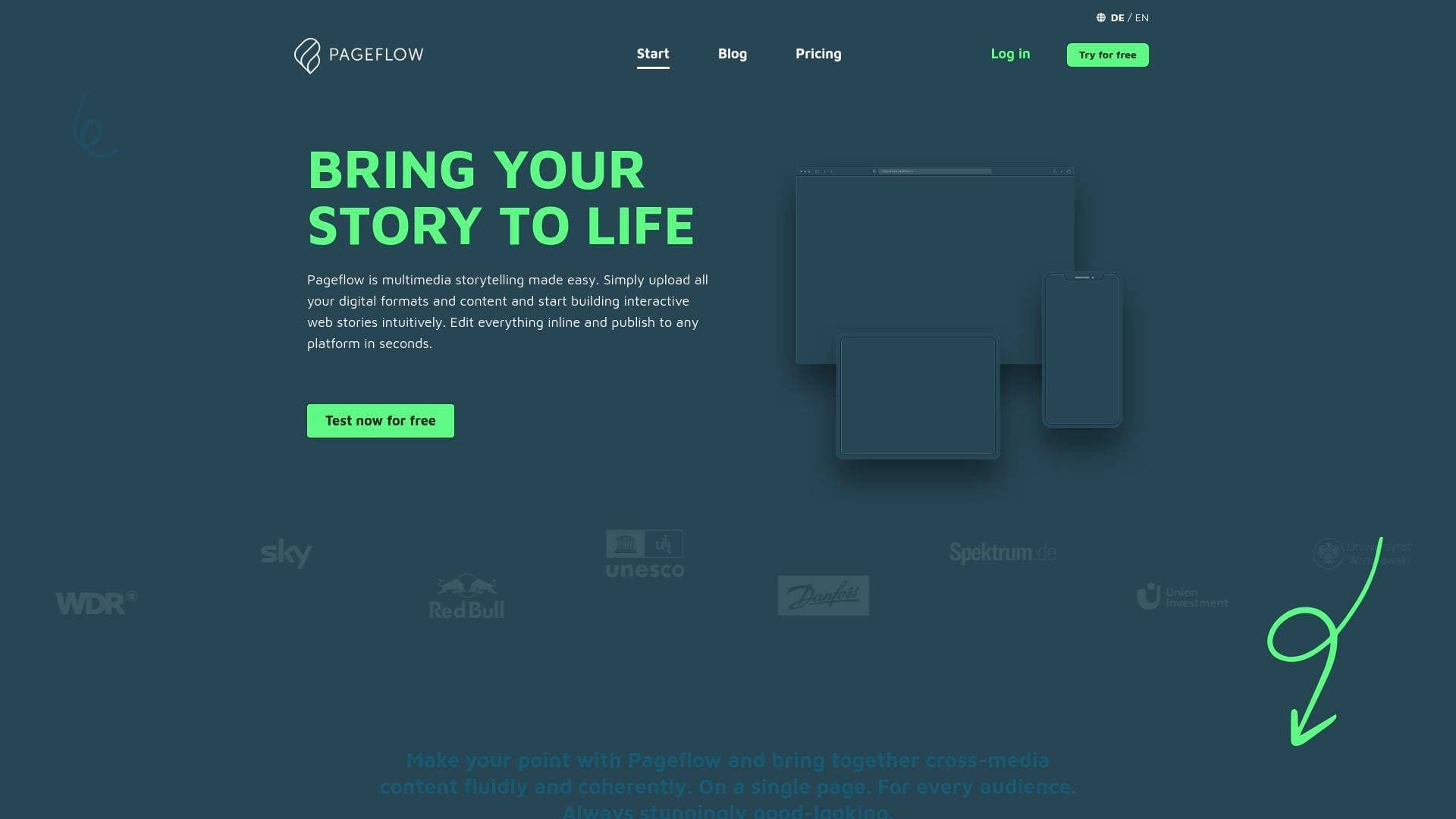
What is Pageflow? A Content Creator's Guide
Pageflow is a multimedia storytelling and digital publishing platform built for creators who want to turn their content into immersive, interactive web stories without writing a single line of code. Originally developed for German broadcaster WDR to simplify multimedia journalism for editorial teams, it has since grown into a full-featured content creation workflow tool used by newsrooms, freelancers, universities, and independent creators worldwide. The core problem it solves is a familiar one: how do you combine video, audio, photography, text, and data into a single, cohesive, visually stunning story that works perfectly on every device? Pageflow answers that with a drag-and-drop inline editor, automated media management, and scroll-based storytelling that pulls audiences deeper into content. It supports all common audio, video, and image formats including 360° media, and also integrates with YouTube, Vimeo, and Datawrapper for interactive charts. Published stories are delivered via a global CDN with servers in Europe, Asia, and the USA, ensuring fast load times for audiences anywhere. For content creators looking to move beyond static blog posts or flat social media content, Pageflow offers a genuinely different approach to digital storytelling.
Pageflow Features That Matter for Content Creators
-
WYSIWYG Inline Editor: Pageflow's inline editor lets creators arrange and format content freely while seeing every change in real time. There's no switching between a backend editor and a preview — what you build is exactly what your audience sees, making the content creation workflow fast and intuitive.
-
Automated Media Management: Upload audio, video, and image files (including 360° formats) and Pageflow automatically converts them into multiple quality grades and target formats optimized for different connection speeds and devices. This means creators never have to manually compress or reformat files before publishing.
-
20 Versatile Content Element Types: With 20 different element types available, creators can build rich, varied stories that go far beyond text and images. Elements include video, audio, image galleries, hotspots, before/after sliders, infographics, and more, all placeable with a few clicks.
-
Scroll Effects and Parallax Motion: Pageflow includes state-of-the-art scrolling effects and parallax animations that keep readers engaged as they move through a story. Scroll-triggered animations can reveal fullscreen backdrops, counters, audio, and video, giving longform content a cinematic quality that static pages simply can't match.
-
Responsive Design with Smart Mobile Features: Every story published on Pageflow is fully responsive and adapts to all screen sizes automatically. Creators can define exactly which part of an image or video appears in portrait mode on smartphones, and text is automatically scaled for cross-platform readability — no separate mobile version needed.
-
Built-in Analytics: From the Standard plan onward, creators can connect Google Analytics 4 to track impressions, sessions, and dwell time per story. Plausible Analytics, a privacy-friendly alternative, is also included free for sites with fewer than 50,000 page views per month. The Business plan adds support for Matomo, etracker, Piano Analytics, and more.
-
YouTube, Vimeo, and Datawrapper Integration: In addition to direct uploads, creators can embed videos from YouTube and Vimeo, as well as interactive charts from Datawrapper. This makes Pageflow a natural fit for creators who already have video content on other platforms and want to weave it into a richer narrative format.
-
Branding and White Label Options: Starting with the Standard plan, creators can apply their own logo and color scheme across all published stories. The Business plan adds custom fonts and full white labeling, while the Premium plan includes a fully customized theme — ideal for creators building a recognizable brand identity around their content.
-
Password Protection and Access Control: Stories can be published with password protection, making it easy to share exclusive content with specific audiences, offer preview access to clients, or gate content for paid subscribers. The Premium plan extends this with SSO and paywall solutions.
-
Version History and Auto-Save: Pageflow automatically saves changes as a version history. If something goes wrong, creators can view and restore older versions at any time — even for stories that are already live. This safety net is particularly valuable for solo creators working without a dedicated editorial team.
-
GDPR Compliance with Consent Management: Pageflow is fully GDPR-compliant and only sets cookies when external services are integrated. A built-in consent dialogue appears automatically when tracking tools or embeds from Vimeo, YouTube, or Datawrapper are used, and no data is collected before active consent is given. This is especially important for creators with European audiences.
Which Content Creators Should Use Pageflow?
Pageflow is built for creators who want to go beyond the limitations of standard blog posts, social media carousels, or static PDFs. It's particularly well-suited to those whose work involves combining multiple media formats into a single, coherent narrative — think longform digital journalism, documentary-style storytelling, or immersive brand content. Solo creators and small editorial teams alike will find the no-code approach accessible, while larger teams can take advantage of multi-user plans supporting up to 20 accounts on Premium.
-
Primary creator types: Journalists, bloggers, documentary creators, podcast producers who want a visual home for their audio, newsletter writers looking to create rich web editions, freelance content creators, and university students working on thesis or capstone projects.
-
Experience level: Beginner-friendly for anyone comfortable with drag-and-drop tools; no coding skills required at any plan level.
-
Team size: Solo creators on the Personal plan (€8.50/month) up to editorial teams of 20 on Premium (€399/month), with university multi-user solutions also available.
-
Specific use cases:
- A travel blogger building an immersive photo and video journey across a single scrollable page
- A podcast creator publishing a multimedia companion piece with embedded audio, transcripts, and visuals
- A freelance journalist producing longform investigative features with scroll-triggered animations and data visualizations
- A YouTuber creating a web special to accompany a documentary series, embedding their videos alongside contextual text and imagery
- A newsletter writer converting their best editions into interactive web stories with full branding
- A student or academic presenting research findings as an engaging, shareable web narrative instead of a static PDF
- A creator producing sponsored content or native advertising pieces in a fully branded editorial format
- A content creator building a virtual tour, e-learning module, or event documentation page
-
Content types supported: Longform journalism, digital magazines, multimedia reports, data stories, travel stories, virtual tours, product presentations, annual reports, sponsored content, and online applications.
Getting Started with Pageflow
-
Sign up for a free trial: Create an account at no cost and with no time limit. The free trial includes all features and lets creators draft an unlimited number of stories before committing to a plan.
-
Upload your media: Drag and drop photos, audio, and video files directly into the inline editor. Pageflow begins processing and optimizing files automatically in the background, so creators can start building their story while uploads are still converting.
-
Build your story: Use the WYSIWYG inline editor to arrange content elements, apply scroll effects, set mobile image positioning, and format text. With 20 element types available, creators can mix media freely to shape their narrative.
-
Choose a plan and publish: When the story is ready to go live, select a plan that fits the project's needs. Publishing takes seconds via Pageflow's high-performance servers and global CDN network.
Pageflow FAQ for Content Creators
Can creators try Pageflow before paying anything? Yes — the free trial includes all features and allows unlimited story drafts for as long as needed. A plan is only required at the point of publishing, giving creators full freedom to experiment before committing.
What media formats does Pageflow support? Pageflow's integrated media management handles all common audio, video, and image formats including 360° media. Files are automatically converted into multiple quality grades after upload. YouTube and Vimeo embeds are also supported, as are interactive charts from Datawrapper.
Can stories be published on a creator's own domain? From the Standard plan onward, creators can publish stories using their own subdomain (e.g., story.mydomain.com). This requires only a CNAME and TXT record. Stories can also be embedded via iFrame, though a subdomain is recommended for the best mobile experience.
How does Pageflow handle data privacy for audiences? Pageflow is GDPR-compliant and only sets cookies when external services are active. A consent dialogue appears automatically before any tracking data is collected. The privacy settings can be adjusted at any time through the Privacy Page, and cookieless analytics options are available.
Can creators restrict who sees their stories? Yes. Password protection is available on all plans, making it straightforward to share exclusive content, offer preview access, or create gated experiences. The Premium plan adds SSO and paywall solutions for more advanced access control.
What happens to content if a subscription is cancelled? Stories go offline at the end of the billing period but remain saved in the account. Creators can reactivate them at any time by choosing a new plan — no content is lost.
Is Pageflow open source? Yes. Creators with server administration experience and knowledge of Ruby on Rails can self-host their own Pageflow instance using the open source code available on GitHub.
The Verdict: Is Pageflow Worth It for Content Creators?
For content creators who want to publish visually rich, interactive web stories without hiring a developer or learning to code, Pageflow is a genuinely compelling digital publishing platform. Its automated media management, 20 content element types, scroll effects, and responsive design features remove most of the technical friction that typically stands between a creator's vision and a polished published piece. The free trial with no time limit is a real advantage — creators can build and refine entire stories before spending a cent.
The Personal plan at €8.50/month suits individual creators with modest publishing needs, while the Standard plan at €49/month unlocks custom domains, Google Analytics, and unlimited publications — a solid tier for freelancers and serious independent creators. The main limitation worth noting is that content export between Pageflow instances is the only export option available, so creators should consider Pageflow a long-term publishing home rather than a temporary tool. For journalists, bloggers, documentary creators, and multimedia storytellers who want their content to stand out with immersive, scroll-based narratives, Pageflow delivers a purpose-built solution that few other no-code publishing tools can match in this specific format.
Details
One link. Every channel, rate, and piece of work brands need to evaluate you. Built for how creators actually get hired.
Claim your profile
Live creator, content, and marketing roles from real companies, with the pay, market, and context the raw job page never gives you.
Browse jobs

 Post Bridge