

Streamer.bot
Streamer.bot is a free, locally-run stream automation bot for live streamers on Twitch, YouTube, Kick, and Trovo, enabling complex interactions, custom scripting, and deep platform integrations.
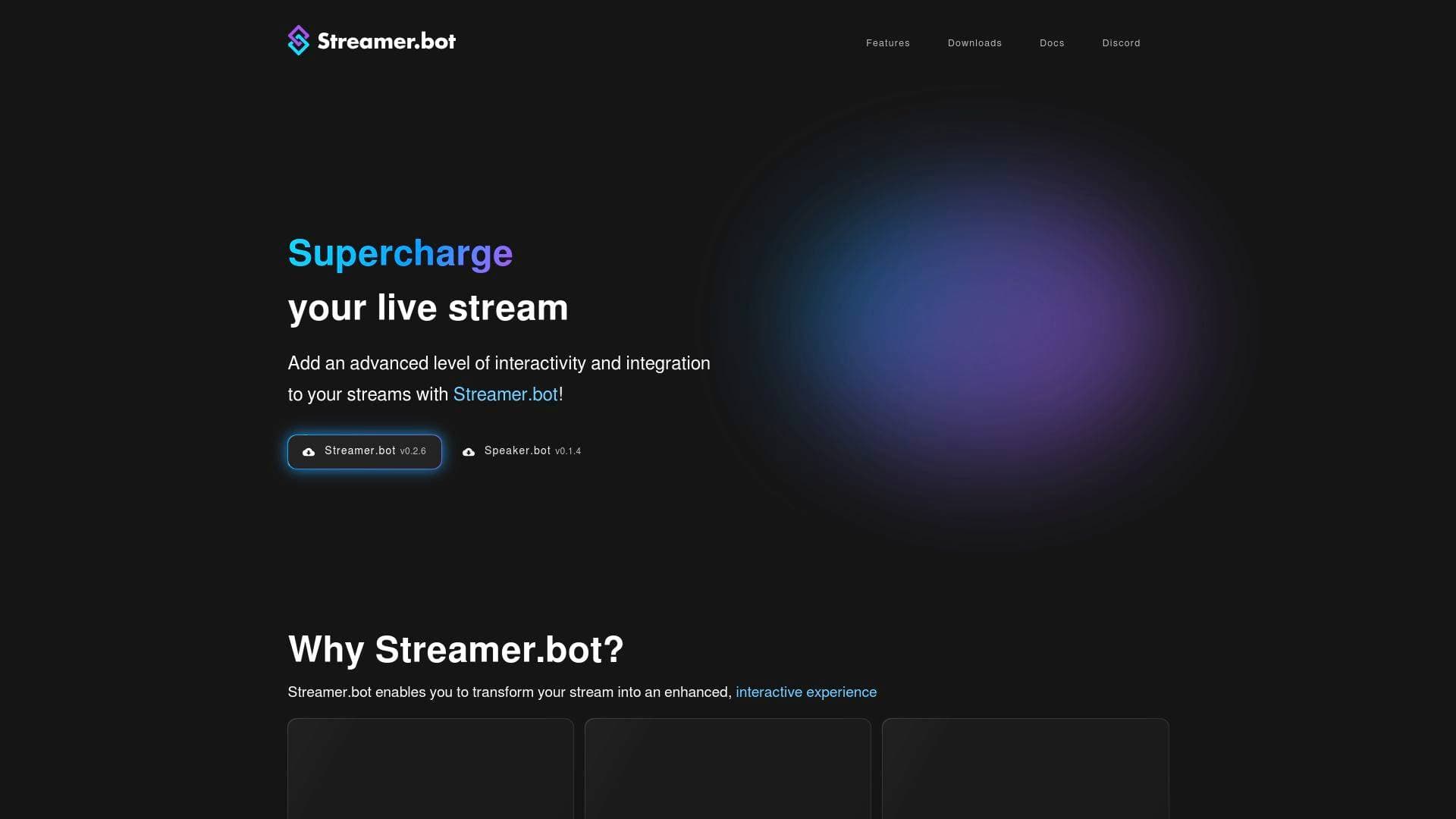
What is Streamer.bot? A Content Creator's Guide
Streamer.bot is a powerful, free live streaming automation tool built from the ground up by streamers, for streamers. It tackles one of the biggest challenges in live content creation: turning a passive broadcast into a genuinely interactive, dynamic experience without stitching together a dozen separate tools. Rather than relying on cloud services to keep things running, it operates locally on a creator's machine, connecting directly to streaming platforms and software. The bot supports Twitch, YouTube, Kick, and Trovo, making it a versatile multistreaming solution for creators who broadcast across multiple platforms. What truly sets it apart is its depth: from simple chat commands to full C# scripting, Streamer.bot scales with a creator's ambition. Whether a streamer wants to automate alerts, control OBS scenes, or build entirely custom viewer interactions, this tool provides the building blocks to make it happen. It's lightweight enough to run silently in the background while simultaneously handling nearly every aspect of a live stream.
Streamer.bot Features That Matter for Content Creators
-
Advanced Automations with Actions and Triggers: At the heart of Streamer.bot is a robust actions-and-triggers system that lets creators build complex, event-driven interactions. When a viewer follows, subscribes, donates, or sends a specific chat message, a chain of sub-actions can fire automatically. Built-in queues keep everything organized, so no event gets lost during a busy stream.
-
Local-First Architecture: Unlike many stream bots that depend on third-party cloud servers staying online, Streamer.bot runs entirely on the creator's own machine. This means the bot stays up as long as the creator's PC is running, with no subscription required to keep the core functionality alive. Creators also retain full control over their data, with an opt-in model for any remote services.
-
Custom C# Scripting: This is where Streamer.bot genuinely separates itself from other live streaming automation tools. Beyond executing external scripts in Python, JavaScript, and PowerShell, it supports running custom C# code as a first-class integration. This opens up virtually unlimited possibilities for creators who want to build unique, one-of-a-kind stream interactions that no off-the-shelf bot could replicate.
-
Extreme Extensibility via WebSockets, HTTP, and UDP: Streamer.bot ships with internal WebSocket, HTTP, and UDP servers that can be enabled to interact with its API in real time. Creators can also create custom WebSocket clients to pull data from external services. This level of connectivity means the bot can hook into almost any tool or service imaginable.
-
First-Class OBS Studio Integration: Streamer.bot includes deep, native support for OBS Studio, covering both OBS WebSocket 4 and 5. Streamers can control scenes, sources, and settings directly from the bot, enabling automated scene switches triggered by chat events, subscriptions, or custom commands. Streamlabs Desktop and Meld Studio are also supported for creators who prefer those broadcasting environments.
-
Unified Multi-Stream Chat: Managing chat across Twitch, YouTube, Trovo, and Kick simultaneously is handled through a single integrated chat interface. It supports 7TV, FFZ, and BTTV emotes, includes slash commands for setting stream titles across all platforms at once, and offers mod tools like banning and timeouts. The chat window can even be docked directly inside OBS Studio for a clean, consolidated workflow.
-
Customizable Decks: Streamer.bot includes a web-based deck interface with fully customizable buttons, switches, sliders, and real-time status indicators. Decks support remote connections, meaning a creator can control their stream from any device or even grant moderators access to a private deck interface. Bidirectional communication allows the bot to update button states and appearances in real time.
-
Speaker.bot Integration for Text-to-Speech: Streamer.bot has first-class interoperability with Speaker.bot, a dedicated TTS system. This gives the bot a voice, allowing creators to read out chat messages, donation alerts, or custom announcements automatically during a stream without any manual effort.
-
Privacy-Focused Design: Creators have full control over what data leaves their machine. Every remote service integration is opt-in, so nothing connects externally without explicit permission. This is a meaningful distinction for creators who are cautious about third-party data handling.
-
Massive Integration Ecosystem: Beyond streaming platforms and broadcasting software, Streamer.bot connects with an extensive list of third-party services. Donation platforms include Ko-Fi, Patreon, Fourthwall, Pally.gg, TipeeeStream, TreatStream, and DonorDrive. Hardware integrations cover Elgato Stream Deck, Elgato Camera Hub, and Elgato Wave Link. VTuber creators get support through VTube Studio and T.I.T.S. Other notable integrations include Discord webhooks, Crowd Control for viewer game interactions, Lumia Stream for smart home control, VoiceMod for voice changing and soundboards, Shopify for store connections, IFTTT for broader automations, and HypeRate.io and Pulsoid for fitness and health data overlays.
Which Content Creators Should Use Streamer.bot?
Streamer.bot is purpose-built for live streamers, but its depth means it serves a wide range of creator types and experience levels. Beginners can get meaningful value from pre-built commands and community extensions without writing a single line of code, while advanced creators can go as deep as writing custom C# modules. Solo streamers and those with active mod teams alike will find relevant features.
- Primary creator types: Live streamers on Twitch, YouTube, Kick, and Trovo; VTubers; gaming streamers; IRL streamers; charity streamers; multistreaming creators
- Experience level: Accessible for beginners through the actions/triggers UI, with near-unlimited depth for developers via C# scripting
- Team size: Works for solo creators and supports moderator access through the Decks remote control feature
Specific use cases for content creators:
- A Twitch streamer automating channel point reward responses, polls, and predictions without manual intervention during gameplay
- A YouTube creator managing live chat memberships and sending automated responses across a multistreaming setup
- A VTuber using VTube Studio and T.I.T.S. integrations to trigger avatar reactions based on chat events or donations
- A charity streamer connecting DonorDrive fundraising events directly to on-stream alerts and automated thank-you messages
- A gaming streamer using Crowd Control to let viewers interact with their game in real time, all managed through the bot
- A creator with a Shopify store triggering on-stream alerts when purchases are made during a live session
- A streamer using the VoiceAttack plugin to execute bot actions entirely by voice, keeping hands free during gameplay
- A multistreamer managing chat from Twitch, YouTube, Kick, and Trovo in a single unified window docked inside OBS Studio
Content types and platforms supported: Live streaming on Twitch, YouTube, Kick, and Trovo; OBS Studio, Streamlabs Desktop, and Meld Studio broadcasting workflows; VTuber content; charity streams; gaming streams; interactive viewer experience streams
Getting Started with Streamer.bot
- Download the software: Grab the latest stable release (currently v1.0.4, a 25.48 MB zip file) from the official downloads page. It's a Windows x64 application that runs locally on the creator's machine.
- Connect your platforms: Log into Twitch, YouTube, Kick, or Trovo within the bot to start capturing events like chat messages, follows, subscriptions, and more.
- Set up broadcasting software: Connect OBS Studio (WebSocket 4 or 5), Streamlabs Desktop, or Meld Studio to enable scene and source control directly from the bot.
- Build your first action: Use the actions and triggers interface to create an automated response to a chat event, such as a follow alert or a channel point redemption.
- Explore extensions: Browse the 129+ approved community-built extensions at extensions.streamer.bot to add ready-made functionality without building from scratch.
Streamer.bot FAQ for Content Creators
Is Streamer.bot free to use? Streamer.bot is completely free to download and use. The creator behind it, nate1280, accepts optional Patreon support, and Patreon supporters receive access to supporter perks. The bot itself carries no cost and no watermarks or usage restrictions are imposed on free users.
Does Streamer.bot require an internet connection or cloud service to run? No. Streamer.bot is local-first, meaning it runs directly on the creator's machine without needing a cloud service to stay operational. Any remote service connections are strictly opt-in.
Which streaming platforms does Streamer.bot support? It supports Twitch (since launch), YouTube (added in v0.1.8), Trovo (added in v0.2.3), and Kick (added in v1.0.0). Each platform integration captures events like chat messages, follows, and subscriptions, and allows the bot to send messages and perform moderation actions.
Can non-coders use Streamer.bot effectively? Yes. The actions, triggers, and sub-actions system provides a visual, no-code way to build complex stream interactions. Community-built extensions also allow creators to import ready-made functionality. That said, creators who know C#, Python, JavaScript, or PowerShell can unlock significantly more advanced capabilities.
How many community extensions are available? There are currently 129 approved extensions available through the official Streamer.bot Extensions library, all built by community members and ready to import directly into a Streamer.bot instance.
Does Streamer.bot work with Elgato Stream Deck? Yes. There is an official Streamer.bot plugin for the Elgato Stream Deck that supports bidirectional communication between the bot and the Stream Deck. Elgato Camera Hub and Elgato Wave Link are also supported integrations.
Can moderators control Streamer.bot remotely? Yes. Through the Decks feature, creators can grant moderators access to a private deck interface, allowing them to execute bot actions remotely from any device without needing direct access to the creator's machine.
The Verdict: Is Streamer.bot Worth It for Content Creators?
For live streamers who want to build a genuinely interactive broadcast experience, Streamer.bot is one of the most capable tools available. Its combination of a no-code actions system, deep platform support across Twitch, YouTube, Kick, and Trovo, and the ability to run custom C# scripts makes it suitable for creators at virtually every skill level. The local-first approach is a real advantage for streamers who want reliability and data control without depending on third-party cloud uptime.
The main consideration is setup time. Streamer.bot rewards creators who invest time in configuration, and the learning curve for its more advanced features is real. However, the 129+ community extensions, active Discord community with over 13,000 online members, and multiple video tutorial playlists from experienced users significantly lower that barrier.
For Twitch streamers, multistreaming creators, VTubers, and anyone who wants their live stream to feel like more than a one-way broadcast, Streamer.bot delivers exceptional value, especially given that it's completely free. Creators who want to go deeper can support the project on Patreon and unlock additional perks. As a live streaming automation platform, it's a genuinely powerful tool that scales from simple chat commands all the way to fully custom-coded stream experiences.
Details
One link. Every channel, rate, and piece of work brands need to evaluate you. Built for how creators actually get hired.
Claim your profile
Live creator, content, and marketing roles from real companies, with the pay, market, and context the raw job page never gives you.
Browse jobs Post Bridge
