

Music 2 Tube
Music 2 Tube is a desktop video creation tool that converts MP3 and WAV audio files into videos for YouTube, TikTok, Instagram, and Reels with direct upload support.
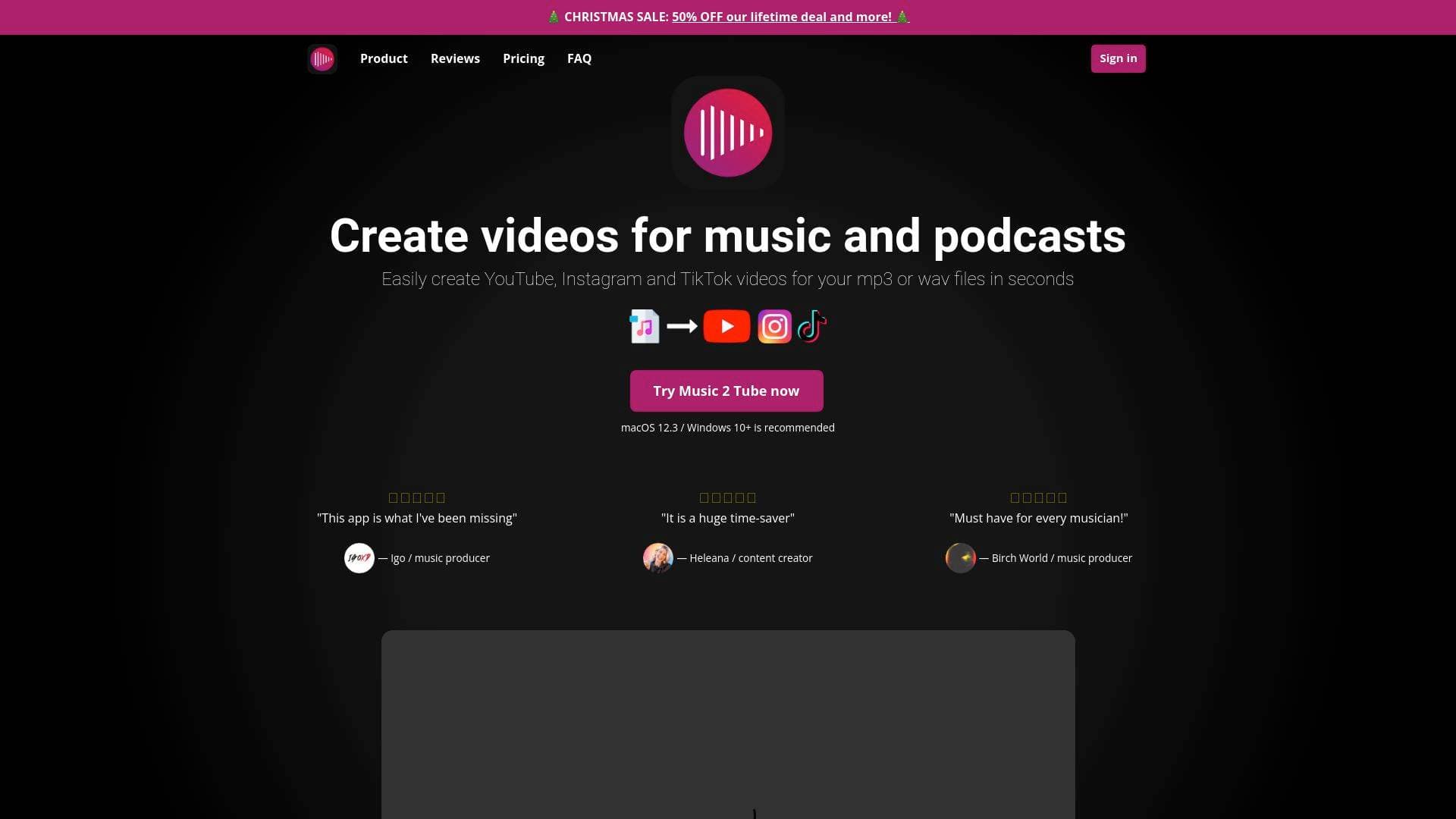
What is Music 2 Tube? A Content Creator's Guide
Music 2 Tube is a desktop video creation tool built specifically for music producers, musicians, podcasters, and audio-focused content creators who need a fast way to get their audio onto video platforms. The core problem it solves is a fundamental one: YouTube does not support direct MP3 or WAV uploads, which means every audio creator needs to wrap their content in a video format before publishing. Rather than opening a full video editing suite just to pair an image with a track, Music 2 Tube handles the entire workflow from audio-to-video conversion to direct YouTube upload in a single application. The software runs locally on Windows 10 (or higher) and Mac OS, meaning there are no online queue times to deal with. Creators can produce videos in formats suited for YouTube, Instagram, Reels, Shorts, and TikTok, covering all the major platforms where audio content gets consumed. Beyond basic conversion, it includes branding tools like watermarks, GIF animations, visual effects, and overlay options, giving creators a polished result without needing a separate design workflow. The bulk creation feature is particularly valuable for producers sitting on large catalogs of beats or tracks who need to publish at scale. For any content creator whose work lives in audio, this video production tool offers a direct path from audio file to published video.
Music 2 Tube Features That Matter for Content Creators
-
Beat Videos in Bulk: Creators can queue up multiple audio files and generate all their videos at once using a simple drag-and-drop interface. This is a major time-saver for music producers uploading entire beat packs or podcast episode archives without having to process each file individually.
-
Direct YouTube Upload: After rendering, Music 2 Tube auto-uploads videos directly to connected YouTube channels. Creators skip the manual download-and-upload step entirely, keeping the content creation workflow tight and efficient.
-
Scheduled Uploads: Videos can be scheduled for upload rather than going live immediately. This gives creators control over their publishing calendar without needing a separate scheduling tool.
-
Multi-Platform Video Formats: The tool exports in formats optimized for YouTube, Instagram, Reels, Shorts, and TikTok, all at once. Creators building a presence across multiple platforms can produce platform-specific versions of the same content in a single session.
-
No Audio Re-Rendering: Music 2 Tube preserves the original audio quality of MP3 and WAV files during the video creation process. For music producers where audio fidelity is non-negotiable, this is a critical distinction from tools that compress or re-encode audio.
-
GIF Animations as Background: Creators can use animated GIFs as the video background rather than a static image. This adds visual movement to music videos without requiring any motion graphics skills or additional software.
-
Visual Effects and Overlays: The software includes overlay options like VHS effects and grain, plus background blur effects. These styling tools let creators build a consistent visual identity across their video catalog.
-
Watermarking: Videos can be branded with a watermark so that the creator's identity stays visible even when content is shared or reposted across platforms. This is a straightforward but important feature for protecting original content.
-
Cloud Support: Files from Google Drive and other cloud storage can be pulled directly into the tool. Creators who store their audio assets in the cloud do not need to download files locally before starting a project.
-
Default Video Details: Titles, descriptions, and keywords can be saved as defaults so they pre-populate for every new upload. Producers uploading high volumes of content save significant time by not re-entering metadata for every single video.
-
Connect Multiple YouTube Channels: The Lifetime plan supports connecting up to 5 YouTube channels. Creators managing multiple channels, such as separate accounts for different music genres or client work, can handle everything from one tool.
Which Content Creators Should Use Music 2 Tube?
Music 2 Tube is built with a clear primary audience in mind: music producers, beat makers, musicians, and podcasters who need a reliable, fast way to publish audio content on video platforms. It is approachable enough for beginners who have never used video software, while the bulk processing and scheduling features serve experienced creators managing large content pipelines.
Primary creator types:
- Music producers and beat makers uploading instrumentals and beats to YouTube for licensing or promotion
- Independent musicians sharing original songs across YouTube, TikTok, and Instagram
- Podcasters who want to repurpose audio episodes as YouTube videos to reach a wider audience
- Lo-fi and ambient music creators building YouTube channels around continuous audio content with visual backdrops
- Music catalog creators managing large libraries of tracks that need to be published at scale
Specific use cases:
- A beat producer uploading 20 new instrumentals to YouTube in a single bulk session
- A podcaster converting weekly WAV episode files into YouTube videos with a branded cover image
- A musician scheduling a week's worth of TikTok and Instagram Reels audio clips in advance
- A lo-fi creator applying blur and grain overlays to give their music videos a consistent aesthetic
- An independent artist watermarking all their YouTube videos to protect original releases
- A producer managing two separate YouTube channels (one for trap beats, one for sample packs) from a single Music 2 Tube account on the Lifetime plan
- A creator pulling audio files directly from Google Drive to speed up their upload workflow
Content formats supported: MP3 and WAV audio files, paired with JPG, JPEG, PNG, or GIF images, exported as videos for YouTube, Instagram, Reels, Shorts, and TikTok.
Getting Started with Music 2 Tube
- Start a subscription and download the software for Windows 10+ or Mac OS, then sign in using Google authentication.
- Click the plus button to navigate to the "Create Video" page, give your video a title, and drag and drop your audio file and cover image into the tool.
- Customize your video by applying effects, overlays, GIF backgrounds, watermarks, or blur as needed to match your branding.
- Enable YouTube upload, click the "Upload to YouTube" button, and enter the required video details such as title, description, and keywords. Use the default video details feature to save these for future uploads.
- Add the video to the queue, navigate back to the queue view, and click the Play button to start rendering. A notification confirms when the video has finished processing and been uploaded.
Music 2 Tube FAQ for Content Creators
What operating systems does Music 2 Tube support? Music 2 Tube runs on Windows 10 or higher and Mac OS. It is a desktop application, not a mobile app, though iOS and Android versions are planned for the future.
What audio and image formats are supported? The tool supports MP3 and WAV audio files. For images, JPG, JPEG, PNG, and GIF formats are all accepted as video cover art or backgrounds.
What are the pricing options? Three plans are available: a Weekly plan at $3.99 per week, a Yearly plan billed at $69.99 annually (roughly $1.35 per week), and a Lifetime plan for a one-time payment of $99.00. All plans include unlimited video length, no watermark restrictions, and access to all features. The Lifetime plan additionally supports connecting up to 5 YouTube channels. Subscriptions can be cancelled or paused at any time.
Is there a limit on file sizes or video length? Music 2 Tube does not impose a file size limit. Video length is unlimited within the tool, though YouTube's own platform limits apply (up to 256 GB or 12 hours for verified accounts).
Are future software updates included? Yes, all future updates are free for existing subscribers and are delivered via email notification when released.
What kind of support is available? Support is available through live chat, email, Discord, and social media, with a response time within 24 hours. If a technical issue cannot be resolved within 5 business days, a refund is offered.
What are the minimum system requirements? The minimum recommended specs are an Intel i3 processor or equivalent, a graphics card with at least 2GB of memory, and 4GB of RAM. For better performance, an Intel i5 or higher, a 4GB+ graphics card, and 8GB of RAM are recommended.
The Verdict: Is Music 2 Tube Worth It for Content Creators?
For music producers, beat makers, musicians, and podcasters who regularly need to publish audio content on YouTube and social media, Music 2 Tube addresses a genuine and recurring friction point in the content creation workflow. The combination of bulk video creation, direct YouTube upload, scheduled publishing, and multi-platform format export makes it a practical tool for creators publishing at any volume. The fact that it runs locally on a device rather than through an online queue is a meaningful advantage for creators who work with large files or need predictable rendering times.
The Lifetime plan at $99 is particularly strong value for creators who plan to use the tool long-term, especially given that all future updates are included at no extra cost. The Yearly plan at $69.99 is the most popular option for those who prefer a lower upfront commitment.
The main limitation to note is platform availability: Music 2 Tube is currently desktop-only (Windows and Mac), with no mobile app yet available. Creators who work primarily from mobile devices will need to wait for the planned iOS and Android releases.
Overall, Music 2 Tube is a focused, affordable video production tool that does exactly what audio-first content creators need: turn audio files into properly formatted, branded videos and get them onto YouTube and social platforms with minimal manual effort.
Details
One link. Every channel, rate, and piece of work brands need to evaluate you. Built for how creators actually get hired.
Claim your profile
Live creator, content, and marketing roles from real companies, with the pay, market, and context the raw job page never gives you.
Browse jobs

 Post Bridge