

PayIt
Payyit is a web-based small business money management platform for freelancers and creators to invoice clients, accept online payments, and automate bookkeeping.
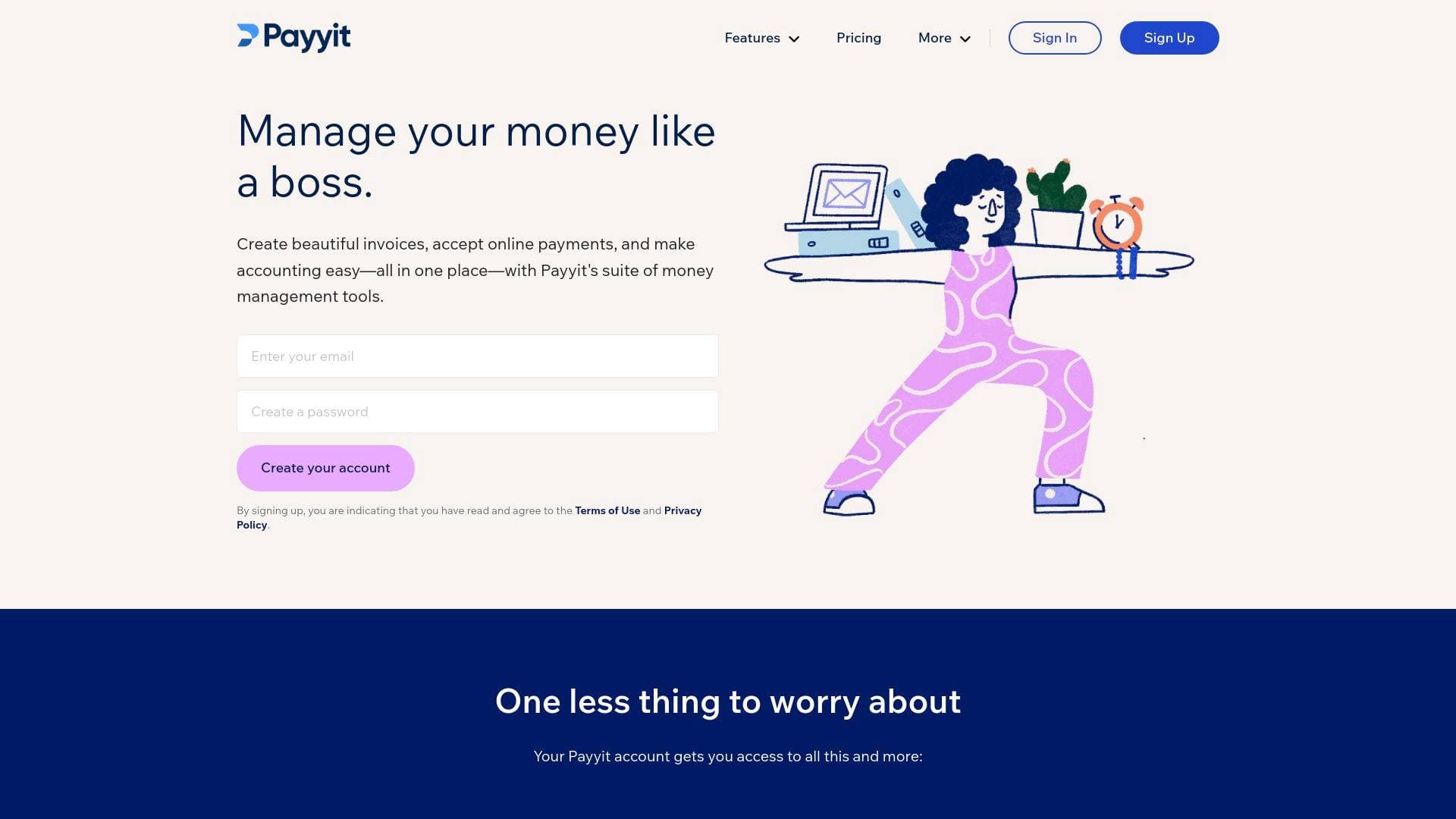
Brief Overview of Payyit for Content Creators
Payyit is a web-based small business money management platform built for freelancers, self-employed entrepreneurs, consultants, and contractors who need to handle invoicing, payments, and accounting without drowning in spreadsheets. For content creators juggling brand deals, sponsored content agreements, and retainer clients, chasing down payments is one of the most frustrating parts of running a creator business. Payyit tackles that problem directly by combining smart invoicing, secure online payments, and automated bookkeeping into a single suite of tools. The platform supports credit card payments, bank transfers (ACH/EFT), and Apple Pay, giving clients a frictionless one-click payment experience that can get creators paid up to 3x faster. Everything is accessible through a browser with no installation required, and a mobile app is available on both iOS and Android for managing invoices and payments on the go. A Payyit Blue Visa Debit card is also part of the ecosystem, letting creators spend their Payyit balance directly wherever Visa is accepted. For creators who want hands-on financial guidance, Payyit Advisors connects users with a network of bookkeeping, accounting, and payroll experts who can coach or simply do the work for them.
Payyit Key Features for Content Creators
-
Smart Invoicing with Automated Reminders: Payyit lets creators build and send professional, branded invoices in minutes. The smart system manages billing cycles automatically, sending overdue reminders so creators never have to awkwardly chase a brand or client for payment again.
-
Customizable Invoice Branding: Invoices can be tailored to reflect a creator's brand identity, adding a polished, professional look to every billing interaction. Creators can also add notes or terms of service directly to invoices, which is especially useful when setting expectations with new sponsorship clients.
-
Online Payments via Credit Card, Bank Transfer, and Apple Pay: Clients receive an invoice with a secure "Pay Now" button and can settle up instantly using a credit card, ACH/EFT bank payment, or Apple Pay. Payyit processes payments for as little as 1% per transaction, and funds are deposited in as fast as 1-2 business days.
-
Recurring Billing: Creators working with retainer clients, such as those producing ongoing content for brands or agencies, can set up recurring invoices and payments. This removes the manual work of re-sending invoices every billing cycle.
-
Automated Bookkeeping: Rather than manually logging every transaction, Payyit automatically organizes income and expenses as payments flow in. The smart dashboard gives creators a clear view of their financial picture at a glance, making it far easier to understand earnings and expenditures without accounting expertise.
-
Tax-Ready Dashboard: All invoices, payments, income, and expenses are automatically organized within Payyit's dashboard. When tax season arrives, creators have everything neatly in place rather than scrambling through shoeboxes of receipts or messy spreadsheets.
-
Payyit Advisors: For creators who want expert guidance, Payyit provides access to a network of bookkeeping, accounting, and payroll professionals. These advisors can coach creators through financial decisions or take over the work entirely, with a non-judgmental approach suited to those who are new to managing business finances.
-
Payyit Blue Visa Debit Card: The Payyit Blue Visa Debit is linked directly to a creator's Payyit balance and can be used to shop online and in-store anywhere Visa is accepted. It carries no monthly fee, no minimum balance requirement, and no credit check, making it a practical spending tool for creators who receive payments through the platform. The card includes Visa Zero Liability protection and built-in chip technology, with the ability to temporarily lock the card if misplaced.
-
Payyit.Me Lynk: Payyit includes a Payyit.Me Lynk feature, providing creators with a shareable payment link to make it even easier for clients and collaborators to send money directly.
-
Web-Based with Mobile App: No software installation is needed to use Payyit's core tools. A mobile app available on iOS and Android extends invoicing and payment management to wherever creators are working.
Payyit Target Users & Use Cases for Content Creators
Payyit is explicitly built for freelancers, self-employed entrepreneurs, consultants, and contractors, which maps closely to how most independent content creators operate their businesses. Whether a creator is billing a single brand partner or managing a roster of ongoing retainer clients, Payyit's tools are designed to reduce the administrative burden of getting paid and staying financially organized.
- Primary creator types: Freelance writers, video creators, podcasters, social media consultants, and any creator who invoices clients for content, sponsorships, or services
- Experience level: Beginners to intermediate; the platform is designed to be approachable for those without accounting backgrounds
- Team size: Primarily solo creators and small creator-run businesses, with payroll support available for those who pay staff
- Specific use cases:
- A freelance content creator sending branded invoices to brand partners for sponsored posts or videos
- A podcast producer setting up recurring billing for a brand that sponsors multiple episodes per month
- A social media consultant tracking income and expenses across multiple client accounts without a dedicated accountant
- A YouTuber or blogger accepting one-click credit card or Apple Pay payments from clients for consulting or coaching services
- A self-employed creator paying themselves and any contractors or editors through the platform's payroll tools
- A creator using the Payyit Blue Visa Debit to spend earnings directly from their Payyit balance on business expenses
- A new creator working with Payyit Advisors to understand how to handle taxes and bookkeeping for the first time
- A contractor-style creator tracking project-based expenses using the free accounting tools
How to Get Started with Payyit
- Create a free account: Sign up at Payyit's dashboard with an email address and agree to the Terms of Use and Privacy Policy. No software installation is required since all tools are web-based.
- Choose a plan: Start with the Starter Plan to access basic invoicing and bookkeeping features. Upgrade to the Pro Plan when ready to unlock additional money management capabilities and online payment acceptance.
- Set up your first invoice: Build a branded invoice, add client details, set payment terms, and enable the online payments option to include a secure "Pay Now" button.
- Enable online payments: Once payments are activated, clients can pay via credit card, bank transfer (ACH/EFT), or Apple Pay directly from the invoice link. Funds arrive in the creator's account within 1-2 business days.
- Download the mobile app: Install the Payyit app on iOS or Android to manage invoices and track payments from anywhere.
Frequently Asked Questions About Payyit
Does Payyit require any software installation? Payyit is entirely web-based, so all that's needed is an internet connection and a browser. For creators who prefer managing finances on the go, a mobile app is available for both iOS and Android devices.
What payment methods can clients use to pay Payyit invoices? Clients can pay invoices using a credit card, secure bank payment (ACH/EFT), or Apple Pay. Payments are processed through a secure "Pay Now" button embedded directly in the invoice email.
How quickly do creators receive their money after a client pays? Funds are deposited into the creator's account in as fast as 1-2 business days after a client completes an online payment.
What is the Payyit Blue Visa Debit card? The Payyit Blue Visa Debit is a physical card linked to a creator's Payyit balance. It carries no monthly fee, no minimum balance requirement, and no credit check, and it can be used anywhere Visa is accepted, both online and in-store. It includes Visa Zero Liability protection and built-in chip technology.
Can creators try Payyit before committing to a paid plan? Yes, the Starter Plan allows creators to explore the core invoicing and bookkeeping features before deciding to upgrade to the Pro Plan for additional capabilities.
Is there expert support available for creators who need financial guidance? Payyit Advisors provides access to a team of bookkeeping, accounting, and payroll professionals. Creators can work with these advisors for coaching or have them handle the financial work directly.
Bottom Line: Should Content Creators Choose Payyit?
Payyit is a strong fit for independent content creators, freelancers, and self-employed creators who need a straightforward way to invoice clients, collect payments quickly, and keep their finances organized without hiring a full-time accountant. The combination of branded invoicing, automated bookkeeping, multi-method online payments, and access to human financial advisors covers most of what a solo creator needs to run the financial side of their business. The 1-2 business day payment deposit timeline and low transaction fees starting at 1% make it a practical choice for creators who depend on steady cash flow. The addition of the Payyit Blue Visa Debit card adds a convenient way to spend earnings directly. Creators who need more advanced financial tools or complex multi-user business accounting may find the platform's scope limited, but for freelancers and small creator-run operations, Payyit delivers a well-integrated money management solution that removes the administrative friction of getting paid and staying tax-ready.
Details
One link. Every channel, rate, and piece of work brands need to evaluate you. Built for how creators actually get hired.
Claim your profile
Live creator, content, and marketing roles from real companies, with the pay, market, and context the raw job page never gives you.
Browse jobs

 Post Bridge