

Lumia Stream
Lumia Stream is an all-in-one live streaming tool that connects Twitch, YouTube, TikTok, and Facebook with smart lights, overlays, alerts, chat bots, and 40+ interactive features for streamers.
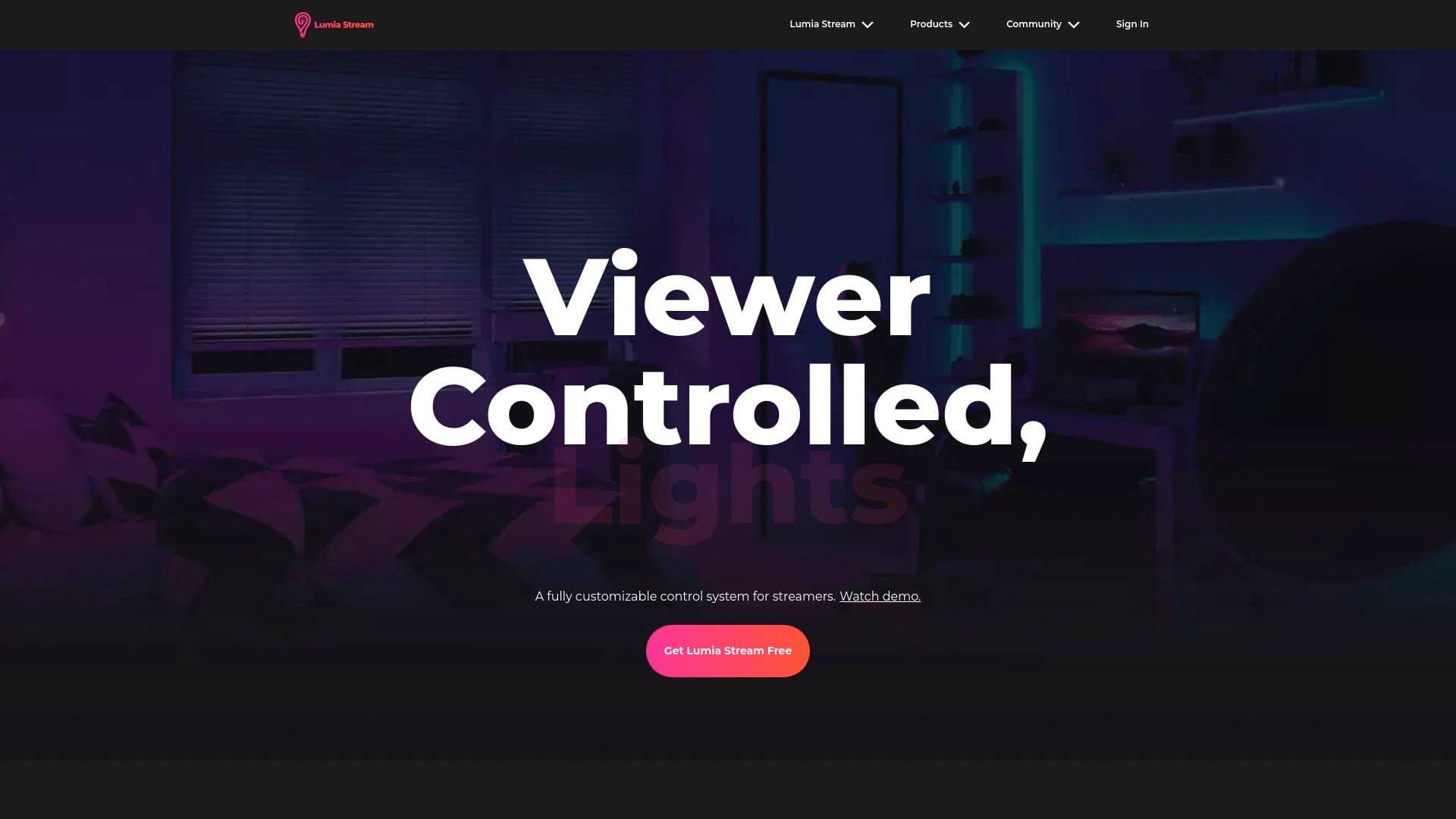
What is Lumia Stream? A Content Creator's Guide
Lumia Stream is an all-in-one live streaming software built specifically for streamers who want to turn passive viewers into active participants. The platform solves one of the biggest challenges in live content creation: fragmentation. Instead of juggling separate tools for chat management, alerts, overlays, and smart lighting, Lumia Stream pulls everything into a single desktop application that works across Twitch, YouTube, TikTok, Facebook, and Kick simultaneously. What truly sets this live streaming solution apart from other broadcast tools is its deep integration with physical smart lighting systems, letting audiences literally change the color and mood of a streamer's room in real time. Beyond lights, it covers the full spectrum of interactive streaming needs, from loyalty point systems and custom overlays to community raffles and text-to-speech voices. The software is available as a free download on Windows, Mac, and Linux, making it accessible to creators at any stage of their journey.
Lumia Stream Features That Matter for Content Creators
-
Unified Multistream Chat: All chat conversations from every connected platform appear in one place, so streamers broadcasting to Twitch, YouTube, TikTok, and Facebook simultaneously never miss a message. This is critical for multistreaming creators who otherwise have to monitor four separate browser tabs while also managing their stream.
-
Real-Time Alert System: Lumia Stream delivers instant alerts for follows, entrances, and other viewer actions as they happen. Streamers can stay on top of every community moment without constantly checking dashboards or missing key engagement opportunities mid-game or mid-conversation.
-
Viewer-Controlled Smart Lights: This is the platform's most distinctive feature. Viewers can type commands in chat to change the streamer's physical lighting colors and devices in real time, directly boosting engagement and creating a genuinely interactive broadcast environment. Compatible lighting brands include Nanoleaf, Philips Hue, LIFX, Govee, Elgato Key Light, Corsair, Razer, Yeelight, Govee, WiZ, Wyze, and many more.
-
LumiaPoints Loyalty System: Streamers can build their own custom loyalty economy, rewarding or deducting points from viewers based on their actions during a stream. Points can be earned through participation and spent on triggering stream effects, which keeps audiences coming back and actively engaging rather than lurking passively.
-
OBS Overlays Editor: A built-in overlay editor lets streamers design and display real-time alerts, interactive games, and custom graphics directly within OBS. This removes the need for a separate overlay design tool and keeps the entire production workflow inside the Lumia Stream ecosystem.
-
Interactive Stream Commands: Viewers can type specific commands in chat to trigger real-time effects, from changing lights to launching fun on-screen actions. This level of audience control transforms a standard broadcast into a participatory experience that keeps viewers invested in staying and interacting.
-
Viewer Raffles and Random Selection: Streamers can run raffles or randomly select viewers from a queue directly within the platform. This is a practical engagement tool for giveaways, game invitations, or any moment where a streamer wants to spotlight a community member.
-
Community TTS Voice Marketplace: A growing library of community-built text-to-speech voices lets viewers' chat messages be read aloud in character voices ranging from Optimus Prime and Morgan Freeman to Yoda and SpongeBob. Creators can add personality and humor to their streams without any extra software.
-
Lumia Link Mobile App: A companion mobile app lets streamers control the full desktop application from their phone. This is particularly useful for solo creators who need to make quick adjustments mid-stream without reaching over to their PC.
-
Tip Page and Bio Page Services: Lumia Stream includes a built-in tip page that sends donations directly to a streamer's bank account, plus a bio page that consolidates all links, videos, and live streams in one place. These monetization and discoverability tools are built natively into the platform rather than requiring third-party services.
-
Twitch Extension for Bits: A dedicated Twitch extension gives community members the ability to spend bits directly on stream effects, creating an additional revenue channel for Twitch affiliates and partners beyond standard subscriptions and donations.
-
HUD Companion: Viewers can trigger jumpscares and alerts that appear directly on the streamer's screen through the HUD Companion service, adding a layer of chaos and fun that audiences love to watch unfold live.
-
Community Plugins: An open plugin ecosystem lets community developers extend Lumia Stream with new platforms, custom actions, and unique automations. Creators who want highly specific workflows can browse and install community-built plugins rather than waiting for official feature updates.
Which Content Creators Should Use Lumia Stream?
Lumia Stream is purpose-built for live streamers, but its suite of tools makes it valuable for any creator who broadcasts regularly and wants to grow a more engaged, loyal community. The platform scales from casual free users who want basic light integrations to full-time streamers running complex multi-platform productions with loyalty economies and custom overlays.
-
Primary creator types: Live streamers on Twitch, YouTube, TikTok, Facebook, and Kick; gaming streamers who want interactive audience participation; variety streamers managing multiple platform chats; VTubers using VTube Studio integration; charity streamers using DonorDrive, Extra Life, or Tiltify integrations; Patreon creators who want to reward supporters during live streams.
-
Experience level: The free version is genuinely functional for beginners, as noted by multiple users who started as casual free users and expanded over time. More advanced creators can layer in complex commands, loyalty systems, overlays, and hardware integrations as their streams grow.
-
Team size: Primarily designed for solo creators, though the mobile companion app and Stream Deck integration make it easier to manage with a small production team.
-
Specific use cases:
- A Twitch streamer who wants viewers to change their Philips Hue or Nanoleaf lights by typing color commands in chat
- A multistreamer broadcasting to Twitch and YouTube simultaneously who needs a single unified chat view
- A gaming streamer running a loyalty points economy where viewers earn and spend LumiaPoints on stream effects
- A VTuber integrating Lumia Stream with VTube Studio for reactive avatar and lighting triggers
- A charity streamer connecting DonorDrive or Tiltify to trigger alerts and lighting effects for donations
- A Twitch affiliate wanting to monetize bits through the native Twitch extension
- A streamer who wants to run live raffles and viewer queue selections without third-party tools
- A creator building a branded stream setup with custom OBS overlays designed inside the platform
-
Content types: Live gaming streams, IRL streams, variety streams, charity broadcasts, VTuber content, and any live format where real-time audience interaction is a priority.
Getting Started with Lumia Stream
- Download the desktop app for free on Windows, Mac, or Linux from the Lumia Stream downloads page. The free version provides full access to core tools without a trial limitation.
- Connect your streaming platforms by linking your Twitch, YouTube, TikTok, Facebook, or Kick accounts to start pulling in chat and alert data from all channels simultaneously.
- Set up your smart lights and devices by selecting from the extensive list of supported hardware brands including Philips Hue, Nanoleaf, Govee, Elgato, Corsair, Razer, and many others.
- Configure your overlays using the built-in overlay editor, then connect it to OBS or Streamlabs OBS to display real-time alerts and interactive elements on your broadcast.
- Install the Lumia Link mobile app to control your stream setup from your phone, and optionally connect a Stream Deck or Touch Portal for one-touch hardware control during live broadcasts.
Lumia Stream FAQ for Content Creators
Is Lumia Stream free to use? Lumia Stream offers a free download with full access to its core tools on Windows, Mac, and Linux. Multiple users have noted that the free version feels genuinely complete rather than a limited trial, which is uncommon for software in this category.
Which streaming platforms does Lumia Stream support? Lumia Stream connects with Twitch, YouTube, TikTok, Facebook, and Kick for live streaming. It also integrates with Discord, X (Twitter), Streamlabs, StreamElements, Streamerbot, and Mix It Up for broader community management.
What smart lighting brands work with Lumia Stream? The platform supports an extensive range of smart lighting hardware including Philips Hue, Nanoleaf, LIFX, Govee, Elgato Light Strip, Elgato Key Light, Corsair, Razer, Yeelight, WiZ, Wyze, Twinkly, Kasa, Tuya, MagicHome, Cololight, WLED, SteelSeries, SmartLife, and Tapo, among others.
Does Lumia Stream work with OBS? Yes, Lumia Stream integrates directly with OBS, Streamlabs OBS, and Meld. The platform includes a built-in overlay editor specifically designed to display real-time alerts and interactive elements within these broadcasting applications.
Can viewers control my stream through Lumia Stream? Viewers can type commands in chat to change lighting colors and trigger stream effects in real time. The platform also supports a loyalty points system where viewers earn and spend LumiaPoints, a Twitch extension for spending bits, and a HUD Companion that lets viewers trigger jumpscares directly on the streamer's screen.
What hardware controllers work with Lumia Stream? Lumia Stream supports the Elgato Stream Deck and Touch Portal as hardware controllers, with dedicated plugins available for both. It also supports MIDI controllers, Artnet, Broadlink, generic WebSocket connections, Home Assistant, MQTT, OSC, and Serial connections for advanced setups.
Does Lumia Stream have a mobile app? Yes, the Lumia Link mobile app lets streamers control the full desktop application remotely from their phone, which is useful for making adjustments during a live broadcast without interrupting the stream.
The Verdict: Is Lumia Stream Worth It for Content Creators?
For live streamers who want to build a more interactive and visually dynamic broadcast, Lumia Stream delivers a genuinely impressive toolkit. The combination of unified multistream chat, viewer-controlled smart lighting, a built-in loyalty system, OBS overlay editor, and 40+ exclusive features in a single platform is hard to match. The fact that a functional free version exists makes it a low-risk starting point for newer streamers, while the depth of integrations across lighting hardware, streaming platforms, donation services, and hardware controllers gives experienced creators room to build highly customized productions.
The platform is best suited for Twitch, YouTube, TikTok, and Facebook streamers who already own or plan to invest in smart lighting hardware, and for creators who want to move beyond passive viewership toward genuine real-time audience participation. Charity streamers, VTubers, and multistreaming creators will find particularly strong value given the native integrations with DonorDrive, Tiltify, VTube Studio, and simultaneous multi-platform chat management.
The main consideration is that the platform's most compelling features, particularly the smart lighting integrations, require compatible hardware. Streamers without smart lights will still benefit from the chat consolidation, overlays, alerts, loyalty system, and TTS marketplace, but the full Lumia Stream experience is most impactful when paired with a reactive lighting setup. Overall, for interactive streamers looking to illuminate their community in every sense of the word, Lumia Stream is a well-supported and feature-rich choice.
Details
One link. Every channel, rate, and piece of work brands need to evaluate you. Built for how creators actually get hired.
Claim your profile
Live creator, content, and marketing roles from real companies, with the pay, market, and context the raw job page never gives you.
Browse jobs

 Post Bridge