

Linearity
Linearity is a design and animation suite for Apple devices, offering vector illustration, logo design, and motion graphics tools for creative professionals.
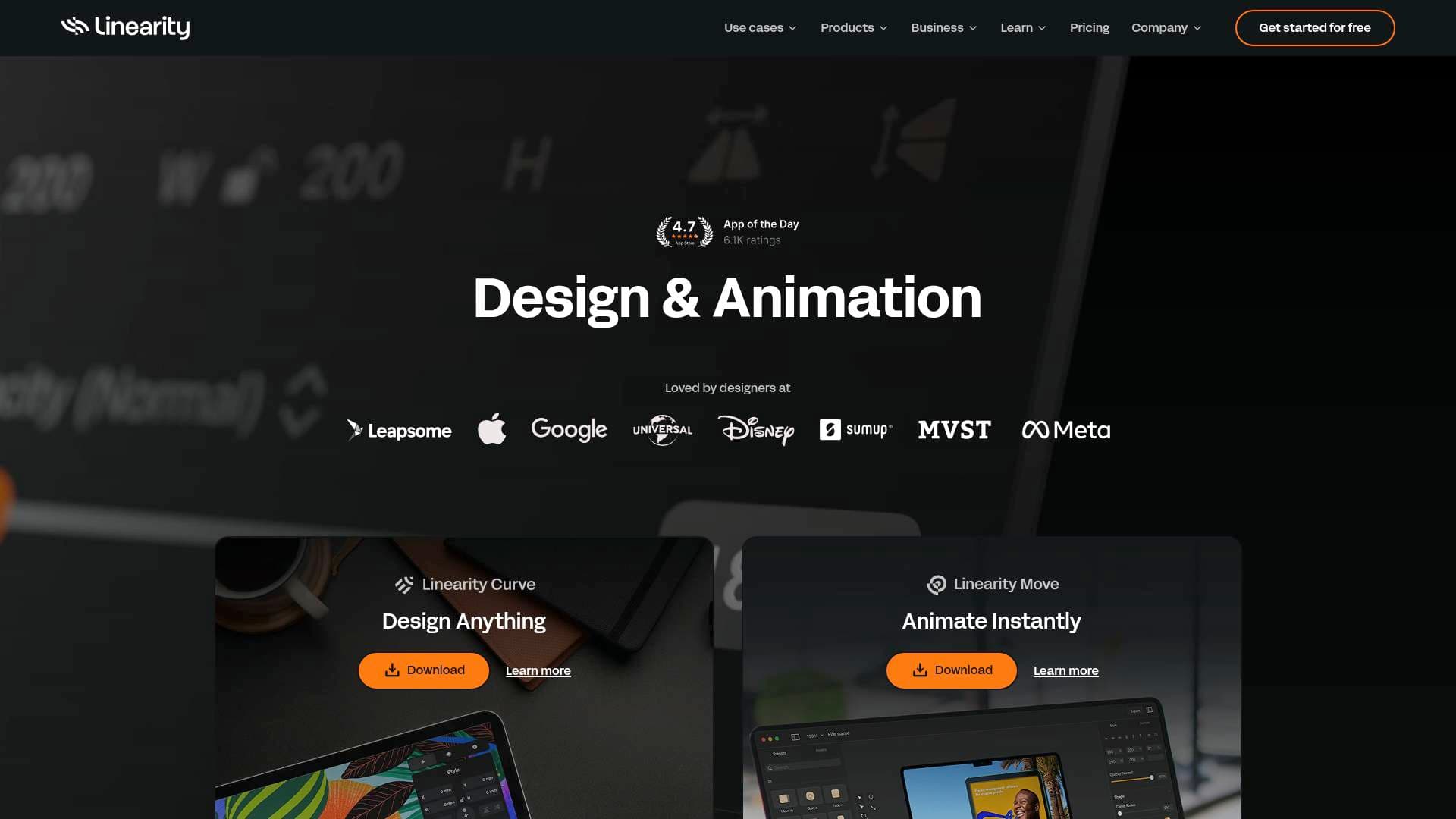
Brief Overview of Linearity for Content Creators
Linearity is a design and animation suite built exclusively for Apple devices, combining two powerful apps — Linearity Curve for vector design and Linearity Move for motion graphics — into one unified creative workflow. For content creators who constantly need scroll-stopping visuals, branded assets, and animated social content, this platform addresses the frustration of juggling multiple disconnected tools. Curve handles everything from logo design and digital illustration to poster creation and social media graphics, while Move brings those static designs to life with professional animation. The suite runs natively on Mac, iPad, and iPhone, with full Apple Silicon support and Apple Pencil optimization, making it a genuinely portable content creation tool. With over 6 million designs created and recognition as an App Store App of the Day and Editor's Choice, Linearity has built a strong reputation among illustrators, brand designers, and motion creatives. The free plan lets creators start immediately with access to 4,000+ templates and 1M+ Unsplash images, while the Pro plan unlocks unlimited files and exports at $79 per year — priced at less than half the cost of comparable design tools. Whether a creator is designing YouTube thumbnails, TikTok animations, or brand identity assets, Linearity brings the entire content creation workflow under one roof on the devices they already use.
Linearity Key Features for Content Creators
-
Two-App Creative Suite (Curve + Move): Linearity operates as a tightly integrated pair of apps. Curve handles precision vector design — logos, illustrations, social graphics, posters — while Move handles animation and motion graphics. Creators design in Curve and animate in Move without losing quality or breaking their workflow, making it ideal for producing animated social content or branded video assets.
-
4,000+ Free Customizable Templates: The free plan includes access to over 4,000 ready-to-edit templates spanning social media posts, online ads, brand assets, marketing materials, and more. This dramatically cuts down production time for creators who need to publish consistently across Instagram, TikTok, LinkedIn, and other platforms.
-
AI-Powered Image Tools: Curve includes several AI-powered features that handle time-consuming tasks in a single tap. Background Removal, AI Grab (for isolating subjects), and the Magic Eraser let creators clean up images, remove unwanted elements, and isolate objects instantly — no manual masking required.
-
Auto Trace (Raster to Vector Conversion): Auto Trace uses a custom algorithm to convert sketches, photos, and raster images into fully editable vector graphics. For creators who sketch ideas by hand or want to digitize existing artwork, this feature eliminates hours of manual tracing work.
-
Animation with Keyframes and Shape Morphing: Linearity Move features an intuitive keyframe system that gives creators precise control over motion without a steep learning curve. Shape Morphing lets icons, logos, and illustrations transition smoothly between forms — no manual frame-by-frame work needed. Animated presets are also available for creators who want professional results fast.
-
Import from Figma, Illustrator, Sketch, and More: Creators aren't locked into starting from scratch. Move and Curve both support imports from Figma, Illustrator, Sketch, PDF, SVG, and PNG formats. A dedicated Linearity Figma Plugin makes it easy to pull assets directly from Figma and animate them in Move.
-
Export to MP4, MOV, GIF, SVG, PDF, and More: Finished work exports in a wide range of formats to suit any platform or use case. Animated content exports as MP4, MOV, or GIF, while static designs export as SVG, PDF, EPS, PNG, and JPEG — covering everything from social posts to print-ready deliverables.
-
1 Million+ Copyright-Free Unsplash Assets: Every plan, including the free tier, includes access to over 1 million high-resolution stock photos from Unsplash directly inside the app. Creators can search and insert photography without leaving their design canvas or worrying about licensing issues.
-
CMYK and Print-Ready Design Support: Curve supports CMYK color mode and high-resolution export for print, making it useful for creators who produce physical merchandise, event posters, or packaging alongside their digital content. Bleed settings and PDF export ensure print-ready outputs with no external tools needed.
-
Offline Functionality: Linearity Curve works fully offline as a native app. Core design tools, layers, effects, and local file access all function without an internet connection — ideal for creators working on flights, in remote locations, or anywhere with unreliable Wi-Fi. Syncing resumes automatically when back online.
-
Cross-Device Sync Across Mac, iPad, and iPhone: Projects sync automatically across all Apple devices with a single sign-in. A creator can start a design on their Mac, refine it on an iPad with Apple Pencil, and reference it on iPhone — all within the same creative flow.
-
Typography Controls: Curve includes an advanced text tool with tracking, kerning, alignment, and multi-line style controls. Text on Path lets creators wrap type around shapes and curves, while custom font uploads and brush-styled text (converting type to vector outlines) give full typographic freedom for logos, thumbnails, and branded content.
Linearity Target Users & Use Cases for Content Creators
Linearity is built for creative professionals who work on Apple devices and need a fast, focused design environment without bloated interfaces. It suits both solo creators and small teams, with collaboration features like shared workspaces and cross-device syncing that keep projects moving. The pricing structure — free to start, with a Pro plan at $79/year — makes it accessible to independent creators at virtually any stage.
-
Primary creator types: Digital illustrators, brand designers, social media content creators, motion graphic artists, YouTubers needing thumbnail and channel art, TikTok creators producing animated content, and freelance designers managing multiple client projects.
-
Experience level: Beginner to professional. The clean interface and intuitive layout are designed so creators can start designing within minutes, while advanced tools like Bézier curves, mesh gradients, and keyframe animation serve experienced designers.
-
Team size: Works well for solo creators and small in-house or freelance teams. Workspaces support personal, team, and client project organization.
-
Specific use cases for content creators:
- Designing YouTube thumbnails, channel banners, and end screen graphics using Curve's vector tools and templates
- Creating animated Instagram Reels graphics or TikTok visuals using Move's keyframe animation and export to MP4/GIF
- Building a full personal brand identity — logo, color palette, social templates — entirely within Curve
- Converting hand-drawn sketches into polished vector illustrations using Auto Trace for merchandise or digital products
- Producing animated ad creatives for sponsored content or brand deals using Move's animation presets
- Designing print-ready event posters or merchandise with CMYK support and high-res PDF export
- Animating logos and icons for YouTube intros or podcast cover art using Shape Morphing in Move
- Importing existing Figma or Illustrator assets and animating them in Move for social campaigns
-
Content types supported: Social media graphics, animated videos (MP4/MOV/GIF), vector illustrations, logos, posters, banner ads, brand assets, infographics, calligraphy, web graphics, and print materials.
How to Get Started with Linearity
- Download the apps: Linearity Curve and Linearity Move are both available as free downloads from the App Store for iPad, iPhone, and Mac. A DMG installer is also available directly for Mac users.
- Create a free account: Sign in once to unlock syncing across all Apple devices, access to 4,000+ templates, and 1M+ Unsplash assets — no credit card required for the free plan.
- Choose your starting point: Open Curve to begin a new design from scratch or select a template for social media, branding, ads, or marketing assets. Alternatively, import existing files from Figma, Illustrator, Sketch, PDF, or SVG to continue work already in progress.
- Design in Curve, animate in Move: Once a design is ready in Curve, bring it into Move to add motion using keyframes, shape morphing, or animation presets. Export the final result as MP4, MOV, GIF, or any static format needed.
- Access learning resources: The Academy Hub inside the app provides free video tutorials, step-by-step user guides, and design tips covering both beginner and advanced workflows on Mac and iPad.
Frequently Asked Questions About Linearity
Is Linearity free to use? Yes, Linearity offers a free plan that includes access to 4,000+ templates, 1M+ Unsplash images, the Magic Eraser, Auto Trace (5 free uses), and sync across Mac, iPad, and iPhone. The Pro plan costs $79 per year ($6.58/month) and unlocks unlimited files, unlimited exports, unlimited artboards, and same-day support.
Does Linearity work offline? Yes, Linearity Curve functions fully offline as a native app. Design tools, layers, effects, and locally stored files all work without an internet connection. Cloud syncing and online asset libraries resume once an internet connection is restored.
What file formats can I import and export? Curve supports imports from Figma, Illustrator, Sketch, PDF, SVG, and PNG. Export options include SVG, PDF, EPS, PNG, and JPEG for static designs. Move exports animations as MP4, MOV, and GIF.
Does Linearity use my designs for AI training? No. Linearity does not use files for AI training unless a creator explicitly opts in through the feedback modal that appears after using Auto Trace, Background Removal, or AI Backgrounds features. If that modal has not been interacted with, files are not used for training.
Is there an education discount? Yes. Students, teachers, schools, and institutions receive 58% off the yearly Pro plan. Verification requires answering 4 questions through a linked form.
What devices does Linearity support? Linearity runs on iPadOS 16 or later and macOS Ventura or later (for the main suite). Curve specifically supports iPadOS 14 or macOS Big Sur and later. Both apps are Apple Silicon native and optimized for Apple Pencil. Linearity is only available for Apple devices.
What's included in each subscription plan? Every plan includes access to both Linearity Curve (static design) and Linearity Move (motion design). The free plan has limits on artboards (10) and files (8), while Pro removes all those limits and adds PNG/JPEG/SVG/PDF export, printing, and local file support.
Bottom Line: Should Content Creators Choose Linearity?
Linearity is a strong choice for content creators who are already embedded in the Apple ecosystem and want a single, focused platform for both static design and animation. The combination of Curve and Move covers an impressive range of creator needs — from building a brand identity and designing social graphics to producing animated content for Instagram, TikTok, and YouTube. The free plan is genuinely useful, not just a teaser, giving access to thousands of templates and a massive stock photo library from day one.
The main limitation is platform exclusivity: Linearity is only available for Apple devices, so creators on Windows or Android are entirely excluded. The free plan also restricts exports (no PNG, JPEG, SVG, or PDF on the free tier), which means creators who need to actually publish their work will likely need the Pro plan.
For Apple-based creators — especially illustrators, social media designers, and anyone producing animated content for brand deals or campaigns — Linearity offers a well-integrated, affordable, and genuinely capable creative suite. At $79/year, the Pro plan represents solid value for the breadth of tools included across both apps.
Details
One link. Every channel, rate, and piece of work brands need to evaluate you. Built for how creators actually get hired.
Claim your profile
Live creator, content, and marketing roles from real companies, with the pay, market, and context the raw job page never gives you.
Browse jobs

 Post Bridge