

Keyword Tool
Pinterest Keyword Tool is a free keyword research platform that pulls real-time autocomplete data from Pinterest, YouTube, Google, and more to help content creators grow their organic reach.
What is Pinterest Keyword Tool? A Content Creator's Guide
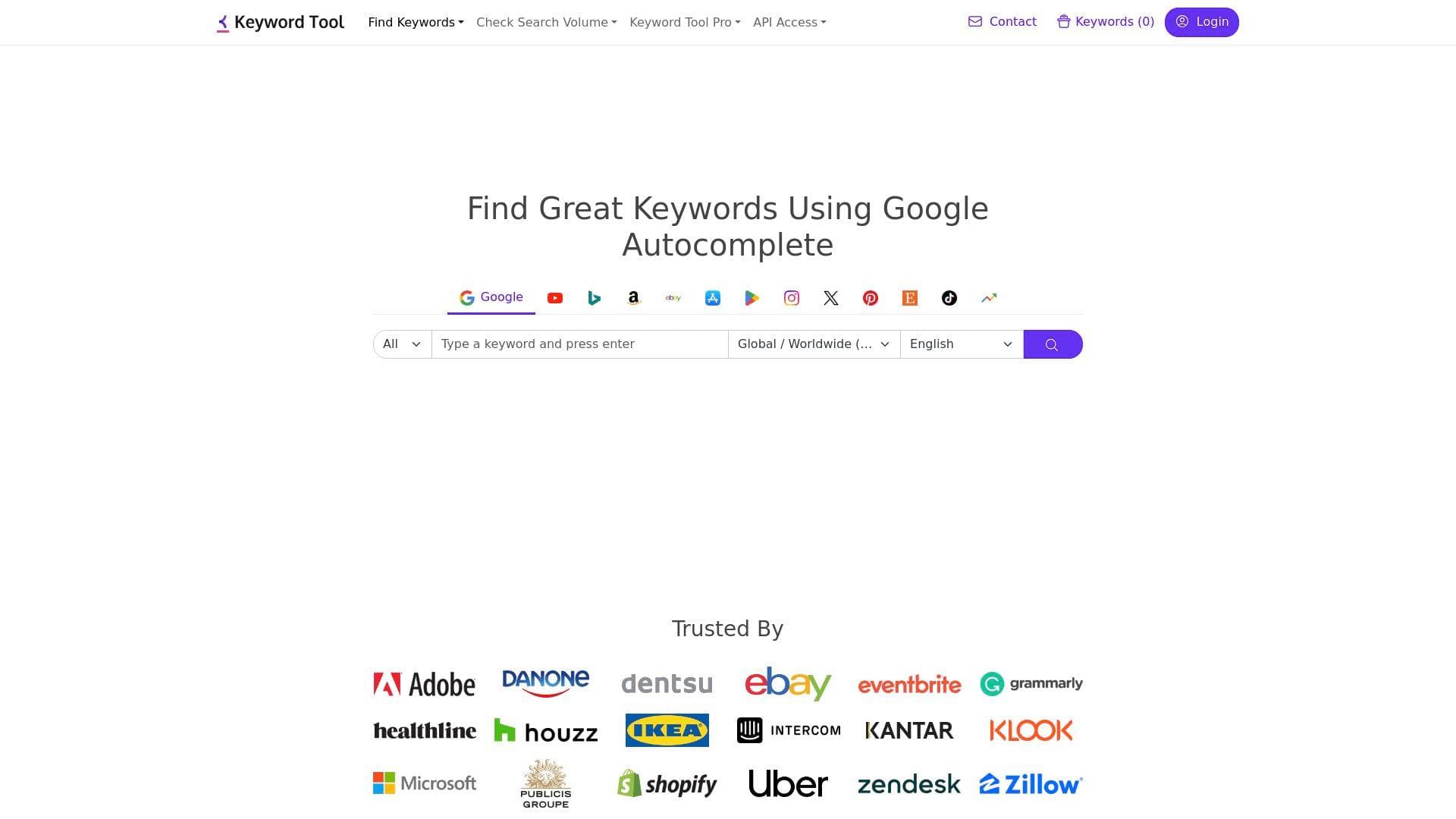
Growing an audience on Pinterest is a keyword game, and Pinterest Keyword Tool is built specifically to help content creators win it. This free keyword research platform pulls keyword ideas directly from Pinterest's own autocomplete system in real time, giving creators access to the exact search terms their target audience is already typing into the platform. Rather than guessing what topics resonate, creators can enter a seed keyword and instantly receive a bulk list of relevant, up-to-date keyword suggestions for optimizing Pins and boards. The tool is part of a broader multi-platform keyword research suite that also covers YouTube, Google, TikTok, Instagram, and more, making it a genuinely versatile asset for creators who publish across multiple channels. What sets it apart is its live data approach: the keyword database is not static. Every search pulls fresh suggestions directly from Pinterest at that exact moment, ensuring creators are never working with outdated trends. For visual content creators, lifestyle bloggers, DIY enthusiasts, and anyone building a Pinterest presence, this keyword research tool directly addresses the challenge of organic discoverability.
Pinterest Keyword Tool Features That Matter for Content Creators
-
Real-Time Pinterest Autocomplete Data: Rather than relying on a stored database that can go stale, Pinterest Keyword Tool pulls keyword suggestions live from Pinterest's own autocomplete system every time a search is run. This means creators always get fresh, relevant keywords that reflect what Pinterest users are actively searching for right now, not six months ago.
-
Bulk Keyword Generation from a Single Seed Term: Enter one seed keyword and the tool automatically prepends and appends it with different letters and numbers, triggering Pinterest's autocomplete to generate a large volume of related keyword ideas. A creator researching "room decor" Pins, for example, can walk away with hundreds of specific keyword variations in seconds.
-
Multi-Platform Keyword Research: Beyond Pinterest, the same platform supports keyword research for YouTube, Google, TikTok, Instagram, Bing, Amazon, Etsy, eBay, App Store, Play Store, X, Perplexity, Naver, and Google Trends. Creators who repurpose content across platforms can research keywords for each destination without switching tools.
-
Country and Language Targeting: The tool supports keyword generation across all countries and languages supported by Pinterest, with over 50 language options available. This is particularly valuable for creators building international audiences or producing content in languages other than English.
-
Search Volume Estimates via Keyword Tool Pro: Pinterest itself does not publicly share search volume data for keywords on its platform. Keyword Tool bridges this gap by using third-party data providers to deliver estimated monthly search volume figures. Free users can see some volume data, while Keyword Tool Pro subscribers get full access to sort and filter keywords by search volume and other metrics.
-
Keyword Sorting and Filtering (Pro): Keyword Tool Pro allows creators to sort and filter the generated keyword list using search volume and additional metrics. This helps prioritize which keywords to target first, saving time when working through a large list of Pin optimization opportunities.
-
Bulk Search Volume Checking (Pro): Pro subscribers can check the search volume for an entire list of keywords at once, rather than researching them one by one. This is a significant time-saver for creators managing large content libraries or planning out a full month of Pinterest content.
-
No Account Required for Free Use: Creators can start using the Pinterest keyword finder immediately without creating an account or entering payment details. Just type a seed keyword, hit search, and the results appear within seconds.
-
YouTube Tag and Hashtag Generation: On the YouTube side of the platform, the tool generates over 750 tag suggestions from YouTube autocomplete and automatically separates them with commas for easy copy-paste into the YouTube video tag field. It also surfaces popular YouTube hashtags that creators can add to video titles and descriptions to boost discoverability.
-
Long-Tail Keyword Focus: The free version of the broader Keyword Tool platform generates up to 750+ long-tail keyword suggestions per search. Long-tail keywords tend to be more specific and less competitive, making them especially useful for newer creators trying to rank their content against established accounts.
Which Content Creators Should Use Pinterest Keyword Tool?
Pinterest Keyword Tool is a natural fit for any creator whose content lives or could live on Pinterest, but its multi-platform capabilities make it relevant far beyond that single channel. Whether a creator is just starting out or managing a well-established presence, the free entry point removes any barrier to getting started.
-
Primary creator types: Pinterest creators, lifestyle bloggers, DIY and craft content creators, home decor influencers, food bloggers, fashion creators, travel content creators, and anyone who publishes visual content that performs well on Pinterest's discovery-driven platform.
-
Experience level: Beginner-friendly thanks to the no-account, no-payment free tier. Advanced creators benefit from Keyword Tool Pro's sorting, filtering, and bulk search volume features.
-
Team size: Works equally well for solo creators managing their own Pinterest boards and for small creator teams coordinating content calendars across multiple platforms.
-
Specific use cases:
- A home decor blogger researching which room styling keywords drive the most Pinterest traffic before writing a new post
- A food creator optimizing Pin titles and descriptions with high-volume recipe keywords
- A DIY YouTuber cross-referencing YouTube keyword data and Pinterest keyword data to find topics that perform on both platforms
- A TikToker expanding their content reach to Pinterest and needing to understand what search terms the Pinterest audience uses
- A newsletter writer identifying trending topics on Pinterest to inform their editorial calendar
- A lifestyle creator building out new Pinterest boards and needing keyword-optimized board names and descriptions
- A creator targeting international audiences using the language and country filters to find locally relevant Pinterest keywords
- A content creator planning a month of Pins in advance and using bulk search volume checking (Pro) to prioritize the highest-opportunity keywords
-
Content types: Images, videos, Pins, boards, blog posts linked from Pinterest, and any visual content format that benefits from Pinterest search optimization.
Getting Started with Pinterest Keyword Tool
-
Enter a seed keyword: Navigate to the Pinterest section of Keyword Tool and type a broad topic related to your content into the search bar. For example, a food creator might enter "meal prep ideas" or "easy dinner recipes."
-
Select country and language: Choose the country and language that best matches your target Pinterest audience. This localizes the autocomplete suggestions to that specific market.
-
Review the generated keyword list: Within seconds, a list of keyword suggestions pulled directly from Pinterest autocomplete appears. Browse the results to identify specific, relevant terms that match your content.
-
Use keywords to optimize Pins and boards: Apply the discovered keywords to Pin titles, Pin descriptions, board names, and board descriptions to improve organic discoverability on Pinterest.
-
Upgrade to Pro for search volume data: To prioritize keywords by monthly search volume and access bulk checking features, subscribe to Keyword Tool Pro for the full dataset.
Pinterest Keyword Tool FAQ for Content Creators
Where do the Pinterest keyword suggestions come from? All keyword suggestions are pulled directly from Pinterest's autocomplete system in real time at the moment of each search. The tool does not use a static keyword database, so results always reflect current search behavior on the platform.
Can creators use Pinterest Keyword Tool for free? Yes. The core keyword suggestion feature is completely free and requires no account creation. Free users can generate keyword ideas and see some data immediately. Full search volume data and advanced filtering require a Keyword Tool Pro subscription.
Does the tool support languages other than English? Yes. Pinterest Keyword Tool supports all countries and languages that Pinterest itself supports, with over 50 language options available in the interface. Keyword Tool Pro also provides accurate search volume data across different countries and languages.
How does Keyword Tool estimate Pinterest search volume? Since Pinterest does not publicly share keyword search volume data, Keyword Tool uses third-party data providers to generate estimated monthly search volume figures for Pinterest keywords. Some volume data is visible in the free version, with full data available to Pro subscribers.
Can creators use this tool for platforms other than Pinterest? Yes. The same platform includes dedicated keyword tools for YouTube, Google, TikTok, Instagram, Bing, Amazon, Etsy, eBay, App Store, Play Store, X, Perplexity, Naver, and Google Trends, making it a comprehensive multi-platform keyword research solution.
Does Keyword Tool work for YouTube video tags? Yes. The YouTube section of the platform generates over 750 tag suggestions from YouTube autocomplete and formats them with commas for direct copy-paste into the YouTube video tag field. It also generates hashtag suggestions for video titles and descriptions.
The Verdict: Is Pinterest Keyword Tool Worth It for Content Creators?
For any creator investing time in Pinterest content, Pinterest Keyword Tool delivers genuine, actionable value at no cost. The real-time autocomplete approach means keyword suggestions are always fresh and grounded in actual user behavior on the platform, which is a meaningful advantage over tools relying on static databases. The free tier is genuinely useful, with no account required and immediate access to bulk keyword ideas. The main limitation is that search volume data, which is critical for prioritizing which keywords to target, requires a Keyword Tool Pro subscription since Pinterest does not share this data publicly.
The multi-platform coverage adds significant value for creators who are active on YouTube, TikTok, Instagram, or Google in addition to Pinterest. Being able to research keywords across all these platforms from a single tool simplifies the content creation workflow considerably. For beginner Pinterest creators looking to grow their organic reach without spending money, the free version is an easy recommendation. For established creators who want to make data-driven decisions about keyword prioritization, Keyword Tool Pro's search volume and filtering features make the upgrade worthwhile.
Details
One link. Every channel, rate, and piece of work brands need to evaluate you. Built for how creators actually get hired.
Claim your profile
Live creator, content, and marketing roles from real companies, with the pay, market, and context the raw job page never gives you.
Browse jobs

 Post Bridge