

Feedhive
FeedHive is an AI-powered social media management and content scheduling platform that helps content creators create, schedule, and publish posts across 10+ platforms at scale.
What is FeedHive? A Content Creator's Guide
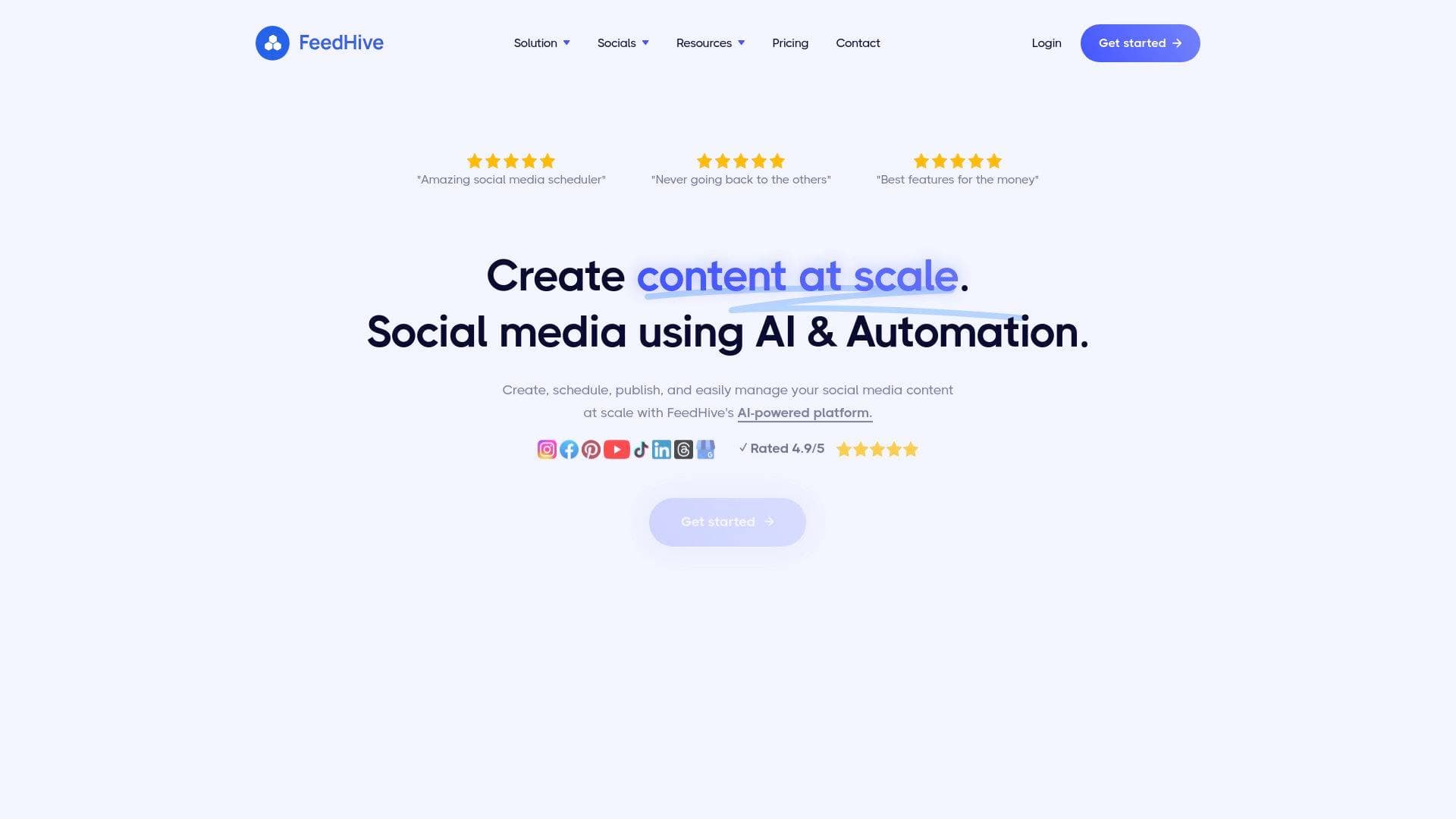
Managing multiple social media accounts is one of the biggest time drains for content creators. FeedHive is an AI-powered social media management platform built to solve exactly that problem, letting creators create, schedule, publish, and manage content across all major platforms from a single dashboard. Rated 4.7/5 from over 300 reviews and trusted by more than 30,000 users, it brings together content scheduling, AI writing assistance, automation, and a social inbox into one cohesive content creation workflow. The platform supports Instagram, Facebook, Pinterest, YouTube, TikTok, LinkedIn, Threads, Google Business, X/Twitter, and Discord, covering virtually every channel a modern creator needs. What makes FeedHive stand out is its "Vibe Marketing" approach, where the AI understands a creator's brand, audience, and goals to generate content that actually resonates. The AI Writing Assistant is built on a fine-tuned model based on GPT-5, trained specifically for social media writing rather than generic text generation. For creators who are tired of jumping between apps, writing captions from scratch, and manually posting to each platform, FeedHive functions as a true all-in-one post automation and content scheduling solution.
FeedHive Features That Matter for Content Creators
-
Vibe Marketing AI: FeedHive's flagship feature uses a built-in AI agent trained specifically for social media writing to help creators turn random thoughts into polished, platform-ready content. The AI understands brand voice, audience, and goals, and is fine-tuned for virality and engagement rather than generic output. It's particularly useful for breaking through creative blocks without leaving the editor.
-
Cross-Platform Scheduling with One Click: Creators can write a post once and publish it to every connected social channel simultaneously. The platform also lets creators adjust each post to fit the specific format requirements of each channel, so a LinkedIn post and an Instagram caption can be tweaked independently without starting from scratch.
-
Smart Scheduling: Rather than guessing when to post, FeedHive's Smart Scheduling feature analyzes data and automatically plans content for optimal timing. Creators on the Brand plan and above can schedule content up to 60 days into the future, while Business and Agency plans offer unlimited scheduling range.
-
Video Content Scheduling (Reels, Shorts & TikTok): FeedHive handles direct publishing for Instagram Reels, Facebook Reels, YouTube Shorts, and TikTok without requiring manual notifications or reminders. Creators simply prepare the video, schedule it, and the platform handles the rest automatically.
-
Post Conditions and Automation: This feature lets creators set up automated follow-up comments on their best-performing posts, triggered by metrics like number of likes, engagement rate, reach, or impressions. It's a powerful way to keep high-performing content alive and drive additional interaction without manual effort.
-
AI Hashtag Generation: The platform uses AI to generate relevant and trending hashtags for each post, available on Brand plans and above. This removes the guesswork from hashtag research and helps creators maximize discoverability across platforms.
-
AI Performance Prediction: FeedHive's AI can predict how a post is likely to perform before it goes live, giving creators actionable feedback on how to improve content for better reach and engagement. This feature is available on Brand, Business, and Agency plans.
-
Social Inbox: All comments, replies, and mentions from across connected social channels are collected in one unified inbox. Creators can make sure every follower gets a reply, a like, or even a retweet directly from within FeedHive, turning casual followers into more engaged fans.
-
Content Recycling: FeedHive identifies a creator's best-performing past posts and suggests them for recycling, allowing creators to repost proven content with a single click. This is especially valuable for solo creators who need to maintain posting frequency without constantly producing new material.
-
Instagram Grid Preview and Carousel Support: Creators can visually plan their Instagram feed to ensure it looks cohesive before publishing. The platform also supports Instagram Carousel posts with up to 10 images or videos, as well as Instagram Stories and Facebook Stories and Reels.
-
AI Image Generation: Fresh visuals can be generated directly inside FeedHive using Flux Pro and Nano Banana Pro, eliminating the need to switch to a separate design tool for every post.
-
Automation Integrations: FeedHive connects with Zapier, Make, and n8n, giving creators access to over 10,000 app integrations. Creators can trigger FeedHive to prepare drafts or schedule posts from external tools, and can receive notifications in Slack or Discord when posts go live.
-
Automatic Link Shortening: All links are automatically shortened via LinkDrip integration, keeping posts clean and tracking-ready without needing a separate URL shortener tool.
Which Content Creators Should Use FeedHive?
FeedHive is built for creators who publish across multiple platforms and need a reliable content scheduling and automation system to keep up with demand. It works equally well for solo creators managing their own brand and small creator teams that need collaboration and approval workflows.
Primary creator types:
- Social media creators and influencers managing accounts across Instagram, TikTok, YouTube, LinkedIn, and X simultaneously
- Bloggers and writers who promote content across multiple channels and need post automation to stay consistent
- YouTubers and video creators who want to schedule Shorts, Reels, and TikToks without manual publishing reminders
- Podcasters promoting episodes across social platforms on a recurring content calendar
- Newsletter writers building their audience on social media alongside their email list
- Creator-led brands that run both personal and business profiles on the same platform
Experience level: The intuitive drag-and-drop interface and clean UI make FeedHive accessible to beginners, while the automation triggers, post conditions, and Zapier integrations give advanced creators plenty of depth to build sophisticated content workflows.
Team size: The Creator plan ($19/month) is designed specifically for individual content creators managing up to 4 social accounts. The Brand plan ($29/month) adds team collaboration with up to 5 workspaces and 5 team members per workspace, plus an approval workflow for creators working with editors or managers.
Specific use cases for content creators:
- A TikToker who also posts on Instagram and YouTube Shorts can schedule all three formats from one place without separate apps
- A blogger can automate social promotion of new posts using Zapier triggers connected to their publishing platform
- An Instagram creator can preview their grid layout before publishing to maintain a cohesive aesthetic
- A creator running both a personal and a brand account on the same platform can manage both from a single FeedHive workspace
- A content creator experiencing writer's block can use the Vibe Marketing AI to generate post ideas based on their niche and audience
- A solo creator can set up post conditions so that their most viral posts automatically receive a follow-up comment when they hit a certain like threshold
- A creator planning a campaign can schedule content up to 60 days in advance (Brand plan) and use custom labels to organize posts by campaign
- A creator managing community engagement can use the Social Inbox to reply to all comments and mentions across platforms without switching tabs
Getting Started with FeedHive
- Sign up for a free trial: FeedHive offers a 7-day free trial on all plans with no strings attached and the ability to cancel anytime. Creating an account takes just a few minutes.
- Connect your social accounts: Link the platforms you post to, whether that's Instagram, TikTok, YouTube, LinkedIn, X, or others. The Creator plan supports up to 4 social accounts.
- Set up your content calendar: Use the drag-and-drop visual planner to map out your posting schedule. Enable Smart Scheduling to let FeedHive automatically determine the best times to post.
- Create your first post with AI assistance: Open the editor, activate the AI Writing Assistant, and let the Vibe Marketing feature help generate or refine your content. Add hashtags using the AI hashtag generator, then preview how the post will look on each platform.
- Configure automation: Set up post conditions to automatically add follow-up comments on high-performing posts, and connect Zapier or Make if you want to trigger FeedHive actions from external tools.
FeedHive FAQ for Content Creators
How many social platforms does FeedHive support? FeedHive supports Instagram, Facebook, Pinterest, YouTube, TikTok, LinkedIn, Threads, Google Business, X/Twitter, and Discord. All plans have access to all supported platforms, with the number of connected accounts varying by plan tier.
What AI technology powers FeedHive's writing assistant? The AI Writing Assistant is built on a fine-tuned model based on GPT-5, specifically trained for social media writing. It is optimized for engagement, virality, and platform-specific formatting rather than general-purpose text generation.
Can FeedHive publish video content automatically? Yes. FeedHive supports direct publishing for Instagram Reels, Facebook Reels, YouTube Shorts, and TikTok without requiring manual notifications or reminders. Creators simply schedule the video and the platform publishes it automatically at the set time.
What does the Creator plan include? The Creator plan costs $19/month and includes 4 social accounts, 2,500 AI credits, 500 automation runs per month, up to 30 scheduled posts, 25 drafts, smart scheduling, AI Writing Assistant, post conditions, AI image generation, social inbox, and automatic link shortening. It is designed specifically for individual content creators.
Does FeedHive support team collaboration? Collaboration features including workspaces, team members, and approval workflows are available starting from the Brand plan ($29/month). The Brand plan supports up to 5 workspaces with 5 team members each, and includes an approval workflow so posts can be reviewed before going live.
Can FeedHive connect with other tools like Zapier? Yes. FeedHive integrates with Zapier, Make, and n8n, providing access to over 10,000 app connections. Creators can use these integrations to trigger post scheduling from external events or receive notifications in Slack or Discord when content is published.
Is there a free trial available? FeedHive offers a 7-day free trial on all plans. No long-term commitment is required, and creators can cancel at any time.
The Verdict: Is FeedHive Worth It for Content Creators?
For content creators who publish regularly across multiple social platforms, FeedHive delivers a genuinely comprehensive social media management solution at a price point that makes sense. The $19/month Creator plan gives individual creators access to AI writing assistance, smart scheduling, post automation, a social inbox, and video publishing across 4 accounts, which covers the core needs of most solo creators building their presence online.
The standout advantages are the Vibe Marketing AI (which is trained specifically for social writing rather than being a generic chatbot), the ability to schedule Instagram Reels, TikToks, and YouTube Shorts without manual reminders, and the post conditions feature that automates follow-up engagement on top-performing content. The platform's clean, intuitive UI is consistently praised in user reviews, making it accessible even for creators who aren't particularly tech-savvy.
The main limitation to note is that some of the most powerful features, including AI hashtag generation, AI performance prediction, and dynamic variables, are locked to the Brand plan and above. Solo creators on the Creator plan also have scheduling limits (30 scheduled posts, 14-day scheduling window) that may feel restrictive for high-volume publishers.
Overall, FeedHive is a strong choice for multi-platform content creators, Instagram-focused creators who want grid preview and carousel scheduling, video creators publishing Reels and Shorts, and anyone looking to build automated content workflows without stitching together multiple separate tools.
Details
One link. Every channel, rate, and piece of work brands need to evaluate you. Built for how creators actually get hired.
Claim your profile
Live creator, content, and marketing roles from real companies, with the pay, market, and context the raw job page never gives you.
Browse jobs

 Post Bridge