

Concrete CMS
Concrete CMS is a free, open-source content management system that lets content creators build, edit, and publish websites with intuitive point-and-click editing and no coding required.
What is Concrete CMS? A Content Creator's Guide
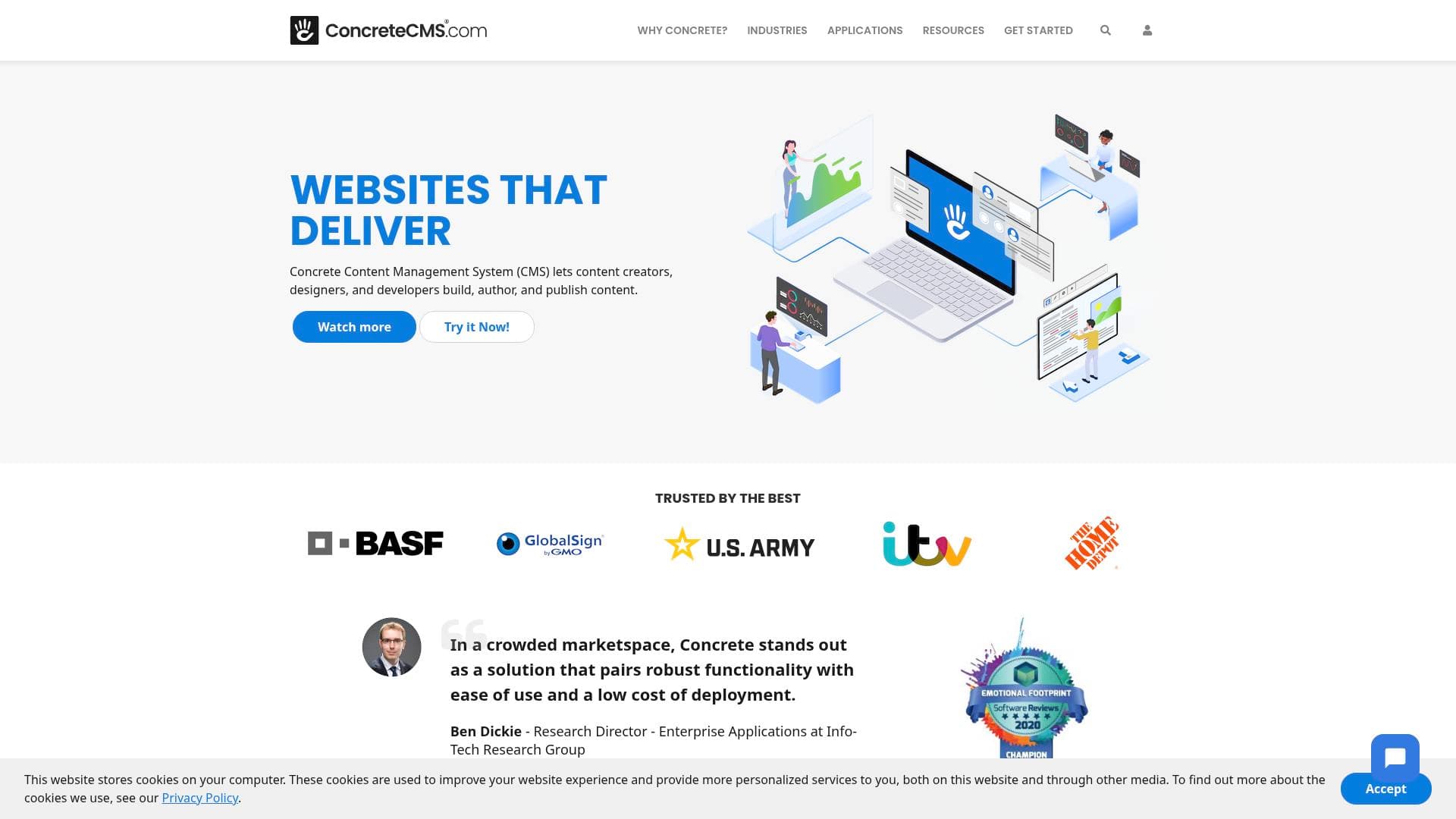
Concrete CMS is a free and open-source content management system built specifically to help content creators, designers, and developers build, author, and publish content online without wrestling with complex interfaces or requiring constant technical support. The core problem it solves is simple: most creators either get locked out of their own websites or spend hours navigating confusing dashboards just to make a basic update. Concrete CMS eliminates that friction entirely with a true WYSIWYG editing experience, meaning creators edit content directly on the page they're viewing, seeing exactly how it looks in real time. Licensed under the MIT software license, the platform is genuinely free to use, customize, and extend in any direction. It supports everything from simple personal blogs and portfolio sites to multilingual, mobile-responsive content hubs with built-in SEO tools. What sets this content management platform apart is the depth of built-in functionality, including forms, surveys, calendars, galleries, and SEO tools, all without needing third-party plugins. Trusted by hundreds of thousands of organizations including Fortune 500 companies and the U.S. Military, Concrete CMS delivers enterprise-grade security alongside an editing experience simple enough that, as one long-time user put it, "edits can be made in literally seconds."
Concrete CMS Features That Matter for Content Creators
-
WYSIWYG In-Context Editing: Creators click directly on any element of their live page to edit it, with no separate admin panel required. This point-and-click approach means there is no hunting through nested menus or widgets to find where content lives, making day-to-day updates fast and intuitive for non-technical creators.
-
Content Scheduling: Concrete CMS includes a built-in scheduling feature that lets creators publish content at specific times, maintaining a consistent publishing cadence without needing to be online at the exact moment content goes live. This is particularly useful for bloggers and newsletter writers managing editorial calendars.
-
Built-In SEO Tools: The platform ships with bulk SEO tools integrated directly into the core, so creators can optimize pages for search engines without installing a single additional plugin. This built-in approach keeps the site lean while still delivering the visibility tools that matter for audience growth.
-
Role-Based Access Controls: Creators managing a team of contributors can assign roles and groups with granular permissions, controlling access down to individual blocks of text. This prevents accidental edits, protects sensitive content, and lets solo creators safely hand off specific tasks to collaborators or virtual assistants.
-
Workflow and Content Approvals: A built-in workflow system lets creators set up approval processes before content goes live, which is invaluable for creators working with editors, brand partners, or compliance requirements. It reduces errors and keeps quality consistent across a multi-person content operation.
-
Version Control and Change Logs: Every edit is tracked with comprehensive change logs, and creators can review, compare, and revert to previous versions at any time. For creators who publish frequently and iterate on content, this safety net removes the fear of accidentally breaking a page.
-
Multilingual Support: Concrete CMS includes built-in internationalization, allowing creators to reach global audiences by managing content in multiple languages from a single platform. This is a core feature, not an add-on, making it practical for creators building international audiences.
-
Mobile-Responsive Design System: The platform includes a responsive grid system and preview tools so content looks polished across all devices. Creators can verify how pages render on mobile before publishing, which matters enormously for audience retention and SEO performance.
-
Flexible Design System: Concrete CMS provides a flexible design framework that lets creators build unique, professional-looking websites that reflect their personal brand without being forced into rigid templates. The block-based editor allows page layouts that do not follow a fixed structure, giving creators genuine design freedom.
-
Integration Support and Marketplace: Beyond the extensive core feature set, Concrete CMS offers a marketplace of themes and add-ons for extending functionality. All marketplace add-ons follow a single UX design pattern and pass a thorough code review, so adding new capabilities does not introduce inconsistency or security risks into a creator's site.
Which Content Creators Should Use Concrete CMS?
Concrete CMS is a strong fit for creators who want full ownership and control over their web presence without the ongoing cost of proprietary platforms or the security headaches that come with plugin-heavy alternatives. It works equally well for solo creators just starting out and for content teams managing complex, high-traffic sites.
-
Primary creator types: Bloggers, photographers, videographers, podcasters, newsletter writers with companion websites, freelance creators building client sites, and digital marketing creators who need SEO control baked in from the start.
-
Experience level: Genuinely beginner-friendly. Multiple users report getting up to speed in under an hour, and the editing interface is described as being as easy as editing a Word document. Developers also find it a robust framework for building sophisticated custom applications.
-
Team size: Works for solo creators managing their own site all the way up to teams of hundreds of editors, as demonstrated by its use across large organizations with complex access control needs.
-
Specific use cases for content creators:
- A blogger who wants to update posts directly on the page without logging into a separate dashboard
- A YouTuber building a companion website with galleries, embedded video, and an events calendar, all using built-in blocks
- A podcaster who needs to publish episode pages on a schedule without being online at publish time
- A freelance content creator managing multiple client websites who needs a platform that clients can operate independently with minimal training
- A newsletter writer who wants a content hub with built-in SEO tools to drive organic traffic alongside their email list
- A creator expanding into international markets who needs multilingual content management without installing extra plugins
- A creator running a membership or registration system who needs complex custom functionality without hacking the core platform
- A photographer or visual creator who needs a flexible design system to showcase portfolio work without being locked into cookie-cutter templates
-
Content types: Blog posts, landing pages, portfolio pages, event calendars, galleries, forms and surveys, multilingual content, and custom web applications.
Getting Started with Concrete CMS
-
Choose a plan or self-host: Concrete CMS is free and open-source, so creators can download and self-host it at no cost. Alternatively, managed hosting starts at $4.99 per month (billed annually) for the Starter plan, which includes one site editor, nightly backups, configuration support, and up to 10,000 page views per month with 2GB of storage. The Business plan at $19 per month adds five site editors, a Content Delivery Network, free SSL, DDoS protection, and 50,000 page views per month with 20GB of storage.
-
Set up your site: Use the website builder to customize pages, menus, and navigation. The drag-and-drop block editor means creators can assemble pages visually without touching code. Themes from the marketplace can be applied in a few clicks to establish the visual identity of the site.
-
Start publishing content: Click directly on any page element to edit it, schedule posts for future publication, and use the built-in SEO tools to optimize each page before it goes live. Invite collaborators, assign roles, and set up approval workflows as the content operation grows.
Concrete CMS FAQ for Content Creators
Is Concrete CMS really free? Concrete CMS is fully free and open-source under the MIT software license. This license allows creators to use, customize, and extend the platform in any way without cost. Managed hosting plans are available starting at $4.99 per month for creators who prefer not to handle their own server setup.
Do I need coding skills to use Concrete CMS? No coding skills are required to build and manage a site with Concrete CMS. The point-and-click editing interface allows creators to update content, rearrange page layouts, and add new functionality using built-in blocks and drag-and-drop tools. Developers who want to go deeper have access to a full PHP framework for custom development.
How secure is Concrete CMS? Concrete CMS ships with out-of-the-box ISO:27001 certified security and supports SOC 2 and HIPAA compliant hosting. It has been chosen by the U.S. Army for its stringent security requirements and is trusted by hundreds of thousands of organizations including Fortune 500 companies. Multiple long-term users report never having a site hacked over a decade or more of use.
Does Concrete CMS have built-in SEO tools? Yes. Bulk SEO tools are built directly into the core platform, meaning creators can manage search engine optimization without installing any additional plugins. This keeps the site fast and reduces the risk of plugin conflicts.
Can multiple creators or editors work on the same Concrete CMS site? Yes. The Business hosting plan supports up to five site editors, and the platform includes role-based access controls, workflow approvals, and change logs to support collaborative content teams. Permissions can be set at a granular level, down to individual blocks of content on a page.
Does Concrete CMS support multilingual websites? Multilingual support is built into the core of Concrete CMS, allowing creators to manage content in multiple languages from a single platform without needing a third-party plugin or add-on.
What happens if I want to revert a content change? Concrete CMS includes comprehensive version control with change logs. Creators can review edit history, compare versions, and revert to any previous version of a page at any time, providing a reliable safety net for active publishing operations.
The Verdict: Is Concrete CMS Worth It for Content Creators?
Concrete CMS is a genuinely compelling choice for content creators who want full control over their web presence without the ongoing costs of proprietary platforms or the security vulnerabilities that come with plugin-heavy alternatives. The in-context WYSIWYG editing experience is one of the most intuitive available, making it accessible to creators with zero technical background while still offering the depth that developers need for custom builds.
The main advantages are clear: it is free and open-source, ships with an extensive set of built-in tools including SEO, multilingual support, scheduling, and workflow management, and carries a strong security track record backed by enterprise and government adoption. The managed hosting plans are affordable and remove the burden of server management for creators who prefer a hands-off infrastructure experience.
The primary consideration is that Concrete CMS is less widely known than some alternatives, which means the community and ecosystem, while active and enthusiastic, is smaller. Creators who rely heavily on a massive third-party plugin ecosystem may find the marketplace more limited in volume, though the quality and security standards of available add-ons are notably high.
For bloggers, photographers, podcasters, and freelance creators who want a fast, secure, and genuinely easy-to-use content management platform with no recurring licensing fees, Concrete CMS delivers exceptional value. It is particularly well-suited to creators who publish frequently, manage content teams, or need multilingual and SEO capabilities without bolting on extra tools.
Details
One link. Every channel, rate, and piece of work brands need to evaluate you. Built for how creators actually get hired.
Claim your profile
Live creator, content, and marketing roles from real companies, with the pay, market, and context the raw job page never gives you.
Browse jobs

 Post Bridge