

Clipwing
Clipwing is a video editing tool that helps content creators turn long-form videos into short clips for TikTok, Reels, and YouTube Shorts using AI transcription.
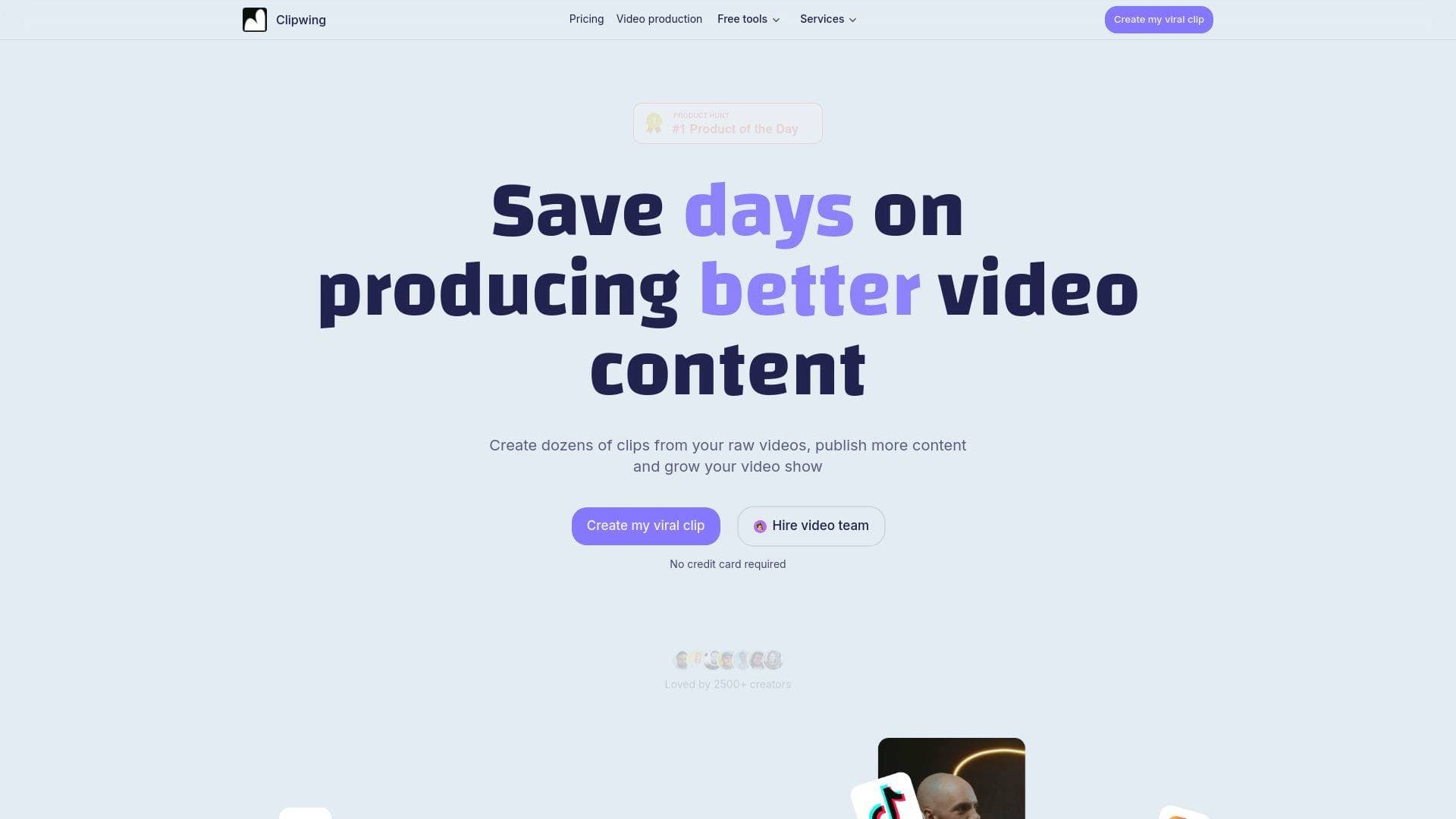
What is Clipwing? A Content Creator's Guide
Clipwing is a video production tool built specifically for content creators who want to repurpose long-form video into short, shareable clips for TikTok, Instagram Reels, and YouTube Shorts. The core problem it solves is a familiar one: hours of raw footage sitting on a hard drive, too time-consuming to manually cut down into the bite-sized content that actually drives audience growth. Rather than scrubbing through timelines frame by frame, Clipwing uses AI transcription to convert spoken content into text, letting creators highlight sentences in a transcript editor to instantly generate a clip from those exact moments. This text-based video editing workflow is a genuine shift in how podcasters, interviewers, educators, and YouTubers can approach their content creation workflow. The platform works best with talking-head videos, including podcasts, interviews, product demos, and educational lectures. It supports nine languages and outputs clips in formats suited for square (Instagram), portrait (TikTok/Reels/Shorts), and landscape orientations. Loved by over 3,000 creators, Clipwing positions itself as the fastest path from raw recording to published short-form content.
Clipwing Features That Matter for Content Creators
-
Text-Based Clip Creation: The standout feature of Clipwing is its transcript-driven editing interface. After AI transcribes the uploaded video, creators simply highlight the text they want to keep and the tool automatically generates a clip from that selection. No timeline scrubbing, no manual in/out points — just read and highlight.
-
AI-Powered Transcription: Clipwing uses artificial intelligence to transcribe uploaded videos and identify the most interesting segments. This makes it especially useful for podcasters and interviewers who record long sessions and need to surface the best moments quickly without watching everything back.
-
Automatic Subtitle Generation with Safe Area: Subtitles are added automatically to every clip, with a built-in safe area to ensure captions remain fully visible across all platforms and aspect ratios. This is a practical detail that saves creators from the frustration of text getting cut off on mobile screens.
-
Magic Crop / Super Resizer: Creators can convert landscape footage into vertical clips for TikTok and Reels, or portrait footage into landscape format, all within the same tool. The Magic Crop feature handles the reframing automatically, making multi-platform publishing far less tedious.
-
Ask AI for Clip Suggestions: For creators who don't want to manually review transcripts, there's an AI mode that generates clip suggestions automatically. This is particularly useful when working with high volumes of content or when a creator wants a second opinion on what moments are worth clipping.
-
Written Assets (Summary + Transcript): Beyond video, Clipwing generates written assets from uploaded footage in one click, including a video summary and full transcript. These can be used for blog posts, show notes, or SEO indexing on Google, giving creators a multi-format content output from a single recording.
-
Team Collaboration: Scripts and clip projects can be shared with team members directly inside the platform. This makes Clipwing viable for creator teams or agencies managing video production across multiple shows or clients.
-
Customization and Branded Backgrounds: Clips can be resized for different social platforms and customized with branded backgrounds. This keeps visual identity consistent across Reels, Shorts, and TikToks without needing a separate design tool.
-
Free Tools Suite: Clipwing offers several standalone free tools including a YouTube transcript generator (paste a link, get a transcript instantly), a promo video generator, a ProductHunt launch video generator, and a catchy subtitles generator. These tools require no registration and are available at no cost.
-
Studio Plan with Human Video Team: For creators who want fully managed production, the Studio plan at $2,999.99/month includes a professional video content team, unlimited requests, full-length podcast editing, 3 custom edited clips per video, and a 5-day turnaround. This bridges the gap between DIY clipping and full-service production.
Which Content Creators Should Use Clipwing?
Clipwing is built for video-first creators who publish regularly and need to extract more value from every recording session. It's particularly well-suited to creators who produce long-form content and want to feed short-form platforms without doubling their editing workload.
Primary creator types:
- Podcasters who record long interviews and need to pull highlight clips for TikTok and Instagram promotion
- YouTubers with long-form educational or interview content who want to generate Shorts without re-editing
- Course creators and educators whose lecture-style videos translate naturally into short educational clips
- Interviewers and talk show hosts who want to surface the most quotable moments from conversations
- Solo creators managing their own production who need to save hours on post-production each week
- Creator teams and agencies who collaborate on video scripts and clip selection
Experience level: Clipwing is explicitly designed to be simple and approachable. Multiple users in the testimonials highlight how intuitive the interface is compared to more complex video editing platforms. Beginners can get started without any prior editing knowledge.
Specific use cases:
- A podcaster uploads a 90-minute interview and highlights five transcript segments to generate five TikTok-ready clips in minutes
- A YouTuber converts a horizontal tutorial video into vertical Shorts using Magic Crop
- An educator generates a written summary and transcript from a lecture video to publish as a blog post for SEO
- A creator team shares clip scripts internally for review before exporting
- A solo creator uses the free YouTube transcript generator to repurpose someone else's public video content into written notes
- A creator launching on ProductHunt uses the free launch video generator to create a teaser video for their launch day
- A content agency on the Studio plan submits unlimited video requests and receives professionally edited clips within 5 days
Getting Started with Clipwing
- Sign up for free using a Google account — no credit card required to access the Free plan.
- Upload your video (up to 1 hour on the free tier) or paste a YouTube link for transcript-based tools.
- Review the AI-generated transcript and highlight the text segments you want to turn into clips.
- Customize your clip by choosing the output format (square, portrait, or landscape), adding branded backgrounds, and reviewing the auto-generated subtitles.
- Export and publish directly to TikTok, Instagram Reels, or YouTube Shorts. Free plan exports are capped at 3 exports in 720p; the Pro plan offers unlimited exports in 1080p.
Clipwing FAQ for Content Creators
What types of videos work best with Clipwing? Clipwing is optimized for talking-head video formats including podcasts, interviews, product demo videos, and educational lectures. Any video where a person is speaking directly to camera or in conversation is a strong candidate for the text-based clipping workflow.
How many languages does Clipwing support? Clipwing currently supports 9 languages: English, Spanish, German, French, Russian, Portuguese, Dutch, Japanese, and Polish. The standalone YouTube transcript generator currently supports English only.
Can I convert a landscape video to vertical for TikTok or Reels? Yes. The Magic Crop feature handles aspect ratio conversion in both directions — landscape to portrait for TikTok/Reels/Shorts, and portrait to landscape, as well as square format for Instagram.
What are the differences between the Free and Pro plans? The Free plan allows 1 hour of video uploads per month, a maximum of 3 exports, 720p export quality, and includes a Clipwing watermark. Videos are stored for 7 days. The Pro plan at $29.99/month increases this to 20 video hours per month, unlimited exports, 1080p quality, no watermark, and video storage for the duration of the subscription.
Is there a way to get professional help with video editing through Clipwing? Yes. The Studio plan at $2,999.99/month provides access to a professional video content team with unlimited requests, full-length podcast editing, 3 custom edited clips per video, and a 5-day turnaround time.
Does Clipwing offer an affiliate program? Clipwing runs an affiliate program that pays 20% of payments from referred users. Creators get a unique referral link, can track sign-ups in a referral dashboard, and receive payment when referred users make a purchase.
Which browser does Clipwing recommend? Google Chrome is the recommended browser for using Clipwing.
The Verdict: Is Clipwing Worth It for Content Creators?
For podcasters, YouTubers, and interview-format creators who are sitting on hours of recorded content and struggling to maintain a consistent short-form presence, Clipwing offers a genuinely faster path to publishing. The text-based clip creation approach removes the most tedious part of short-form editing — timeline scrubbing — and replaces it with something closer to reading and highlighting a document. The automatic subtitle generation with safe-area protection, multi-format resizing via Magic Crop, and one-click written asset generation make it a solid all-in-one tool for creators who publish across multiple platforms.
The free plan is a reasonable starting point for creators who want to test the workflow before committing, though the 3-export cap and 720p limit will push serious creators toward the Pro tier quickly. At $29.99/month with unlimited exports and 1080p output, the Pro plan is well-positioned for creators publishing multiple clips per week. The Studio plan is a niche offering for high-volume creators or agencies who want a fully managed production pipeline.
The main limitation worth noting is that Clipwing is purpose-built for talking-head and spoken-word content. Creators working with heavily edited narrative video, music, or non-verbal content won't get the same value from the transcript-driven workflow. But for the podcaster, educator, or interviewer looking to multiply their content output without multiplying their editing hours, Clipwing delivers on its core promise.
Details
One link. Every channel, rate, and piece of work brands need to evaluate you. Built for how creators actually get hired.
Claim your profile
Live creator, content, and marketing roles from real companies, with the pay, market, and context the raw job page never gives you.
Browse jobs Post Bridge
