

ArtList
Artlist is an all-in-one creative platform for content creators combining generative AI tools for video, image, and voiceover with a royalty-free stock catalog of 900K+ assets including music, SFX, footage, and templates.
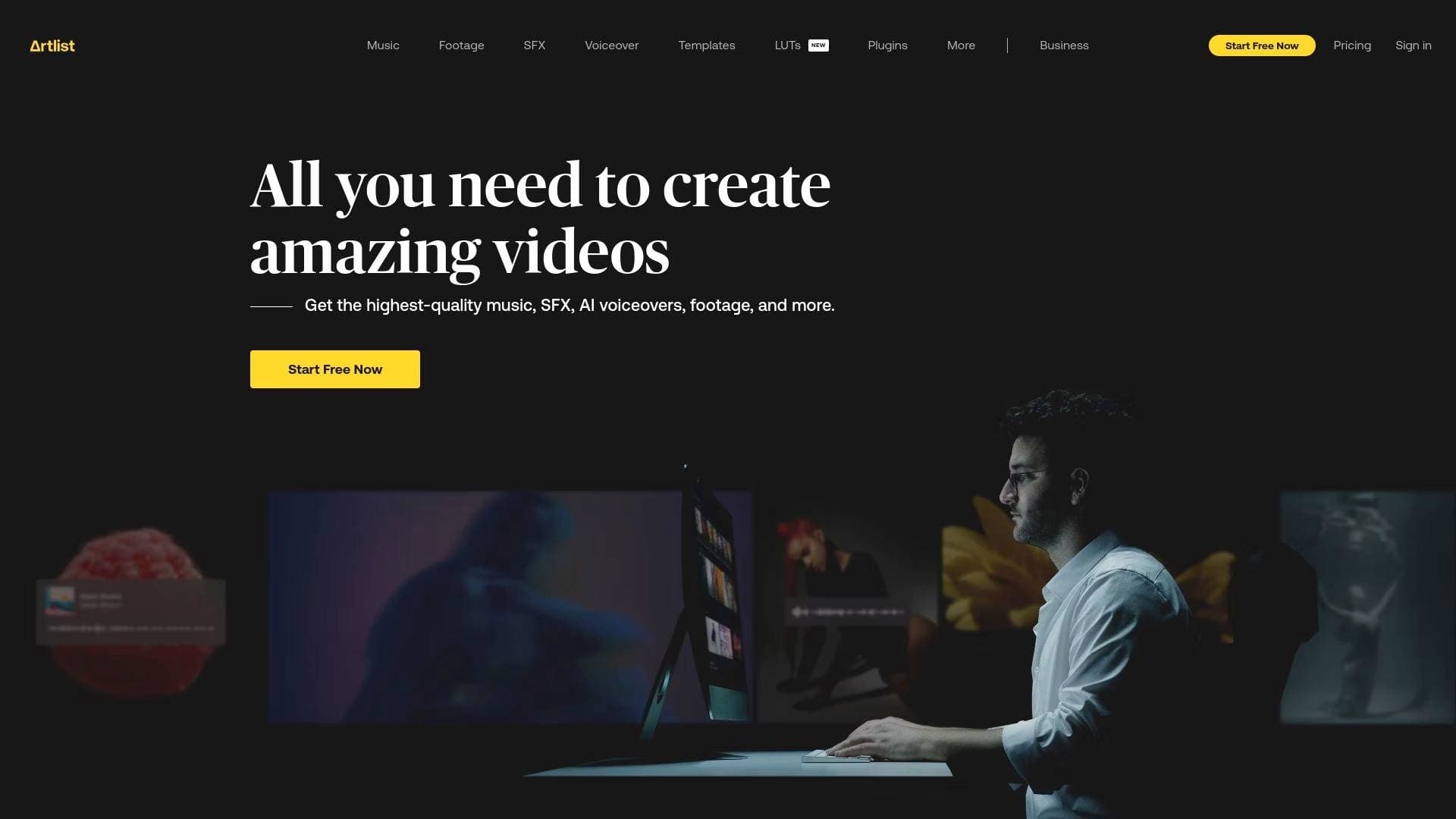
Brief Overview of Artlist for Content Creators
Content creators constantly juggle sourcing music, finding footage, generating visuals, and recording voiceovers — often across multiple disconnected tools. Artlist solves this by combining a massive royalty-free stock catalog with a full suite of generative AI tools inside a single organized platform. Trusted by over 50 million creators worldwide, it positions itself as the complete creative AI ecosystem for video production workflows. The platform covers AI video generation, AI image creation, and AI voiceover, all powered by the most advanced models available today, including Sora, Veo, Kling, and ElevenLabs. Beyond AI generation, Artlist's stock catalog spans royalty-free music, sound effects, stock footage, video templates, and LUTs — all updated daily. For YouTubers, TikTokers, and video editors looking to produce high-quality content without juggling dozens of subscriptions, Artlist brings everything under one roof with licensing that covers commercial use.
Artlist Key Features for Content Creators
-
AI Video Generation: Artlist's AI Toolkit supports text-to-video, image-to-video, and video-to-video generation powered by multiple cutting-edge models. Creators can choose from Sora 2 Pro for ultra-realistic video with lifelike characters, Kling 3.0 for cinematic control and longer narrative flow, Veo 3.1 for flawless audio-video sync with style and character control, and Seedance for precise audio-video sync with diverse artistic styles. Having multiple models in one place lets creators pick the right tool for each project without switching platforms.
-
AI Image Generation: The platform offers text-to-image and image-to-image generation through a wide roster of models. Options include Artlist Original 1.0 for cinema-grade visuals and high-end storytelling, Imagen 4 Ultra by Google for maximum photorealism with print-ready quality, FLUX.2 Pro for production-grade images with sharp text and precise color, and Nano Banana 2 for fast, high-quality image generation at lower cost. Creators can match the model to their specific visual style and budget requirements.
-
AI Voiceover Generation: Artlist covers text-to-speech, speech-to-speech, voice cloning, and voice effects — all in one place. Models include Eleven v3 for dramatic, expressive voiceovers, Eleven Multilingual v2 for high-quality delivery across multiple languages, MiniMax Speech 02 HD for studio-quality clarity, and Cartesia Sonic for natural-sounding, impactful storytelling. Studio-quality voiceovers are available in every major language, making this particularly useful for creators targeting international audiences.
-
Royalty-Free Music Catalog: Artlist's music library gives creators access to royalty-free tracks made by leading artists worldwide, all covered under a license that eliminates royalty fees and music licensing concerns. The catalog is updated daily with fresh content, and creators can use tracks in videos without worrying about copyright claims on platforms like YouTube.
-
Sound Effects Library: The SFX catalog is extensive and organized across categories including Ambience, Foley, Genre, Musical, Realistic, and Transitions. Within Transitions alone, creators can browse Epic Transitions, Cinematic Impacts, Short and Long Whooshes, Risers, Downers, Intros, Outros, Audio Logos, and more — making it easy to find the exact sound for any edit.
-
Stock Footage and Video Templates: Beyond AI-generated content, Artlist provides a library of stock footage and video templates for creators who need ready-made visual assets. Templates and LUTs are also included, helping creators maintain consistent color grading and visual style across their content.
-
900K+ Digital Assets Updated Daily: The full catalog contains over 900,000 digital assets spanning music, sound effects, stock footage, video templates, and LUTs. The catalog includes original content exclusive to Artlist, and new assets are added every day, ensuring creators always have fresh material to work with.
-
Full Commercial Rights Over AI-Generated Content: Any content generated with Artlist's AI tools comes with full rights — creators can use, adapt, distribute, and monetize it without restriction. Artlist makes no claim over AI outputs, which is a critical consideration for creators who monetize their content through brand deals, ad revenue, or licensing.
-
Privacy-First AI Generation: Artlist and its partners never use prompts, uploads, or outputs to train AI models. Everything created stays private and is only accessible to the creator who made it, protected by strict security standards including ISO 27001 certification.
-
Free Account with Upgrade Path: Creators can start for free and generate images, videos, and voiceovers at no cost, plus access watermarked songs and footage and save favorites in Artboards. Paid subscriptions unlock unlimited unwatermarked asset downloads. Plan options include AI Suite, AI Voiceover, Music & SFX, Footage & Templates, and Artlist Max — an all-in-one subscription covering every AI tool and asset in the catalog.
Artlist Target Users & Use Cases for Content Creators
Artlist is built specifically for video creators, positioning itself as the ultimate platform for those who need both AI generation capabilities and high-quality licensed assets in one place. The breadth of tools and the 50M+ creator user base suggests it serves everyone from solo YouTubers to professional production teams.
- Primary creator types: Video creators on YouTube, TikTok, and Instagram; podcast producers needing voiceovers; social media managers producing branded content; filmmakers and short-form storytellers; content creators working in multiple languages targeting global audiences
- Experience level: The platform caters to both beginners (free account, fast generation models like Nano Banana 2) and advanced creators (cinema-grade models like Artlist Original 1.0, voice cloning, image-to-image editing)
- Team size: Solo creators through to production teams, with Max Business covering agencies and companies with 50+ employees
- Specific use cases:
- A YouTuber generating cinematic B-roll footage with Kling 3.0 or Sora 2 to supplement their talking-head videos
- A TikTok creator using AI image generation to produce eye-catching thumbnails and visual assets in seconds
- A podcast producer using AI voiceover with voice cloning to create consistent narration across episodes
- A social media manager sourcing royalty-free music and SFX for branded video content without copyright risk
- A solo filmmaker using the full Artlist Max plan to access every AI tool and stock asset for a short film production
- A multilingual content creator using Eleven Multilingual v2 to produce voiceovers in multiple languages from a single script
- A video editor building a cinematic intro using Epic Transitions SFX, LUTs, and AI-generated visuals
- A newsletter creator or blogger using AI image generation to produce custom visuals for articles and social posts
How to Get Started with Artlist
- Create a free account: Sign up at Artlist with no payment required. The free tier allows AI image, video, and voiceover generation, plus access to watermarked music and footage and the ability to save favorites in Artboards.
- Explore the AI Toolkit: Head to the AI Toolkit to access video, image, and voiceover generators. Browse the available models and select one based on your project needs — fast generation, cinematic quality, or multilingual voiceover.
- Browse the stock catalog: Search the music, SFX, footage, and template libraries using filters to find the right assets for your project. Assets are organized by category and updated daily.
- Choose a paid plan when ready: Upgrade to a paid subscription to download unlimited unwatermarked assets. Options include focused plans (AI Suite, Music & SFX, Footage & Templates) or Artlist Max for full access to everything.
Frequently Asked Questions About Artlist
Is Artlist free to use? Yes, Artlist offers a free account that lets creators generate images, videos, and voiceovers at no cost, and access watermarked songs and footage. A paid subscription is required to download unlimited unwatermarked assets for use in projects.
Are the assets on Artlist royalty-free? All digital assets on Artlist are royalty-free, meaning creators can use them in videos without paying royalty fees or worrying about music licensing claims on platforms like YouTube.
How many assets does Artlist have? Artlist's catalog contains over 900,000 digital assets including royalty-free music, sound effects, stock footage, video templates, and LUTs. The catalog is updated daily with fresh content, including exclusive original assets.
What AI models does Artlist support? Artlist's AI Toolkit includes models for video generation (Sora 2, Veo 3.1, Kling 3.0, Seedance), image generation (Artlist Original 1.0, Imagen 4 Ultra, FLUX.2 Pro, Nano Banana series, Seedream, Grok Imagine, GPT Image 1.5), and voiceover (ElevenLabs Eleven v3, Eleven Multilingual v2, MiniMax Speech 02 HD, Cartesia Sonic).
Do creators own the content they generate with Artlist AI? Yes. Any content generated with Artlist AI tools comes with full rights — creators can use, adapt, distribute, and monetize it without restriction. Artlist makes no ownership claim over AI outputs.
Does Artlist use creator data to train AI models? No. Artlist and its partners never use prompts, uploads, or outputs to train AI models. All generated content is private and accessible only to the creator who made it.
What subscription plans does Artlist offer? Plans include AI Suite, AI Voiceover, Music & SFX, Footage & Templates, and Artlist Max — the all-in-one subscription with unlimited access to every AI tool and asset. Licensing options include a Pro license for all video types worldwide including commercial use, and a Social license for social media channels only.
Bottom Line: Should Content Creators Choose Artlist?
For video creators who want to stop juggling multiple subscriptions and tools, Artlist makes a compelling case as a one-stop creative platform. The combination of 900K+ royalty-free assets with a multi-model AI Toolkit covering video, image, and voiceover generation is genuinely rare in one platform. The fact that creators retain full commercial rights over AI-generated content — and that their data is never used for model training — addresses two of the biggest concerns creators have about AI tools.
The free tier makes it accessible to creators just starting out, while the range of paid plans (from focused AI Suite or Music & SFX subscriptions to the all-encompassing Artlist Max) means creators can scale their investment as their production needs grow. The platform is particularly strong for YouTube creators, video editors, and social media content producers who regularly need licensed music, SFX, and visual assets alongside AI generation capabilities.
The main consideration is that watermarked assets and limited downloads apply on the free plan, so creators who need production-ready assets for monetized content will need to commit to a paid subscription. Overall, Artlist is a strong choice for any content creator serious about video production quality and workflow efficiency.
Details
One link. Every channel, rate, and piece of work brands need to evaluate you. Built for how creators actually get hired.
Claim your profile
Live creator, content, and marketing roles from real companies, with the pay, market, and context the raw job page never gives you.
Browse jobs

 Post Bridge