How to Write UGC Scripts With ChatGPT: The AI Prompt System Every Creator Needs
Learn how to write UGC scripts with ChatGPT using a proven prompt system. Generate hooks, structure your ad, and personalize your script fast as a creator.
Details
How to Write UGC Scripts With ChatGPT: The AI Prompt System Every Creator Needs
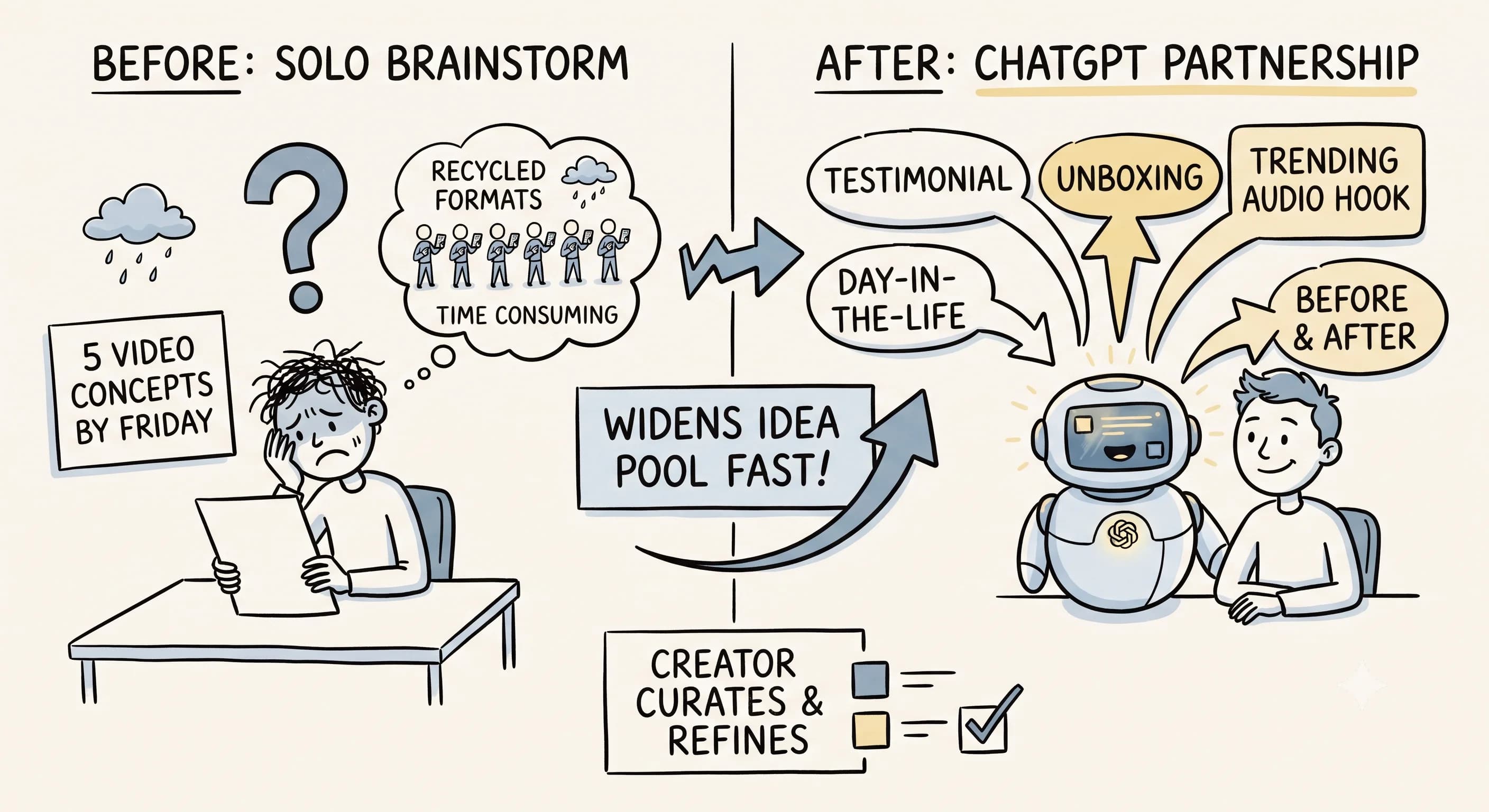
Staring at a blank page is one of the biggest reasons new UGC creators never get started. You have a product, you have a brand brief, and you have zero idea what to say on camera. Sound familiar? You're not alone, and thanks to AI tools like ChatGPT, that creative block doesn't have to stop you anymore.
Whether you're creating content for TikTok, Instagram, or a brand's paid ad campaign, learning how to write UGC scripts with ChatGPT can completely transform your workflow. This guide breaks down exactly how to use AI to generate UGC script ideas, craft better hooks, and deliver polished content, even if you've never written a single line of copy in your life.
Why AI Is a Practical Tool for UGC Creators
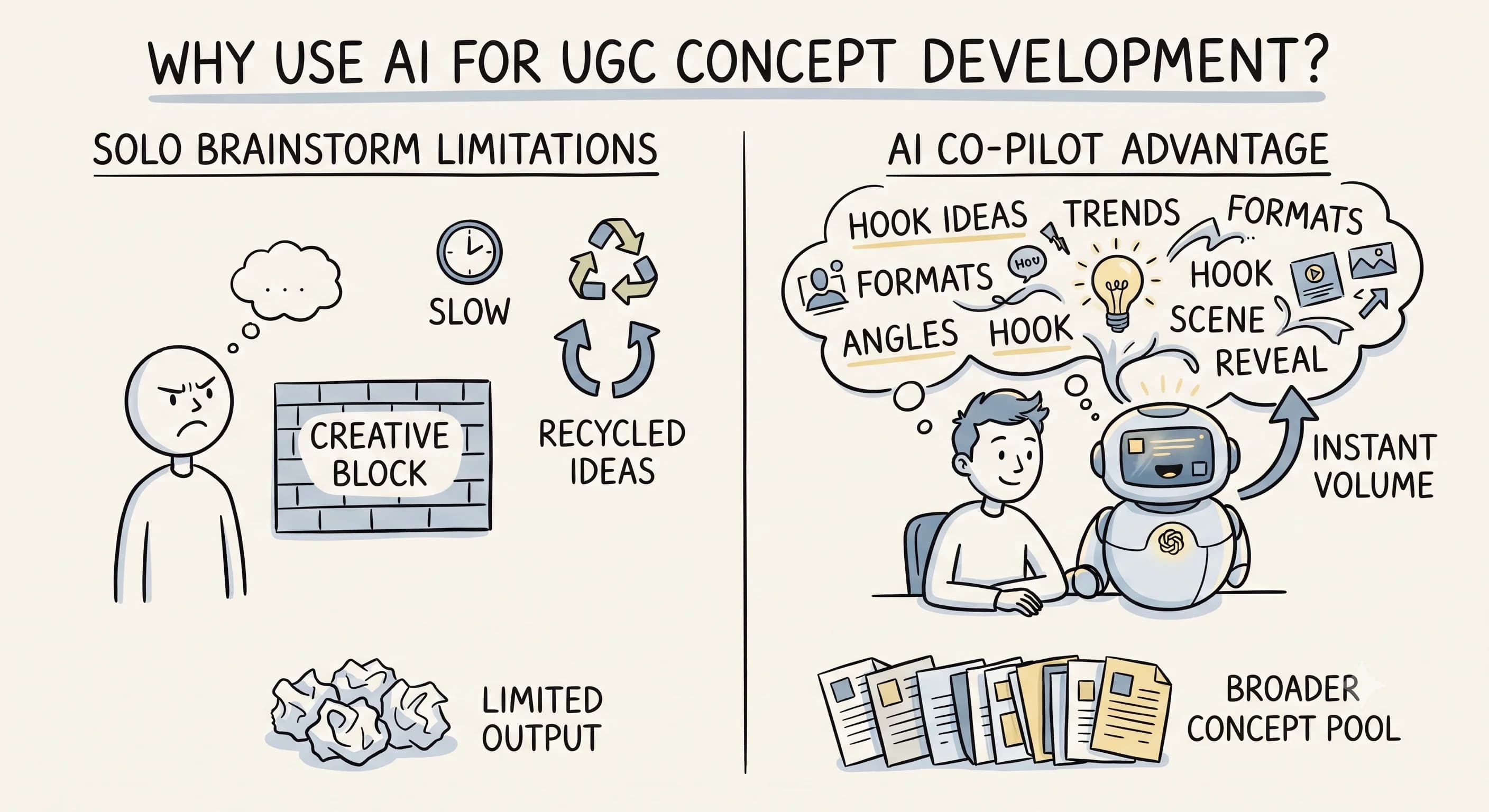 UGC, or user-generated content, is one of the most in-demand content formats in digital marketing right now. Brands on TikTok and Instagram are actively paying creators to produce authentic, relatable videos that perform like organic content but drive real ad results. The challenge? Many beginners feel intimidated by the creative process before they've built up their own instincts.
This is exactly where ChatGPT and other AI writing tools come in. Instead of waiting for inspiration to strike, you can feed product details into an AI prompt and generate a full draft in seconds. Think of it less as automation and more as a creative co-pilot that helps you get unstuck fast.
The key thing to understand here is what AI is actually good for in your workflow. According to Influee, AI should handle the blank-page problem while the creator supplies product context, brand tone, and final personalization. That framing matters. You're not outsourcing your creativity, you're removing the friction that stops you from getting started.
Multiple tutorial creators have echoed this point: the main benefit of using ChatGPT for UGC scripting is speed and reduced creative friction, not replacing the need for copywriting expertise. The expertise is still yours. AI just gets the words moving.
How to Write a UGC Script Using a ChatGPT Prompt
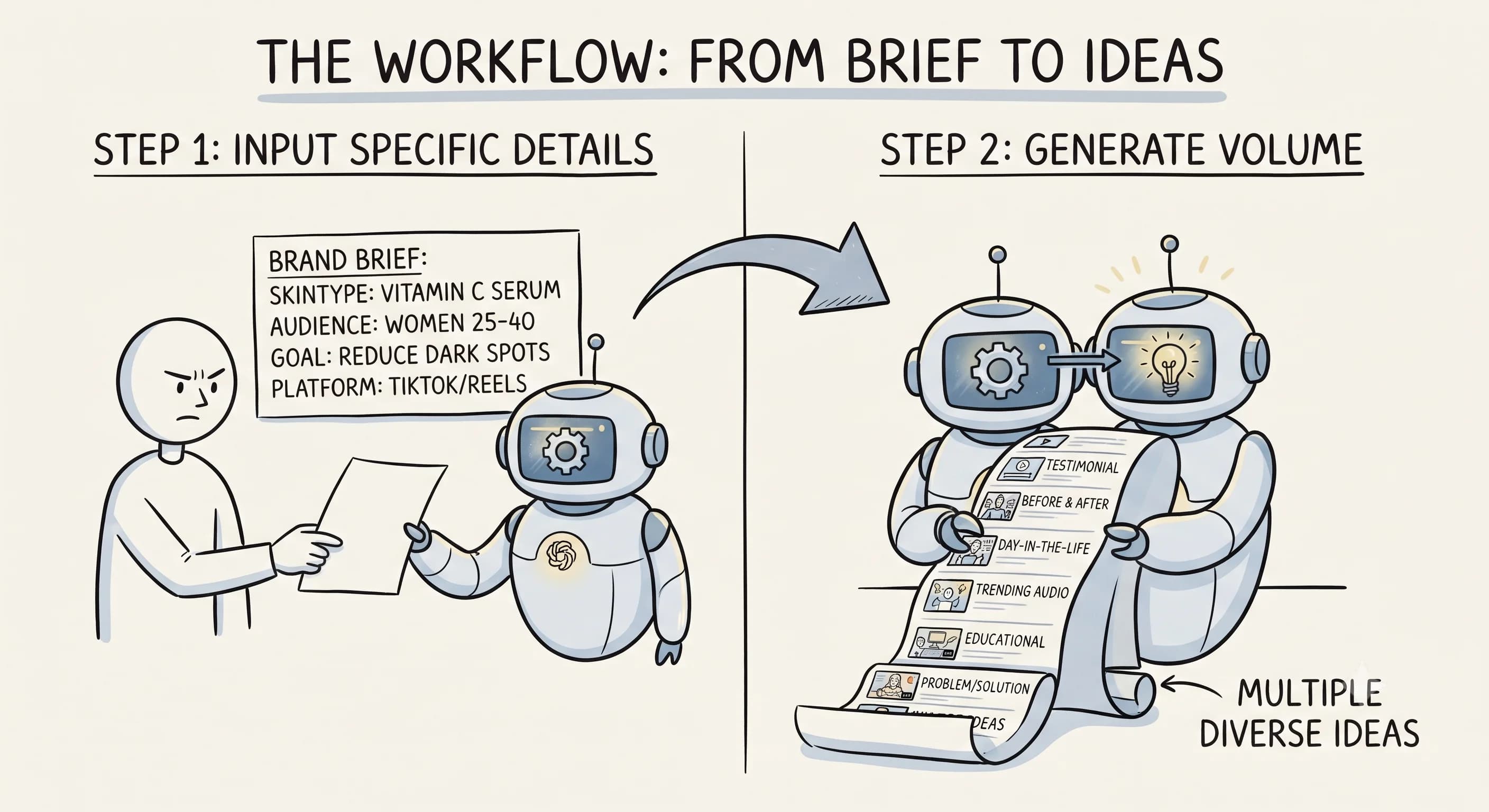 The process of using ChatGPT to write a UGC script is straightforward once you know what information to include. Here's a step-by-step workflow you can use for every project.
Step 1: Answer four setup questions before you open ChatGPT. According to Flow, a 2026 guide recommends answering these questions first: What problem does the product solve? Who is the target customer? What makes this product different? What action do you want the viewer to take? These four answers become the foundation of your prompt, and they make a huge difference in the quality of what ChatGPT produces.
Step 2: Build your AI prompt. A strong ChatGPT prompt for UGC scripts might look like this: "Write a 30-second UGC video script for [product name]. The target audience is [audience]. Key benefits include [benefit 1], [benefit 2], [benefit 3]. The tone should be conversational and authentic. Include a strong hook, a problem-solution angle, and a call to action." The more specific you are, the more usable the output will be.
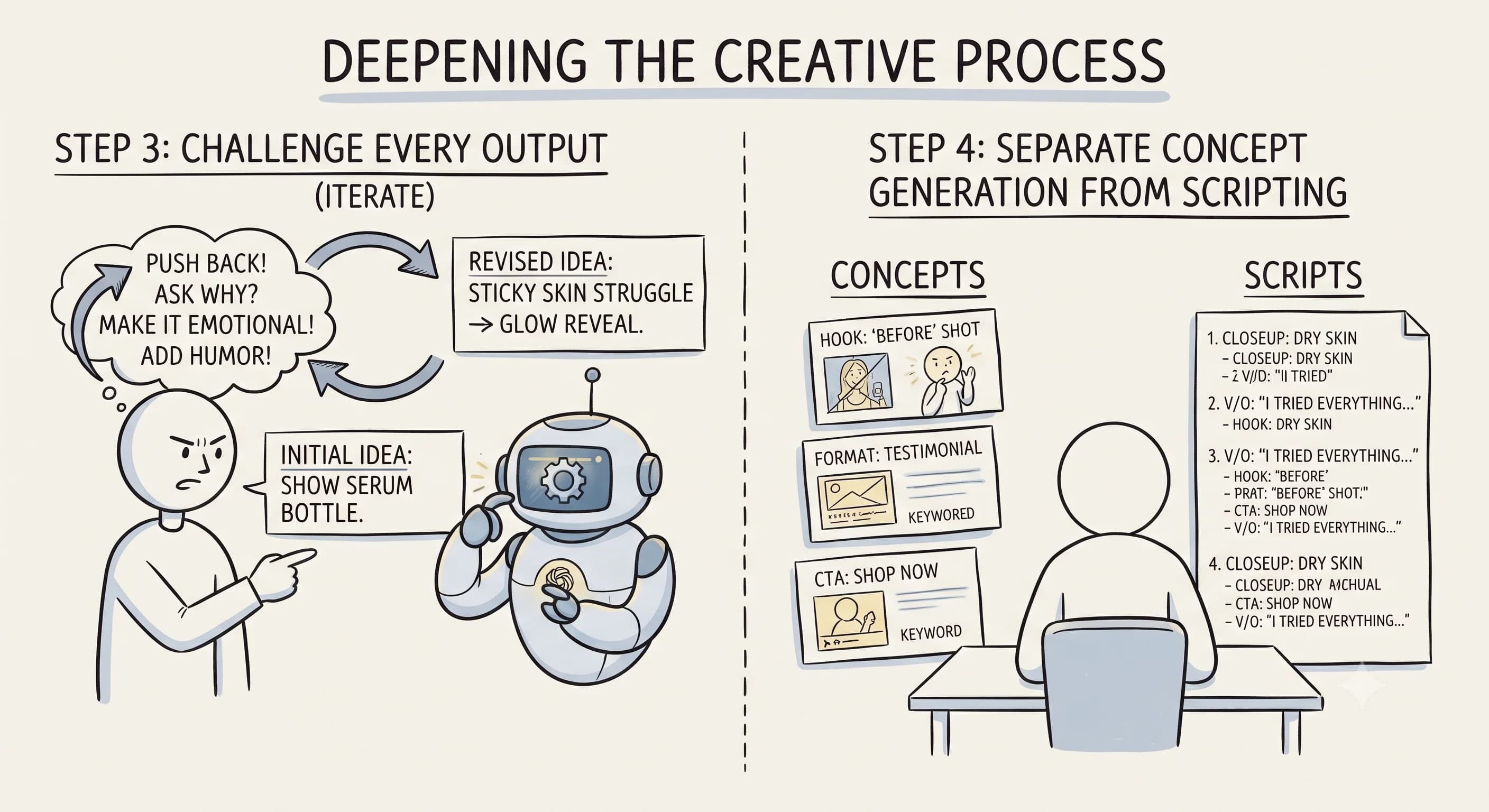 Step 3: Generate and review the output. ChatGPT will produce a draft script with a hook, talking points, and a closing message. Use this as your starting point, not your final script. Flow's guide is direct about this: don't use the first draft as-is. Read it aloud and refine until it sounds natural coming out of your mouth.
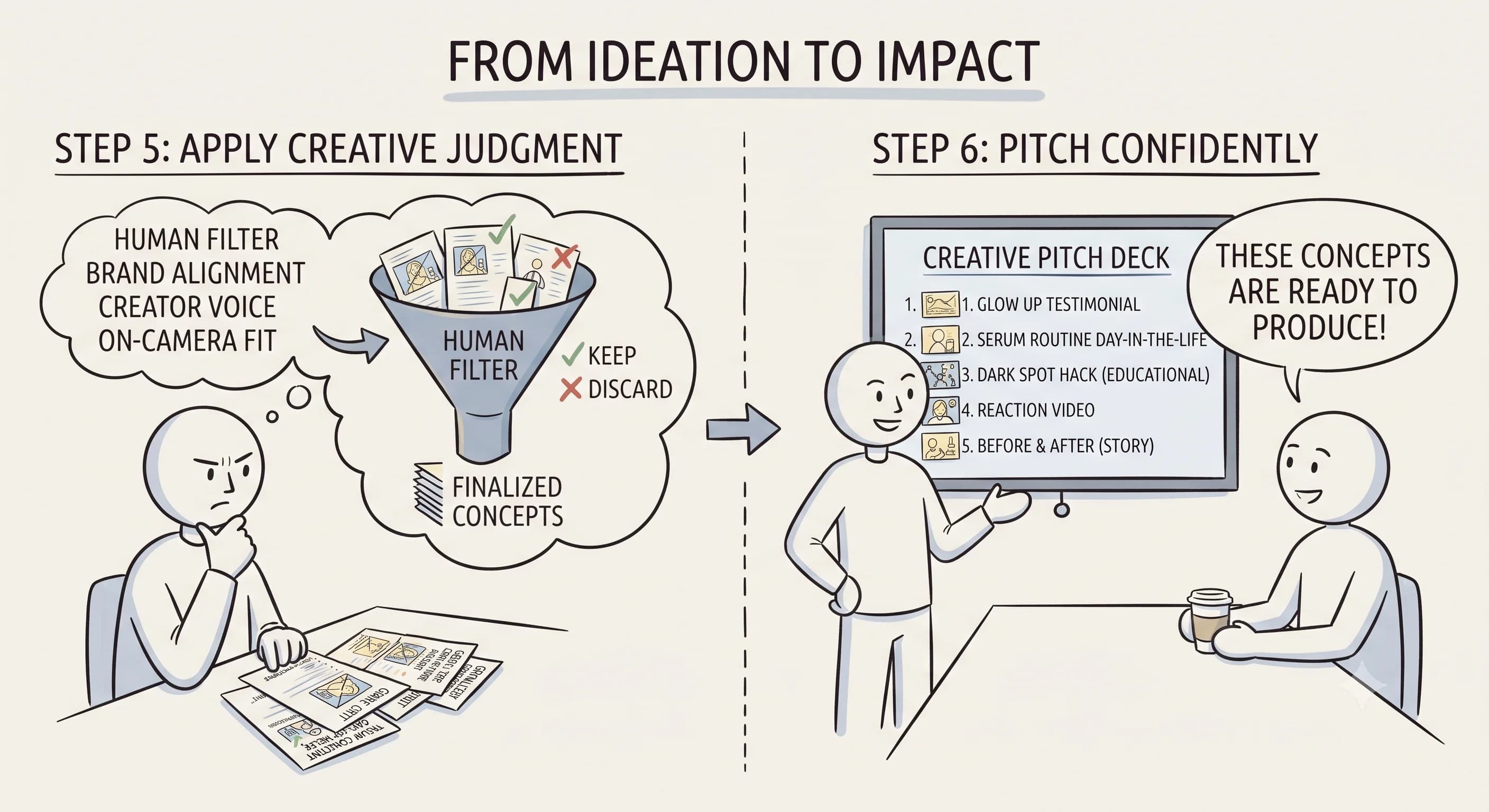
Step 4: Edit and personalize. This is the most important part of the entire process. Rewrite the initial script in your own voice. Add personal observations, adjust the hook so it feels natural on camera, and make sure the tone matches your authentic style. According to Influee, this personalization step is what separates a generic AI-generated script from content that actually converts.
Step 5: Refine your prompts over time. As you complete more UGC projects, your prompting instincts will sharpen. A LinkedIn workflow worth borrowing: generate five 30-second UGC ad variations from the same product details, then compare them side by side to find the angle that feels most authentic and platform-appropriate.
The Script Structure That Works Across Platforms
Flow's recommended framework structures every UGC script the same way: Hook, Product Introduction, Key Benefits, Social Proof, and CTA. This isn't arbitrary. Each element serves a specific purpose in moving a viewer from curious to convinced.
Hook stops the scroll. Product introduction gives context. Key benefits answer "why should I care?" Social proof handles skepticism. CTA tells the viewer exactly what to do next. When you give ChatGPT this structure explicitly in your prompt, the output becomes much more usable right away.
A high-performing UGC script doesn't need to be complicated. It needs to be clear, relatable, and delivered in your voice. Use ChatGPT to generate the framework, then layer in your personality during the edit phase. The more authentic your delivery, the better the ad will perform.
Can ChatGPT Create UGC Videos?
ChatGPT can't film or edit video. That part is still on you. But it absolutely can write the script, generate the angle, draft the hook, and outline the message that drives your UGC ad.
If you want to experiment beyond ChatGPT, it's worth knowing the difference between tools. According to UGC Copilot, ChatGPT tends to be stronger for rapid ideation and high-energy hooks, while Claude works better for more conversational, persona-driven authenticity. Neither is objectively better. The right choice depends on the tone of the brand you're working with and your own creative style. Try both and see which output feels closer to how you actually talk.
Writing Better UGC Hooks With AI
The hook is the most critical part of any UGC script, especially on TikTok and Instagram where you have roughly two seconds to stop someone from scrolling. Don't just ask ChatGPT to write a script and accept whatever hook comes out first. Ask it specifically to generate multiple hook options.
A prompt that works well: "Give me 10 different UGC ad hooks for [product] targeting [audience]. Make them pattern-interrupting and platform-specific for TikTok." Then pick the one that feels most natural and authentic to your voice. You'll know the right one when you read it aloud and it doesn't feel like you're reading someone else's script.
The hook test is simple. If you feel awkward saying it, your audience will feel awkward watching it. Keep generating options until you find one that clicks.
Common Mistakes That Make AI Scripts Feel Robotic
You've probably experienced this: you get a ChatGPT output, it sounds technically correct, and yet something feels off. That off feeling is almost always because the script hasn't been personalized yet.
Here are the most common mistakes creators make when using AI for UGC scripting:
Skipping the setup questions. If you don't tell ChatGPT who the target customer is, what problem the product solves, and what makes it different, you'll get a generic script that could apply to any product. The four setup questions from Flow exist for a reason. Answer them before you prompt.
Using the first draft as the final script. Flow's guide is clear on this: read it aloud first. Scripts that look fine on paper often fall apart when spoken. Your mouth catches what your eyes miss.
Not adding any personal context. AI doesn't know your experiences, your tone, or your quirks as a creator. That's the stuff that makes UGC convert. After you get the draft, rewrite at least one section, usually the hook or the benefit delivery, in a way that sounds completely like you.
Over-prompting without direction. More details in your prompt aren't always better. The four setup questions give you a focused foundation. Start there, then add specifics about tone, length, and platform.
Start Using AI in Your UGC Workflow Today
Learning how to write UGC scripts with ChatGPT is one of the fastest ways to scale your output as a creator without burning out creatively. Use AI to break through the blank-page barrier, generate compelling hooks, and draft scripts quickly, then make them your own.
The workflow is simple: answer your four setup questions, build a specific prompt, generate multiple variations, read the output aloud, and personalize until it sounds like you. That process works whether you're on your first brand deal or your fiftieth.
The more you practice, the more your natural creative instincts will develop, and AI will simply become one powerful tool in your creator toolkit rather than a crutch you depend on. Start with one script this week. Use the prompt structure from this guide, apply the Hook-Introduction-Benefits-Social Proof-CTA framework, and see what comes out. You might surprise yourself.
Read more about Becoming a Content Creator
📚 Complete Guides
- How to Become a Content Creator: Complete Beginner's Guide
- Content Creator Platform Guide: Choose the Right Platform to Start Your Creator Journey
⚡ Tactics & Strategies
- 50% Retention Rate Optimization for YouTube Algorithm Success
- Age Bracket as Superpower Strategy for Older UGC Creators
- AI Workflow Integration for Content Reduction
- Audience Consistency Strategy to Avoid Algorithm Penalties
- Audience Poll on Instagram to Source Q&A Content in Advance of Recording
📄 Related Articles
- Voice of the Customer: A Creator's Guide to Magnetic Messaging
- Content Creator Burnout: Signs, Prevention, and the Mindset That Fixes It
- Influencer Authenticity: How Honest Product Reviews Drive Real Influence
- TikTok Creator Search Insights: How to Find Content Gaps That Guarantee Views
- The AI Content Creation Workflow: Turn 37 Seconds Into 1,200 Words
- The AI Content Workflow That Cuts Production Time by 70%
- Influencer Campaign Report: How Smart Reporting Systems Build Stronger Brand Relationships
- How to Ask Someone to Be on Your Podcast (And Actually Get a Yes)
Read more about Systems, Workflows & Operations for Content Creators

Alex Kirillov
Details
One link. Every channel, rate, and piece of work brands need to evaluate you. Built for how creators actually get hired.
Claim your profile
Live creator, content, and marketing roles from real companies, with the pay, market, and context the raw job page never gives you.
Browse jobs