

Wufoo
Wufoo is an online form builder with cloud storage that lets creators build custom forms, collect payments, and manage data without any coding knowledge.
What is Wufoo? A Content Creator's Guide
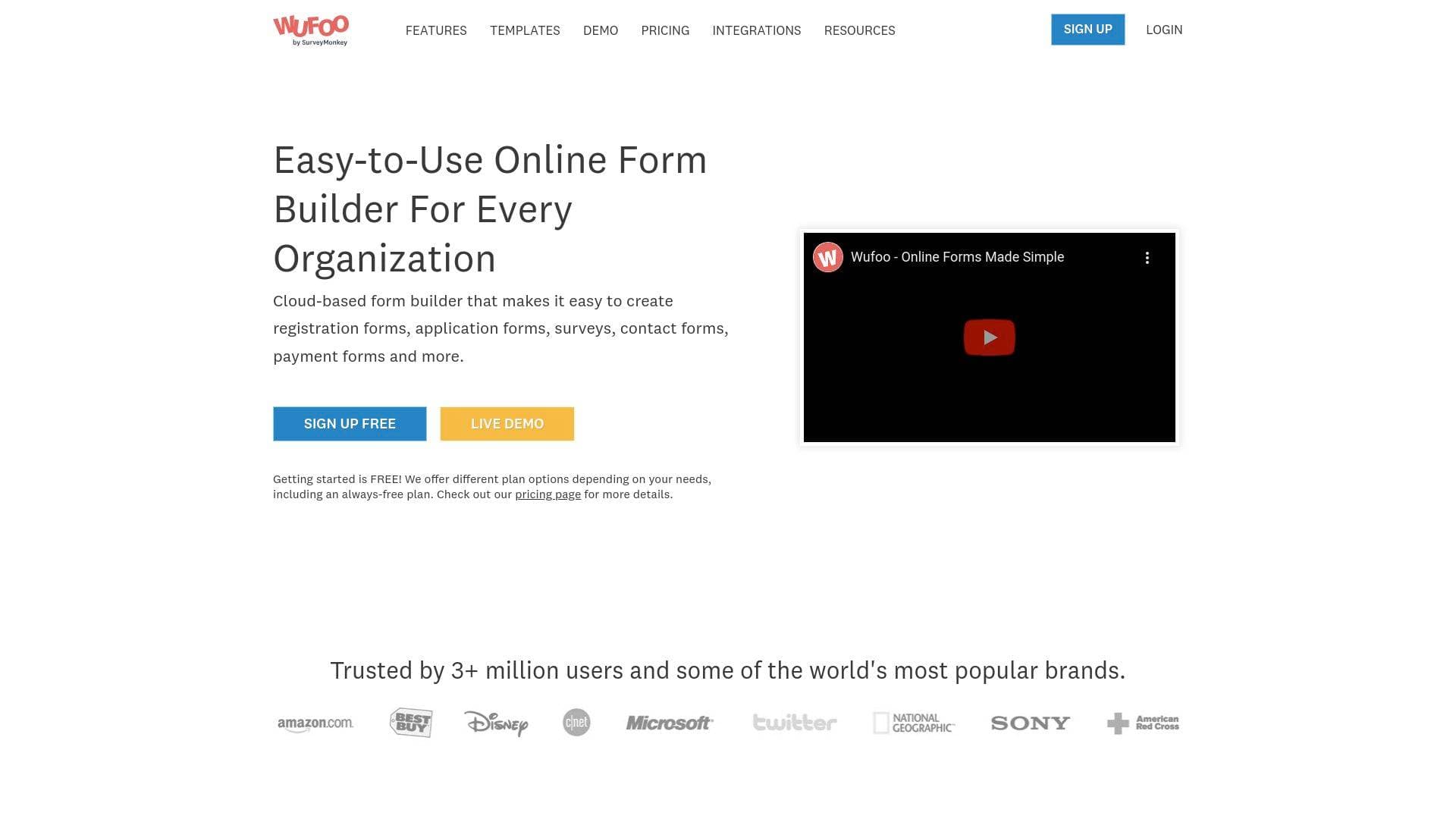
Wufoo is an online form builder with cloud storage that lets content creators build custom forms in minutes without writing a single line of code. For creators who need to collect audience data, process payments, or gather feedback, Wufoo solves the problem of needing technical skills to create professional-looking forms. Trusted by over 3 million users, it offers an award-winning interface alongside galleries, templates, and built-in reporting tools. The platform supports a wide range of form types including registration forms, application forms, surveys, contact forms, and payment forms. Creators can design forms that match their brand's look and feel, with or without CSS customization. Whether you're a solo blogger or running a full content operation, Wufoo provides the form-building infrastructure to collect what you need from your audience.
Wufoo Features That Matter for Content Creators
-
No-Code Form Builder: Wufoo's drag-and-drop interface lets creators build forms without any technical knowledge. This means YouTubers, bloggers, and podcasters can spin up a contact form, survey, or registration page in minutes rather than waiting on a developer.
-
Online Payment Collection: Creators can accept payments directly through forms using integrated payment partners including PayPal, Stripe, Authorize.Net, Square, Braintree, Worldpay, and more. This is particularly useful for selling digital products, collecting course fees, or accepting donations from fans.
-
File Upload Acceptance: Forms can include file upload fields, allowing audiences to submit photos, documents, audio files, or other media. Creators running contests, accepting guest submissions, or collecting portfolio work will find this capability essential.
-
Custom Branding: Every form can be designed to match a creator's visual identity, including logo placement, colors, fonts, and custom CSS. Wufoo offers a theme gallery and a theme designer so forms feel like a natural extension of a creator's website or brand.
-
Branching and Conditional Logic: The rule builder lets creators build smart forms that show or hide fields based on a respondent's previous answers. A podcaster running a listener survey, for example, can route different audience segments to relevant questions automatically.
-
60+ Integrations: Wufoo connects with over 60 integration partners natively, and through Zapier, the number expands dramatically to include tools like Mailchimp, ConvertKit, Google Sheets, Slack, Zoom, Teachable, Kajabi, and hundreds more. This makes it easy to pipe form submissions directly into a creator's existing workflow.
-
Reports and Analytics: Built-in reporting tools let creators visualize form submission data through charts and graphs. These reports can even be embedded on a creator's own website, making it easy to share public poll results or event registration counts with an audience.
-
Mobile Forms: Wufoo forms are mobile-optimized, ensuring that audience members filling out forms on smartphones or tablets have a smooth experience. This matters for creators whose audiences are primarily mobile users.
-
Multi-Page Forms: Long forms can be broken into multiple pages, reducing respondent fatigue. Creators collecting detailed information for applications, registrations, or surveys benefit from this pagination feature.
-
Webhooks and REST API: For creators with technical chops or developer support, Wufoo supports webhooks and a REST API, enabling push notifications to apps and custom integrations beyond what the native integration library offers.
Which Content Creators Should Use Wufoo?
Wufoo works well for creators at any experience level who need to collect information or payments from their audience without building custom web infrastructure. It's particularly strong for solo creators who want professional results without hiring a developer, as well as small creator teams who need multiple users building and managing forms.
Primary creator types:
- YouTubers and video creators who want to collect fan mail, collaboration requests, or run audience polls
- Bloggers and newsletter writers who need contact forms, subscriber intake forms, or reader surveys
- Podcasters collecting listener feedback, guest applications, or sponsorship inquiries
- Online course creators managing student registrations, application forms, and payment collection
- Streamers running giveaway entry forms, community surveys, or merchandise pre-orders
- Social media managers gathering client intake information or brand deal inquiry forms
Specific use cases for content creators:
- Building a branded contact form to embed on a personal website or blog
- Creating a paid workshop or event registration form that collects payment via Stripe or PayPal
- Running audience surveys to gather content ideas or feedback on recent episodes
- Accepting guest post or podcast guest applications with file upload capabilities
- Setting up a merch or digital product order form with payment processing
- Collecting email subscribers with a custom opt-in form that feeds directly into Mailchimp or ConvertKit
- Managing brand deal or sponsorship inquiry submissions with conditional logic routing
- Creating a fan Q&A submission form for YouTube or podcast content
Getting Started with Wufoo
- Sign up for a free account that allows building up to 5 forms at no cost, making it easy to test the platform before committing to a paid plan.
- Choose a template or start from scratch using the drag-and-drop form builder, selecting from field types like text, file upload, multiple choice, date, and payment fields.
- Customize the design using the theme gallery or theme designer to match your brand colors, fonts, and logo without needing CSS knowledge.
- Set up integrations and notifications to connect form submissions to tools like Google Sheets, Mailchimp, or Slack, and configure email notifications for new entries.
- Embed or share your form by copying the provided embed code for your website, or sharing a direct link across social media and email newsletters.
Wufoo FAQ for Content Creators
Is there a free plan available? Yes, Wufoo offers a free account that lets creators build up to 5 forms. This is a solid starting point for creators who want to test the platform before upgrading.
What payment processors does Wufoo support? Wufoo integrates with PayPal, Stripe, Authorize.Net, Square, Braintree, Worldpay, Chargify, FreshBooks, and USAePay, giving creators flexibility in how they accept payments from their audience.
Can forms be embedded on a website? Yes, Wufoo forms can be embedded on websites including WordPress.com, Squarespace, Wix, and other platforms using a JavaScript embed snippet. Forms can also be loaded inside a lightbox or displayed as a standalone page.
Does Wufoo support conditional logic? Yes, the rule builder supports branching and conditional logic, allowing fields to show or hide based on a respondent's previous answers. This is useful for creating personalized form experiences for different audience segments.
Can Wufoo connect to email marketing tools? Yes, Wufoo integrates natively with tools like Mailchimp and Campaign Monitor, and connects to ConvertKit, AWeber, and many other email platforms through Zapier. Form submissions can automatically add subscribers to mailing lists.
Can creators accept file uploads through forms? Yes, Wufoo supports file upload fields, allowing respondents to submit images, documents, audio, and video files directly through a form.
Is there Google Analytics integration? Yes, Wufoo supports Google Analytics integration for goal tracking, allowing creators to measure form completion rates and conversions as part of their broader analytics setup.
The Verdict: Is Wufoo Worth It for Content Creators?
Wufoo is a strong choice for content creators who need a reliable, no-code form building solution that goes beyond basic contact forms. The combination of payment processing, file uploads, conditional logic, and a massive integration library makes it genuinely versatile for creator workflows ranging from audience surveys to paid event registrations. The free plan with up to 5 forms is a low-risk entry point, and the award-winning interface means the learning curve is minimal even for non-technical creators. Creators who rely heavily on audience interaction, sell digital products, or manage community registrations will get the most value from Wufoo's feature set. The platform's depth of integrations with tools like Mailchimp, ConvertKit, Google Sheets, and Zapier means it fits naturally into most existing creator tech stacks.
Details
One link. Every channel, rate, and piece of work brands need to evaluate you. Built for how creators actually get hired.
Claim your profile
Live creator, content, and marketing roles from real companies, with the pay, market, and context the raw job page never gives you.
Browse jobs

 Post Bridge