

Unriddle
Anara is an AI-powered research workspace for scientists, students, and research teams to search papers, extract insights, organize sources, and write with automatic citations.
What is Anara? A Content Creator's Guide
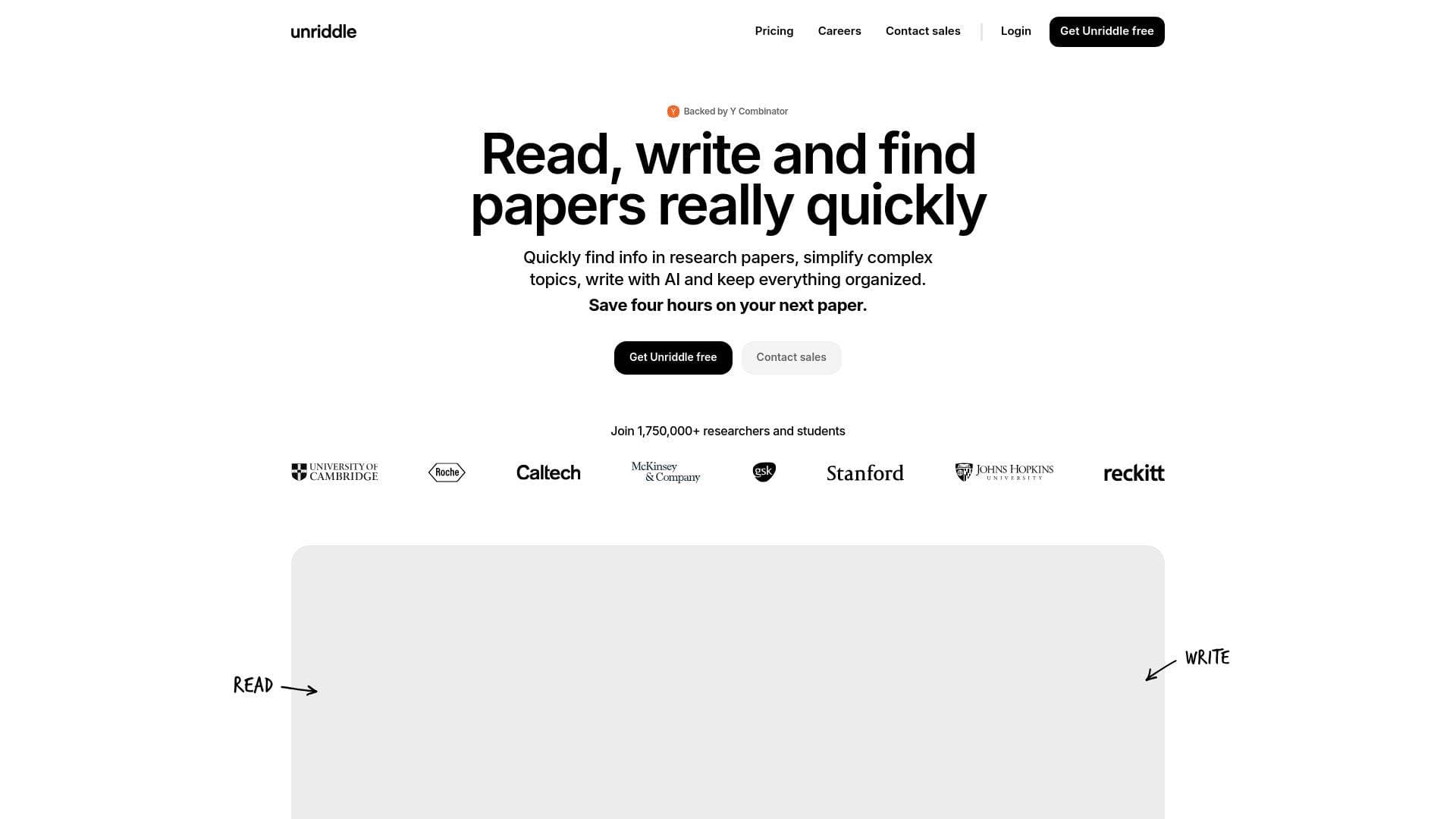
Anara is an AI-powered research workspace built specifically for scientists, students, and research teams who need to find, understand, organize, and produce scientific documents without sacrificing academic rigor. For content creators who produce research-heavy material, whether that's educational YouTube channels, science podcasts, long-form blog posts, or newsletter deep-dives, Anara solves one of the most painful bottlenecks in the workflow: sourcing and verifying credible information quickly. The platform searches major academic databases including PubMed, arXiv, and JSTOR to deliver comprehensive, citation-backed answers to complex questions. Every AI-generated insight links directly to its original source, so creators can verify information with a single click rather than hunting through dozens of tabs. Trusted by over 2,000,000 researchers and students, and backed by Y Combinator, Anara has processed 14 million files, generated 530,000 citations, and produced 27 million answers, reportedly saving users 20 hours per paper. The platform is available as a web application, a Chrome extension (the Anara Web Clipper), and an open-source PDF viewer called Lector, giving creators flexible access across their existing content production setup.
Anara Features That Matter for Content Creators
-
Source-Verified AI Answers: Every response Anara generates links back to the original source material, so creators producing fact-heavy content can verify claims instantly. The citation hover component even generates an explanation of why a particular citation is relevant, making it far easier to assess whether a source actually supports a point before including it in a video script or article.
-
Academic Database Search via Agents: The
@Search Papersagent searches millions of papers from PubMed, arXiv, and JSTOR directly within the workspace. A dedicated@PubMedtool also provides access to over 10 million biomedical and life sciences articles. For creators covering health, science, or technology topics, this eliminates the need to juggle multiple research tabs and databases. -
Automatic Citation Generation: The
@Create Citationagent instantly generates properly formatted academic citations in a preferred style (APA, MLA, Chicago, IEEE, Vancouver, OSCOLA, and more) from any file or group of files. Creators writing research-backed articles or scripts can export citations as BibTeX, CSV, or LaTeX files, or paste them directly into notes with inline formatting. -
Flashcard and Quiz Generation from Any Content: Upload lecture slides, textbooks, PDFs, or YouTube videos and the
@Create Flashcardsagent generates flashcards and multiple-choice practice questions tailored to those specific materials. Card types include multiple choice, fill-in-the-blank, true/false, and question-answer pairing. This is particularly useful for educational creators building study guides or course materials alongside their content. -
Deep Search Agent for Complex Research: The Deep Search agent runs multiple passes through large document sets, aggregating and analyzing content to produce far more detailed responses than standard chat. It's designed for complex questions that span many files or require working through large documents, making it ideal for creators tackling nuanced, multi-source topics.
-
Searchable Research Library with Table View: Anara provides a single, organized library for all research projects, with a spreadsheet-like Table View that lets creators sort, filter, and discover information across their entire collection. Custom tags with color-coding, a reading progress indicator, and metadata columns (author, publication date, citation count, visibility) make it easy to manage large document libraries over time.
-
Connectors for External Tools: Creators can connect OneDrive, Zotero, Mendeley, Notion, and SharePoint directly to Anara and search those libraries from within chat using
@SearchZotero,@SearchMendeley,@SearchOneDrive, and@SearchSharePoint. Zotero group collections are also supported, making it easy to import shared reference libraries. -
Multi-Format File Support: Anara handles PDFs, EPUBs, MP4 videos, MP3/WAV/M4A audio files, Excel and CSV spreadsheets, images (including HEIC from iOS), and web pages. YouTube videos can be imported with timestamp referencing, and videos up to 4 hours long are supported when transcripts are available. The Chrome extension clips web pages, PDFs, and videos directly to the library with one click.
-
AI Image Generation in Chat: The
@Create Imageagent generates visual content such as flowcharts, organizational diagrams, mind maps, and infographics directly within the chat interface. Creators building educational content or presentation materials can generate supporting visuals without leaving the research workspace. -
Collaborative Folder Sharing and Workspaces: Every user gets a workspace that supports solo or team use. Folders can be shared with individual collaborators or entire teams, with role-based permissions including a Viewer role for read-only access. Conversation branching lets collaborators explore different research directions without losing the main thread, and all conversations are contextually stored within their respective files or folders.
Which Content Creators Should Use Anara?
Anara is best suited for creators whose content depends on accurate, well-sourced information. It's particularly powerful for those who regularly work with academic papers, technical documents, or large volumes of reference material. Both solo creators and small teams benefit from the workspace and collaboration features.
Primary creator types:
- Educational YouTubers and podcasters who need to back up claims with peer-reviewed sources before publishing
- Science and health content creators covering topics that require PubMed or arXiv research
- Newsletter writers and bloggers producing long-form, research-heavy articles that require proper citations
- Course creators and educators who want to generate flashcards and study materials from their existing content
- Documentary and investigative content creators managing large libraries of source documents
- Student creators working on academic projects who also produce content around their research
Specific use cases for content creators:
- A health and wellness YouTuber uploading clinical studies and asking Anara to extract key findings for a video script, with citations auto-generated in APA format
- A science newsletter writer using
@Search Papersto find the latest arXiv preprints on a topic and synthesizing them into a weekly digest - An educational course creator uploading lecture slides and using
@Create Flashcardsto build supplementary study materials for students - A podcast host importing audio recordings of interviews and asking Anara to generate a transcript summary with key quotes
- A blogger using the Chrome Web Clipper to save research articles while browsing, then querying across the entire clipped library to write a comprehensive piece
- A team of creators collaborating on a documentary, sharing a folder of source documents with different permission levels for researchers and editors
- A tech creator importing Excel datasets and CSV files to analyze and discuss trends in their content
- A medical or science communicator using Deep Search to synthesize findings across dozens of papers for a thorough explainer video
Getting Started with Anara
- Create a free account at anara.com using Google, Apple, or Microsoft login. No credit card is required to start, and the free tier includes daily queries with access to core features.
- Import your research materials by uploading PDFs, EPUBs, audio files, videos, or importing via DOI, arXiv link, PubMed ID, or URL. The Chrome Web Clipper extension can also clip web pages and videos directly to your library while browsing.
- Connect external tools like Zotero, Mendeley, or OneDrive from the Settings menu to pull in existing reference libraries without manual re-importing.
- Start a chat with any file, folder, or your entire library. Use
@mentions to bring in specific agents like@Research,@Search Papers, or@Create Citationdepending on the task. - Organize and export your findings using custom tags, Table View filters, and export options including BibTeX, CSV, LaTeX, Word, or PDF.
Anara FAQ for Content Creators
Is Anara free to use? Anara offers a free tier that requires no credit card to start. Free users receive a set number of daily queries, with Basic queries using standard models and Pro queries using advanced AI models. Paid plans unlock higher limits, advanced models like Claude Opus 4.5 and Gemini 3 Pro, and features like Deep Search.
What file types can creators import into Anara? Anara supports PDFs, EPUBs, MP4 videos, MP3, WAV, and M4A audio files, Excel and CSV spreadsheets, images (including HEIC), plain text files, and web pages. YouTube videos can be imported directly, and academic papers can be added via DOI, PMID, or arXiv ID.
How does Anara prevent AI hallucinations? Responses can be limited to only the files uploaded to the workspace, eliminating hallucinations by grounding answers in user-provided content. Every insight links to its original source, and the citation hover component shows exactly which passage supports each claim so creators can verify before publishing.
Can Anara be used for team collaboration? Every account includes a workspace that supports both solo and team use. Folders can be shared with collaborators at different permission levels (including a Viewer role), and workspace-wide tags keep organization consistent across the team. Conversation branching allows team members to explore alternative research directions without disrupting the main discussion thread.
Does Anara integrate with reference management tools like Zotero?
Anara integrates with Zotero, Mendeley, OneDrive, SharePoint, and Notion. Creators can import from personal Zotero libraries as well as shared group collections, and the @SearchZotero and @SearchMendeley agents allow searching those external libraries directly from within Anara's chat interface.
What citation styles does Anara support? Anara supports at least 10 citation formats including APA, MLA, Chicago, IEEE, Vancouver, Harvard, and OSCOLA (for legal research). Citations can be exported as BibTeX, CSV, or LaTeX files, or formatted inline within notes with both numeric and author-year styles.
The Verdict: Is Anara Worth It for Content Creators?
For creators who regularly produce research-backed content, Anara offers a genuinely practical workflow tool. The combination of verified citations, direct academic database access, multi-format file support, and a searchable library makes it well-suited for educational YouTubers, science communicators, newsletter writers, and course creators who need to work with large volumes of source material efficiently. The ability to limit AI responses to uploaded files is a standout feature for creators who can't afford to publish inaccurate information. The flashcard generation, Deep Search agent, and connector integrations with Zotero and Mendeley add further depth for creators with established research workflows. The free tier provides a meaningful starting point without requiring a credit card, and the platform's active development cadence, with regular updates to models, features, and performance, suggests it's being actively maintained. Creators who work primarily with non-academic content or who don't need citation management may find the feature set more specialized than necessary, but for anyone producing credible, source-driven content, Anara is a strong research platform worth exploring.
Details
One link. Every channel, rate, and piece of work brands need to evaluate you. Built for how creators actually get hired.
Claim your profile
Live creator, content, and marketing roles from real companies, with the pay, market, and context the raw job page never gives you.
Browse jobs

 Post Bridge