

Typeset
Typeset CoAuthor is an AI design tool that automatically writes, designs, and publishes digital content including ebooks, social posts, slides, and more for content creators.
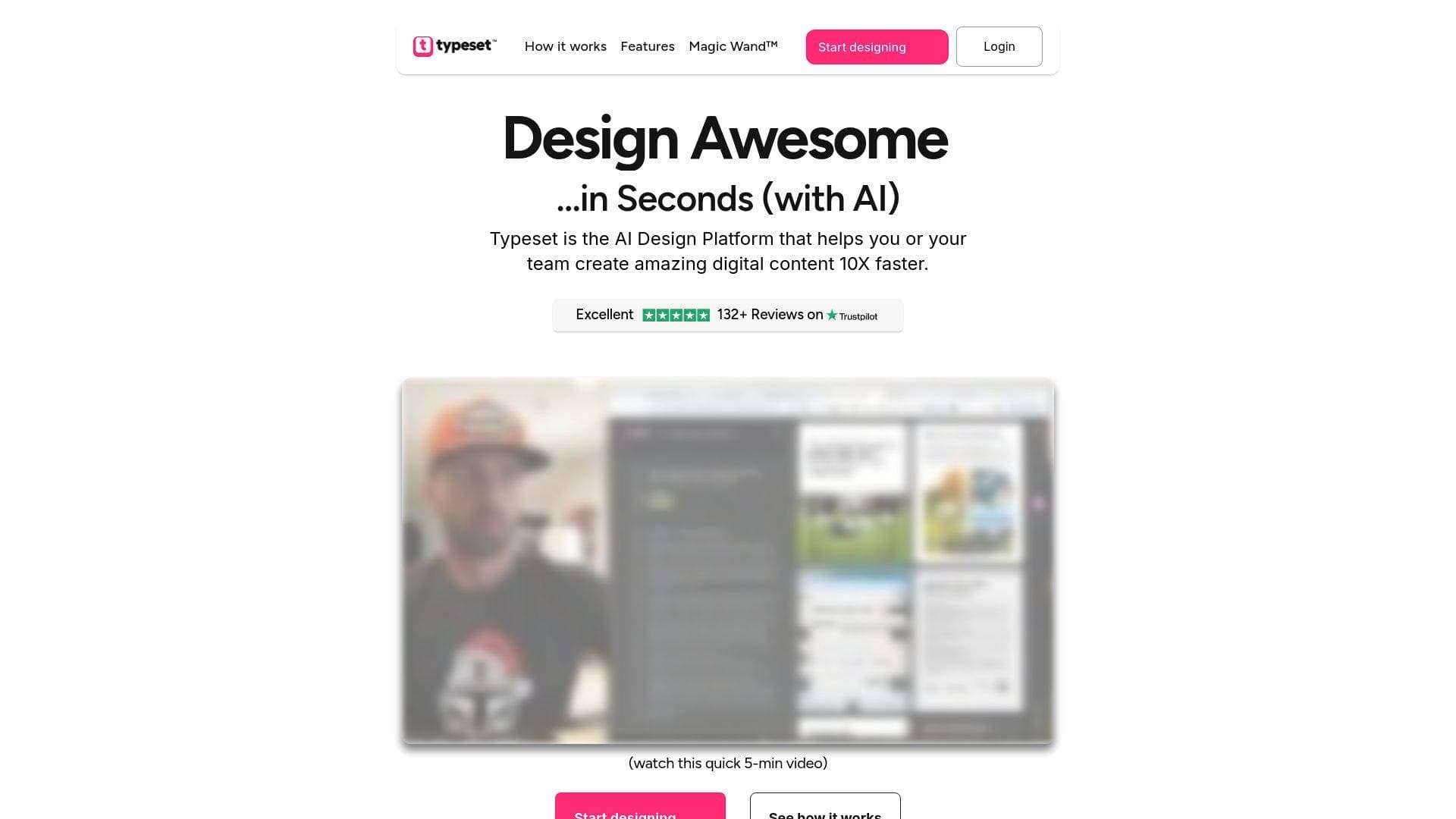
What is Typeset CoAuthor? A Content Creator's Guide
Blank pages and design bottlenecks are two of the biggest productivity killers for content creators, and Typeset CoAuthor is built specifically to eliminate both. It's an AI-powered content creation platform that automatically writes, designs, and publishes digital content, turning a raw idea into a polished, publish-ready asset in minutes. The core problem it tackles is the brutal time cost of manual content production: hours lost wrestling with design tools, staring at empty documents, and hunting through scattered files across multiple apps. Typeset CoAuthor handles the entire content creation workflow, from generating a complete written outline to applying professional layouts, matching images, and exporting in multiple formats. Creators can produce ebooks, lead magnets, social posts, YouTube thumbnails, webinar slides, course materials, banners, ads, reports, and even LinkedIn and Twitter/X profile assets, all from a single platform. What sets it apart is the combination of AI writing and AI design in one tool, meaning creators don't need to switch between a writing app and a design app to get a finished piece of content. The platform is designed for creators of all skill levels, requiring zero design experience or technical knowledge to produce professional-looking results.
Typeset CoAuthor Features That Matter for Content Creators
-
CoAuthor AI Writing Engine: Just type a topic or a short blurb and CoAuthor AI generates a complete outline, then writes the full content for you. This directly eliminates writer's block and cold-start paralysis, letting creators focus on ideas rather than staring at a blank page. What used to take hours of drafting now happens in minutes.
-
AI Magic Wand Design Tool: The Magic Wand feature handles design and refinement in seconds, automatically generating smart titles, perfectly matched layouts, images, and color schemes. Creators can explore multiple fully designed variations with a single click, making it easy to find the right visual direction without manual trial and error.
-
Content Remix Feature: This is a standout capability for creators who want to maximize every piece of content. With one click, an ebook transforms into 1,000+ new pieces of content including ads, social posts, and banners, all formatted and ready to share across platforms. It's a powerful way to multiply output from a single creative effort.
-
Multi-Format Export: Finished content exports as PDF, PNG, and PPT with a single click, and layouts automatically adjust to fit the target format. This means one project can become a document, a social post, and a slide deck without any manual reformatting.
-
Massive Stock Image Library: Creators get instant access to over 5 million images from Unsplash and over 100 million from Getty Images directly inside the platform. Images can be searched by topic or color, or the AI can select the best match automatically, eliminating the need to source visuals from external sites.
-
Built-in Hosting: Ebooks, pages, and other content can be published and hosted directly through Typeset, with no third-party hosting setup required. Content stays live and accessible without additional tools or services.
-
Brand Customization: Fonts, colors, and templates can be updated across an entire theme in one click, ensuring every piece of content stays on-brand. Brand colors and fonts are automatically applied to new projects, maintaining visual consistency across all creator output.
-
Templates for Every Content Type: A full template library covers every content format and style, from ebooks and keynote slides to social media graphics and lead magnets. No design skills are needed to start from a template and produce a polished result.
-
Real-Time Collaboration: Teams can create together, share assets, and stay in sync inside the platform. This is particularly useful for creator teams or those working with editors, virtual assistants, or co-creators.
-
Built-in Search and Project Organization: A built-in search function helps creators locate files and projects instantly, and all content is stored in one centralized place. Typeset claims this centralization drives productivity up by 500% compared to hunting through scattered tools like Dropbox, Notion, or Google Docs.
Which Content Creators Should Use Typeset CoAuthor?
Typeset CoAuthor is built for creators who produce a high volume of digital content and want to cut the time and cost of design out of their workflow. It's equally accessible to beginners with no design background and to experienced creators who simply want to move faster. Solo creators and small teams both benefit, with collaboration features supporting multi-person workflows.
Primary creator types:
- Bloggers and newsletter writers who want to repurpose written content into beautifully designed ebooks and lead magnets without hiring a designer
- YouTubers who need YouTube thumbnails, channel banners, and social graphics produced quickly and consistently
- Course creators and educators who need to produce slide decks, keynote presentations, and course materials at scale
- Social media creators on platforms like Instagram, LinkedIn, Twitter/X, and Facebook who need branded graphics, covers, and post visuals regularly
- Podcasters looking to create lead magnets, promotional banners, and social content to grow their audience
- Freelance creators and digital product sellers who need ebooks, reports, and proposals that look professional without a design budget
Specific use cases for content creators:
- Building an ebook or lead magnet to grow an email list without hiring a designer
- Creating a full webinar slide deck from a topic idea in a single session
- Producing YouTube thumbnails and channel art that match brand colors automatically
- Turning a long-form blog post or guide into a downloadable PDF ebook
- Generating social post graphics for multiple platforms from a single piece of content using the Remix feature
- Designing course materials and presentation slides for online courses
- Creating Twitter/X headers, LinkedIn profiles, and Facebook covers in one place
- Producing ads and promotional banners for digital product launches
Getting Started with Typeset CoAuthor
- Sign up and choose a plan: Typeset offers a Basic plan at $17/month (billed yearly, 35 projects) and a PRO plan at $31/month (billed yearly, unlimited projects). Both plans include access to the AI Assistant, Getty Images and Unsplash libraries, and export options. A 30-day money-back guarantee is included with no questions asked.
- Input your topic or idea: Type a short idea or blurb into CoAuthor AI. The system generates a complete outline and writes the full content automatically, handling everything from structure to copy.
- Refine with the AI Magic Wand: Use the Magic Wand to explore design variations, adjust layouts, swap images, and tweak copy. Changes to text update the layout in real time to keep everything balanced and polished.
- Export and publish: Export the finished content as PDF, PNG, or PPT with one click, or publish it directly using Typeset's built-in hosting. Use the Remix feature to spin the content into social posts, ads, and banners for additional distribution.
Typeset CoAuthor FAQ for Content Creators
Do I need design skills to use Typeset CoAuthor? No design skills are required. The AI handles layout, typography, spacing, and image selection automatically. Creators of all skill levels, from complete beginners to experienced professionals, can produce polished results without touching a drag-and-drop interface.
How long does it take to create an ebook with Typeset? A complete, professionally designed ebook can be created in a single session, measured in minutes rather than hours. The AI writes the content, applies the design, and prepares it for export without any manual formatting work.
What formats can I export my content in? Content exports as PDF, PNG, and PPT with a single click. Layouts automatically adjust to fit the target format, so one project can be exported in multiple formats without any additional work.
Can I maintain my brand identity across all content? Yes. Brand fonts, colors, and templates can be updated across an entire theme in one click, and these settings are automatically applied to new projects. This keeps all creator content visually consistent.
What image resources are available inside Typeset? Creators have access to over 5 million royalty-free images from Unsplash and over 100 million from Getty Images, all searchable by topic or color directly within the platform. The AI can also select the best image match automatically.
Is there a money-back guarantee? Typeset offers a 30-day money-back guarantee with no questions asked on all plans.
Can I use Typeset on Mac, PC, and mobile? The platform is accessible across Mac, PC, and mobile devices, making it flexible for creators who work across different setups.
The Verdict: Is Typeset CoAuthor Worth It for Content Creators?
For content creators who regularly produce ebooks, lead magnets, social graphics, slide decks, or any kind of visual digital content, Typeset CoAuthor addresses a real and expensive pain point. The combination of AI writing and AI design in a single platform means creators can go from idea to finished, publish-ready asset without switching tools, hiring designers, or spending hours on formatting. The claimed time savings of 15+ hours per week and cost reduction of 95% compared to outsourcing individual assets are significant for solo creators and small teams operating on tight budgets. The Remix feature is particularly compelling for creators who want to extract maximum value from every piece of content, turning one ebook into hundreds of social posts and ads automatically.
The Basic plan at $17/month (billed yearly) suits creators with moderate output needs, while the PRO plan at $31/month (billed yearly) removes project limits entirely for high-volume creators. The 30-day money-back guarantee removes the risk of trying it out. Typeset CoAuthor is best suited for bloggers, course creators, YouTubers, newsletter writers, and digital product sellers who want to publish more content, faster, without the overhead of traditional design workflows.
Details
One link. Every channel, rate, and piece of work brands need to evaluate you. Built for how creators actually get hired.
Claim your profile
Live creator, content, and marketing roles from real companies, with the pay, market, and context the raw job page never gives you.
Browse jobs

 Post Bridge