
Touch Portal
Touch Portal is a remote macro control deck app that turns any Android or iOS device into a customizable control surface for PC and Mac, built for streamers and content creators.
What is Touch Portal? A Content Creator's Guide
Touch Portal is a remote macro control deck that transforms any Android or iOS device into a fully customizable control surface for Windows, Mac, and Linux desktops. For content creators juggling live streaming software, audio tools, editing applications, and social platforms all at once, managing keyboard shortcuts and software switching mid-stream or mid-edit is a constant friction point. Touch Portal solves this by letting creators build custom button pages on their phone or tablet that send commands directly to their desktop over a local network or USB connection. The app integrates natively with OBS, Streamlabs Desktop, XSplit, Twitch, Photoshop, Lightroom, and more, making it a genuine live streaming workflow tool rather than a generic remote control. Beyond those built-in integrations, a robust plug-in ecosystem extends support to platforms like TikTok Live, YouTube, Kick Streaming, Discord, Voicemeeter, VTube Studio, and dozens of other creator-focused tools. Whether a creator is switching OBS scenes, triggering sound effects, managing Twitch chat, or adjusting Philips Hue lighting for their studio, Touch Portal puts all of it on a single touchscreen panel within arm's reach.
Touch Portal Features That Matter for Content Creators
-
Multi-Action Macro Buttons: Each button in Touch Portal can execute multiple actions in sequence with a single tap. Streamers can build a single "Go Live" button that switches OBS scenes, starts the stream, triggers a sound effect, and sends a Twitch chat message all at once. Logic functions allow buttons to behave differently depending on the current state, enabling toggle buttons, radio buttons, and master-slave button setups.
-
Native OBS Integration: Touch Portal connects directly to OBS Studio via the OBS WebSocket, giving streamers control over scene switching, source visibility, audio controls, stream and recording start/stop, filters, scene collections, and profiles. The OBS Portal Free page has been downloaded nearly 50,000 times from the community asset library, reflecting how central this integration is for the streaming community.
-
Twitch Integration: The built-in Twitch integration lets streamers run ads, set stream markers, manage chat, and send messages directly from their control deck without touching the keyboard. Twitch tokens do expire roughly every 20-30 days for security reasons, requiring periodic reconnection.
-
Extensive Plug-in Ecosystem: With the Pro Upgrade, creators unlock access to third-party plug-ins covering platforms like YouTube, TikTok Live Events, Discord, Kick Streaming, Spotify, VoiceMod, Voicemeeter, vMix, Restream, Ecamm Live, Trovo, VTube Studio, SoundPad, and many more. This makes Touch Portal adaptable to virtually any creator's specific software stack.
-
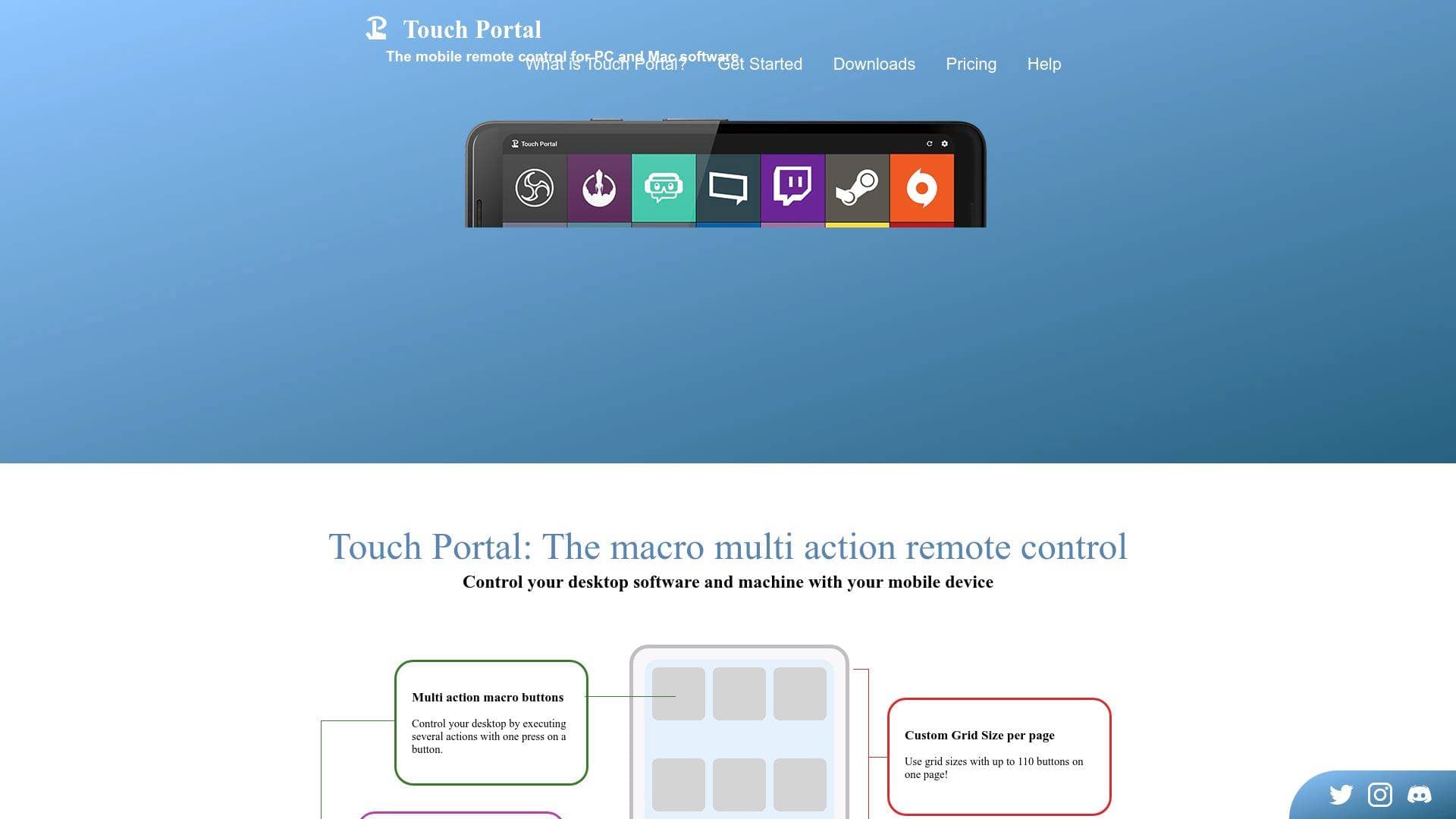
Customizable Grid Layouts with Up to 110 Buttons: The Pro Upgrade unlocks variable grid sizes supporting up to 110 buttons per page with a maximum of 15 rows or columns. Free users are limited to a 4x2 grid, which is functional for basic setups but quickly becomes limiting for creators managing complex workflows across multiple applications.
-
Unlimited Pages: Pro users can create an unlimited number of pages, each with its own grid size. A creator could have dedicated pages for OBS controls, Photoshop shortcuts, Discord management, Spotify playback, and Twitch actions, all navigable from the mobile device with a single tap.
-
Sliders for Real-Time Control: Touch Portal supports slider controls, which are particularly useful for adjusting audio volume, controlling light brightness via Philips Hue or other smart lighting integrations, and any other parameter that benefits from gradual adjustment rather than binary on/off buttons.
-
Soundboard Functionality: Buttons can be loaded with audio files (WAV or MP3) to function as a soundboard. Streamers can trigger sound effects, intro jingles, or alert sounds directly from their mobile device without needing separate soundboard software.
-
Community Asset Library: A searchable database of pages, icon packs, and plug-ins created by the Touch Portal team and community is available for download. Popular assets include OBS control pages, Discord control pages, Photoshop pages, Spotify control pages, and icon packs specifically designed for streaming and audio control. The IKON icon collection alone contains 500 icons spanning Adobe Suite, apps, games, multimedia, and smart lights.
-
Icon Editor Graphics Upgrade: An optional add-on lets creators customize button icons directly within Touch Portal using color overlays, gradients, blur, glow, drop shadows, image layers, and text layers with customizable fonts, sizes, colors, and rotation. This allows creators to build visually cohesive control decks that match their brand aesthetic.
-
USB and WiFi Connection Options: Touch Portal connects over local WiFi or, for Windows and Android users, via USB cable. The USB option is valuable for streamers who want a more stable, low-latency connection during live broadcasts without relying on network conditions.
Which Content Creators Should Use Touch Portal?
Touch Portal is built with streamers and content creators explicitly in mind, and the feature set reflects that focus. It works equally well for solo creators running lean setups and for more advanced broadcasters managing complex multi-application workflows. The free tier is genuinely usable for getting started, while the Pro Upgrade at a one-time payment of $13.99 unlocks the full power of the platform.
Primary creator types:
- Live streamers on Twitch, YouTube, and Kick who need fast scene switching, chat management, and stream controls without alt-tabbing away from their game or content
- Podcasters and audio-focused creators who use Voicemeeter, SoundPad, or similar tools and want physical-feeling control over their audio mix
- Video editors and photographers using Photoshop or Lightroom Classic who want a custom shortcut panel for layer controls, tool selection, and quick actions
- VTubers who need rapid access to VTube Studio controls alongside their streaming software
- Multi-platform streamers using Restream or vMix who manage multiple destinations and need centralized control
- Content creators with smart studio setups who want to control Philips Hue, Lifx, Govee, or other smart lighting directly from their streaming control deck
- Creators who repurpose old devices since Touch Portal supports Android 5.0 and up and iOS 12 and up, meaning an old phone or tablet can become a dedicated control surface
Specific use cases:
- Switching OBS scenes and toggling sources during a live stream without touching the keyboard
- Triggering Twitch ad breaks, setting VOD markers, and sending chat messages from a tablet mounted next to a monitor
- Controlling Spotify playback between recording sessions
- Adjusting Voicemeeter audio routing on the fly during a podcast recording
- Running Photoshop macros for layer management and color adjustments during a design stream
- Sending HTTP webhooks to IFTTT for smart home automation tied to stream events
- Managing Discord voice channels, push-to-talk settings, and mute/deafen status during collaborative streams
Getting Started with Touch Portal
- Install the desktop application by downloading the Windows or Mac version and completing the onboarding process. The desktop app acts as the server that receives commands from the mobile device.
- Install the mobile app from the Google Play Store (Android 5.0+) or Apple App Store (iOS 12+) and complete the onboarding on the mobile side.
- Connect both devices to the same local network and ensure the WiFi port is set to 12135 on both the desktop and mobile apps. The desktop app displays the IP address and port in the lower left corner for easy reference.
- Build your first page by adding buttons in the desktop editor, assigning actions, and customizing icons. The community asset library offers ready-made pages for OBS, Discord, Spotify, and Photoshop that can be downloaded and imported immediately.
- Connect to OBS by enabling the OBS WebSocket in OBS Studio's Tools menu, then letting Touch Portal auto-connect. Custom ports need to be matched on both sides if the defaults are changed.
Touch Portal FAQ for Content Creators
Is Touch Portal free to use? Yes, Touch Portal is free with limitations. The free version restricts creators to a 4x2 button grid and two pages total. The Pro Upgrade, a one-time payment of $13.99, removes all grid and page restrictions, unlocks plug-in support, and adds features like animated GIFs on buttons and customizable page backgrounds.
What is the Pro Upgrade and what does it include? The Pro Upgrade is a one-time lifetime license purchase available through the Google Play Store or Apple App Store. It unlocks unlimited pages, variable grid sizes up to 110 buttons per page, animated GIF button images, customizable page backgrounds, OBS remote control, Values and Events systems, and access to third-party plug-ins. The license is tied to the store account and works across all devices using that account.
Can multiple mobile devices connect to one desktop? Yes, with the Multiple Devices Upgrade (a separate one-time purchase at $6.99), creators can connect multiple iOS and Android devices simultaneously to a single Touch Portal desktop instance. Each device can display different pages and be controlled independently, which is useful for creators who want dedicated panels for different functions.
Does Touch Portal work with OBS on both Windows and Mac? Yes, the OBS integration works on both Windows and Mac. Touch Portal connects to OBS via the OBS WebSocket plugin, which needs to be enabled in OBS Studio's Tools menu since it is disabled by default. Streamlabs Desktop integration is currently Windows-only.
What happens if my preferred software isn't directly integrated? Touch Portal supports key press simulation, mouse simulation, Windows and Mac OS controls, HTTP requests, file handling, and automation actions that work with virtually any application. For software not natively integrated, the plug-in ecosystem created by community developers covers a very wide range of additional tools, and the Pro Upgrade is required to use plug-ins.
Are the upgrades truly lifetime licenses? All Touch Portal upgrades are one-time payments with lifetime licenses tied to the Google Play Store or Apple App Store account used to purchase them. The license is not transferable between Android and iOS platforms, so creators using both ecosystems need to purchase separately for each.
Can Touch Portal run on an old phone or tablet? Yes. Touch Portal supports Android 5.0 and higher and iOS 12.0 and higher, which means older devices that are no longer used as primary phones can be repurposed as dedicated streaming control panels. Custom ROMs, rooted devices, Chromebooks, and emulators are not supported on Android.
The Verdict: Is Touch Portal Worth It for Content Creators?
Touch Portal is a strong choice for any content creator who wants physical-feeling macro control over their desktop workflow without investing in dedicated hardware. The free tier is a legitimate starting point for streamers wanting basic OBS control, and the Pro Upgrade at a one-time $13.99 is a low-cost investment that unlocks a genuinely powerful system. The native integrations with OBS, Twitch, Streamlabs Desktop, Photoshop, and Lightroom cover the most common creator workflows, while the plug-in ecosystem extends support to a remarkably broad range of tools including TikTok Live, VTube Studio, Kick, Ecamm Live, and Voicemeeter.
The main consideration is that plug-ins require the Pro Upgrade and are created by third parties rather than the Touch Portal team, so quality and maintenance can vary. The Twitch token expiration every 20-30 days also means periodic reconnection is part of the workflow. For creators on both iOS and Android who want to use devices from both platforms, separate purchases are required for each store.
For live streamers, podcasters, VTubers, and creative professionals who want a customizable, affordable macro deck that runs on hardware they likely already own, Touch Portal delivers substantial value. The combination of a free entry point, reasonable upgrade pricing, a large community asset library, and deep integration with creator-focused software makes it a practical addition to any content creation setup.
Details
One link. Every channel, rate, and piece of work brands need to evaluate you. Built for how creators actually get hired.
Claim your profile
Live creator, content, and marketing roles from real companies, with the pay, market, and context the raw job page never gives you.
Browse jobs Post Bridge
