
Tella
Tella is an all-in-one screen recorder and video creation tool that lets content creators record, edit with AI, and share videos without downloading software or switching apps.
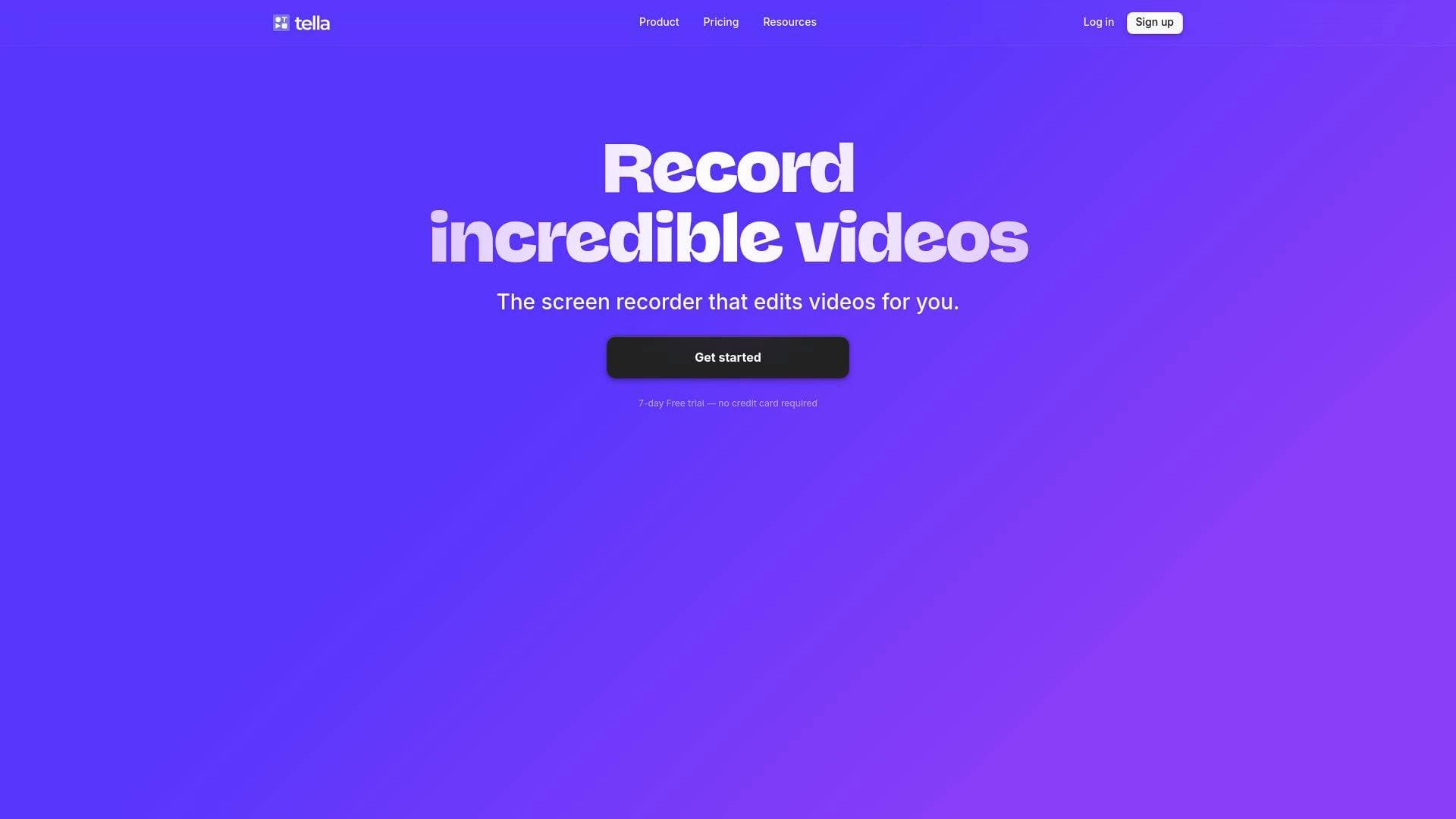
Brief Overview of Tella for Content Creators
Tella is an all-in-one screen recorder and video creation tool built specifically for creators who want to produce polished videos without wrestling with complicated software. The core problem it solves is the fragmented video production workflow — no more needing one app to record, another to edit, another to host, and yet another to share. Tella collapses that entire content creation workflow into a single tool. Founded in 2020 and backed by Y Combinator (YC S21) and Gradient Ventures, it operates as a fully remote team with a clear focus on craft and usability.
The platform supports screen recording, camera recording, or both simultaneously, and works entirely in the browser with no installation required. There are also optional native apps for Mac and Windows for creators who prefer a desktop experience. What separates Tella from basic recording tools is its built-in AI video editing layer, which handles filler word removal, silence deletion, transcript-based editing, and automatic trimming — all without a traditional timeline. YouTubers, course creators, and tutorial makers have specifically called out how much faster their content production has become since switching to Tella.
Tella Key Features for Content Creators
-
Browser-Based Recording with No Downloads Required: Tella works entirely in the browser, meaning creators can start recording immediately without installing anything. For creators who work across multiple machines or want a frictionless start, this removes a significant barrier to getting content captured quickly.
-
Up to 4K Screen Recording with System Audio: The native macOS app records screens in up to 4K resolution with system audio included. Creators can choose to capture a full screen, a specific window, or a single browser tab, giving precise control over what ends up in the final video.
-
Chrome Extension for Screen and Camera Overlay: The Chrome extension lets creators show their screen with a camera bubble overlay, or switch between layouts on the fly. This is particularly useful for walkthroughs, product demos, and tutorial videos where showing both the screen and the presenter simultaneously adds clarity.
-
Clip-Based Recording: Rather than forcing creators into one long, unbroken take, Tella lets creators record in multiple short clips back to back and combine them into a single video. This approach is ideal for scripted content, course modules, or any video where getting each section right matters more than recording everything in one shot.
-
Speaker Notes: Creators can add notes or a full script directly inside Tella and read them while recording. This keeps content on-message without requiring memorization, which is especially useful for course creators, educators, and anyone producing structured tutorial content.
-
Pause and Resume Recording: Recordings can be paused at any point and resumed without breaking the flow. Creators can gather their thoughts, check their notes, or handle interruptions without having to restart from scratch.
-
AI-Powered Editing Tools: Tella's AI editing suite includes automatic silence deletion, one-click filler word removal (every "um" and "ah"), transcript-based text editing, and automatic trimming of silent starts and ends. These features dramatically reduce post-production time for creators who don't want to spend hours scrubbing through a timeline.
-
Virtual Backgrounds and Noise Cancellation: The web recorder includes built-in virtual backgrounds and noise cancellation, so creators can look and sound polished without any external setup or additional software.
-
Transitions, Zoom Effects, and Custom Backgrounds: Beyond AI editing, Tella includes manual editing tools like dynamic transitions (added in just 2 clicks), smooth zoom effects for highlighting details, and customizable backgrounds sourced from presets, Unsplash, or creator uploads. These tools add production value without requiring video editing expertise.
-
Flexible Publishing Options: Finished videos can be hosted directly on Tella and shared via link, downloaded in 4K for publishing to YouTube, LinkedIn, or X, or embedded directly into websites and apps for inline playback. Viewers can also be given the option to comment or download, depending on creator preferences.
Tella Target Users & Use Cases for Content Creators
Tella is built for creators who need to produce quality video content regularly but don't have the time or technical skills for traditional video editing workflows. It skews toward solo creators and small teams who value speed and simplicity without sacrificing the final look of their videos. The 7-day free trial with no credit card required also makes it accessible for creators who want to test before committing.
Primary creator types:
- YouTubers looking to speed up their content production pipeline without sacrificing video quality
- Online course creators who need to record structured, multi-section educational content in manageable clips
- Tutorial and walkthrough creators who need simultaneous screen and camera capture
- Coaches and educators who produce regular video content for clients or students
- Podcast and content creators who want to add a video layer to their existing workflow
- Newsletter writers and bloggers who want to embed video content directly into their sites
Specific use cases:
- Recording a multi-module online course using clips, so each section can be re-recorded independently without redoing the entire video
- Creating software tutorials with the Chrome extension's screen-plus-camera-bubble layout
- Using speaker notes to deliver structured content without memorizing scripts
- Cutting down post-production time using AI filler word removal and silence deletion
- Producing polished demo or explainer videos with custom backgrounds and zoom effects
- Sharing recorded content instantly via link without waiting for exports or uploads
- Exporting finished videos in 4K for YouTube or LinkedIn publishing
- Embedding video content directly into a personal website or course platform
How to Get Started with Tella
- Sign up for a free trial: Visit Tella and create an account — no credit card is required for the 7-day free trial.
- Choose your recording mode: Select from screen-only, camera-only, or screen-and-camera combined. For browser-based recording, no installation is needed. For 4K screen recording with system audio, download the optional macOS or Windows app.
- Set up your recording environment: Enable virtual backgrounds and noise cancellation in the web recorder for a polished look, and add speaker notes if you're working from a script.
- Record in clips: Use the clip-based recording approach to capture your content in manageable sections, pausing between clips as needed.
- Edit and publish: Use Tella's AI editing tools to remove silences and filler words, apply transitions or zoom effects, then share via link, embed on your site, or export in 4K.
Frequently Asked Questions About Tella
Do I need to install anything to start recording? No installation is required. Tella runs entirely in the browser, so creators can open the app and start recording immediately. Optional native apps for Mac and Windows are available for those who prefer a desktop experience.
Can I record my screen and camera at the same time? Yes. Tella supports screen-only, camera-only, or combined recording with a camera bubble overlay. Layouts can also be switched during or after recording, giving creators flexibility in how their final video looks.
What resolution does Tella record in? Tella records in up to 4K resolution with system audio. Final output quality depends on the creator's screen resolution and chosen export settings.
Is there a time limit on recordings? There is no hard time limit on recordings. Tella handles long recordings without issues, which makes it suitable for webinars, full course modules, or extended tutorials.
Can I use a virtual background while recording? Yes. Built-in virtual backgrounds and noise cancellation are included in the web recorder, so creators can look and sound polished without any additional tools or physical setup.
What AI editing features does Tella include? Tella's AI editing tools can automatically delete silences, remove filler words with a single click, trim silent starts and ends, and allow creators to edit their video by editing the transcript text rather than scrubbing through a timeline.
Can I export videos for YouTube or other platforms? Yes. Videos can be exported in 4K for publishing to platforms like YouTube, LinkedIn, or X. They can also be shared instantly via a hosted link or embedded directly into websites and apps.
Bottom Line: Should Content Creators Choose Tella?
Tella is a strong fit for content creators who produce regular video content and want to cut down the time between recording and publishing. The clip-based recording approach, combined with AI editing tools that handle the most tedious parts of post-production, makes it especially valuable for course creators, tutorial makers, and YouTubers who record frequently. The browser-based workflow with no required installation is a genuine advantage for creators who want to start fast.
The main strengths are the all-in-one nature of the tool (record, edit, host, and share without switching apps), the AI-powered editing that removes filler words and silences automatically, and the 4K export capability for professional publishing. The platform also offers a 7-day free trial with no credit card required, lowering the barrier to testing it out.
Creators who need highly advanced timeline-based editing or complex multi-track audio production may find Tella's simplified editing approach limiting. But for the large majority of content creators focused on producing clear, polished videos efficiently, Tella delivers a compelling and well-crafted solution.
Details
One link. Every channel, rate, and piece of work brands need to evaluate you. Built for how creators actually get hired.
Claim your profile
Live creator, content, and marketing roles from real companies, with the pay, market, and context the raw job page never gives you.
Browse jobs

 Post Bridge