
Stream Stickers
Stream Stickers is a free Twitch Extension that drives viewer engagement and monetization through interactive stickers, A.I. text-to-speech, sticker parties, and leaderboards.
What is Stream Stickers? A Content Creator's Guide
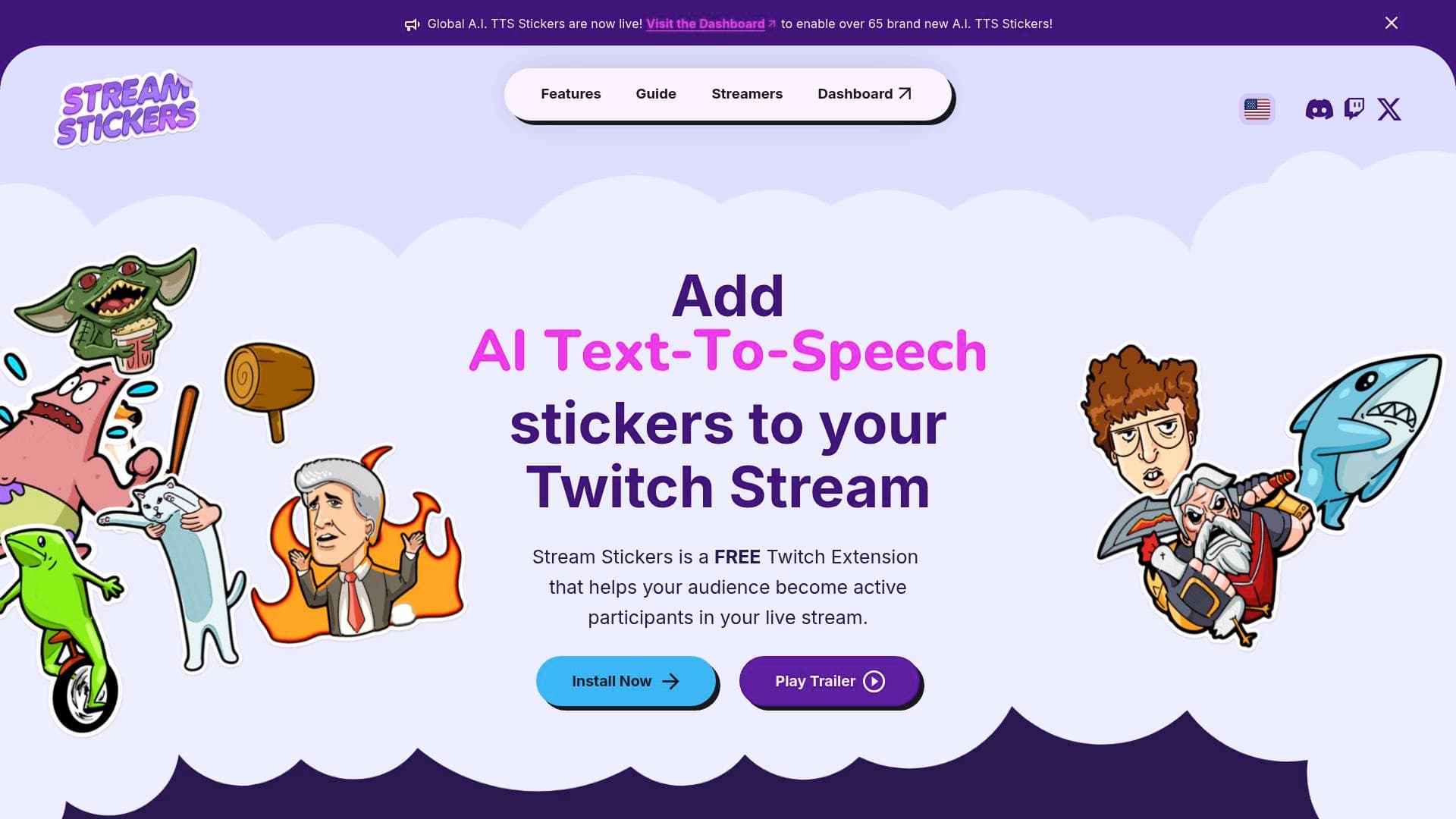
Stream Stickers is a free Twitch Extension built specifically for live streamers who want to transform passive viewers into active participants. The core problem it solves is simple but powerful: most viewers watch a stream without ever feeling truly involved. Stream Stickers fixes that by giving audiences the ability to slap real-time animated stickers directly onto the broadcast, react with A.I. text-to-speech messages, and compete on leaderboards, all without the streamer having to lift a finger mid-game. The extension integrates directly with Twitch and works alongside popular streaming software like OBS, making it a natural fit into any existing live streaming setup. With over 1.3 million streamers already using the tool and more than 9 million monthly unique viewers interacting through it, Stream Stickers has become a serious engagement and monetization layer for Twitch content creators. Streamers using the platform have collectively earned over $3 million in revenue, which speaks to how effectively the tool converts viewer interaction into real income. Whether a creator is just starting out or already running an established community, Stream Stickers adds a layer of chaotic, fun interactivity that keeps audiences coming back.
Stream Stickers Features That Matter for Content Creators
-
Global Sticker Catalogue (500+ Stickers): Stream Stickers comes loaded with an ever-expanding library of over 500 preset stickers, each with its own unique audio. Featuring the latest memes and cult-classic characters, the catalogue covers a wide range of community vibes. New stickers are added every month, so the content stays fresh without any extra effort from the streamer.
-
Custom Sticker Uploads: Creators can upload their own sticker collections and tailor each one with custom animations and audio. This is a major advantage for streamers who want their channel to feel truly unique, with in-depth configuration options that let every sticker reflect the community's specific personality. Over 320,000 custom stickers have already been uploaded across the platform.
-
A.I. Text-to-Speech Stickers: Viewers can send messages that are read aloud by hyper-realistic A.I. voices, including cult-classic character voices. This turns a simple chat message into a memorable, interactive moment that the streamer and the entire audience can react to in real time.
-
Custom A.I. TTS via Sticker Lab: Beyond the preset voices, creators can build entirely original A.I. TTS stickers using the built-in Sticker Lab. Streamers upload their own sticker base, add animated eyes and a mouth, and pair it with a custom personalized voice, resulting in a one-of-a-kind interactive element that no other channel has.
-
Sticker Parties: This feature turns viewer engagement into a shared event. As the audience fills an on-screen meter, they unlock a period where stickers can be posted for free, creating a burst of collective excitement on stream. It is a built-in hype mechanic that encourages viewers to participate more actively to trigger the party.
-
Stick-O-Vision: A dedicated PC application that displays stickers across the streamer's monitor as they appear on stream. This means creators can see and react to viewer stickers in real time without switching windows or breaking focus during gameplay, making interactions feel more spontaneous and genuine.
-
Leaderboards and Rewards: Stream Stickers includes achievement-style unlockable stickers and leaderboards that reward the most active viewers. This creates a sense of friendly competition within the community and gives viewers a reason to keep coming back and participating to climb the rankings.
-
Fully Customizable Viewer Interface: The viewer-facing panel is designed to be intuitive and visually polished, with 10 different color options so streamers can match the interface to their channel's branding. Viewers can quickly find and send the perfect sticker without any friction.
-
Flexible Activation Modes: Stream Stickers can run as either a Component Extension (overlaid directly on the live stream) or a Panel Extension (displayed below the stream). Creators can switch between modes at any time, giving full control over how the tool fits into their existing channel layout.
-
Advanced Dashboard with Widgets: Once set up, creators get access to a full dashboard with widgets, customizable skins, and brand-matching options. The dashboard also includes a Browser Source URL system that connects Stream Stickers directly to OBS or other streaming software.
Which Content Creators Should Use Stream Stickers?
Stream Stickers is purpose-built for Twitch streamers, making it most relevant for live content creators who broadcast regularly and want to deepen their community relationships. It works equally well for small streamers just building their first audience and for established creators looking to add new monetization and engagement layers.
- Primary creator types: Twitch streamers across all categories, including gaming, just chatting, art, and variety content
- Experience level: Beginner-friendly setup with an advanced dashboard available for more experienced creators
- Team size: Designed for solo streamers but scalable for creators with community managers
Specific use cases for content creators:
- A gaming streamer who wants viewers to react to clutch moments with animated stickers that appear directly on screen
- A variety streamer looking to monetize viewer interactions beyond standard subscriptions and bits
- A community-focused creator who wants to reward loyal viewers with leaderboard rankings and unlockable sticker achievements
- A streamer building a branded channel experience who needs a viewer interface that matches their color scheme and aesthetic
- A creator who wants to run hype events mid-stream using Sticker Parties to spike engagement during key moments
- A streamer who wants to incorporate A.I. character voices reading viewer messages as part of their entertainment format
- A creator interested in brand partnership opportunities, as Stream Stickers has run advertiser campaigns directly through its dashboard
- A new streamer who wants a free, easy-to-install Twitch Extension that works with OBS right out of the box
Getting Started with Stream Stickers
- Install the Extension: Find Stream Stickers in the Twitch Extension Store and tap the "+ Install" button on the extension details page.
- Activate on Twitch: After installation, select "Activate" and choose between "Set as Component" (overlay on stream) or "Set as Panel" (below stream). Note that Chrome is recommended for this step, as a Twitch bug currently prevents activation in Firefox.
- Set Up the Browser Source: Visit the Stream Stickers Dashboard, copy the personal Browser Source URL provided in the setup tutorial, and paste it into your streaming software (such as OBS) as a new Browser Source. Set the width and height to match your exact stream resolution, which for most broadcasters is 1920 x 1080.
- Test the Configuration: Use the built-in test tools on the dashboard to activate a Test Sticker and run a Browser Size Test to confirm the source is covering the full screen correctly.
Stream Stickers FAQ for Content Creators
Is Stream Stickers free to use? Stream Stickers is a free Twitch Extension. Creators can install and activate it from the Twitch Extension Store at no cost, making it accessible for streamers at any stage of their journey.
Does Stream Stickers work with OBS? Stream Stickers integrates with OBS and other popular streaming software through a Browser Source URL system. The setup process involves copying a personal URL from the Stream Stickers Dashboard and adding it as a Browser Source in OBS, with the resolution set to match the stream output.
Can streamers upload their own stickers? Creators can upload custom sticker collections and configure each one with unique animations and audio. The platform also includes a Sticker Lab for building fully original A.I. TTS stickers with custom voices and animated faces.
How many stickers are available? The global catalogue includes over 500 preset stickers, each with its own audio, and new stickers are added every month. Additionally, over 320,000 custom stickers have been uploaded by the community.
Can viewers see stickers without the streamer seeing them? The Stick-O-Vision PC application lets streamers see stickers appear across their own monitor in real time as viewers send them, enabling genuine live reactions without breaking focus from gameplay or content.
What activation modes are available? Stream Stickers supports two activation modes: Component Extension (overlay on the live video) and Panel Extension (displayed below the stream). Creators can switch between the two at any time, though only one mode can be active at once.
How many streamers use Stream Stickers? More than 1.3 million streamers have used Stream Stickers, with over 9 million monthly unique viewers interacting through the extension. Streamers have collectively earned over $3 million in revenue through the platform.
The Verdict: Is Stream Stickers Worth It for Content Creators?
For Twitch streamers who want to make their broadcasts more interactive and build stronger community bonds, Stream Stickers delivers a compelling, free solution. The combination of a 500+ sticker library, custom upload capabilities, A.I. text-to-speech, Sticker Parties, and a real-time Stick-O-Vision app covers nearly every angle of live viewer engagement. The leaderboard and rewards system adds a retention mechanic that gives viewers a reason to return stream after stream. The monetization track record, with over $3 million earned by streamers, suggests this is not just a novelty tool but a genuine revenue driver for the right creator. The main limitation is platform specificity: Stream Stickers is built exclusively for Twitch, so creators who broadcast primarily on other platforms will not benefit. For any Twitch streamer looking to level up community interaction without spending anything upfront, Stream Stickers is a strong addition to the broadcast toolkit.
Details
One link. Every channel, rate, and piece of work brands need to evaluate you. Built for how creators actually get hired.
Claim your profile
Live creator, content, and marketing roles from real companies, with the pay, market, and context the raw job page never gives you.
Browse jobs

 Post Bridge