

Scribe How
Scribe is a workflow documentation tool that automatically captures and creates step-by-step guides from screen recordings, helping content creators document and share processes fast.
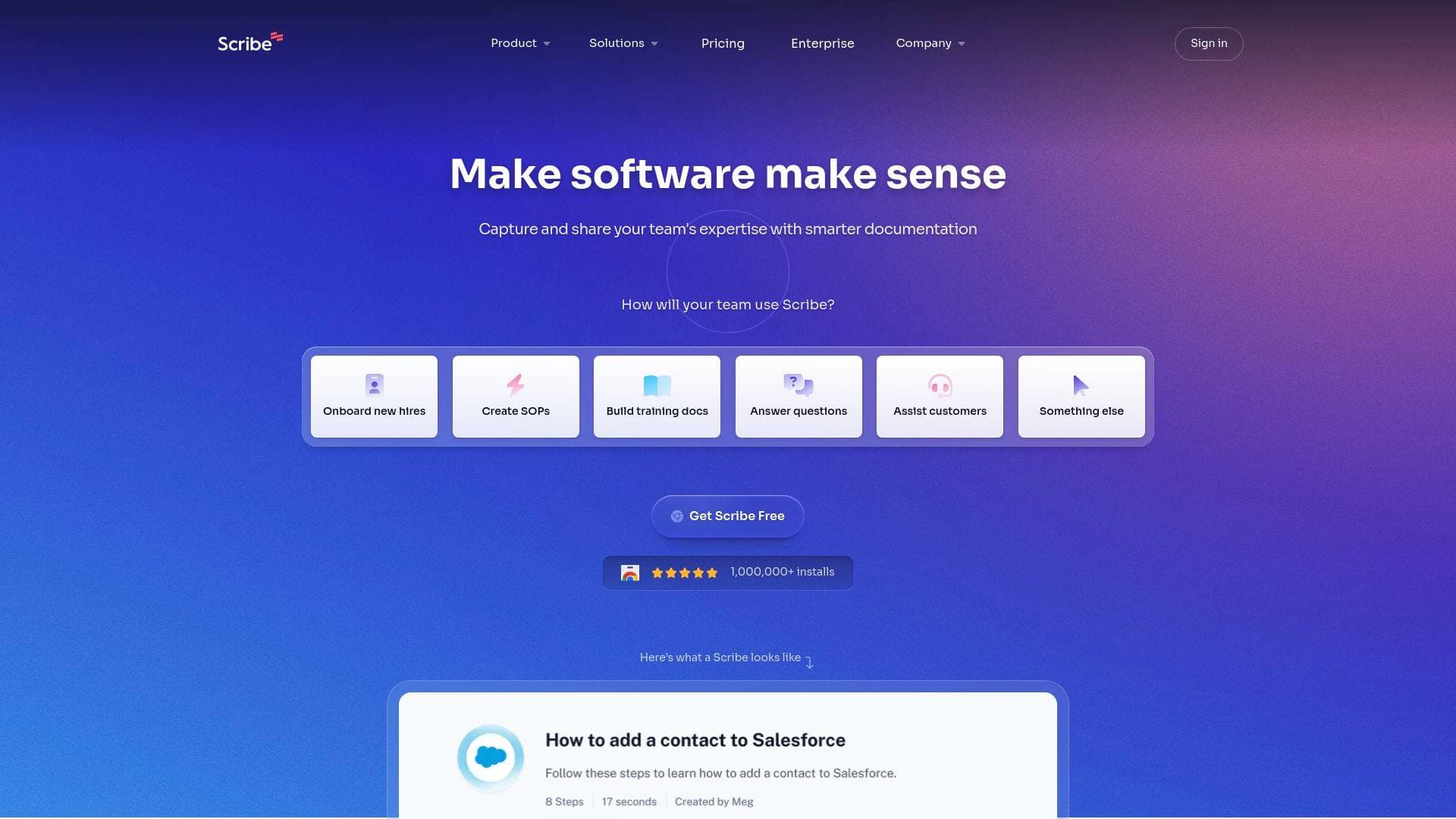
Brief Overview of Scribe How for Content Creators
Documenting a workflow used to mean hours of screenshotting, writing instructions, and formatting guides manually. Scribe solves that problem by automatically capturing screen activity and turning it into polished, step-by-step documentation in seconds. The platform's core technology records keystrokes and mouse clicks as a creator works through any process, then generates a fully annotated guide without any extra effort. Content creators can use Scribe to build tutorials, onboarding docs, and process guides that can be shared or embedded across wikis, chat tools, and other platforms. The tool supports a Capture product for auto-generating documentation and an Optimize product for discovering and improving workflows with AI. With over 5 million users and trusted by 94% of the Fortune 500, Scribe has proven itself as a serious step-by-step guide creation tool. Users report a 75% faster documentation time and an average of 35 hours saved per person per month, making it one of the more impactful productivity tools available for creators managing complex content workflows.
Scribe How Key Features for Content Creators
-
Automatic Step-by-Step Guide Creation: Scribe captures any workflow as it happens, automatically generating annotated guides complete with screenshots. Content creators no longer need to manually write out instructions or take individual screenshots for tutorials and how-to content.
-
AI-Powered Workflow Capture: The Capture product uses AI to document processes as creators work through them, turning live screen activity into structured, readable guides. This is especially useful for YouTubers or bloggers who want to create tutorial content around software tools they use daily.
-
Workflow Optimization with AI: The Optimize product goes beyond documentation by helping creators discover inefficiencies in their workflows and providing AI-powered suggestions to improve them. Creators managing multiple content pipelines can use this to identify bottlenecks and refine how their team operates.
-
Multiple Sharing and Embedding Formats: Completed guides can be shared or embedded in multiple formats, including chat platforms, wikis, and other tools where a creator's team already works. This makes distributing tutorials or process docs to collaborators, editors, or virtual assistants straightforward.
-
On-Screen Walkthroughs: Beyond static guides, Scribe supports on-screen walkthroughs that guide users through a process in real time. Creators building courses or audience-facing tutorials can use this feature to deliver an interactive learning experience.
-
Sensitive Data Redaction: Scribe includes a built-in redaction feature that allows creators to remove sensitive information from their guides before sharing. This is particularly valuable when documenting workflows that involve account credentials, brand deal details, or financial data.
-
Template Gallery: A gallery of pre-built templates is available to help creators get started quickly without building documentation structures from scratch. This speeds up the process of creating repeatable content formats for tutorials, SOPs, and training materials.
-
Integrations and API Access: Scribe offers integrations and API access, allowing creators to connect the tool with other platforms in their content creation stack. This means guides can be pushed directly into the tools a team already uses rather than living in a separate silo.
-
"Share as a Movie" Feature: Users highlight a "Share as a Movie" capability that lets guides be presented in a video-like format. For content creators who produce tutorial-style content, this adds a dynamic presentation layer on top of standard written documentation.
-
SOC 2 Type II, HIPAA, and CCPA Compliance: Scribe meets rigorous security and compliance standards, which matters for creators handling sensitive audience data, brand partnership information, or financial records within their documented workflows.
Scribe How Target Users & Use Cases for Content Creators
Scribe is built for anyone who needs to explain a process more than once, which describes nearly every working content creator. Whether managing a solo YouTube channel or running a multi-person content operation, the ability to capture workflows once and share them indefinitely is a significant time saver.
- Primary creator types: Bloggers, YouTubers, course creators, newsletter writers, podcasters, and social media managers who regularly document tools, workflows, or processes for their audience or team.
- Experience level: The tool is designed to be intuitive enough for non-technical users, making it accessible to creators at any skill level. Multiple users describe it as something even "tech-phobic" collaborators can follow without issue.
- Team size: Works for solo creators who want to stop repeating themselves, as well as small-to-medium creator teams that need consistent onboarding and training documentation.
- Specific use cases:
- A YouTuber documenting their video editing workflow to hand off to a new editor
- A course creator building step-by-step software tutorials for their students
- A blogger creating SOPs for their content calendar and publishing process
- A newsletter writer documenting their research and writing workflow for a virtual assistant
- A podcaster creating onboarding guides for new team members covering recording and publishing steps
- A social media manager building repeatable process docs for platform-specific content workflows
- A creator documenting brand deal management processes to share with a business manager
- A content team lead training new hires on internal tools and publishing systems
How to Get Started with Scribe How
- Sign up for free: Create a free Scribe account directly from the platform's signup page. No credit card is required to get started.
- Install the browser extension or desktop app: Scribe is available as a Chrome extension, Edge extension, Windows desktop app, and Mac desktop app, giving creators flexibility in how they capture workflows.
- Start recording a workflow: Begin any process on screen and activate Scribe to start capturing. The tool automatically records each click and keystroke as the workflow unfolds.
- Review and edit the generated guide: Once recording stops, Scribe generates a fully annotated step-by-step guide. Creators can review, edit steps, and redact any sensitive information before sharing.
- Share or embed the guide: Distribute the finished guide via link, embed it in a wiki, or push it into a chat tool where collaborators or audience members can access it immediately.
Frequently Asked Questions About Scribe How
How fast can Scribe create a guide compared to doing it manually? Users report that documentation that previously took multiple hours now takes 15 to 20 minutes with Scribe. The platform's own data points to a 75% reduction in documentation time across its user base.
Does Scribe capture both browser activity and desktop workflows? Yes, Scribe supports capture via browser extensions for Chrome and Edge, as well as dedicated desktop apps for both Windows and Mac. This means creators can document workflows happening in any application, not just web-based tools.
Can guides be shared with people who don't have a Scribe account? Guides can be shared in multiple formats and embedded in external platforms like wikis and chat tools, making them accessible to collaborators and audience members regardless of whether they have their own Scribe account.
Is Scribe secure enough to document workflows containing sensitive information? Scribe meets SOC 2 Type II, HIPAA, and CCPA compliance standards and includes a built-in sensitive data redaction feature. Creators can remove private information from guides before sharing them externally.
Does Scribe offer a free plan? Scribe offers a free tier that creators can sign up for without a credit card. A paid Pro Team and Enterprise tier is also available with additional features and controls.
Can Scribe be used to create audience-facing tutorial content? Absolutely. The on-screen walkthrough feature and "Share as a Movie" capability make Scribe suitable for creating tutorial content that can be delivered to an audience, not just internal team documentation.
Bottom Line: Should Content Creators Choose Scribe How?
Scribe is a strong fit for content creators who find themselves repeatedly explaining the same processes, whether to collaborators, virtual assistants, new team members, or their own audience. The automatic capture technology eliminates the manual effort of building step-by-step guides, and the reported time savings of 35 hours per person per month are significant for creators managing lean operations. Solo creators building course content or tutorial libraries will find the on-screen walkthrough and "Share as a Movie" features particularly useful. The free plan lowers the barrier to entry, and the security compliance features make it viable even for creators handling sensitive business information. The main consideration is that Scribe is fundamentally a documentation and process tool, so creators looking purely for video production or social media scheduling capabilities will need to look elsewhere. For anyone whose content creation workflow involves teaching, training, or documenting repeatable processes, Scribe How delivers genuine, measurable value.
Details
One link. Every channel, rate, and piece of work brands need to evaluate you. Built for how creators actually get hired.
Claim your profile
Live creator, content, and marketing roles from real companies, with the pay, market, and context the raw job page never gives you.
Browse jobs

 Post Bridge