

Reduct.video
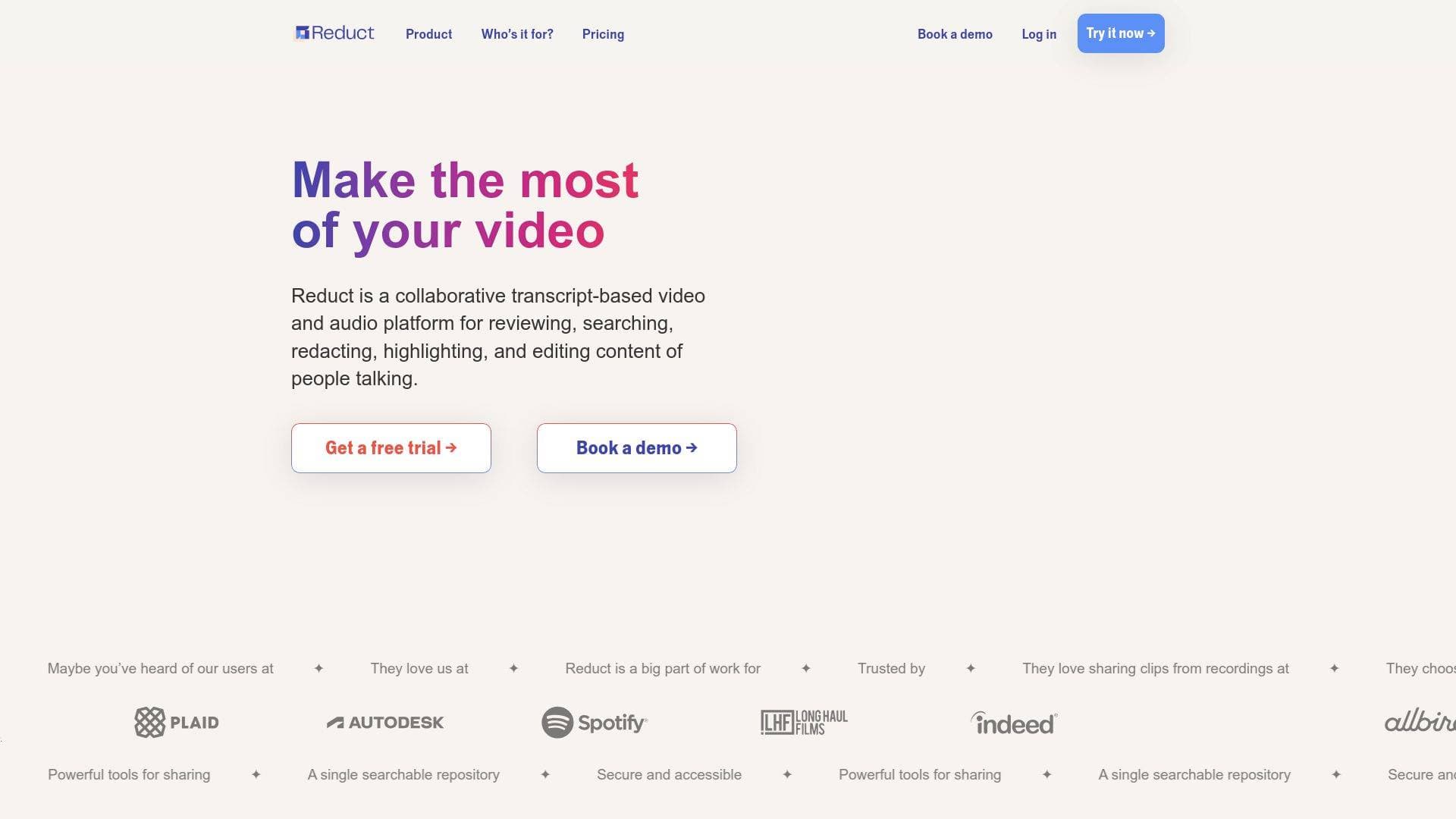
Reduct.Video is a collaborative transcript-based video editing platform that lets content creators search, highlight, clip, and edit audio/video recordings as easily as editing a text document.
Brief Overview of Reduct.Video for Content Creators
For any content creator drowning in hours of raw interview footage, podcast recordings, or event video, the editing process is often the biggest bottleneck. Reduct.Video is a collaborative, transcript-based video editing platform that transforms how creators work with spoken-word content by letting them treat video the same way they treat a text document. The core idea is simple but powerful: every piece of audio or video uploaded to the platform gets transcribed automatically, and from that point forward, creators interact with their footage through the words, not the timeline. Need to find a specific quote from a three-hour recording? Search for it. Want to cut a clip? Highlight the text. This text-based video editing approach is what sets Reduct.Video apart for podcasters, documentary filmmakers, video producers, and content marketers who work primarily with people talking on camera. The platform is fully browser-based, meaning no downloads or powerful hardware are required, and it supports real-time collaboration so entire production teams can work on the same footage simultaneously. With support for over 90 languages, integrations with Zoom, Google Drive, Dropbox, and Vimeo, and export compatibility with Adobe Premiere Pro and Final Cut Pro, Reduct.Video fits into virtually any existing content creation workflow.
Reduct.Video Key Features for Content Creators
-
Interactive Transcript Editor: Every recording uploaded to Reduct.Video becomes a clickable, interactive transcript. Clicking any word in the transcript jumps the video playback to that exact moment, and selecting a block of text selects the corresponding video segment. For creators editing long-form interviews, podcast episodes, or documentary footage, this eliminates the need to scrub through timelines manually.
-
NLP-Powered Fuzzy Search Across All Recordings: The search function goes far beyond simple keyword matching. Using NLP-powered fuzzy search, creators can find relevant ideas and phrases even when the exact words don't match. Search can be scoped to a single recording or run across an entire library of content, making it possible to locate a specific moment across hundreds of hours of footage in seconds.
-
Reels (Text-Based Rough Cut Assembly): Creators can drag-and-drop highlighted segments, tags, or full recordings into a Reel to assemble a rough cut in minutes. Reordering clips is as simple as dragging text blocks, and cutting filler or tangents is done by selecting the unwanted text and pressing "cut" using the Strikethrough feature. One video production team reported cutting their time in Adobe Premiere or iMovie by 75% after adopting this workflow.
-
Live Capture for Zoom, Meet, and Teams: Live Capture brings real-time meetings directly into Reduct.Video as they happen. The entire team can highlight and comment on the live transcript during the call, and clips and reels can be assembled as soon as the meeting ends. This is particularly useful for creators who conduct live interviews, record webinars, or capture live events for later repurposing.
-
AI Summaries with Clickable Timestamps: The built-in AI summarizer generates timestamped summaries of recordings organized by topic, time, or a custom Q&A format. Every point in the summary links directly to the corresponding moment in the video. A one-hour recording typically takes about 3-5 minutes to transcribe and a few additional minutes to summarize, giving creators a fast way to triage large volumes of content.
-
Videoboard (2D Collaborative Canvas): The Videoboard is a two-dimensional digital canvas where creators can spatially arrange clips, highlights, and recordings. It supports storyboarding, affinity mapping, and narrative structuring, and it works collaboratively in real-time. Creators can build on existing frameworks like Venn diagrams or work completely freeform to find patterns across hundreds of clips.
-
Premiere Pro Plugin and Final Cut Pro XML Export: Once a rough cut is assembled inside Reduct.Video, it can be sent directly to Adobe Premiere Pro via a dedicated extension, using the original high-quality source files including multi-camera source sequences. Final Cut Pro users can export an XML file compatible with FCP, DaVinci Resolve, and more, allowing creators to finish their polished edit in their preferred NLE.
-
Multi-Language Support (90+ Languages): Reduct.Video supports transcription in over 90 languages, including French, Spanish, Japanese, and Arabic. This makes the platform viable for creators producing multilingual content or working with international interview subjects.
-
Human Transcription Option (99% Accuracy, Overnight): For recordings where accuracy is critical, creators can upgrade to human transcription. Skilled transcriptionists deliver results within 24 hours, typically overnight, at 99% accuracy. Creators can start working with the initial AI transcript immediately, and the human-corrected version is swapped in automatically when ready.
-
One-Click Sharing to Slack, Notion, and More: Selecting any transcript text and clicking "Link to selection" generates a shareable link to that exact moment in the recording. That link can be dropped into Slack, Teams, Notion, email, or any other platform, making it easy for creators to share specific moments with collaborators, editors, or clients without any back-and-forth about timestamps.
-
Auto-Captioning with Multiple Style Options: Captions are always available in Reduct.Video. Creators can toggle them on or off, burn them into exported videos, export them as SRT files, or choose from multiple caption styles. This is directly useful for creators producing social media clips that need captions for accessibility and silent autoplay environments.
-
Speaker Separation: The platform automatically identifies and labels who said what in a recording. Naming a speaker applies that label to every phrase they speak throughout the transcript, which is a significant time-saver for podcasters and interview-based creators managing multi-speaker recordings.
Reduct.Video Target Users & Use Cases for Content Creators
Reduct.Video is built specifically around spoken-word content, making it most valuable for creators whose work revolves around people talking. Whether working solo or as part of a production team, any creator who regularly deals with long recordings will find the transcript-based workflow dramatically faster than traditional timeline editing.
- Primary creator types: Podcasters, documentary filmmakers, video producers, content marketers, YouTube interviewers, webinar creators, and social media video teams.
- Experience level: The browser-based, text-driven interface is accessible to creators at all experience levels, with no software installation or powerful hardware required.
- Team size: Scales from solo creators to full production teams, with real-time collaboration features that mirror the experience of working in Google Docs.
Specific use cases for content creators:
- Podcast editing: Upload a raw podcast episode, search the transcript for the best moments, cut filler and tangents using strikethrough, and export a polished MP4 with burned-in captions.
- YouTube interview repurposing: Clip the most quotable moments from a long interview by selecting transcript text, then share those clips directly to social media.
- Documentary rough cut assembly: Log and tag footage from multiple recordings, arrange clips on the Videoboard to find narrative structure, and send a rough cut to Premiere Pro using the native plugin.
- Webinar content repurposing: Use Live Capture to bring a Zoom webinar into Reduct.Video in real-time, highlight key moments during the session, and have shareable clips ready immediately after the call ends.
- Multi-camera video production: Use the Timeline view and multicam sync feature (available on Professional and Enterprise plans) to organize footage from multiple camera angles and review them simultaneously.
- Social media clip creation: Search across an entire library of recordings for specific topics or phrases, clip the relevant segments by selecting text, add captions, and export as MP4 files for Instagram, TikTok, or LinkedIn.
- Multilingual content production: Transcribe and work with recordings in any of 90+ supported languages, making it practical for creators serving international audiences.
- Team content review: Invite collaborators to review footage in real-time, leave comments with @-mentions, and tag highlights to build a shared, searchable content library.
How to Get Started with Reduct.Video
- Start a free trial: Go to Reduct.Video and click "Try it now." Enter an email address, verify it, and set a password. The free trial includes access to 5 hours of audio and video transcription along with the platform's editing and redaction features.
- Upload or import recordings: Upload files directly (mp4, mp3, mov, wav, aac, and more are supported, up to 4GB on the Personal plan and up to 75GB on Professional or Enterprise), or import from Google Drive, Dropbox, Vimeo, or Zoom cloud recordings using a link.
- Start working from the transcript: As soon as a file is uploaded, transcription begins immediately. Creators can start clicking through the interactive transcript, highlighting key moments, and tagging segments before the transcription is even complete.
- Assemble a Reel: Drag highlighted segments into a Reel, use strikethrough to cut filler, add title slides for structure, and export as an MP4 or send to Premiere Pro or Final Cut Pro for final polish.
Frequently Asked Questions About Reduct.Video
Does Reduct.Video work in a browser, or do I need to install software? Everything in Reduct.Video runs in the browser, including audio and video redaction. Chrome, Firefox, Edge, and Safari are all supported. No software download or powerful hardware is required, since the platform uses cloud-based processing to handle large files.
What file formats does Reduct.Video support? Reduct.Video supports audio and video in virtually any format, including mp4, mp3, mov, wav, and aac. File size limits are 4GB on the Personal plan and up to 75GB on Professional or Enterprise plans.
How accurate are the AI-generated transcripts? The platform's AI transcription is described as fast and accurate, with the option to upgrade to human transcription for a 99% accuracy guarantee with overnight turnaround. Creators can also correct errors manually using the transcript correction tool, including a "replace all" function for repeated mistakes.
Can redactions be undone? No. Redactions made in Reduct.Video are irreversible by design. The secure blur technology is built to ensure that once information is redacted, it stays protected permanently.
What resolution can I export video at? Export resolution depends on the plan. Personal plan users can export at up to 720p, Professional plan users at up to 1080p and 2K, and Enterprise users at up to 4K. Source files up to 4K are supported.
Is Reduct.Video secure enough for sensitive content? The platform uses AES-256 encryption for all data in transit and at rest, is SOC 2 Type II certified, GDPR compliant, HIPAA compliant, and hosted on Google Cloud Platform. Granular access permissions allow creators to control exactly who can view or comment on specific projects.
Does the AI summarizer use third-party language models? No subprocessors or external language models are required to use the summarization feature in Reduct.Video.
Bottom Line: Should Content Creators Choose Reduct.Video?
Reduct.Video is a strong fit for any content creator whose work centers on spoken-word recordings, particularly those dealing with long-form content, large volumes of footage, or collaborative production workflows. The transcript-based video editing approach genuinely changes how fast a creator can go from raw recording to shareable clip, and the reported 75% reduction in NLE editing time from real users is a meaningful benchmark. The Premiere Pro plugin and Final Cut Pro XML export mean it integrates cleanly into professional post-production pipelines rather than replacing them.
The platform is especially well-suited for podcasters looking to repurpose episodes into social clips, documentary and video producers managing large footage libraries, and content teams that need to collaborate on recordings in real-time. The 90+ language support and human transcription option add serious depth for creators working at a professional level.
Limitations worth noting: file size caps are 4GB on the Personal plan, redaction and multicam features are restricted to Professional and Enterprise tiers, and published reels (shareable outside the platform) require a paid plan. The free trial covers 5 hours of transcription, which is enough to meaningfully evaluate the workflow before committing.
For creators who spend significant time hunting through recordings for the right moment, Reduct.Video's searchable, text-driven approach to video editing is a genuinely different way to work, and one that rewards creators who produce a lot of talking-head or interview-style content.
Details
One link. Every channel, rate, and piece of work brands need to evaluate you. Built for how creators actually get hired.
Claim your profile
Live creator, content, and marketing roles from real companies, with the pay, market, and context the raw job page never gives you.
Browse jobs

 Post Bridge