

Qualtrics
Qualtrics XM is an experience management platform that helps creators collect, analyze, and act on audience feedback signals across every touchpoint to improve content and grow loyalty.
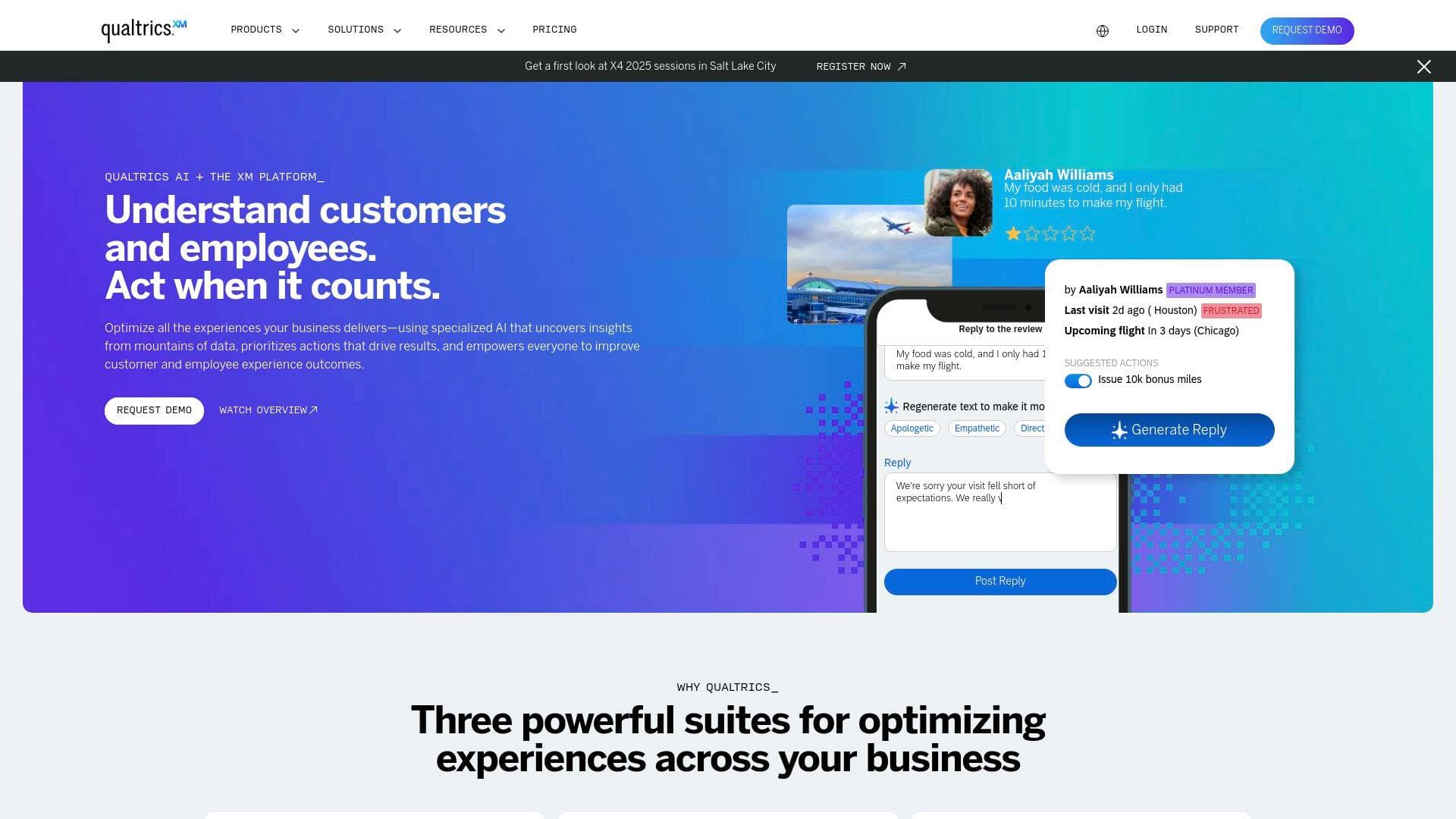
Brief Overview of Qualtrics XM for Content Creators
Qualtrics XM is an experience management platform built around one core idea: every signal from your audience deserves context before you act on it. For content creators, that means moving beyond gut instinct and disconnected feedback tools to a unified analytics platform that collects audience signals across surveys, digital interactions, and service touchpoints, then surfaces what those signals actually mean for your content strategy. The platform operates across three core stages: Listen, Understand, and Act. Creators can capture feedback from multiple channels, let automated text analytics surface themes and sentiment, and then trigger intelligent responses or workflow automations while the moment still matters. One of the more distinctive capabilities is synthetic audiences powered by research-grade large language models, which allow creators to validate content direction, messaging, and creative concepts in hours rather than weeks. Qualtrics also includes Experience Agents that can automate responses and route complex cases, reducing the manual overhead of managing audience relationships at scale. The platform is trusted by major organizations across retail, healthcare, travel, and financial services, reflecting its enterprise-grade security and compliance posture. For creators managing growing communities or brand partnerships, the depth of audience intelligence Qualtrics provides goes well beyond what a standard survey tool or social analytics dashboard can offer.
Qualtrics XM Key Features for Content Creators
-
Unified Signal Collection Across Channels: Qualtrics pulls together feedback from surveys, digital interactions, calls, and service touchpoints into one platform. For creators, this means audience sentiment from comment sections, post-launch surveys, and direct messages can all feed into a single view rather than living in separate tools.
-
Synthetic Audience Testing: Before publishing a new content series, launching a product, or testing a new format, creators can use synthetic audiences based on research-grade LLMs to validate strategies in hours. This cuts research timelines dramatically, with one case study showing a reduction from a week to just hours, at 50% lower cost compared to traditional research methods.
-
Automated Text Analytics: The platform automatically surfaces themes, sentiment, and risk from open-ended audience responses. Rather than manually reading through hundreds of comments or survey answers, creators get a structured breakdown of what their audience is actually saying and what it means in context.
-
Experience Agents for Automated Action: Qualtrics includes AI-powered Experience Agents that can support teams or step in autonomously within defined guardrails. For creators managing large communities or brand deal inquiries, these agents can handle routine responses and escalate complex situations to the right person.
-
Workflow Automation Builder: The platform features a visual workflow editor that lets creators build automated sequences triggered by events, such as a new survey response or a change in audience sentiment scores. Workflows can send emails, create tickets, push notifications, or call external APIs, with a daily limit of 300,000 workflow executions. Creators can also use AI-generated workflows by simply describing what they want to automate in plain language.
-
Workflow Templates: Pre-built workflow templates created by Qualtrics subject matter experts make it easy to set up common automations without starting from scratch. Templates cover use cases like NPS tracking, survey follow-up management, and data imports, which creators can adapt for audience feedback loops and content performance monitoring.
-
Scheduled and Event-Based Workflows: Creators can run workflows on a recurring schedule (hourly, daily, weekly, monthly, quarterly, or annually) or trigger them based on specific events. Scheduled workflows support multiple start times per day and respect time zone settings including Daylight Saving Time adjustments.
-
HRIS and Third-Party Data Integration via ETL Workflows: For creators running larger operations with teams, Qualtrics supports ETL (Extract, Transform, Load) workflows that pull data from over 50 HRIS platforms including Workday, BambooHR, Google Workspace, and Okta. This allows team member data to stay synchronized automatically across the platform without manual uploads.
-
CrossXM Business Outcome Linking: Qualtrics can connect audience experience data with operational metrics like revenue, satisfaction scores, and engagement trends. Creators can build ROI models that demonstrate how improvements in audience experience translate into measurable growth outcomes, which is particularly useful when presenting data to brand partners or sponsors.
-
Enterprise-Grade Security and Compliance: The platform follows strict data protection standards with role-based access controls and aggregated data options to protect individual privacy. Global enterprises, healthcare systems, and governments rely on Qualtrics, and all data handling processes align with its published compliance certifications.
Qualtrics XM Target Users & Use Cases for Content Creators
Qualtrics XM is best suited for content creators who have moved beyond basic analytics and need a structured, scalable way to understand and act on audience feedback. The platform's depth makes it particularly valuable for creators managing teams, running membership communities, or building products alongside their content. Solo creators with large, engaged audiences will also find value in the survey and sentiment tools, though the full platform is clearly designed with operational scale in mind.
-
Primary creator types: YouTubers and podcasters running audience surveys to understand content preferences; newsletter writers testing subject lines and content angles with synthetic audiences before sending; course creators validating new curriculum concepts before production; streamers gathering structured post-stream feedback; social media managers overseeing multiple creator accounts who need unified signal tracking.
-
Experience level: Intermediate to advanced creators who are comfortable with data and want to move from reactive content decisions to predictive, insight-driven strategies.
-
Team size: Both solo creators managing community feedback and small-to-medium creator teams who need workflow automation and role-based data access.
-
Specific use cases:
- Running post-launch surveys after a new video series or product drop to capture structured audience sentiment
- Using synthetic audiences to test a new content format or brand messaging before committing to production
- Automating follow-up emails to survey respondents based on their answers (e.g., sending a different message to satisfied vs. dissatisfied audience members)
- Tracking week-over-week audience satisfaction scores and receiving automated alerts when scores drop below a threshold
- Syncing team member data from HR platforms like Workday or BambooHR into Qualtrics for employee experience tracking within a creator studio
- Building branching workflows that create support tickets when audience members report technical issues with a membership platform
- Connecting audience engagement improvements to revenue metrics to demonstrate content ROI to sponsors and brand partners
- Using scheduled workflows to automatically distribute recurring audience check-in surveys on a monthly or quarterly basis
How to Get Started with Qualtrics XM
- Request a demo through the Qualtrics platform to get access and understand which license tier fits your creator operation's scale and needs.
- Set up your first survey or feedback channel to begin collecting audience signals. Connect it to the Workflows tab to start automating responses based on incoming data.
- Browse workflow templates to find pre-built automations relevant to your use case, such as NPS tracking or survey follow-up management, and configure them using the guided setup.
- Enable AI Assistance in Configuring Workflows (requires permission at both brand and user level) to use the describe-to-design feature, where you type a plain-language description of what you want to automate and Qualtrics builds the workflow framework.
- Activate your workflows using the toggle in the workflow editor. Note that workflows go live immediately upon activation, so test with the "Run immediately" button before enabling on active projects.
Frequently Asked Questions About Qualtrics XM
How quickly can creators expect to see results after activating workflows? Workflows are not instantaneous and may take several minutes to an hour to start or complete. Many users see early engagement signals within weeks, with measurable performance improvements typically appearing within 6 months of activating recommended actions.
Can Qualtrics connect audience data to revenue and business outcomes? Yes. Qualtrics includes CrossXM functionality that links audience experience metrics with satisfaction scores, revenue, and other operational outcomes. This allows creators to build ROI models showing how audience experience improvements drive measurable business results, which is useful for sponsor and brand partner reporting.
Is there a limit on how many workflows can run per day? There is a daily limit of 300,000 workflow executions. Individual workflows can be up to 1 MB in size before they start to fail.
Do collaborators need special training to use the platform's insights? Insights are designed for self-service and presented in clear, actionable formats with specific recommendations. Most users can start working with insights immediately, though enablement resources are available for those who want additional guidance.
Can workflows integrate with third-party tools like Slack, Salesforce, or Zendesk? Yes, through add-on extension tasks available via the XM Marketplace. Extensions include Slack, Salesforce, Zendesk, Freshdesk, HubSpot, ServiceNow, Microsoft Dynamics, Marketo, and Tango Card, among others. Access to these extensions depends on licensing and permissions.
How does Qualtrics protect audience data and privacy? The platform follows strict data protection standards, provides role-based access controls, and aggregates data to protect individual privacy where appropriate. Users have complete control over what data is collected and who can access it.
What HRIS platforms does Qualtrics support for team data syncing? The Extract Employee Data from HRIS task supports approximately 50 platforms, including Workday, BambooHR, Google Workspace, Okta, UKG Pro, SAP SuccessFactors, Paylocity, Microsoft Entra, and more. Each HRIS requires a separate workflow connection.
Bottom Line: Should Content Creators Choose Qualtrics XM?
Qualtrics XM is a strong fit for content creators who have outgrown basic polling tools and need a serious audience intelligence and automation platform. The combination of multi-channel signal collection, synthetic audience testing, automated text analytics, and visual workflow automation gives creators a genuinely powerful toolkit for making data-backed content decisions. The ability to validate content concepts in hours using AI-powered synthetic audiences is particularly compelling for creators who want to reduce production risk before committing resources.
That said, the platform's depth and enterprise orientation mean it carries a learning curve and a pricing structure aimed at organizations with operational scale. Solo creators in the early stages of building an audience may find the feature set more than they need right now. However, for podcasters, YouTubers, newsletter operators, or creator studio teams who are serious about understanding their audience at a granular level, connecting feedback to revenue outcomes, and automating the operational side of community management, Qualtrics XM delivers capabilities that few other tools in this space can match. The workflow automation system alone, with its AI-assisted design, prebuilt templates, and broad third-party integrations, represents significant time savings for any creator running a content operation at scale.
Details
One link. Every channel, rate, and piece of work brands need to evaluate you. Built for how creators actually get hired.
Claim your profile
Live creator, content, and marketing roles from real companies, with the pay, market, and context the raw job page never gives you.
Browse jobs

 Post Bridge