

Opus Clip
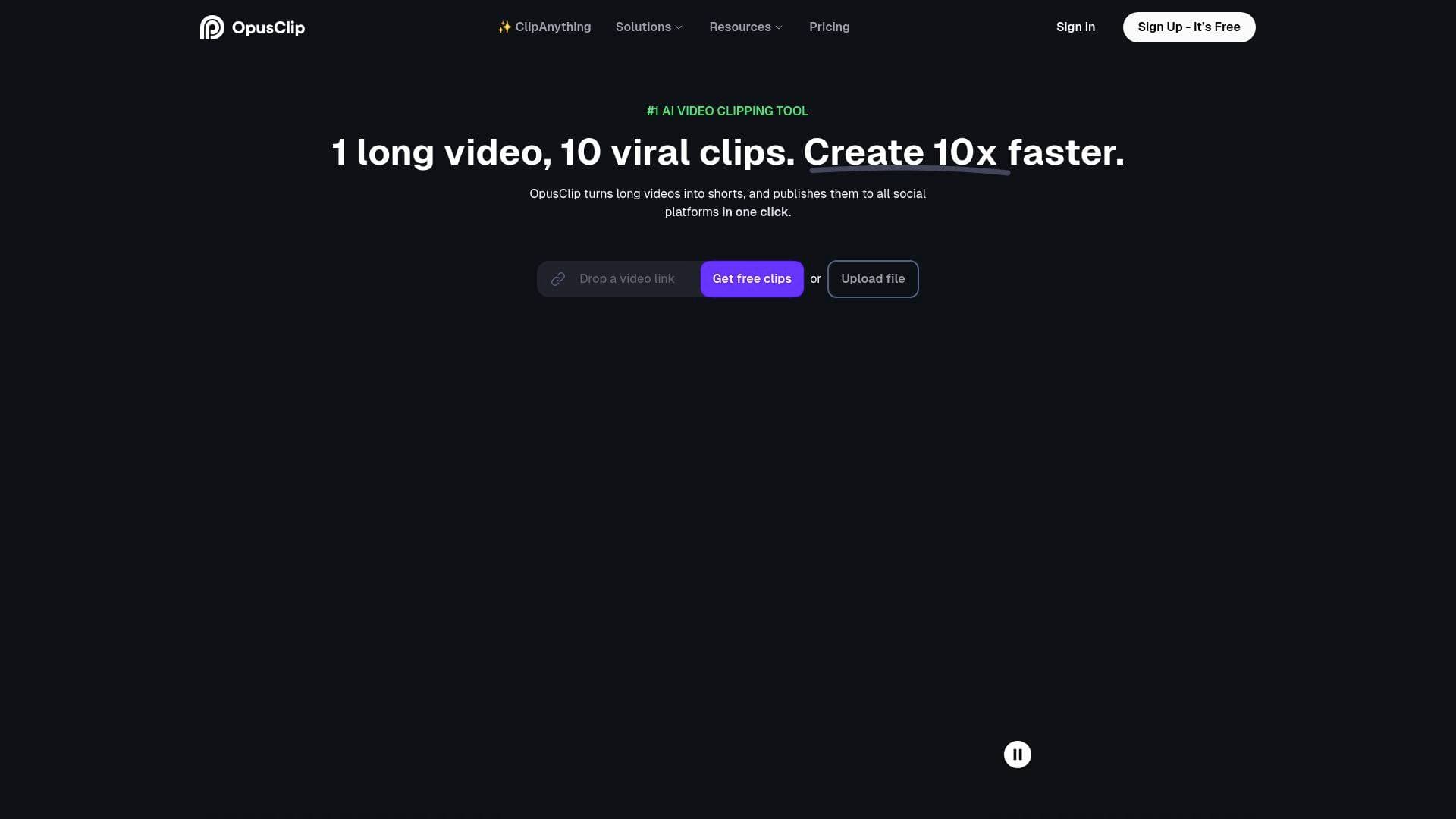
OpusClip is an AI-powered video clipping and editing tool that turns long-form videos into viral short clips and publishes them to all social platforms in one click, helping 16M+ creators grow faster.
What is OpusClip? A Content Creator's Guide
Long-form video is where creators pour their best ideas, but most of that content never reaches its full audience potential. OpusClip is an AI video clipping and editing tool built specifically to solve that problem, automatically transforming lengthy videos into high-quality, viral-ready short clips that can be published across all social platforms in a single click. Trusted by over 16 million creators and brands, this video production tool handles the heavy lifting of content repurposing so creators can focus on making more content rather than spending hours in an editing timeline. The platform uses AI models that analyze visual, audio, and sentiment cues throughout a video to identify the most compelling moments, then rearranges those highlights into coherent, attention-grabbing clips complete with dynamic captions, AI relayout, and smooth transitions. What sets OpusClip apart from other clipping tools is its ability to work with virtually any video genre, not just talking-head podcasts. From vlogs and gaming footage to sports, TV shows, and interviews, the platform's content creation workflow handles it all. Creators can also use natural language prompts to clip specific moments, giving them precise control over the final output. The result is a video editing tool that dramatically reduces the time between recording and publishing, with real creators reporting watch time increases of 40 to 57 percent after incorporating OpusClip into their workflow.
OpusClip Features That Matter for Content Creators
-
ClipAnything AI Model: Unlike clipping tools that only work with video podcasts, ClipAnything processes any video genre, including vlogs, gaming, sports, interviews, and explainer videos, turning them into viral clips in one click. It understands visual, audio, and sentiment cues throughout the entire video, and creators can also use natural language prompts to target specific moments they want clipped.
-
ReframeAnything: This AI reframe model automatically resizes any video for any platform while keeping moving subjects centered using AI object tracking. Creators who want more control can switch to manual tracking to instruct the AI exactly what to follow, making it practical for dynamic content like sports or action-heavy vlogs.
-
Automatic Captions with 97%+ Accuracy: OpusClip automatically adds captions to every clip, achieving over 97% accuracy. Creators can freely edit the text afterward, and captions are supported in more than 20 languages including English, Spanish, French, German, Japanese, Korean, Portuguese, and more.
-
One-Click Social Publishing: The platform publishes finished clips directly to all social media platforms in a single click, eliminating the manual process of downloading, reformatting, and uploading to each channel separately. This is a major time-saver for creators managing presence across YouTube Shorts, TikTok, Instagram Reels, and beyond.
-
Workflow Automation: OpusClip promises a 5x faster video creation process through its web app and API. Creators can integrate OpusClip with their CMS and other tools via API to fully automate the video creation workflow, making it possible to keep content publishing consistently even when stepping away.
-
Brand Templates: Creators and teams can build custom brand templates that apply consistent font styles, colors, logos, and intro and outro sequences across every clip. This keeps content looking polished and on-brand without manually applying settings to each video.
-
AI Voiceover and Audio Layering: The platform lets creators generate natural AI voiceover from text, upload their own audio files, or layer background music and sound effects. OpusClip automatically syncs audio to the video timeline and applies smart auto-ducking so voiceover stays clear while music plays underneath, with no manual timeline adjustments needed.
-
Zoom Recording to Clips: Podcasters and creators who record interviews or webinars via Zoom can drop in their recording link and have OpusClip extract the best moments into shareable short clips. The tool supports links from YouTube, Google Drive, Vimeo, Zoom, Twitch, Facebook, LinkedIn, Twitter, Loom, Riverside, StreamYard, and Rumble.
-
Team Workspace: OpusClip includes a collaborative team account feature where multiple creators or editors can manage projects together. Combined with the brand template system, this makes it practical for larger creator operations or media companies scaling their short-form output.
-
Agent Opus (Script to Video): Beyond clipping, OpusClip also offers Agent Opus, a script-to-video tool that lets creators describe a video concept, upload brand assets, choose a voice or avatar, and generate a finished video ready to publish. Creators can clone their own voice or select an AI voice, and the system sources stock visuals automatically.
Which Content Creators Should Use OpusClip?
OpusClip is built for creators who produce long-form content and want to extend its reach through short-form clips without spending hours in manual editing. It works equally well for solo creators just starting out and established media teams managing high-volume output.
Primary creator types:
- YouTubers and video podcasters who record long episodes and want to repurpose highlights into YouTube Shorts, TikTok, and Instagram Reels
- Podcasters who record audio or video interviews and need a fast way to create shareable clips that drive listeners back to the full episode
- Streamers who record Twitch or live sessions and want to clip the best moments for social distribution
- Vloggers and travel creators who shoot long-form footage across multiple genres
- Sports and gaming content creators who need a tool that handles fast-moving, non-dialogue-heavy video
- Newsletter writers and bloggers who are expanding into video and need a low-friction way to produce short-form content
Experience level: OpusClip is designed with a user-friendly interface that requires no specialized video editing skills, making it accessible to beginners. At the same time, its API, team workspace, and manual tracking controls give advanced creators and teams the depth they need.
Team size: Works for solo creators and larger teams alike. The team workspace and brand templates are particularly useful for creator studios or media companies with multiple editors.
Specific use cases:
- A podcaster clips a 90-minute interview into 10 to 15 short highlights and publishes them to TikTok and YouTube Shorts to funnel new listeners to the full episode
- A gaming creator uses ClipAnything to pull the most exciting moments from a 3-hour stream without any dialogue dependency
- A travel vlogger uses ReframeAnything to automatically reformat horizontal footage into vertical clips for Instagram Reels
- A YouTube educator repurposes a long explainer video into multiple short clips, each covering a single concept, to grow their short-form audience
- A creator records a Zoom interview and drops the link into OpusClip to generate branded clips ready to share on LinkedIn and Twitter
- A solo creator uses Agent Opus to generate a script-to-video short without needing to film anything, using AI voiceover and stock visuals
- A media team uses the API to automate clip generation and publishing, keeping their social channels active without manual intervention
- A small creator uses the free plan to test which clip styles perform best before committing to a paid subscription
Getting Started with OpusClip
- Sign up for free: New users receive a 7-day free trial of the Pro Plan, which includes 90 minutes of video processing time, roughly 30 downloadable clips. No credit card is required to get started.
- Submit your video: Paste a link from YouTube, Zoom, Vimeo, Twitch, Loom, Riverside, StreamYard, or other supported platforms, or upload a file directly.
- Let the AI process: OpusClip's AI analyzes the video, selects the most compelling moments, and generates clips with captions, reframing, and transitions applied automatically.
- Personalize and edit: Review the generated clips, edit captions, adjust branding, and fine-tune any details before publishing.
- Publish or download: Share directly to social platforms in one click or download the clips for use elsewhere.
OpusClip FAQ for Content Creators
Is OpusClip free to use? OpusClip is free to use. New users get a 7-day free trial of the Pro Plan with 90 minutes of video processing time. After the trial, creators can use the free-forever plan, which includes 60 minutes of video processing time refreshed monthly, or upgrade to a paid subscription with flexible upload credits available on monthly or yearly billing.
What types of videos can OpusClip process? OpusClip can clip any video type through its ClipAnything model, including talking-head videos like podcasts and interviews, vlogs, sports, TV shows, gaming footage, and videos with little to no dialogue. Creators can also use natural language prompts to clip specific moments from any video.
How accurate are the auto-generated captions? Captions are generated automatically with over 97% accuracy. Creators can edit the text freely after generation, and captions are supported in more than 20 languages.
Which platforms can I import videos from? On the Pro Plan, OpusClip supports video imports from YouTube, Google Drive, Vimeo, Zoom, Rumble, Twitch, Facebook, LinkedIn, Twitter, Loom, Riverside, StreamYard, and more.
Which languages are supported? OpusClip supports English, German, Spanish, French, Portuguese, Italian, Dutch, Russian, Polish, Indonesian, Ukrainian, Swedish, Turkish, Norwegian, Croatian, Romanian, Slovak, Greek, Danish, Finnish, Hungarian, Czech, Japanese, Korean, Vietnamese, and more.
Can I add audio to my clips? Yes. OpusClip supports AI voiceover generation from text, custom audio file uploads in MP3, WAV, and M4A formats, and automatic audio syncing with smart ducking to balance voice and background music.
The Verdict: Is OpusClip Worth It for Content Creators?
For any creator producing long-form video who wants to grow their short-form presence without doubling their editing workload, OpusClip delivers a compelling solution. The combination of ClipAnything's broad genre support, ReframeAnything's intelligent reframing, automatic captions with 97%+ accuracy, and one-click social publishing covers the full repurposing workflow in one platform. Real creators using the tool have reported measurable results: watch time increases of 40 to 57 percent, view counts jumping from 60-200 to 500-1,000, and YouTube in-feed impressions up 266 percent. The free-forever plan with 60 monthly minutes of processing makes it accessible to creators at any stage, while the API and team workspace features scale up for larger operations. The main consideration is that the Pro Plan is needed to access the full range of supported import sources. Overall, OpusClip stands out as a practical, well-rounded video editing tool for YouTubers, podcasters, streamers, and vloggers who want to create more content, reach wider audiences, and spend less time in the edit.
Details
One link. Every channel, rate, and piece of work brands need to evaluate you. Built for how creators actually get hired.
Claim your profile
Live creator, content, and marketing roles from real companies, with the pay, market, and context the raw job page never gives you.
Browse jobs

 Post Bridge