
Nuelink
Nuelink is a social media scheduling and automation platform that helps content creators manage, schedule, and auto-post across 11+ platforms from one dashboard.
What is Nuelink? A Content Creator's Guide
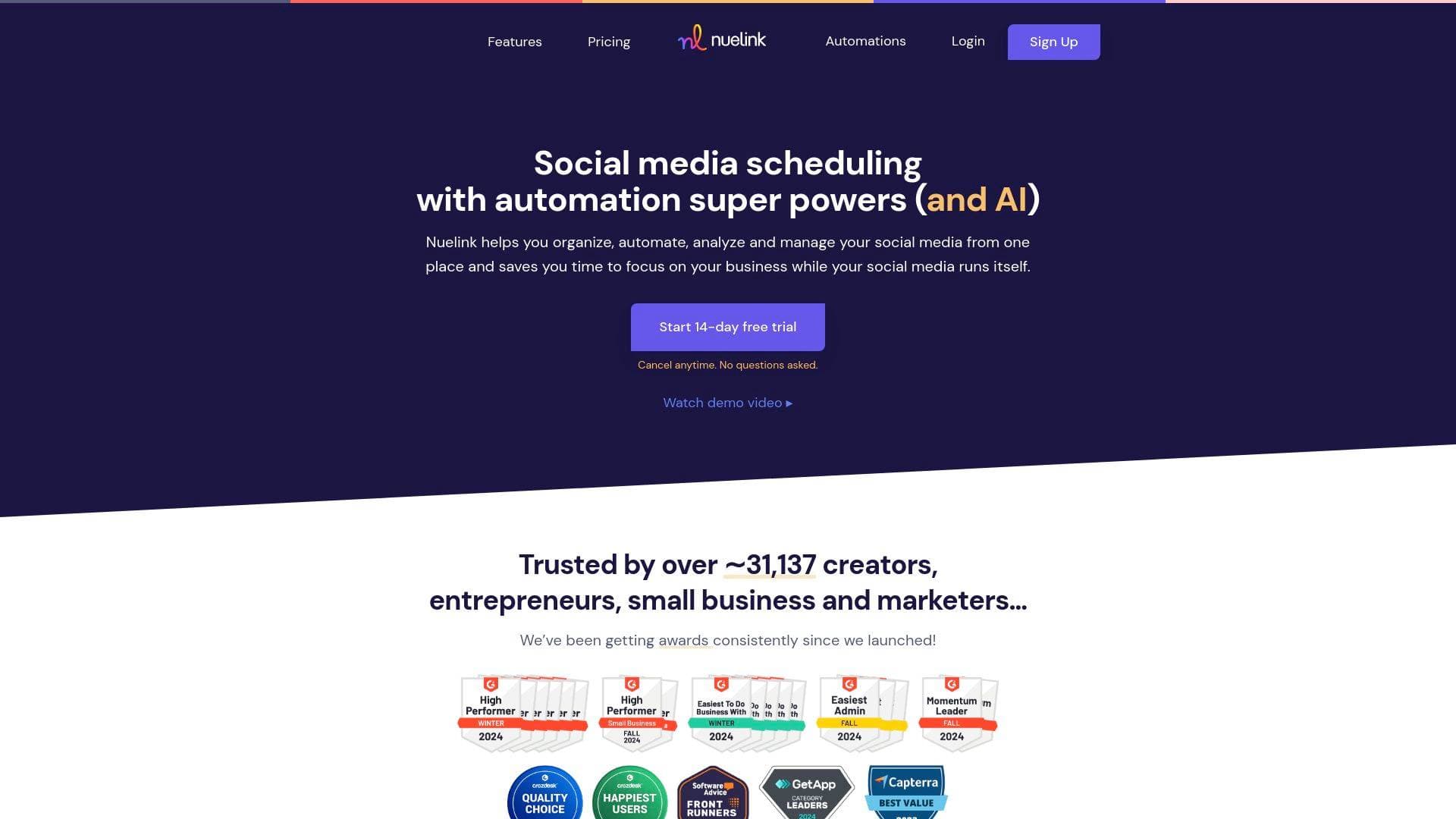
Nuelink is a social media scheduling and automation platform built for creators, entrepreneurs, and marketers who want their content working around the clock without manually posting every day. The core problem it solves is simple: content creators spend enormous amounts of time copying, pasting, and publishing across multiple platforms when they could be focused on actually making content. Nuelink tackles this with a combination of post scheduling, deep automation, and AI-powered writing tools that keep social channels active even when creators are offline. Supporting 11 platforms including Facebook, Instagram, X/Twitter, LinkedIn, Pinterest, YouTube, TikTok, Telegram, Threads, Bluesky, and Mastodon, it covers virtually every channel a modern creator needs. What separates Nuelink from basic scheduling tools is its automation layer, which can automatically pull and publish content from blogs, podcasts, e-commerce stores, and Instagram Reels without any manual intervention after the initial setup. Trusted by over 31,137 creators and marketers, and holding a 4.9/5 rating from 500+ reviews across G2, Capterra, Trustpilot, and more, it has earned consistent G2 High Performer and Easiest to Use badges since launch. For creators juggling multiple content formats and platforms, this social media management tool functions as a true content scheduling hub.
Nuelink Features That Matter for Content Creators
-
Collections for Content Organization: Collections are themed folders that each carry their own set of posts, target platforms, and time slots. A creator could set up a "Short-Form Video" collection that automatically posts to Instagram, YouTube, and TikTok every Monday at 10:30 AM and Sunday at 7:00 PM. Just drop content into the collection and Nuelink handles the rest, scheduling each piece to the next available slot automatically.
-
NueAI Writing Assistant: The built-in AI assistant, NueAI, helps creators brainstorm post ideas, rewrite captions for different tones, generate relevant hashtags, and even draft full threads or articles. It's integrated directly into the post editor, so there's no need to switch between tools when inspiration runs dry or a caption needs a quick refresh.
-
Blog and Newsletter Auto-Posting: Nuelink connects directly to WordPress, Ghost, Medium, Substack, Tumblr, Squarespace, Blogger, and any RSS feed. Once set up, every new blog post or newsletter is automatically imported and scheduled to go out across chosen social channels. One creator noted their content was automatically distributed to 16 locations just from publishing on their blog.
-
Podcast Auto-Posting: Podcasters on Spotify, Captivate, or any RSS-based platform can connect their feed and have each new episode automatically shared to social media on a recurring schedule. Captions can be customized using NueAI and dynamic variables like
{{title}}, making each post feel tailored rather than generic. -
Instagram Reels Cross-Posting: One of Nuelink's standout automation features, this lets creators post a Reel on Instagram and have it automatically cross-posted to TikTok, YouTube, Pinterest, Facebook, Threads, Bluesky, and Mastodon without lifting a finger. Set it up once and every future Reel gets distributed automatically.
-
Bulk Scheduling via Spreadsheet: Creators can upload hundreds of posts at once using a CSV file or Google Sheets, covering text posts, images, carousels, Reels, Shorts, and Stories. The advanced spreadsheet format supports media attachments from Google Drive, Dropbox, Box, and OneDrive, plus follow-up replies and multi-account scheduling. One user scheduled a full year of content in under an hour using this feature.
-
Nue.bio Link-in-Bio Tool: Every brand workspace gets its own customizable bio link page through Nue.bio, which creators can use to direct Instagram and TikTok audiences to their store, blog, newsletter, or any other destination. It includes customizable themes, colors, and built-in analytics tracking clicks and visits.
-
Unified Comment Management: Rather than jumping between apps to respond to comments, creators can view, reply to, and like comments across all connected platforms from a single dashboard. Bulk actions and filtering tools make it practical even for high-volume accounts.
-
Canva Integration: Designs created in Canva can be sent directly to Nuelink's media library without downloading and re-uploading files. From there, they sync with the content calendar and can be scheduled across all connected platforms in a few clicks. Edits can also be pushed back to Canva from within Nuelink.
-
Evergreen Content Recycling: Turning on the evergreen setting for any collection automatically re-queues posts once they've been published, keeping channels active without requiring new content to be created constantly. This is particularly useful for evergreen tips, quotes, or product posts that hold value over time.
-
Pre-Made Content Library: Nuelink includes a ready-to-use library of 1,200+ social posts organized by category, including memes, quotes, and videos. Creators can add any post to their queue with a single click, making it easy to fill content gaps quickly.
-
Post Analytics and Insights: The platform tracks top-performing posts (up to the top 50), link click analytics via a built-in link shortener with custom domain support, and per-channel performance metrics. A follow-up comments feature also lets creators automatically add a reply to any post immediately or after a set delay, with conditions based on like counts.
Which Content Creators Should Use Nuelink?
Nuelink is built for creators who publish regularly across multiple platforms and want to stop spending hours each week on manual posting. It works equally well for solo creators managing a single brand and for those handling multiple clients or content channels simultaneously. The fast learning curve and human customer support from day one make it accessible even for creators who are new to scheduling tools.
Primary creator types:
- Bloggers and newsletter writers using WordPress, Ghost, Medium, or Substack who want every new post automatically shared to social media
- Podcasters on Spotify or any RSS platform who want new episodes promoted across channels without manual work
- Instagram and TikTok creators who want Reels automatically cross-posted to YouTube, Pinterest, Facebook, and more
- YouTubers managing a content calendar across multiple platforms alongside their main channel
- Multi-platform creators who publish on 5+ networks and need a unified content scheduling tool to stay consistent
- Creator-entrepreneurs with an Etsy, Shopify, WooCommerce, Wix, Squarespace, or Weebly store who want products auto-posted to social media on a set schedule
- Content teams and creator agencies managing multiple brands, each with its own independent workspace, social channels, automations, and analytics
- Twitter/X-focused creators who want to bulk schedule up to 100 tweets at once, including threads, polls, images, and videos, from a single CSV upload
Experience level: Beginner-friendly with a fast learning curve, but powerful enough for advanced creators managing large content operations.
Team size: Works for solo creators on the Standard plan (1 brand, 1 member) up to large agencies on the Agency-Plus plan (30 brands, 30 members, 300 social channels).
Getting Started with Nuelink
- Sign up and start the free trial: Create an account with a name, email, and password. No credit card friction at signup, and the 14-day free trial starts immediately with a 30-day money-back guarantee on paid plans.
- Connect your social channels: Link accounts across any combination of the 11 supported platforms, including Facebook Pages, Instagram Business and Creator accounts, YouTube channels, TikTok, LinkedIn, Pinterest, X/Twitter, Telegram, Threads, Bluesky, and Mastodon.
- Set up Collections: Create themed content folders, assign target platforms to each, and set recurring time slots. This is the foundation of Nuelink's scheduling system.
- Configure automations: Connect a blog RSS feed, podcast feed, Instagram account for cross-posting, or e-commerce store to start auto-publishing content without manual input.
- Add content or bulk import: Either write individual posts using the NueAI assistant or upload a CSV spreadsheet to schedule hundreds of posts at once.
Nuelink FAQ for Content Creators
Does Nuelink support TikTok? Yes, TikTok is supported as a cross-posting destination, particularly for Instagram Reels. Creators can set up automatic cross-posting from Instagram to TikTok so every new Reel is distributed without any additional steps.
Can I manage multiple brands or clients in one account? Each plan includes independent brand workspaces, ranging from 1 brand on the Standard plan up to 30 brands on the Agency-Plus plan. Each brand has its own social channels, collections, automations, analytics, and Nue.bio link-in-bio page.
How many posts can I bulk schedule at once? Up to 100 posts can be scheduled per CSV upload. The spreadsheet supports text posts, images, carousels, videos, threads, and polls in a single file, and Nuelink automatically detects and organizes the different formats.
Is there an AI writing tool included? NueAI is built directly into the platform and helps with brainstorming, rewriting, hashtag generation, and creating threads or articles. AI credits are included on every plan, ranging from 100 credits on Standard to 1,000 credits on Agency-Plus.
What platforms does Nuelink auto-post blogs to? Blog automation works with WordPress, Ghost, Medium, Substack, Tumblr, Squarespace, Blogger, IFTTT, and any RSS feed. New posts are automatically imported and added to the publishing queue as they go live.
Does Nuelink offer a free trial? A 14-day free trial is available with no questions asked cancellation. Paid plans also come with a 30-day money-back guarantee.
What does the link shortener do? Every link shared through Nuelink can be automatically shortened, including support for custom domains. Each shortened link generates click analytics, giving creators insight into which posts are driving the most traffic.
Is customer support available on all plans? Human customer support is available from day one on every plan, with priority support included for agency-tier accounts.
The Verdict: Is Nuelink Worth It for Content Creators?
For creators who publish content across multiple platforms and want to stop spending hours each week on manual posting, Nuelink delivers a genuinely powerful automation layer that most scheduling tools don't offer. The ability to auto-post blogs, podcasts, and Instagram Reels to a dozen platforms simultaneously, combined with bulk scheduling for up to 100 posts at a time, makes it particularly valuable for high-output creators and those managing multiple brands. The Collections system is well-designed for creators who think in content themes rather than individual posts, and the Canva integration removes a common friction point in the design-to-publish workflow.
The pricing structure is straightforward, starting at $12/month (billed yearly) for a single brand and scaling up to $114/month for 30 brands and 300 social channels. The Standard plan's 100-post queue limit may feel restrictive for very active creators, making the Premium or Business tiers more practical for those publishing daily across many platforms.
Nuelink is a strong fit for bloggers, podcasters, Instagram creators, and multi-platform publishers who want their social media running on autopilot. The 4.9/5 rating across 500+ independent reviews and consistent G2 High Performer recognition suggest it delivers on that promise for the vast majority of its 31,000+ users.
Details
One link. Every channel, rate, and piece of work brands need to evaluate you. Built for how creators actually get hired.
Claim your profile
Live creator, content, and marketing roles from real companies, with the pay, market, and context the raw job page never gives you.
Browse jobs

 Post Bridge