

Motionbox
Motionbox is a browser-based collaborative video editing and motion graphics tool that helps content creators and teams produce polished videos faster with subtitles, templates, and stock media.
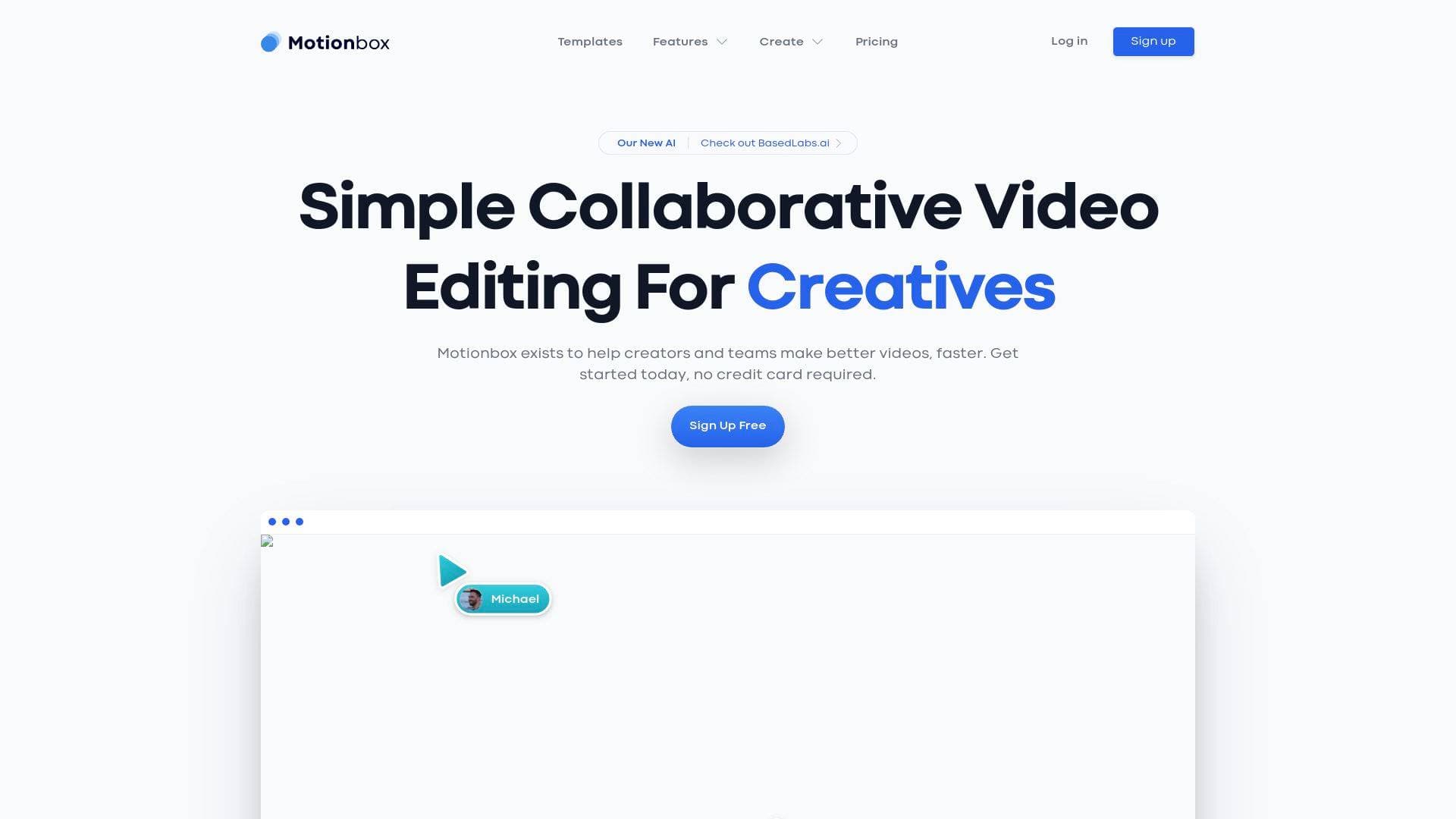
What is Motionbox? A Content Creator's Guide
Motionbox is a browser-based collaborative video editing and motion graphics tool built specifically for creators and teams who need to produce better videos faster. The core problem it tackles is the friction that slows down the video production workflow: manually adding subtitles, building motion graphics from scratch, hunting for stock footage, and trying to coordinate edits across a team. Rather than requiring a powerful desktop machine or complex software installation, Motionbox runs entirely in a web browser, making it accessible to any creator with an internet connection. The platform supports a wide range of content formats, from YouTube intros and Instagram posts to Instagram Stories and podcast-to-video conversions. What sets it apart is the combination of real-time team collaboration, a centralized Brand Kit, automatic subtitle generation, and a deep library of pre-built animated text and video templates, all available without needing to start from scratch. Creators at every level, from solo podcasters to multi-person content teams, can jump in and start producing polished content immediately. The free entry point, with no credit card required to sign up, lowers the barrier considerably for creators just getting started with video production.
Motionbox Features That Matter for Content Creators
-
Collaborative Video Editing: Motionbox is built around team-based video production, allowing multiple creators or collaborators to work on the same video project together. For content teams managing YouTube channels, social media accounts, or client campaigns, this removes the back-and-forth of sending files and waiting for feedback.
-
Brand Kit: The Brand Kit functions as a global, centralized color palette and asset library that keeps every video consistent with a creator's visual identity. Teammates automatically gain access to branding assets inside each video project, which is invaluable for creators managing a recognizable channel aesthetic or working with brand partners.
-
Automatic Subtitles: Manually captioning videos is one of the most time-consuming parts of the post-production workflow. Motionbox automates this entirely: creators simply upload their video and press a button to generate subtitles. One creator noted they even used the subtitle feature to quickly extract copy from longer videos to repurpose into blog posts, effectively doubling the output from a single piece of content.
-
Animated Text: Rather than building motion graphics from scratch, Motionbox provides premium plug-and-play animated text options. Creators customize the text and colors without any design or animation experience, saving hours of work per video.
-
B Roll Integration with Pexels: Motionbox integrates directly with Pexels, giving creators access to free premium HD video footage to use as B roll. Creators can search for relevant clips, layer them over their A roll track, select the start time, resize the clip to fill the frame, and export, all within the same editor. The Pexels integration is free to use.
-
Stock Photos and Videos from Unsplash and Pexels: Beyond B roll, creators have access to high-quality HD photos and videos from both Unsplash and Pexels directly inside the editor. This eliminates the need to leave the platform to source visual assets for social media posts or video backgrounds.
-
Video Templates: Motionbox offers an extensive library of ready-made templates covering YouTube intros, Instagram posts, Instagram Stories, Zoom backgrounds, and holiday or event-themed content. Templates span categories from YouTube Trailer Intros and Fitness Channel Intros to seasonal and cultural event designs, giving creators a fast starting point for timely content.
-
Music Visualizer and Podcast to Video: Podcasters can convert their audio content into shareable video clips using the podcast-to-video feature, complete with a music visualizer. One creator specifically mentioned using Motionbox to trim podcast episodes and add a visualizer to promote weekly content on social media.
-
Screen Recorder: A built-in screen recorder is available directly within the platform, useful for tutorial creators, software reviewers, or anyone producing educational content without needing a separate recording tool.
-
Additional Editing Tools: The platform includes a full suite of practical editing tools including audio trimming, video cropping, GIF resizing, a video converter, and a YouTube to MP3 tool. These utilities cover common creator needs without requiring third-party apps.
Which Content Creators Should Use Motionbox?
Motionbox is designed for creators who want professional-looking video output without the steep learning curve of traditional desktop editing software. Its browser-based approach and free entry point make it particularly well-suited for creators who are growing their channels and need to produce content consistently and efficiently.
Primary creator types:
- YouTubers looking for quick intro templates, B roll tools, and automatic captions to improve accessibility and watch time
- Podcasters who want to repurpose audio episodes into shareable video clips with visualizers for Instagram and YouTube
- Social media creators managing Instagram posts, Instagram Stories, and Twitter content who need fast, on-brand video production
- Content teams and freelancers collaborating on video projects for clients, with shared Brand Kits and real-time editing
Experience level: Beginner to intermediate. The tool is explicitly designed to be easy to use, and the template library means creators do not need design or animation skills to produce polished results.
Team size: Both solo creators and multi-person teams are supported. The collaboration features are built for teams, but the free plan and simple interface work just as well for individual creators.
Specific use cases:
- Creating YouTube channel intros using pre-built animated templates
- Adding automatic captions to videos for accessibility and engagement
- Converting podcast episodes into social-ready video clips with visualizers
- Sourcing and layering free B roll footage from Pexels directly in the editor
- Producing holiday or event-themed social media videos using the template calendar
- Repurposing long-form video content into short clips for Instagram or Twitter
- Maintaining consistent branding across all video content using the Brand Kit
- Generating blog post copy by extracting subtitles from video content
Content formats supported: YouTube videos, Instagram posts, Instagram Stories, Twitter posts, Zoom backgrounds, GIFs, podcast video clips, and screen recordings.
Getting Started with Motionbox
- Sign up for free: Create an account at Motionbox with no credit card required. The free plan gives immediate access to the editor and core features.
- Choose a template or start from scratch: Browse the template library by category (YouTube Intros, Instagram Posts, Instagram Stories, etc.) or open a blank project to begin building a custom video.
- Add your assets: Upload your own footage, search Pexels or Unsplash for stock media directly within the editor, or use the screen recorder to capture new content.
- Apply subtitles and animated text: Upload a video and use the automatic subtitle generator to caption it with a single click. Layer animated text elements on top by selecting from the pre-built options and customizing colors and copy.
- Invite collaborators and export: Add team members to the project, apply your Brand Kit assets, and export the finished video for distribution across your chosen platforms.
Motionbox FAQ for Content Creators
Is Motionbox free to use? Motionbox offers a free plan with no credit card required to get started. Adding B roll using the Pexels integration is also free, as Pexels footage carries no licensing cost.
Does Motionbox work without installing software? Yes, Motionbox runs entirely in a web browser. Creators do not need a high-powered computer or any software installation to use the full editor.
Can multiple people edit the same video project? Motionbox is built for collaborative editing, allowing creators and their teams to work on video projects together. Teammates also gain access to shared Brand Kit assets within each project.
How does the automatic subtitle feature work? Creators upload their video to Motionbox and press a button to generate subtitles automatically. The captions are then overlaid on the video and can be used for accessibility, engagement, or even repurposed as written copy for blog posts.
What stock media is available inside Motionbox? Motionbox integrates directly with both Pexels and Unsplash, providing access to premium HD videos and photos without leaving the editor. Creators can search for relevant B roll footage or images and add them to their projects instantly.
What template categories are available? Templates cover YouTube Intros, Instagram Posts, Instagram Stories, Zoom Backgrounds, and a wide range of holiday and event-themed designs. A Template Calendar helps creators plan timely content around specific dates and occasions.
What additional tools does Motionbox include? Beyond the core editor, Motionbox provides a music visualizer, podcast-to-video converter, screen recorder, video converter, YouTube to MP3 tool, audio trimmer, video cropper, and GIF resizer.
The Verdict: Is Motionbox Worth It for Content Creators?
Motionbox is a strong fit for content creators who need a fast, accessible video editing and motion graphics tool without the complexity of professional desktop software. The combination of automatic subtitles, animated text templates, free stock media from Pexels and Unsplash, and real-time team collaboration covers the most common pain points in a creator's video production workflow. Podcasters in particular will find the podcast-to-video and music visualizer features immediately useful for repurposing audio content into social-ready clips. YouTubers benefit from the intro template library and B roll tools, while social media creators gain a fast path to on-brand Instagram and Twitter video content.
The browser-based approach is a genuine advantage for creators who work across multiple devices or collaborate remotely with editors and clients. The Brand Kit feature adds real value for creators who manage a consistent visual identity across their content. The free entry point with no credit card required makes it easy to test the platform before committing. For any content creator looking to speed up their video production workflow and produce more polished output with less effort, Motionbox delivers a well-rounded set of tools in a single, accessible platform.
Details
One link. Every channel, rate, and piece of work brands need to evaluate you. Built for how creators actually get hired.
Claim your profile
Live creator, content, and marketing roles from real companies, with the pay, market, and context the raw job page never gives you.
Browse jobs

 Post Bridge