

Mention
Mention's LinkedIn Summary Generator is a free AI-powered tool that helps content creators craft professional, personalized LinkedIn summaries in seconds with customizable tone options.
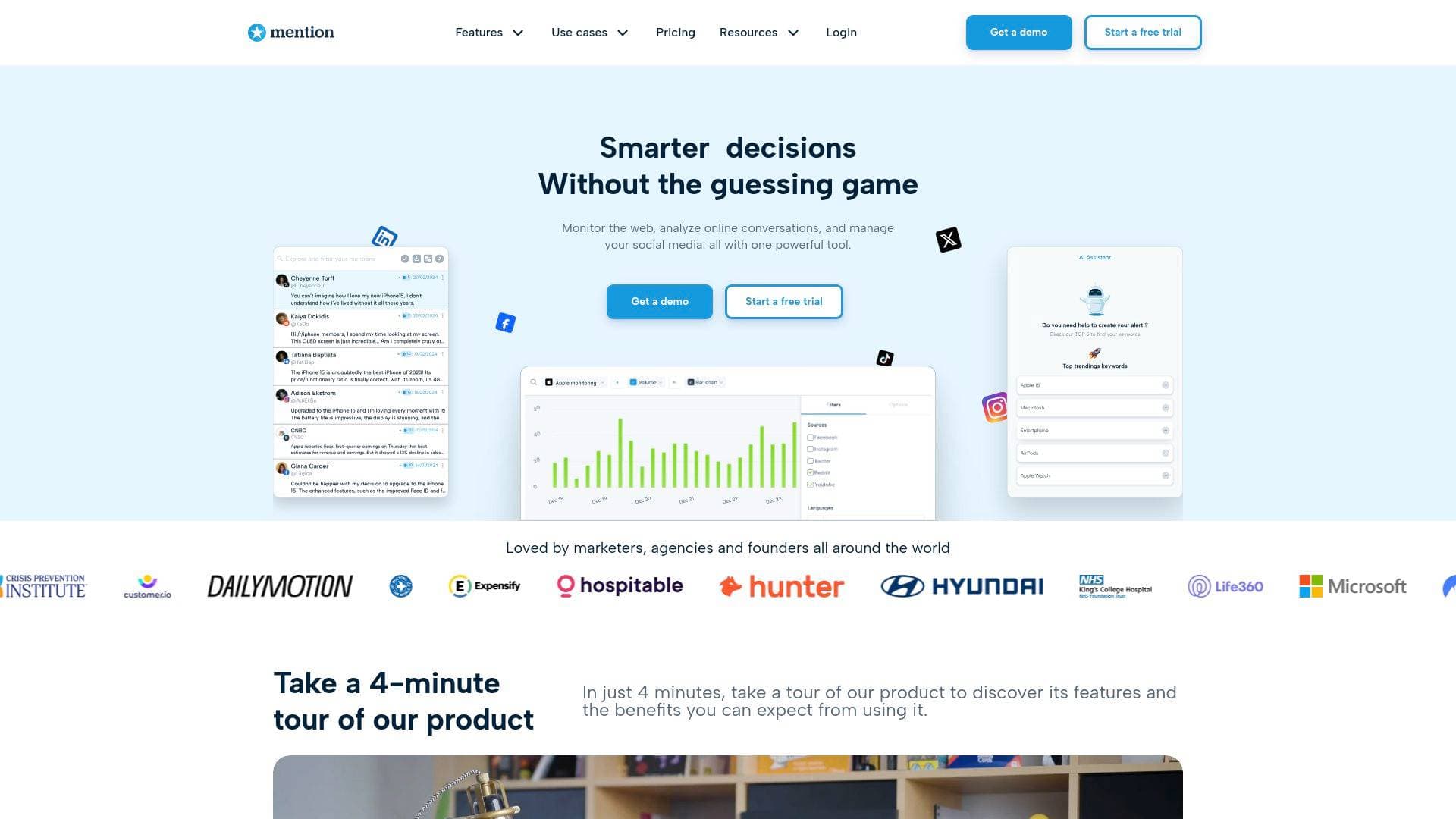
What is Mention's LinkedIn Summary Generator? A Content Creator's Guide
For content creators, a LinkedIn profile is often the first stop for brand deal inquiries, collaboration requests, and sponsorship opportunities. Yet writing a compelling LinkedIn summary that accurately captures your voice and value proposition is one of those tasks that tends to get pushed to the bottom of the to-do list. Mention's LinkedIn Summary Generator is a free AI-powered profile writing tool that solves this problem in seconds, helping creators produce a professional, eye-catching LinkedIn summary without staring at a blank text box. The tool uses artificial intelligence to generate fully customized summaries based on a short self-description and a chosen tone of voice. It is completely free to use, requires no credit card, and places no limit on the number of summaries a creator can generate. For YouTubers, podcasters, bloggers, newsletter writers, and social media managers looking to attract brand partnerships or grow their professional network, this is a practical profile optimization tool that removes the friction from LinkedIn profile writing entirely.
Mention LinkedIn Summary Generator Features That Matter for Content Creators
-
AI-Powered Summary Generation: The tool uses artificial intelligence to turn a brief self-description into a fully written LinkedIn summary with a single click. Creators simply describe themselves in a few words, hit generate, and receive a complete, polished summary ready to copy directly into their profile.
-
11 Tone of Voice Options: One of the most useful aspects of this profile writing tool is the breadth of tone choices available. Creators can select from Casual, Professional, Conversational, Friendly, Humorous, Authoritative, Sarcastic, Emotional, Storytelling, Creative, Engaging, and Inspirational tones. This means a comedy YouTuber can opt for Humorous, while a finance podcaster might choose Authoritative, ensuring the output actually sounds like the creator.
-
Completely Free with No Generation Limits: There is no cost to use the LinkedIn Summary Generator, and there is no cap on how many summaries a creator can produce. This makes it easy to experiment with multiple tones and descriptions until the result feels right.
-
Post-Generation Editing: After the AI generates a summary, creators can make changes to the text before copying it to their LinkedIn profile. This flexibility ensures the final output can be refined to include specific details, keywords, or personal touches the AI may not have captured.
-
2,000-Character Summary Support: LinkedIn summaries support up to 2,000 characters, and the generator is built with this limit in mind. Creators get a summary that fits within LinkedIn's actual constraints without needing to manually trim or reformat the output.
-
One-Click Copy to Clipboard: A copy-to-clipboard button makes transferring the generated summary to LinkedIn fast and frictionless. No highlighting, no right-clicking, just one tap and the text is ready to paste.
-
Personalized Output from Minimal Input: The generator only requires a few words describing the creator and a tone selection. The AI handles the rest, making this a low-effort, high-output tool that fits into a busy content creation workflow.
-
No Account Required: The LinkedIn Summary Generator is accessible as a standalone free tool, meaning creators do not need to sign up for a Mention account to use it. It is a quick, in-and-out utility that gets the job done without any onboarding friction.
Which Content Creators Should Use the Mention LinkedIn Summary Generator?
Any creator who uses LinkedIn as part of their professional presence or brand-building strategy will find this tool useful. It is particularly valuable for creators who know what they do but struggle to articulate it in a polished, professional format. Whether starting from scratch or refreshing an outdated profile, the generator handles the heavy lifting.
-
Primary creator types: YouTubers, TikTokers, podcasters, bloggers, newsletter writers, freelance content creators, social media managers, and influencers who maintain a LinkedIn presence for networking or brand deals.
-
Experience level: The tool is beginner-friendly. No writing experience or LinkedIn expertise is required. Creators who have never written a professional bio before will find the guided input process straightforward.
-
Team size: Works equally well for solo creators managing their own profiles and for content agencies or management teams helping multiple creators update their LinkedIn presence.
-
Specific use cases:
- A travel blogger refreshing their LinkedIn profile to attract tourism brand partnerships
- A podcaster launching a new show who wants their LinkedIn summary to reflect their updated niche
- A freelance video editor building a professional presence to attract YouTube channel clients
- A newsletter writer positioning themselves as a thought leader in their industry on LinkedIn
- A social media manager updating their profile to reflect a shift from organic content to paid strategy
- A TikTok creator who wants a more professional tone on LinkedIn than they use on their other platforms
- A content creator coach who needs an authoritative-sounding summary to attract clients
- A new creator just starting out who has no idea how to write a professional bio
-
Content types: The tool supports any creator niche or content format since the input is entirely freeform. Whether a creator makes long-form video essays, short-form social content, written newsletters, or audio podcasts, the generator can produce a relevant summary.
Getting Started with the Mention LinkedIn Summary Generator
-
Describe yourself in a few words: In the input field, type a brief description of who you are as a creator. This could include your content niche, the platforms you create on, your audience, or what makes your content unique.
-
Select your tone of voice: Choose from the 11 available tone options the one that best matches how you want to come across on LinkedIn. Creators going for brand deals might lean toward Professional or Engaging, while those building a personal brand with personality might try Storytelling or Creative.
-
Generate and review your summary: Click the generate button and the AI will produce a complete LinkedIn summary. Read through it, and if needed, run the generator again with a different tone or adjusted description to compare results.
-
Edit and refine: Make any manual edits to the generated text to add specific details, achievements, or keywords relevant to your creator niche.
-
Copy and paste to LinkedIn: Use the copy-to-clipboard button to grab the final summary and paste it directly into the LinkedIn profile summary field.
Mention LinkedIn Summary Generator FAQ for Content Creators
Is the LinkedIn Summary Generator free to use? Yes, it is completely free. There is no cost, no credit card required, and no account needed to access the tool.
How many summaries can I generate? There is no limit on the number of summaries creators can generate. Creators can run the tool as many times as needed to find the right result.
Can I edit the summary after it is generated? Yes. After the AI generates a summary, creators can make any changes they want before copying it to their LinkedIn profile.
What tones of voice are available? The generator offers 11 tone options: Casual, Professional, Conversational, Friendly, Humorous, Authoritative, Sarcastic, Emotional, Storytelling, Creative, Engaging, and Inspirational.
Does the tool use AI? Yes, the LinkedIn Summary Generator uses artificial intelligence to create customized summaries based on the creator's self-description and selected tone.
How long can my LinkedIn summary be? LinkedIn summaries should be kept to 2,000 characters or less, which is the limit the generator is designed around.
Do I need to create a Mention account to use this tool? No account is required. The LinkedIn Summary Generator is available as a free standalone tool.
The Verdict: Is the Mention LinkedIn Summary Generator Worth It for Content Creators?
For any content creator who has been putting off updating their LinkedIn profile, this tool removes every excuse. It is free, fast, requires no account, and produces a usable result in seconds. The standout feature is the 11-tone selection system, which makes the output feel genuinely tailored rather than generic. A humorous creator gets a different summary than an authoritative one, which matters when LinkedIn is being used to attract brand deals or professional collaborations.
The main limitation is that the tool is purpose-built for LinkedIn summaries only. It does not extend to other profile sections, other platforms, or broader bio writing needs. Creators looking for a more comprehensive social media management or profile writing toolkit would need to explore Mention's broader platform.
That said, as a free, no-friction LinkedIn summary writing tool, it delivers exactly what it promises. Creators who want a professional LinkedIn presence without spending hours writing and rewriting their bio will find the Mention LinkedIn Summary Generator a genuinely useful addition to their content creation workflow.
Details
One link. Every channel, rate, and piece of work brands need to evaluate you. Built for how creators actually get hired.
Claim your profile
Live creator, content, and marketing roles from real companies, with the pay, market, and context the raw job page never gives you.
Browse jobs

 Post Bridge