
Medal
Medal is a free game clip recording, editing, and sharing tool for PC and mobile, letting creators capture, edit, and share gameplay highlights instantly.
What is Medal? A Content Creator's Guide
Medal is a free gameplay recording and clip-sharing platform built for gamers who want to capture, edit, and share their best (and worst) moments without any complicated setup. At its core, it solves one of the most frustrating problems in gaming content creation: missing the moment. Rather than requiring creators to manually start and stop recordings, Medal runs quietly in the background and lets users save whatever just happened with a single button press. The platform supports 100% of PC games, from massive titles like Fortnite, Valorant, League of Legends, and GTA to small indie games, making it a genuinely universal video capture tool for gaming content creators. Available on Windows, iOS, and Android, Medal bridges the gap between desktop recording and mobile sharing, so creators can manage and post clips from anywhere. With over 4.2 billion clips already uploaded and 12 million users connected, it has grown into a full gaming content community, not just a recording utility. For creators looking to build a library of gaming highlights, funny moments, or tutorial content, Medal provides the entire workflow in one free app.
Medal Features That Matter for Content Creators
-
Always-On Background Recording: Medal runs continuously in the background while you game, meaning it captures footage even when you weren't planning to record. This is critical for gaming content creators who know that the best clips are often the ones nobody saw coming. No more missing clutch plays, hilarious bugs, or unexpected fails.
-
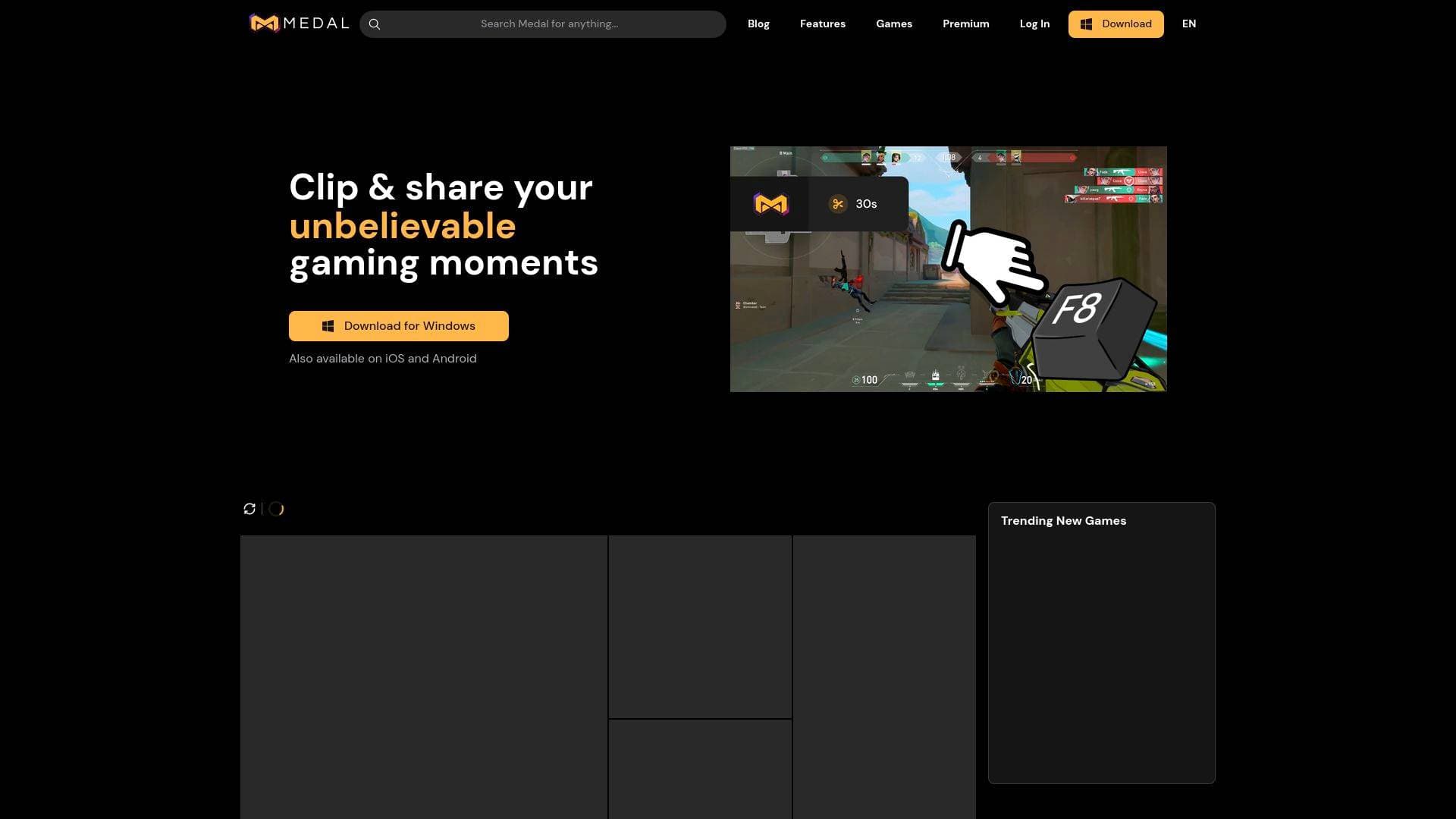
One-Button Clip Capture: Pressing F8 (or a customizable hotkey) instantly saves the last few seconds or minutes of gameplay as a clip. Creators can configure the replay buffer to capture the previous 15 seconds, 60 seconds, 10 minutes, or an entire session, giving full control over clip length without interrupting the game.
-
Up to 4K Resolution at 144fps: Medal supports recording up to 4K resolution at 144fps, which means gaming content creators focused on high-quality YouTube uploads or showcase reels have the visual fidelity to match. Lower settings are also available for creators on less powerful systems.
-
Multi-Track Audio Capture: Game audio, microphone input, and desktop audio (such as Discord) are recorded as separate tracks. Creators can balance, mute, or remove any of these sources individually during editing, which is a significant advantage when producing polished commentary clips or reaction-style content.
-
Built-In Video Editor: Medal includes a video editor that lets creators add memes, sound effects, music, captions, and build montages directly within the app. There's no need to export footage to a separate editing tool for basic clip production, keeping the content creation workflow fast and contained.
-
Instant Shareable Links: Every clip gets an instant shareable link the moment it's saved. Creators can drop that link into Discord, Twitter, Reddit, or anywhere else without waiting for uploads or dealing with file transfers. This is especially useful for gaming communities where sharing moments in real time matters.
-
Unlimited Free Uploads: Medal offers unlimited free uploads, meaning creators can build a large library of clips without worrying about storage caps on the free tier. A premium plan adds unlimited cloud storage, longer clip uploads, custom sounds, and an ad-free experience for creators who want extra capabilities.
-
Mobile Sync and Mobile App: The Medal mobile app for iOS and Android lets creators watch, post, and manage their clips on the go. Android users also get mobile game capture built in, with iOS support noted as coming soon. For creators who want to stay active in their community between gaming sessions, mobile access keeps things moving.
-
Custom Hotkeys and Flexible Clip Lengths: Beyond the default F8 shortcut, Medal supports customizable hotkeys for screenshots, clip capture of varying lengths, and long-form recordings. Creators can set up their workflow exactly as they prefer, whether that's quick 30-second highlight grabs or full session recordings for longplay content.
-
Community Features and Game Pages: Medal includes a social layer with comments, likes, friend tagging, and curated top clips organized by game. Each major title has its own community page where creators can browse popular clips, gain followers, and potentially have their content go viral within the Medal ecosystem.
-
Auto-Clipping for Supported Games: For titles like Fortnite, Valorant, League of Legends, Apex Legends, and Counter-Strike, Medal offers automatic event detection that captures best plays without any manual trigger. This is a standout feature for competitive gaming creators who want highlight reels without reviewing hours of footage.
-
Screen Capture and Tutorial Recording: Beyond in-game footage, Medal supports full screen recording, making it useful for creators who produce tutorials, software walkthroughs, or any content that goes beyond pure gameplay. Screenshots are also captured and stored alongside video clips in one organized location.
Which Content Creators Should Use Medal?
Medal is built primarily for gaming content creators, but its flexibility makes it useful across several creator types and content formats. Whether someone is just starting out or already building a dedicated gaming channel, the free entry point and simple setup remove most of the typical barriers.
Primary creator types:
- Gaming YouTubers who need a reliable clip library to pull highlight footage for edited videos and montages
- Twitch and live streamers who want to save standout moments from sessions without relying on VOD exports
- TikTokers and Shorts creators focused on short-form gaming clips that can go viral quickly
- Competitive gamers in titles like Valorant, Apex Legends, or League of Legends who want to review and share their best plays
- Casual gaming content creators who post funny moments, fails, or reaction-worthy clips to social platforms
Experience level: Medal is beginner-friendly by design. The one-button capture system and automatic background recording mean creators don't need any technical knowledge to start capturing content. More advanced creators can dig into custom hotkeys, multi-track audio, and the video editor for polished output.
Team size: Medal works well for solo creators. The community and tagging features also support small friend groups who want to share clips with each other.
Specific use cases:
- Capturing a surprise clutch play in Valorant or Apex Legends without having had recording active
- Building a montage of funny in-game moments using the built-in editor
- Recording a full gaming session for a longplay YouTube video
- Creating tutorial content using the screen recording feature
- Saving and sharing a bug or cheater clip as community content
- Posting a 15-second highlight to TikTok or Instagram Reels directly from the mobile app
- Browsing and engaging with a game's community page to grow visibility
- Importing console clips to edit and share through Medal's tools
Content types supported: Short clips, long-form recordings, montages, screenshots, tutorials, screen recordings, and community-shared highlight reels.
Getting Started with Medal
- Download Medal on Windows PC, iOS, or Android from medal.tv/download. Installation is straightforward and the app is completely free to use immediately.
- Launch any PC game and Medal will automatically run in the background, ready to capture footage at any point during the session.
- Press F8 (or your configured hotkey) at any moment to save the last few seconds or minutes as a clip, then trim, edit, and add captions or music inside the app.
- Generate a shareable link instantly and post it to Discord, social media, or anywhere else, or upload it to your Medal profile to connect with the game's community.
Medal FAQ for Content Creators
Is Medal completely free? Yes, Medal is completely free to download and use on both PC and mobile. Optional premium paid features are available for creators who want extras like unlimited cloud storage, longer clip uploads, custom sounds, and an ad-free experience.
Does Medal work with every PC game? Medal supports 100% of PC games for video capture. It also has dedicated event detection and auto-clipping for popular titles including Fortnite, Valorant, League of Legends, Apex Legends, and Counter-Strike.
What are the minimum PC requirements? Medal is compatible with all PCs running Windows 10 or later. It uses between 100 and 400MB of RAM in the background, and variable recording settings make it workable even on lower-spec systems.
Can creators record in high quality? Medal supports recording up to 4K resolution at 144fps. Creators can also dial settings down to match their system's capabilities.
Can console clips be used with Medal? Medal currently supports PC and mobile recording natively. Creators can import clips captured from console system captures into Medal to edit and share them through the platform.
What kinds of content can be created with Medal? Beyond standard gameplay clips, creators use Medal for funny moment compilations, bug captures, pro play highlights, tutorials, screen recordings, screenshots, base tours, and even podcast recordings.
How does the mobile app work for creators? The Medal mobile app lets creators watch, post, and manage clips from their phone. Android users can also capture mobile game footage directly, with iOS mobile capture noted as coming soon.
The Verdict: Is Medal Worth It for Content Creators?
For gaming content creators, Medal is one of the most practical free tools available for capturing and sharing gameplay. The always-on background recording alone solves a real problem that every gamer has faced: missing the moment because recording wasn't active. The combination of unlimited free uploads, instant shareable links, a built-in video editor, and multi-track audio makes it a complete content creation workflow for clip-based gaming content, all without spending anything.
The platform is best suited for creators focused on short-form gaming clips, highlight reels, and community-driven content. Creators who need advanced editing capabilities for long-form productions may want additional tools, but for capturing and quickly sharing gaming moments, Medal delivers everything needed in a single free app. With over 12 million users and 4.2 billion clips on the platform, there's also a built-in audience to tap into. For any gaming creator who wants to stop missing moments and start building a clip library, Medal is a straightforward, no-cost starting point.
Details
One link. Every channel, rate, and piece of work brands need to evaluate you. Built for how creators actually get hired.
Claim your profile
Live creator, content, and marketing roles from real companies, with the pay, market, and context the raw job page never gives you.
Browse jobs

 Post Bridge