

Luma
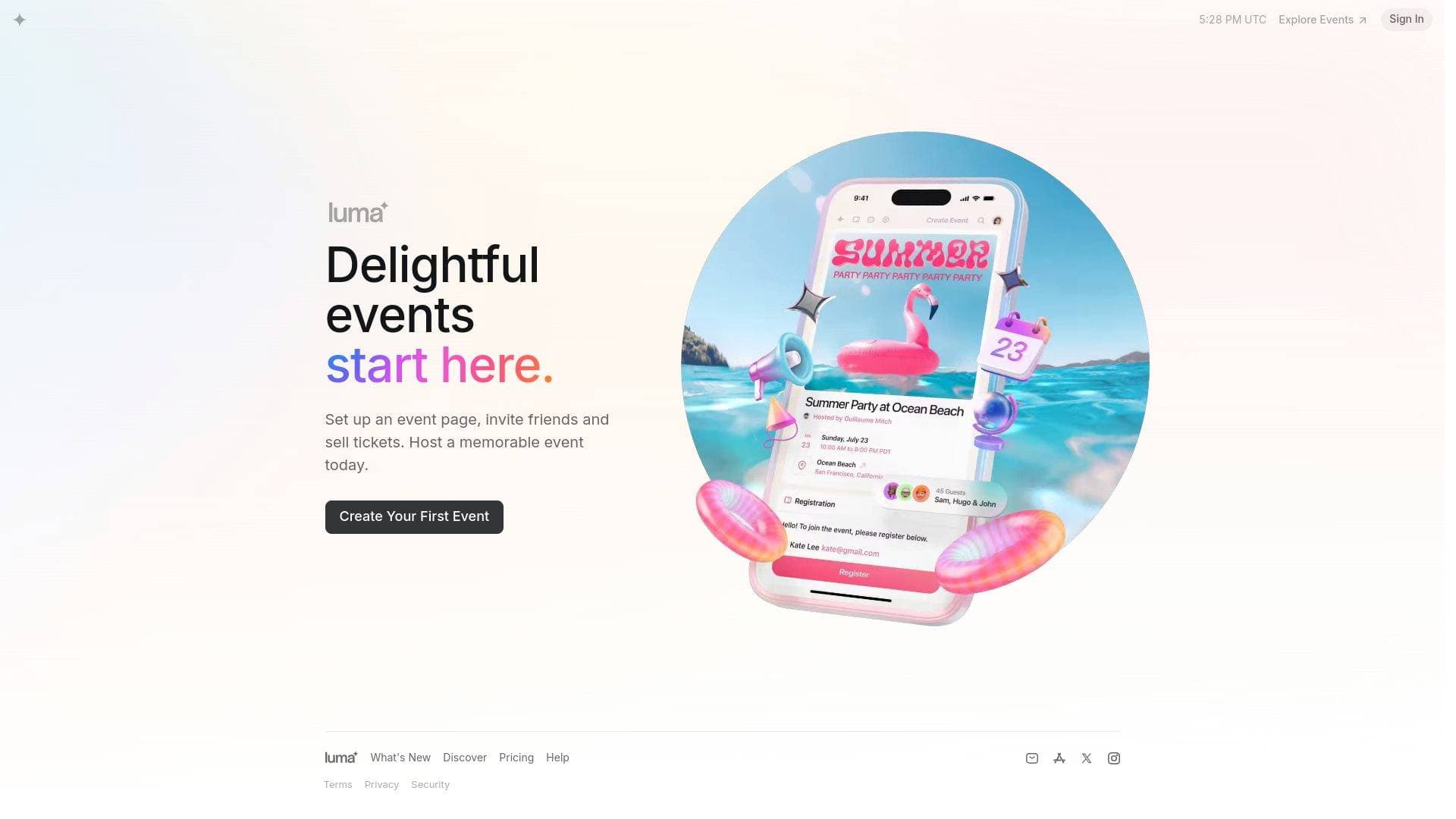
Luma is an event hosting and discovery platform that lets content creators set up event pages, invite audiences, sell tickets, and manage guests with ease.
What is Luma? A Content Creator's Guide
Luma is an event hosting and discovery platform built around the idea that memorable events should be easy to create and share. For content creators looking to deepen their relationship with their audience, it solves a real problem: turning a passive online following into an active, engaged community through in-person or virtual gatherings. Whether a YouTuber wants to host a meetup, a podcaster is planning a live recording session, or a newsletter writer is organizing a subscriber event, Luma provides the tools to set up a polished event page, collect RSVPs, and sell tickets without needing a separate ticketing service. The platform supports multiple event categories including Tech, AI, Arts and Culture, Fitness, Wellness, Food and Drink, and Crypto, making it relevant across a wide range of creator niches. Luma also doubles as an event discovery network, with thousands of active events listed across major cities globally, giving creators visibility beyond their existing audience. The free tier is genuinely generous, offering unlimited events and unlimited guests per event, which makes it accessible for creators at any stage of their career.
Luma Features That Matter for Content Creators
-
Unlimited Events and Guests on the Free Plan: Luma's free tier places no cap on the number of events a creator can host or the number of guests who can register. This is a significant advantage for creators who want to experiment with community events without worrying about hitting a paywall on attendee numbers.
-
Ticket Sales with Multiple Payment Options: Creators can sell tickets directly through Luma, with support for all major credit cards, Apple Pay, Google Pay, and regional payment methods including iDEAL, Konbini, and PayNow. The free plan charges a 5% platform fee on paid events, while upgrading to Luma Plus drops that fee to 0%.
-
Ticket Types, Group Purchasing, and Coupons: Beyond basic ticketing, Luma supports multiple ticket types, group purchasing options, and coupon codes. Creators can offer early-bird pricing, VIP tiers, or discount codes for loyal subscribers, adding real flexibility to how events are monetized.
-
Blasts and Automated Reminders via Email, SMS, Push Notification, and WhatsApp: Luma handles event communication across four channels simultaneously. Automated reminders help reduce no-shows, and creators can send blasts to keep their guest list informed and engaged leading up to the event.
-
Invite and Newsletter Sends: The free plan includes up to 500 invites or newsletter sends per week through Luma. Upgrading to Luma Plus raises that limit to 5,000 per week, with add-on tiers available up to 100,000 sends per week for creators managing large communities.
-
Guest Check-In Tools: Luma includes a built-in guest check-in system, allowing creators or their team members to manage arrivals at live events. Luma Plus adds a dedicated check-in manager role, useful for creators who delegate event-day logistics to a team member or volunteer.
-
Require Approval or Token Gating for Registration: Creators can control who attends their events by requiring manual approval for each registration or by setting up token gating. This is particularly useful for exclusive subscriber events, paid community gatherings, or NFT-holder meetups.
-
Zoom Integration with Attendance Tracking: For virtual events, Luma integrates directly with Zoom and tracks attendance data. Creators hosting online workshops, live Q&As, or virtual meetups can manage everything from a single platform and see who actually showed up.
-
Community Calendars: Luma supports subscribable community calendars, allowing creators to publish an ongoing schedule of events that followers can subscribe to. This is a powerful tool for creators who host recurring events like weekly workshops, monthly meetups, or seasonal series.
-
Zapier Integration and API Access (Luma Plus): Luma Plus unlocks Zapier automation and full API access, enabling creators to connect their event data to other tools in their workflow. This opens up possibilities like automatically adding new event registrants to an email list or CRM.
Which Content Creators Should Use Luma?
Luma is a strong fit for creators who have built an audience online and want to bring that community together in real life or through virtual events. It works equally well for solo creators just starting out with community events and for more established creators managing large-scale gatherings with ticketing and staff.
-
Primary creator types: Podcasters hosting live recordings or listener meetups, YouTubers organizing fan meetups or workshops, newsletter writers hosting subscriber dinners or networking events, bloggers running niche community gatherings, and streamers planning IRL meetups with their audience.
-
Experience level: The platform is beginner-friendly, with a straightforward event creation flow that includes theme selection, location, description, ticket pricing, capacity settings, and waitlist options all in one place.
-
Team size: Solo creators can manage everything themselves, while the free plan supports unlimited cohosts and event managers, and up to 3 calendar admins. Luma Plus expands that to 5 admins with additional seats available for purchase.
-
Specific use cases:
- A tech or AI-focused creator hosting a local meetup and listing it in Luma's discovery network to attract new audience members
- A fitness or wellness creator organizing paid workshops with tiered ticket options
- A crypto or Web3 creator using token gating to restrict event access to NFT holders or community members
- A podcaster setting up a recurring community calendar so subscribers can follow their entire event schedule
- A newsletter writer sending weekly event invites to up to 500 subscribers on the free plan
- A creator running a virtual workshop via Zoom with attendance tracking built in
- A content creator offering discount codes to loyal fans through Luma's coupon feature
- A creator team managing multiple events with cohost permissions and a dedicated check-in manager
-
Content types and platforms: Luma supports both offline (in-person) and virtual events, with Zoom as a native integration for online gatherings.
Getting Started with Luma
- Create an account: Sign up using an email address or phone number at luma.com.
- Set up your first event: Choose a theme, set the event to public or private, add a start and end time, select a timezone, add a location or virtual link, write a description, and configure ticket pricing and capacity.
- Configure registration settings: Choose between open registration, require approval, or token gating depending on how exclusive the event should be.
- Enable ticketing: Set ticket types, add coupons, and enable group purchasing if needed. Connect a payment method to accept credit cards, Apple Pay, Google Pay, or regional payment options.
- Invite your audience: Use Luma's blast and invite tools to notify followers via email, SMS, push notification, or WhatsApp, and share the event page link across social channels.
Luma FAQ for Content Creators
Is Luma free to use? Yes, Luma is free forever with no cap on the number of events or guests. The free plan includes ticketing, guest management, automated reminders, and up to 500 invite or newsletter sends per week.
What is the platform fee for paid events? The free plan charges a 5% platform fee on paid ticket sales. Upgrading to Luma Plus removes this fee entirely, dropping it to 0%. Note that Stripe's standard credit card processing fee (typically 2.9% + 30 cents) applies separately.
How much does Luma Plus cost? Luma Plus is $59 per month billed annually, which includes a 14% savings over monthly billing. It adds 0% platform fees, 5,000 weekly invite sends, tax collection, custom URLs, API access, Zapier integration, and priority support.
Can creators host virtual events on Luma? Yes, Luma integrates with Zoom and includes attendance tracking for virtual events. Creators can add a virtual link as the event location during setup.
Can creators control who attends their events? Yes, Luma supports both require-approval registration and token gating, giving creators full control over their guest list. This is available on the free plan.
Does Luma support recurring event calendars? Yes, Luma supports community calendars that followers can subscribe to. Creators can publish an ongoing schedule of events, and subscribers receive updates as new events are added.
What payment methods does Luma support for ticket sales? Luma accepts all major credit cards, Apple Pay, Google Pay, and regional payment methods including iDEAL (Netherlands), Konbini (Japan), and PayNow (Singapore).
The Verdict: Is Luma Worth It for Content Creators?
Luma is a genuinely useful platform for content creators who want to build real-world or virtual community around their audience. The free plan is remarkably capable, offering unlimited events, unlimited guests, multi-channel automated reminders, ticketing with multiple payment options, and cohost management at no cost. For creators who are just beginning to experiment with live events, there is essentially no financial barrier to getting started.
The main reasons to upgrade to Luma Plus at $59/month are the 0% platform fee (which pays for itself quickly on paid events), the jump from 500 to 5,000 weekly invite sends, Zapier and API access for workflow automation, and custom event URLs for a more professional appearance. Creators running frequent paid events or managing large subscriber communities will find the upgrade worthwhile.
The one area where the free plan shows its limits is the 500 weekly invite cap, which may feel restrictive for creators with large email lists. However, the add-on tiers scale up to 100,000 sends per week, making Luma viable even for high-volume creators. Overall, Luma is a strong event management and community-building tool for creators across virtually every niche, from tech and AI to arts, fitness, and wellness.
Details
One link. Every channel, rate, and piece of work brands need to evaluate you. Built for how creators actually get hired.
Claim your profile
Live creator, content, and marketing roles from real companies, with the pay, market, and context the raw job page never gives you.
Browse jobs

 Post Bridge