

Loom
Loom is a free screen recording and video messaging tool trusted by over 25 million people, offering easy recording, editing, and sharing for content creators on Mac, Windows, iOS, and Android.
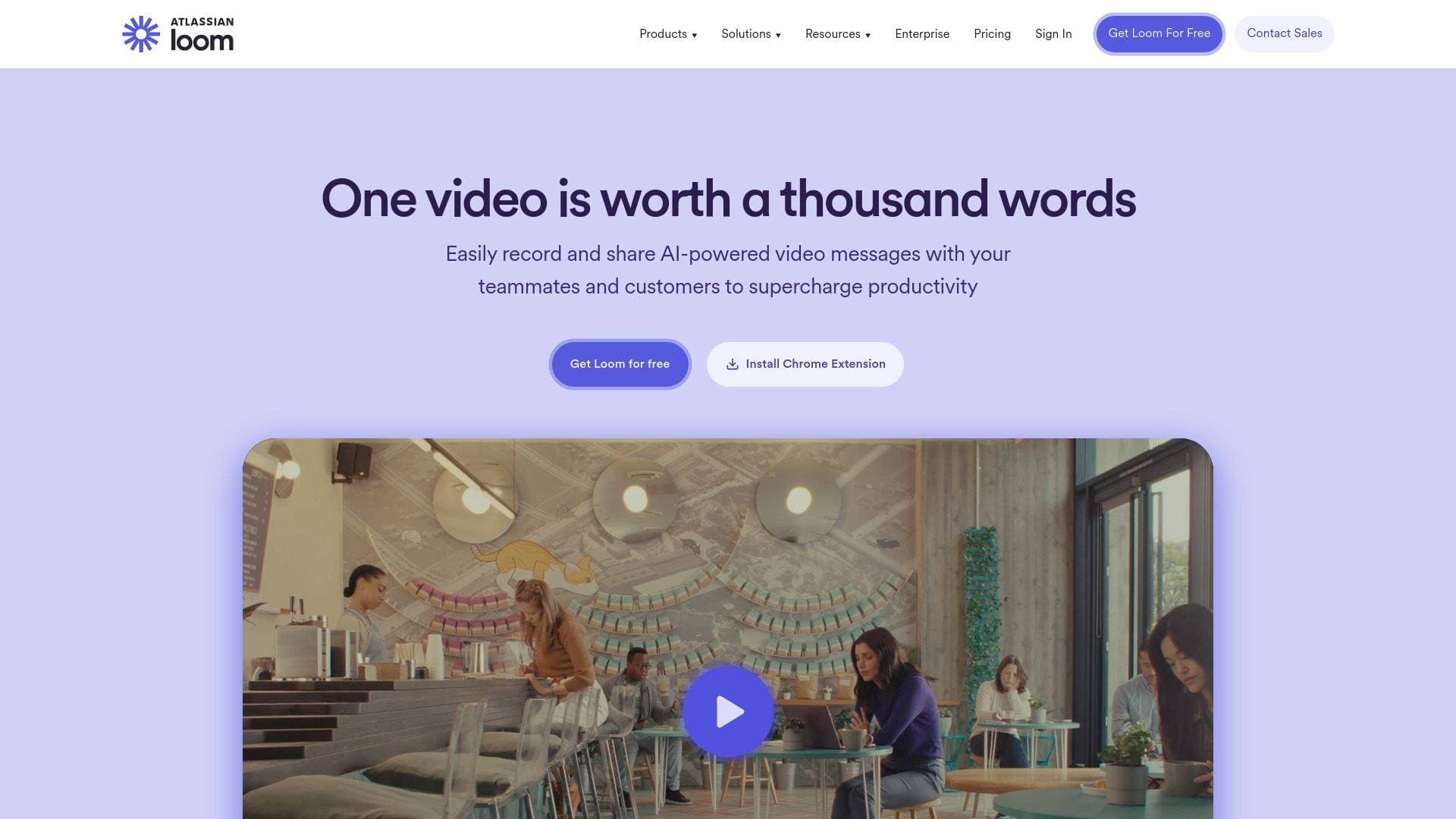
Brief Overview of Loom for Content Creators
Loom is a free screen recording and video messaging tool that solves one of the most persistent problems content creators face: communicating complex ideas quickly without scheduling calls or writing lengthy explanations. As a video creation workflow tool, it lets creators record their screen, camera, or both simultaneously, then share the result instantly via a shareable link. Trusted by more than 25 million people across 400,000 companies, Loom has built a reputation as a go-to video production and communication platform for anyone who needs to convey information visually. It runs natively on Mac, Windows, iOS, and Android, plus offers a Chrome extension for browser-based recording. The platform also includes built-in video storage, advanced video editing capabilities, and viewer insights, making it more than just a basic screen capture tool. For content creators who produce tutorials, walkthroughs, feedback videos, or collaborative content, Loom provides a fast path from idea to shareable video without complex post-production requirements.
Loom Key Features for Content Creators
-
Screen and Camera Recording: Loom captures both screen activity and webcam footage simultaneously, giving content creators the flexibility to record tutorials, product walkthroughs, or talking-head commentary without needing separate recording setups. This dual-capture approach is ideal for YouTubers and educators who want to show their face alongside on-screen content.
-
Easy Sharing and Embedding: Once a recording is complete, Loom generates a shareable link instantly. Creators can distribute videos to audiences, collaborators, or clients without uploading to a third-party platform or dealing with large file transfers. The embed functionality makes it straightforward to drop videos into newsletters, blog posts, or community pages.
-
Trim and Stitch Video Clips: The built-in editing tools allow creators to trim unwanted sections and stitch multiple clips together. This basic but practical video editing capability means creators can clean up recordings without jumping into a separate video editing tool, saving time in the content creation workflow.
-
Download and Upload: Videos recorded in Loom can be downloaded locally, giving creators full ownership of their content and the ability to repurpose footage across platforms like YouTube or social media. Upload functionality also supports bringing in external video files.
-
Transcriptions and Closed Captions: Loom generates transcriptions and closed captions for recorded videos. For content creators focused on accessibility and SEO, this feature adds significant value, making video content searchable and inclusive without manual captioning work.
-
Video Privacy Controls: Creators can control who views their recordings through privacy settings, which is useful for sharing exclusive content with paid subscribers, collaborators, or specific audiences without making videos publicly accessible.
-
Custom Background: The custom background option lets creators maintain a professional or branded appearance during recordings, even when filming from a less-than-ideal environment. This is particularly useful for creators who want consistent visual branding across their video content.
-
Video and Viewer Insights: Loom provides analytics on video performance, including viewer engagement data. Content creators can see how their audience interacts with recordings, which helps inform decisions about content length, format, and delivery style.
-
Playback Speed Controls: Viewers can adjust playback speed across multiple settings (0.8x, 1x, 1.2x, 1.5x, 1.7x, 2x, 2.5x), which is a viewer-friendly feature that makes tutorial and educational content more accessible for audiences who want to move at their own pace.
-
Emoji Reactions and Comments: Audiences can leave emoji reactions and timestamped comments directly on videos. For content creators building community around their work, this interactive layer turns passive video viewing into a two-way conversation without requiring a separate comment platform.
Loom Target Users & Use Cases for Content Creators
Loom fits a wide range of content creator types, from solo educators to creative directors managing distributed teams. Its low barrier to entry makes it accessible for beginners, while its editing, privacy, and analytics features offer enough depth for experienced creators managing ongoing content operations.
-
Primary creator types: Tutorial creators, educators, YouTubers producing how-to content, bloggers who want to add video explanations to written posts, newsletter writers looking to embed video updates, and podcasters who want to share visual walkthroughs alongside audio content.
-
Experience level: The tool is approachable for creators at any level. The Chrome extension and desktop apps make recording fast, while the editing and analytics features reward more advanced users who want to refine their content creation workflow.
-
Team size: Loom works well for both solo creators and small creative teams. The commenting and sharing features support collaborative feedback loops, while individual creators benefit from the instant sharing and storage capabilities.
-
Specific use cases:
- Recording screen walkthroughs to explain a tool or process to a YouTube audience
- Creating tutorial videos for a paid course or membership community
- Sending personalized video updates to newsletter subscribers instead of long written emails
- Capturing design critiques or creative feedback videos to share with collaborators asynchronously
- Producing quick explainer clips to embed in blog posts or documentation
- Building a library of educational videos with transcriptions for accessibility
- Sharing behind-the-scenes content or product demos with a private audience using privacy controls
- Gathering viewer engagement data through Loom's analytics to understand which video formats resonate most
-
Content types: Screen recordings, camera recordings, combined screen-and-camera videos, tutorial content, feedback and critique videos, educational walkthroughs, and community update videos.
How to Get Started with Loom
- Sign up for free: Create a Loom account at Loom.com or sign up with Google. The platform is free to get started with no upfront cost.
- Install the Chrome Extension or Desktop App: For browser-based recording, install the Loom Chrome extension. Alternatively, download the desktop app available for Mac and Windows, or the mobile app for iOS and Android.
- Record your first video: Click the Loom icon, choose whether to record your screen, camera, or both, and hit record. When finished, Loom automatically processes the video and generates a shareable link.
- Edit and share: Use the trim and stitch tools to clean up the recording, add captions if needed, configure privacy settings, and share the link with your audience or collaborators.
Frequently Asked Questions About Loom
Is Loom free to use? Loom is free to get started. The free version gives creators access to core recording and sharing features without any upfront payment required.
What platforms does Loom support? Loom is available on Mac, Windows, iOS, and Android. There is also a Chrome extension for recording directly from a browser, making it flexible across different creator setups.
Can viewers interact with Loom videos? Yes. Viewers can leave emoji reactions and timestamped comments directly on videos. This makes Loom recordings interactive, allowing audiences or collaborators to respond to specific moments in the content.
Does Loom provide transcriptions? Loom generates transcriptions and closed captions for recorded videos, which supports accessibility and makes video content easier to follow for diverse audiences.
Can creators control who sees their videos? Loom includes video privacy controls that let creators restrict access to their recordings. This is useful for sharing content exclusively with paid subscribers, specific collaborators, or private communities.
Does Loom offer video analytics? Loom provides video and viewer insights, giving creators data on how their audience engages with recordings. This helps creators understand viewing behavior and refine their content strategy accordingly.
Can Loom videos be downloaded? Yes, Loom supports video downloads, allowing creators to save recordings locally and repurpose footage across other platforms or content formats.
Bottom Line: Should Content Creators Choose Loom?
Loom is a strong fit for content creators who need a fast, free screen recording tool that goes beyond basic capture. The combination of instant shareable links, built-in editing, transcriptions, viewer analytics, and interactive comments makes it a practical addition to any creator's toolkit, particularly for those producing tutorials, educational content, or collaborative video feedback. Solo creators will appreciate how quickly they can go from recording to sharing, while creators working with teams or collaborators will find the commenting and privacy features genuinely useful.
The main consideration is that Loom is primarily built around the screen recording and video messaging format, so creators looking for a full-featured video editing platform with advanced post-production capabilities may find it limited for that specific purpose. However, for creating and distributing video content quickly, building a searchable video library, and engaging audiences directly through video, Loom delivers a compelling free option that has earned the trust of more than 25 million users worldwide.
Details
One link. Every channel, rate, and piece of work brands need to evaluate you. Built for how creators actually get hired.
Claim your profile
Live creator, content, and marketing roles from real companies, with the pay, market, and context the raw job page never gives you.
Browse jobs

 Post Bridge