

Jitter Video
Jitter Video is a web-based collaborative motion design tool that lets content creators produce professional animations in minutes, with no motion design experience required.
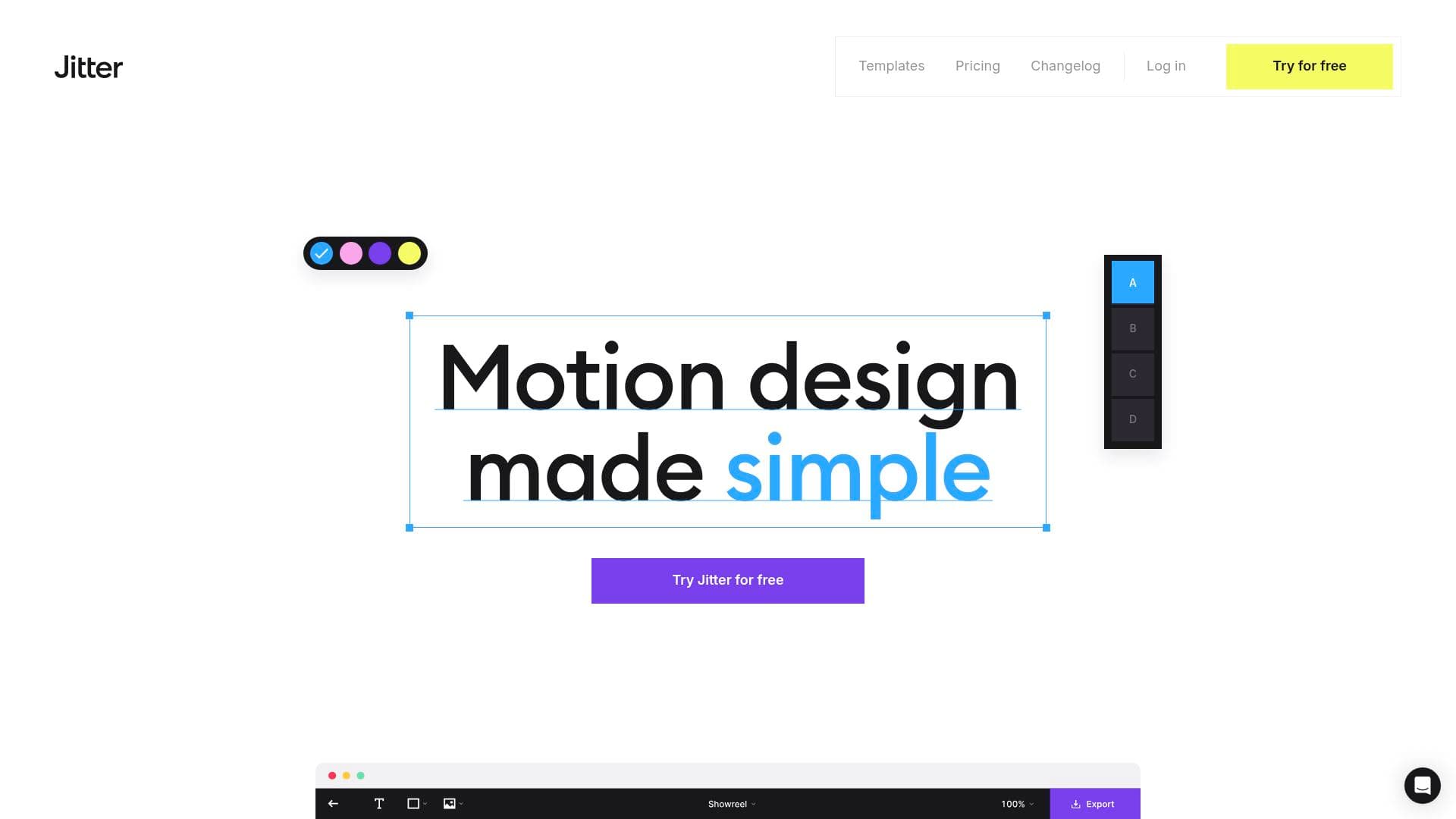
Brief Overview of Jitter Video for Content Creators
Motion design has long been a barrier for content creators who lack animation expertise, but Jitter Video tackles that problem head-on with a fast, browser-based motion design tool built for speed and accessibility. The platform lets creators produce professional-grade animations without wrestling with complex keyframes or steep learning curves. Over 20,000 creative teams already use it to build stunning animated content for social media, advertising, branding, and product design. What sets Jitter Video apart is its focus on making motion accessible to every designer, regardless of experience level, through an intuitive interface that feels immediately familiar. The video production workflow covers everything from importing designs to animating layers to exporting finished files, all in one place. Creators can export in 4K at up to 120fps, making it a serious video editing tool for anyone who needs polished animated content at scale. It has earned recognition as Design Tool of the Year on Product Hunt in 2024 and Top Animation Tool at the Contra Creator Tool Award in 2024, signaling strong community trust. For content creators who want to stop skipping motion and start publishing eye-catching animated posts, reels, and ads, Jitter Video offers a compelling entry point.
Jitter Video Key Features for Content Creators
-
Figma Plugin Integration: Jitter Video connects directly to Figma through an official plugin used by over 300,000 designers. Creators can import their existing designs in one click and jump straight into animating, preserving every pixel-perfect detail. Layers edited in Figma can even be swapped back into Jitter while keeping animations intact, making iterative content creation much faster.
-
Intuitive Timeline Without Keyframes: Instead of the complex keyframe-based timelines found in traditional animation software, Jitter Video uses simple actions that creators apply directly to layers. The approach is described as being as easy as telling your layers what to do, which dramatically lowers the barrier for creators who have never touched motion design before. The timeline also supports staggering, snapping, and grouping for more advanced workflows.
-
High-Quality Export Options: Creators can export finished animations as 4K video at up to 120fps in MP4, MOV, and WebM formats, as well as GIF, Lottie, ProRes 4444 (with transparency), and frame-by-frame exports. The Free plan supports GIF, MP4, MOV, WebM, and Lottie at 480p or 720p, while the Pro plan unlocks 1080p, 4K, APNG, and multiple file PNG exports. Renders are described as lightning-fast, producing HD videos in seconds directly in the browser.
-
300+ Free Templates: Jitter Video provides a library of over 300 free motion design templates created by Jitter, top design studios, and community members. Content creators can browse, remix, and customize templates covering social media showreels, UI elements, interactive galleries, and more, so there is never a need to start from scratch. This is particularly valuable for creators who need to produce consistent animated content quickly.
-
Text Animations and Custom Text Effects: Built-in text animation presets let creators animate text by line, word, or letter with a single click. For more advanced needs, custom text effects allow creators to define movement, rotation, scale, opacity, acceleration, duration, and more, then reuse those effects across files to keep motion on-brand. Kinetic typography is a powerful tool for social media posts and video intros.
-
Infinite Canvas: The infinite canvas lets creators manage multiple scenes, sizes, and formats side by side in a single workspace. This is especially useful for adapting animations to different social media formats, languages, or ad dimensions without juggling separate files. Creators can scale content production without losing organization.
-
Video and Audio Import: Creators can import videos, soundtracks, voiceovers, and sound effects directly into Jitter Video to build richer, more dynamic animated content. This makes it possible to combine motion graphics with existing video footage or add music beds to animated social posts, all within the same content creation workflow.
-
Powerful Effects: Animated gradients, blurs, shadows, and masks add depth and detail to animations. Creators can use vector and alpha masks to create image reveals and gradient fades, while blur effects enable focus transitions and elegant text treatments. These tools help elevate the visual quality of content without requiring advanced design skills.
-
Custom Easings and Animation Presets: A library of built-in easing presets (including Slow down, Accelerate, Elastic, Bounce, and Overshoot) gives creators quick starting points, while custom easings can be built from scratch and reused across layers, scenes, and files. Reusable animation presets can also be copied and pasted across layers to maintain a consistent visual style across all content.
-
Real-Time Collaboration and Shareable Links: The platform supports real-time collaboration, allowing multiple team members to work together on an infinite canvas simultaneously. Shareable file links make it easy to gather feedback, speed up approvals, and keep projects moving forward without lengthy email chains. All projects and assets are centralized in a shared workspace with folder organization.
Jitter Video Target Users & Use Cases for Content Creators
Jitter Video is built for content creators who need professional motion design without the time investment of learning traditional animation software. It scales from solo creators producing social content to larger creative teams delivering high-volume animated campaigns. The platform's emphasis on speed and collaboration makes it particularly well-suited for creators who publish frequently across multiple platforms.
- Primary creator types: Social media creators, graphic designers, video creators, brand content producers, UI/UX designers showcasing work, and freelance motion designers
- Experience level: Beginners through intermediate creators; no prior motion design experience required, with the interface designed for all skill levels
- Team size: Solo creators and collaborative teams alike, with real-time multi-user editing and shared workspaces
- Specific use cases for content creators:
- Animating Instagram posts, stories, and reels to stop mid-scroll behavior and boost engagement
- Creating animated YouTube intros, lower thirds, and kinetic title cards using text animation presets
- Producing TikTok-ready animated content with looping options and platform-optimized exports
- Building animated social media showreels to showcase creative portfolios
- Designing animated ads at scale across multiple formats and languages using the infinite canvas
- Prototyping animated UI interactions for app or website content and developer handoff
- Exporting Lottie files for lightweight web animations used in newsletters or landing pages
- Remixing community templates to produce branded animated content quickly
How to Get Started with Jitter Video
- Sign up for free: Visit jitter.video and create a free account to access the platform directly in the browser with no software installation required.
- Import your designs: Use the Figma plugin to import existing designs in one click, or start from one of the 300+ free templates available in the template library.
- Animate your layers: Select layers and apply animation presets or custom actions using the intuitive timeline, adjusting text animations, easings, effects, and paths as needed.
- Collaborate and gather feedback: Share a file link with collaborators or clients to collect feedback and get approvals without leaving the platform.
- Export and publish: Choose the appropriate export format (MP4, GIF, Lottie, WebM, ProRes 4444, and more) and resolution for the target platform, then download the platform-ready file.
Frequently Asked Questions About Jitter Video
Is Jitter Video free to use? Jitter Video offers a free plan that includes exports in GIF, MP4, MOV, WebM, and Lottie formats at up to 720p resolution. A Pro plan is available for creators who need higher resolutions (1080p and 4K), additional export formats like APNG and multiple file PNG, and other advanced capabilities.
Do I need motion design experience to use Jitter Video? No motion design experience is necessary. The platform is designed for users of all skill levels, replacing complex keyframe workflows with simple layer-based actions. Creators can get their first animation ready in minutes using the familiar interface.
What file formats can I export from Jitter Video? Jitter Video supports export in MP4, MOV, WebM, GIF, Lottie, ProRes 4444 (with transparency), APNG, and frame-by-frame PNG. The Free plan covers the core formats at up to 720p, while the Pro plan unlocks 4K at up to 120fps and additional format options.
Can Jitter Video import from Figma? Yes, Jitter Video has an official Figma plugin used by over 300,000 designers. Designs can be imported in one click with pixel-perfect accuracy, and layers edited in Figma can be swapped back into Jitter while keeping animations intact.
Does Jitter Video support team collaboration? Jitter Video supports real-time collaboration, allowing multiple team members to work together on the same file simultaneously. Projects are organized in a centralized shared workspace with folder support, and shareable file links make it easy to gather feedback and speed up approvals.
What kinds of animations can I create with Jitter Video? Creators can build text animations (by line, word, or letter), animated gradients, blur and shadow effects, vector path animations, masked reveals, and full motion graphics combining video, audio, and animated elements. The platform also supports Lottie exports for lightweight web animations.
Has Jitter Video won any industry recognition? Jitter Video was named Design Tool of the Year by Product Hunt in 2024 and received the Top Animation Tool award at the Contra Creator Tool Award in 2024. It is also an Official Figma Partner.
Bottom Line: Should Content Creators Choose Jitter Video?
Jitter Video is a strong choice for content creators who want to add motion design to their workflow without investing months in learning traditional animation software. Social media creators, video producers, and graphic designers will find the most immediate value, particularly those who already work in Figma and want a fast path from static design to animated content. The 300+ free templates, intuitive keyframe-free timeline, and high-quality export options (including 4K at 120fps and Lottie for web) cover a wide range of creator needs. The free plan is genuinely functional for getting started, though creators who need 4K exports or advanced formats will need to upgrade to the Pro plan. The platform's real-time collaboration and shareable link features also make it practical for creators working with editors, clients, or brand partners. For any content creator who has been putting off motion design because it felt too complex, Jitter Video makes a compelling case that it does not have to be.
Details
One link. Every channel, rate, and piece of work brands need to evaluate you. Built for how creators actually get hired.
Claim your profile
Live creator, content, and marketing roles from real companies, with the pay, market, and context the raw job page never gives you.
Browse jobs

 Post Bridge