

Image to Video AI
Image to Video AI is an open-source AI video generator that transforms static images and text prompts into short videos, available free with credit-based paid plans.
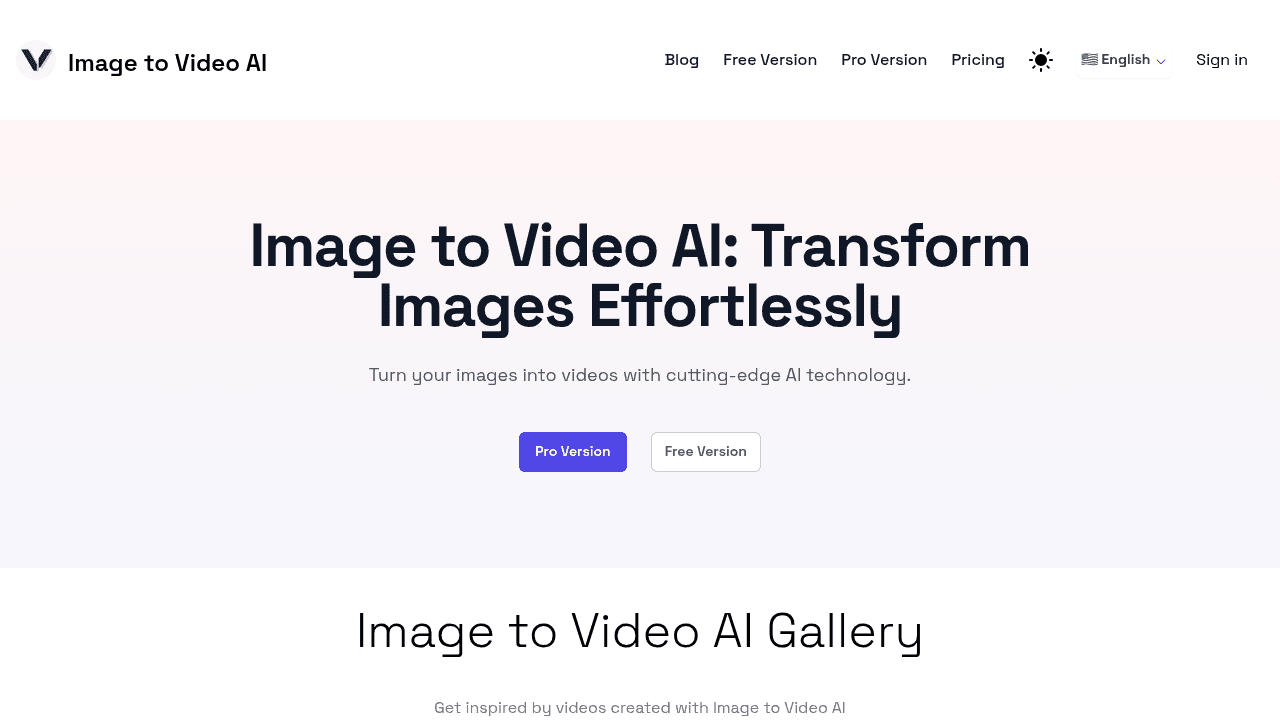
Brief Overview of Image to Video AI for Content Creators
Image to Video AI is an open-source AI video generator that transforms static images into short, high-quality videos, making it a compelling video production tool for creators who need to breathe life into their photo libraries. The core problem it solves is simple but significant: turning still visuals into dynamic video content without requiring any video editing expertise or expensive software. Rather than relying on traditional editing timelines, the platform uses advanced AI technology to generate smooth transitions and stunning visuals automatically from uploaded images. It also supports text-to-video generation, giving creators two distinct pathways to produce video content. The tool runs entirely online, meaning there are no local GPU requirements and no software to install. A free tier is available, and paid credit-based plans unlock priority generation and watermark-free output. Optimized for photorealistic styles, it generates videos at 1280x768 resolution with clips running up to 5.4 seconds in duration. Future updates are planned to include HD support, enhanced image-to-video capabilities, and improved user control.
Image to Video AI Key Features for Content Creators
-
Image to Video Transformation: Upload any image and the AI converts it into a short video clip with smooth motion and visual transitions. This is particularly useful for creators who want to repurpose photography, product shots, or promotional images into engaging video content for platforms like Instagram Reels or TikTok.
-
Text to Video Generation: Beyond image uploads, creators can input text prompts to generate video content directly. This opens up a fast content creation workflow for creators who want to produce visuals without needing a camera or existing image assets.
-
AI Hug Video: A specialized generation mode that produces AI hug videos, a unique novelty feature that creators can use for emotionally engaging or trending social content.
-
Image Merging: Two images can be merged together to create a single video output. This gives creators a creative way to blend visuals and produce transition-style content from multiple source images.
-
Seamless Transitions: The AI automatically generates smooth transitions between visual elements, producing polished-looking results without any manual keyframing or editing work from the creator.
-
No Watermark on Paid Plans: All paid credit tiers, including the Starter plan at $9.90, include watermark-free video output. This is essential for creators publishing content professionally or using videos in commercial projects.
-
Commercial Use Allowed: Videos generated through Image to Video AI can be used for both personal and commercial projects, making it viable for creators monetizing their content, running brand deals, or producing client work.
-
API Integration: The platform supports API access through partner integrations, allowing technically inclined creators or developer-focused content producers to embed the video generation capability directly into their own tools or workflows.
-
Open-Source Availability: Image to Video AI is open-source, meaning creators with technical backgrounds can contribute to its development via GitHub, customize it, or follow its roadmap closely. This transparency is a notable differentiator for creators who care about the tools they rely on.
-
Online-Only Operation: No local GPU is required to run the tool. Everything happens in the browser, making it accessible to creators on standard laptops or desktops without high-end hardware.
Image to Video AI Target Users & Use Cases for Creators
Image to Video AI is built for creators who need a fast, low-barrier way to produce video content from existing images or text prompts. It suits both hobbyist creators exploring AI-generated content and professional creators looking to add video variety to their output without investing in complex editing software.
- Primary creator types: Social media creators, TikTokers, Instagram Reels producers, bloggers repurposing photography, and YouTubers needing short video clips or B-roll alternatives.
- Experience level: Beginners and intermediate creators will find the three-step workflow approachable, while technically advanced creators can explore API integration and open-source contributions.
- Team size: Primarily designed for solo creators, though the API availability makes it adaptable for small creator teams building custom pipelines.
Specific use cases for content creators include:
- Animating blog post photography into short video clips for embedding or social sharing
- Creating TikTok or Reels content from product photos or lifestyle images without filming new footage
- Generating AI hug videos for trending or emotionally resonant social media posts
- Producing text-to-video clips for quick content when no image assets are available
- Merging two brand images into a single video for promotional or storytelling content
- Repurposing still thumbnails into animated previews for YouTube or newsletter headers
- Building API-powered content tools for creators who develop their own automation workflows
- Testing AI video concepts using the free tier before committing to a paid credit plan
How to Get Started with Image to Video AI
- Visit the playground: Navigate to either the free or Pro playground directly from the homepage to begin without creating an account.
- Upload your image or enter a text prompt: Choose between the Image to Video, Text to Video, or Hugging Video modes depending on your content goal.
- Click "Create": The AI processes your input and generates the video automatically.
- Download or share: Once generated, the video can be downloaded directly or shared from the platform.
Frequently Asked Questions About Image to Video AI
Is Image to Video AI free to use? A free tier is available that includes 3 credits at no cost. These credits can be used to test the tool in the playground before purchasing a paid plan.
What resolution are the generated videos? Videos are generated at 1280x768 resolution. HD support is listed as a planned future update.
How long can the generated videos be? Image to Video AI generates videos up to 5.4 seconds in duration. This makes it best suited for short-form social clips, animated thumbnails, or brief visual moments rather than long-form content.
Can I use the videos commercially? Yes, videos generated through Image to Video AI are cleared for both personal and commercial use, which matters for creators running brand sponsorships or selling content services.
Does it work for animated or cartoon-style content? The tool is optimized for photorealistic styles and may not perform as well with animated content. Creators working in illustrated or cartoon aesthetics should factor this in.
What are the paid plan options? Four tiers are available: Free (3 credits, $0), Starter ($9.90 for 20 credits), Pro ($49 for 200 credits), and Premium ($99 for 800 credits). All paid plans include priority generation queue, no watermarks, and are valid for 30 days.
Is there an API available? Yes, Image to Video AI supports API integration through partner APIs, making it possible to build the video generation capability into custom creator tools or automation workflows.
Bottom Line: Should Content Creators Choose Image to Video AI?
Image to Video AI is a solid pick for content creators who want a fast, accessible way to convert static images or text prompts into short video clips without touching a traditional video editor. The free tier with 3 credits makes it easy to test before spending anything, and the credit-based pricing keeps costs flexible for creators who don't need high-volume output. The commercial use allowance and watermark-free output on all paid plans are practical advantages for creators monetizing their work.
The main limitation to be aware of is the 5.4-second maximum video length, which means this tool is best suited for short-form social content, animated thumbnails, or supplementary clips rather than standalone long-form videos. It is also optimized for photorealistic content, so creators working in illustrated or animated styles may find results inconsistent.
For social media creators, bloggers with strong photo libraries, or any creator looking to experiment with AI-generated video content at a low cost, Image to Video AI offers a genuinely useful and approachable entry point into the AI video creation space.
Details
One link. Every channel, rate, and piece of work brands need to evaluate you. Built for how creators actually get hired.
Claim your profile
Live creator, content, and marketing roles from real companies, with the pay, market, and context the raw job page never gives you.
Browse jobs

 Post Bridge