
Fleeting Notes
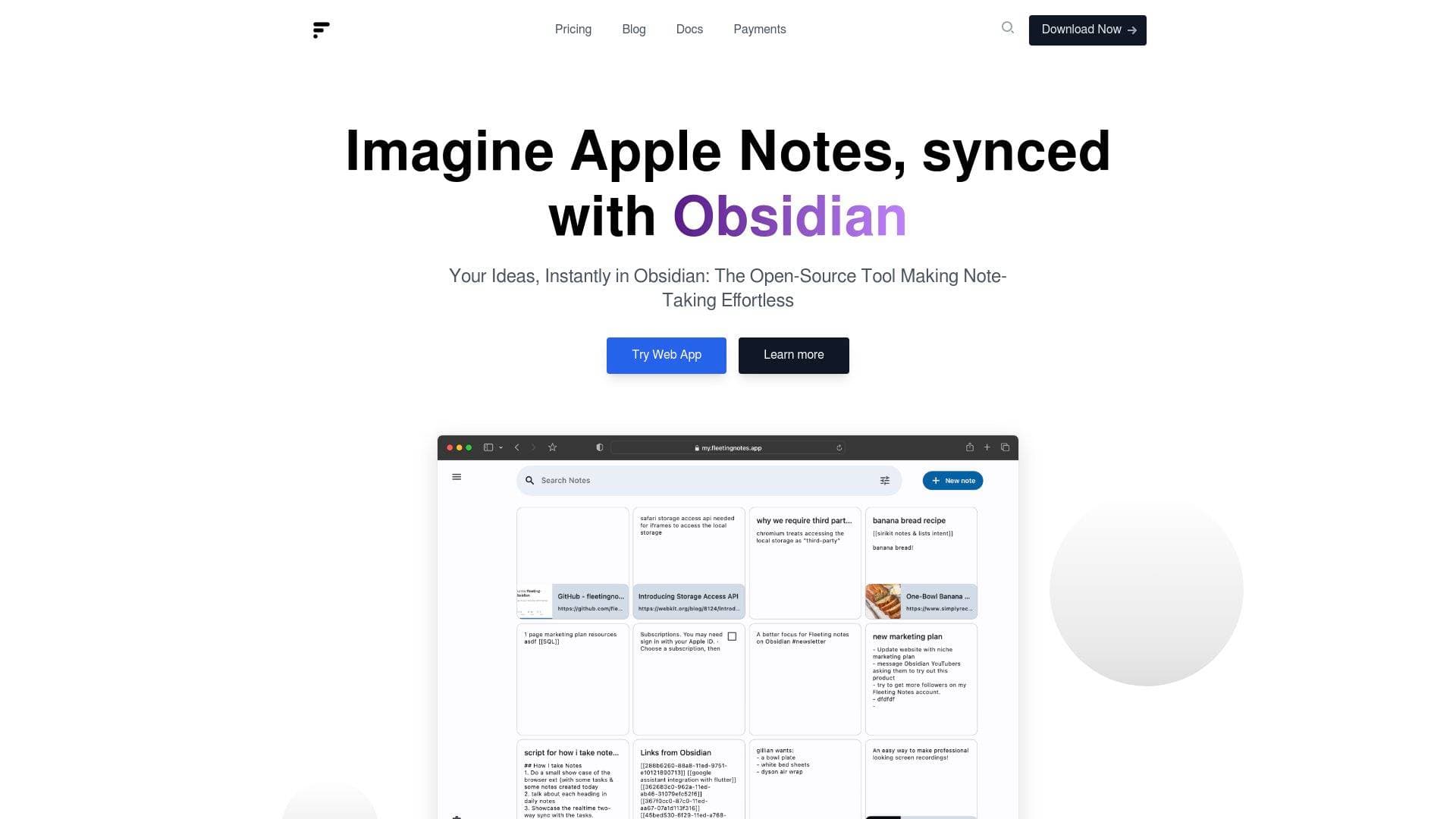
Fleeting Notes is a lightweight scratchpad for creators to capture ideas on any device and sync them directly into their Obsidian knowledge base.
Brief Overview of Fleeting Notes
Fleeting Notes serves as a dedicated scratchpad designed to solve the friction associated with capturing quick ideas for an Obsidian knowledge base. While many personal knowledge management tools are built for deep work, they often lack the speed required for instant thought capture on mobile devices or during active browsing. This software provides a lightweight interface that functions as a bridge, allowing creators to record thoughts, links, and images without waiting for a heavy application to load. It addresses the common problem of manual note transfer by automating the synchronization process between a mobile device or browser and the local Obsidian vault. The tool supports multiple platforms including Android, iOS, and various web browsers, ensuring that a content creation workflow remains uninterrupted regardless of the device in use. By focusing on a link-first user interface and bi-directional linking, Fleeting Notes maintains the structural integrity of a networked thought system while prioritizing capture speed.
Fleeting Notes Key Features for Content Creators
-
Automated Obsidian Sync: The dedicated Obsidian plugin allows for the automatic transfer of notes from the scratchpad into a specified vault. This eliminates the need for manual copying and pasting, ensuring that every fleeting thought is preserved in the primary knowledge base for later processing.
-
Multi-Platform Accessibility: Creators can access the tool via a web app, mobile applications for Android and iOS, or browser extensions for Chrome and Firefox. This ensures that ideas can be captured while walking, reading on a phone, or researching on a desktop computer.
-
End-to-End Encryption: The software utilizes industry-standard AES-256 military-grade encryption to secure data during transfer and storage. When enabled, this feature ensures that notes are only accessible to the user via a private encryption key, preventing even the service providers from viewing the content.
-
YouTube Note-Taking with Timestamps: This specialized feature allows creators to take notes while watching YouTube videos without manually recording timestamps. The tool automatically associates the note with the current video time, making it easier to reference specific segments during the video production or research phase.
-
Local File Sync: Notes can be synced directly with the local filesystem in markdown format. This provides a robust backup solution and allows other local markdown editors to interact with the captured data even if the main application is uninstalled.
-
AI-Powered Web Summarization: The browser extension includes a command to fetch and summarize the content of a web page. This summary can be integrated into Obsidian, allowing creators to quickly digest long-form articles and store the core insights within their vault.
-
Bi-Directional Linking: Users can build connections between notes using wikilinks and backlink support. This mirrors the functionality of advanced knowledge management systems, allowing for the discovery of new ideas through a network of connected thoughts.
-
Offline-First Functionality: The application is designed to work without an active internet connection. Users can create, edit, and search their notes offline, and the system will sync the changes once a connection is re-established.
-
Home Screen Widgets: Mobile users can add widgets to their Android or iOS home screens for even faster access to the note-taking interface. This reduces the number of taps required to record an idea, further minimizing the barrier to entry for quick capture.
-
Source Tracking: When capturing text or links from the web, the tool automatically tracks the source URL. This is particularly useful for researchers who need to maintain a clear record of where their information originated for future citations or deeper dives.
Fleeting Notes Target Users & Use Cases
Fleeting Notes is built for individuals who prioritize a fast and frictionless note-taking experience within a networked thought environment. It is particularly suited for those who find the startup time of comprehensive knowledge management tools to be a hindrance to spontaneous idea capture.
- Primary creator types: Researchers, writers, and students who utilize Obsidian as their primary knowledge base. It also serves YouTubers who need to annotate video content efficiently.
- Experience level: The tool is accessible to beginners due to its simple interface, yet it offers advanced features like E2EE and local sync for power users.
- Team size: Primarily designed for solo creators and individuals managing personal knowledge bases.
- Specific use cases:
- Capturing sudden insights while on a walk using the mobile app.
- Clipping text and source URLs from research articles in a web browser.
- Annotating YouTube videos with automatic timestamps for video essays.
- Summarizing web pages using AI to save time during the research phase.
- Organizing study notes for students who need to link concepts across different subjects.
- Managing personal life tasks and ideas for individuals with disabilities who require a simplified capture workflow.
- Backing up notes in a local markdown format for long-term data preservation.
- Building a network of ideas using bi-directional links while browsing the web.
How to Get Started with Fleeting Notes
- Install the Fleeting Notes application on a mobile device or add the extension to a web browser.
- Create an account through the settings menu to enable synchronization across multiple devices.
- Install the Fleeting Notes Sync plugin within the Obsidian application and enter the account credentials.
- Configure the sync settings in Obsidian to determine how and where the notes should be imported into the vault.
- Begin capturing notes, links, or images, which will then appear in Obsidian based on the configured sync frequency.
Frequently Asked Questions About Fleeting Notes
-
Is Fleeting Notes free? The software offers a Starter plan that includes unlimited notes, a 10MB attachment limit, and access to all offline features for use on a single device at no cost.
-
What platforms does the tool support? It is available as a web app, an Android app, an iOS app, and browser extensions for both Chrome and Firefox.
-
Does it support end-to-end encryption? Yes, the tool provides an option to enable AES-256 encryption. Users must set a custom encryption password, which ensures that data remains unreadable to anyone without that specific key.
-
Can the notes be exported? Notes can be exported in either Markdown or JSON format. On mobile devices, these are saved to the application documents directory, while the web version saves them to the downloads folder.
-
Is there an offline mode? The application is built with an offline-first approach, allowing users to access, edit, and search their notes without an active internet connection.
-
How does the YouTube note-taking feature work? When taking notes on a YouTube video through the extension, the tool automatically captures the timestamp. This allows the user to click the note later and be taken back to the exact moment in the video.
Bottom Line: Should Content Creators Choose Fleeting Notes?
Fleeting Notes is a highly effective solution for creators who use Obsidian and require a faster way to capture information on the go. Its primary advantage lies in its ability to remove the technical barriers between a spontaneous thought and a structured knowledge base. The inclusion of specialized features like YouTube timestamping and AI summarization provides significant value for those engaged in heavy research or video production. While the free tier is limited to a single device, the paid tiers offer unlimited device synchronization and advanced AI features for a low monthly cost. The commitment to open-source transparency and military-grade encryption makes it a reliable choice for creators who are concerned about data privacy and long-term accessibility. For anyone struggling with the slow mobile performance of larger note-taking apps, this tool provides a focused and efficient alternative for quick capture.
Details
One link. Every channel, rate, and piece of work brands need to evaluate you. Built for how creators actually get hired.
Claim your profile
Live creator, content, and marketing roles from real companies, with the pay, market, and context the raw job page never gives you.
Browse jobs

 Post Bridge