

Elai
Elai.io is an AI video generation platform that lets content creators produce professional avatar-led videos from text, blog URLs, or PowerPoint files without cameras or crews.
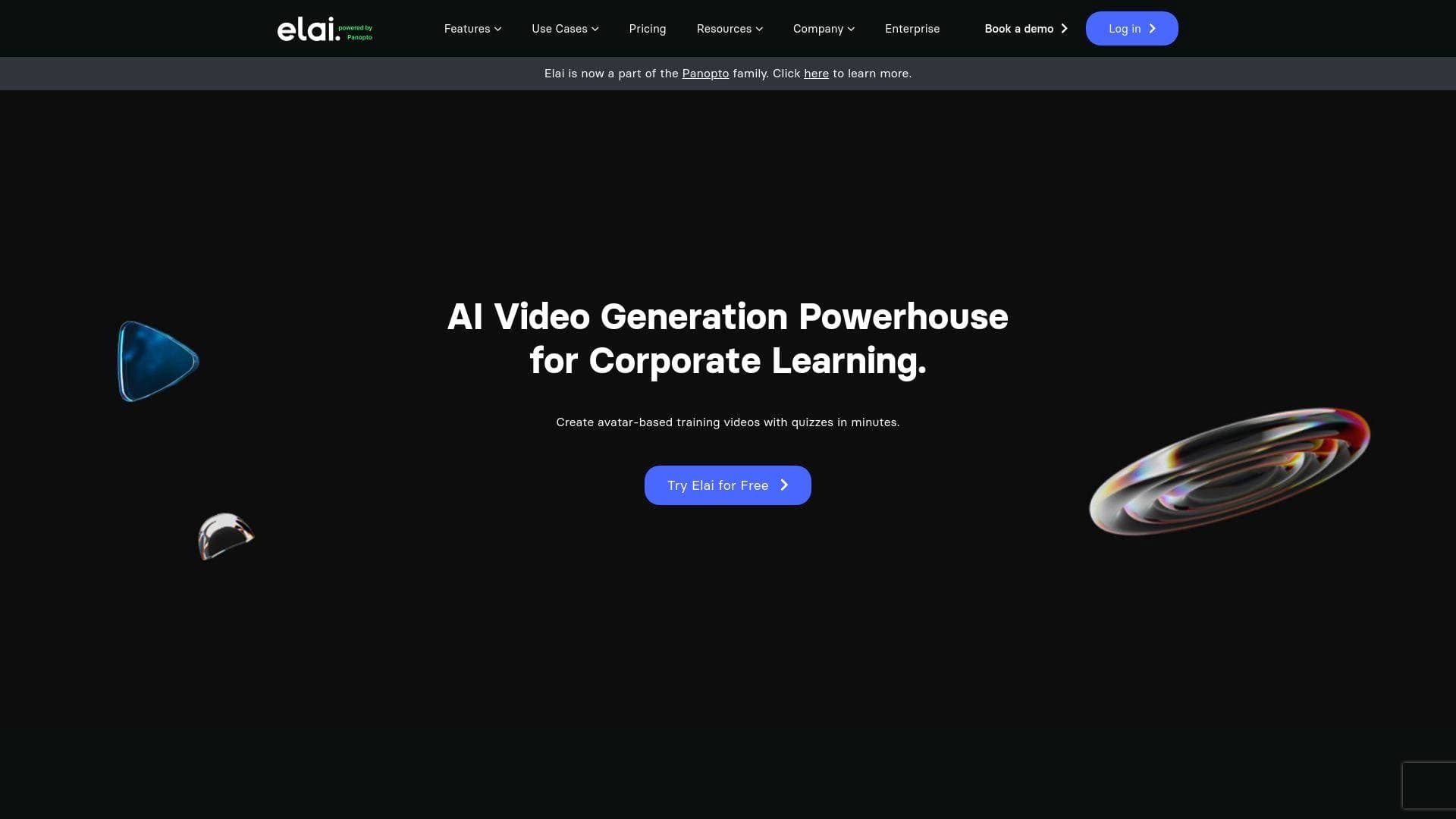
Brief Overview of Elai.io for Content Creators
For content creators who want to produce professional-quality video content without cameras, actors, or expensive production crews, Elai.io is an AI video generation platform built to eliminate those barriers entirely. The core promise is simple: type a script, pick an avatar, and walk away with a finished, narrated video in minutes rather than weeks. This AI video creation tool is powered by Panopto and positions itself squarely in the learning and development space, though its feature set extends well beyond training content into product demos, blog repurposing, and personalized video campaigns at scale. What makes Elai.io stand out as a video production tool is the combination of 80+ AI avatars, voice cloning across 28 languages, and one-click translation into 75+ languages, making it one of the more globally capable options for creators targeting multilingual audiences. The platform operates entirely from a browser, meaning there is no software to install and no hardware requirements beyond an internet connection. It also offers both a no-code Zapier integration and a full API, giving solo creators and larger creator teams flexibility in how they automate their video production workflow. A free trial is available to get started without a financial commitment.
Elai.io Key Features for Content Creators
-
80+ AI Avatars with Custom Avatar Creation: Elai.io provides a library of more than 80 pre-built AI video presenters that creators can drop into any project immediately. Beyond the library, creators can build a custom avatar from photos, video recordings, or even animated mascots, giving channels and brands a consistent on-screen identity without ever stepping in front of a camera.
-
Multilingual Voice Cloning: Creators can clone their own voice and deploy it across 28 languages, so the avatar narrates content in the creator's actual voice even when the language changes. This is paired with access to 450+ accents and 75+ languages for narration, making global content distribution far more accessible.
-
Article-to-Video Converter (URL-to-Video): Paste a blog post URL and Elai.io's AI automatically pulls the content, converts it into slides, and generates a narrated video. Creators can then use the built-in smart editor to rewrite or adjust the script before rendering. This is a direct content repurposing tool for bloggers and newsletter writers looking to extend their written content into video format.
-
PPTX-to-Video Conversion: Upload a PowerPoint file and the platform transforms it into an interactive video presentation with editable components. For creators who already build slide decks as part of their content workflow, this removes the need to rebuild anything from scratch.
-
AI Storyboard: The AI storyboard feature lets creators input a topic or script, generate a course or content outline, and convert it directly into a structured video. This is particularly useful for educational creators and tutorial-focused YouTubers who need to organize complex information before filming.
-
Personalization at Scale via API and Zapier: Creators can generate thousands of individually personalized videos by connecting Elai.io to a Google Sheet through Zapier. Each row of data triggers a new video render with customized text elements like names, companies, or personalized greetings. A full API is also available for creators who want to integrate video generation directly into their own applications or platforms.
-
Interactive Video Elements: Videos can include embedded quizzes, clickable buttons, and interactive elements that viewers engage with directly inside the video. For educational creators and course builders, this adds a layer of engagement that static video cannot provide.
-
Brand Kit: Creators can upload their logo, set brand colors, and apply custom fonts across all video templates to maintain a consistent visual identity. Ready-made professionally designed templates are also available for creators who want to move fast without building from scratch.
-
Screen Recorder: A built-in screen capture and recording feature lets creators add on-screen tutorials and software demonstrations directly within the Elai.io platform, without needing a separate recording tool.
-
One-Click Video Translation: After creating a video, creators can translate it into 75+ languages with a single click, automatically generating localized versions for different audience segments without re-recording anything.
Elai.io Target Users & Use Cases for Content Creators
Elai.io is built for content creators who need to produce video at volume without traditional production resources. The platform skews toward creators who are camera-shy, resource-limited, or simply need to produce more content faster than a traditional shoot-and-edit workflow allows.
- Primary creator types: Educational YouTubers, course creators, bloggers repurposing written content, newsletter writers expanding into video, and creators building multilingual audiences across platforms.
- Experience level: The no-code Zapier integration and template library make it accessible to beginners, while the full API and custom avatar options serve more technically advanced creators.
- Team size: Works for solo creators and small creator teams alike, with features like bulk video generation and brand kits that scale with team needs.
- Specific use cases for content creators:
- A blogger pastes their article URL into Elai.io and renders a narrated video version for YouTube or social media in minutes
- A course creator uses the AI storyboard to outline and produce a full module of tutorial videos without filming anything
- A creator with a multilingual audience clones their voice and translates their content into 28 languages for global distribution
- A newsletter writer converts weekly issues into short avatar-led video summaries for subscriber engagement
- A solo creator builds a custom animated mascot avatar to serve as the consistent face of their channel
- A content creator producing product review or explainer content uses the PPTX-to-video feature to turn existing slide decks into finished videos
- A creator running a membership community uses the personalization feature to send individually addressed welcome videos to new members at scale
- An educational creator adds interactive quizzes directly into their tutorial videos to boost completion and engagement rates
How to Get Started with Elai.io
- Sign up for a free account at app.elai.io to access the platform directly from a browser with no software installation required.
- Choose your starting point: select a video template from the 100+ available options, paste a blog post URL to auto-generate slides, upload a PPTX file, or use the AI storyboard to build a content outline from scratch.
- Select an avatar and voice: pick from 80+ pre-built AI avatars or create a custom one, then choose a voice or clone your own for narration.
- Customize your content: use the smart editor to adjust the script, apply your brand kit with logo, colors, and fonts, and add interactive elements or screen recordings as needed.
- Render and distribute: click render to generate the finished video, then optionally use one-click translation to produce localized versions for different audience segments.
Frequently Asked Questions About Elai.io
Can creators build a custom avatar that looks like them? Yes, Elai.io supports four types of custom avatars: Selfie, Studio, Photo, and Animated Mascot. Creators can choose the format that best fits their brand and pair it with voice cloning so the avatar speaks in their actual voice.
How many languages does Elai.io support for translation? The platform supports translation into more than 75 languages with 450+ accents available for narration. Voice cloning specifically works across 28 languages, allowing creators to maintain their own voice across multilingual content.
Does Elai.io require any coding knowledge to automate video creation? No coding is required for the Zapier integration. Creators can connect a Google Sheet to Elai.io through Zapier, set up placeholders for personalized data, and automatically generate bulk personalized videos without writing a single line of code. A full API is also available for creators who want deeper custom integrations.
Is there a free trial available? Yes, Elai.io offers a free trial that creators can access by signing up at app.elai.io without providing payment information upfront.
Where is user data stored and is the platform GDPR compliant? All data, including videos and uploaded media, is stored in data centers in the USA using Amazon Web Services and DigitalOcean across multiple availability zones. Elai.io is GDPR and CPPA compliant, and users can delete or download their data from their profile at any time.
Can creators repurpose existing blog content into videos automatically? Yes, the Article-to-Video Converter lets creators paste a blog post URL and have the AI automatically extract the content, convert it into slides, and generate a narrated video. The built-in smart editor allows script adjustments before the final render.
Bottom Line: Should Content Creators Choose Elai.io?
Elai.io is a strong fit for content creators who produce educational, tutorial, or informational video content and want to do so without traditional filming equipment or production teams. The combination of 80+ AI avatars, voice cloning in 28 languages, one-click translation into 75+ languages, and direct content repurposing tools like the Article-to-Video Converter and PPTX-to-Video feature makes it particularly valuable for bloggers, course creators, and multilingual content producers. The Zapier integration lowers the barrier for solo creators who want to automate personalized video outreach or bulk content production without technical expertise.
The platform's primary focus on learning and development content means creators building entertainment-first channels may find the avatar-driven format less aligned with their audience expectations. However, for educational YouTubers, newsletter writers expanding into video, and course creators who need to produce at scale, Elai.io offers a genuinely capable AI video creation workflow that removes the most time-consuming parts of traditional video production.
Details
One link. Every channel, rate, and piece of work brands need to evaluate you. Built for how creators actually get hired.
Claim your profile
Live creator, content, and marketing roles from real companies, with the pay, market, and context the raw job page never gives you.
Browse jobs

 Post Bridge